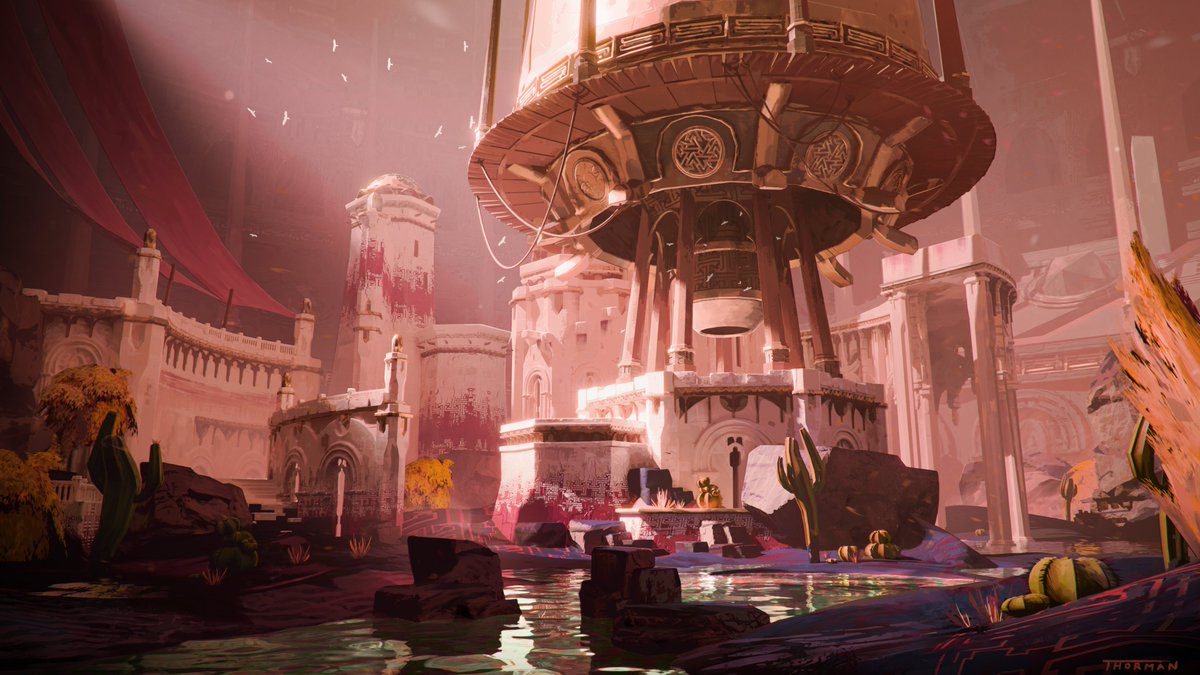
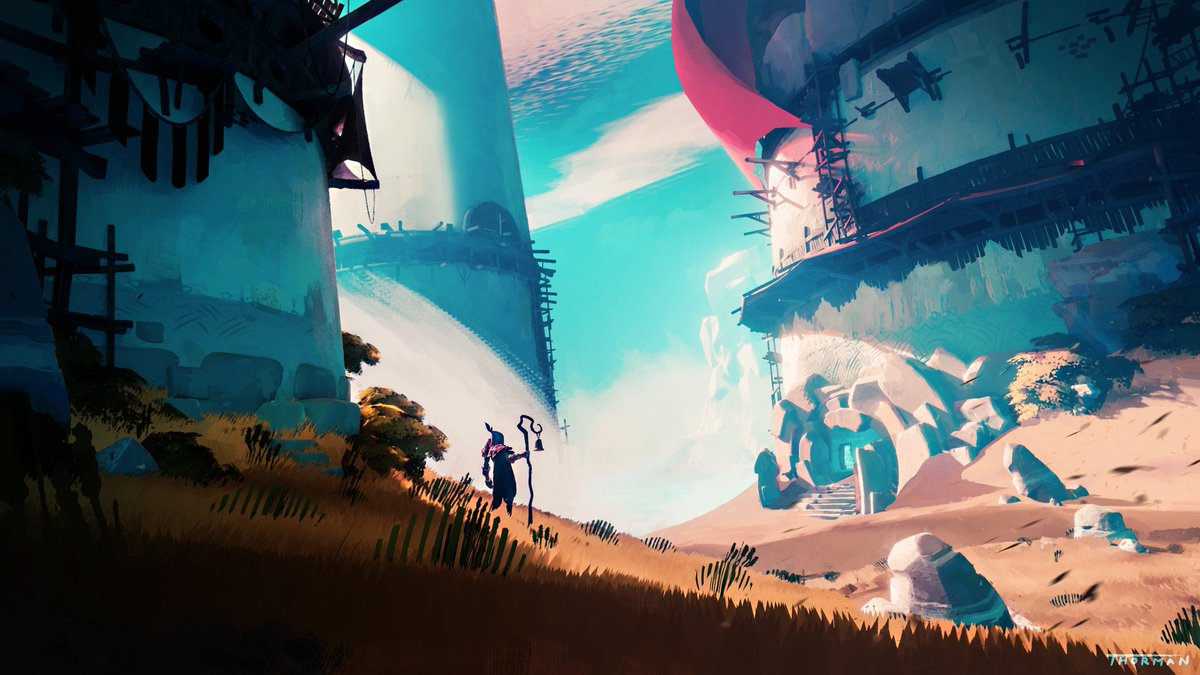
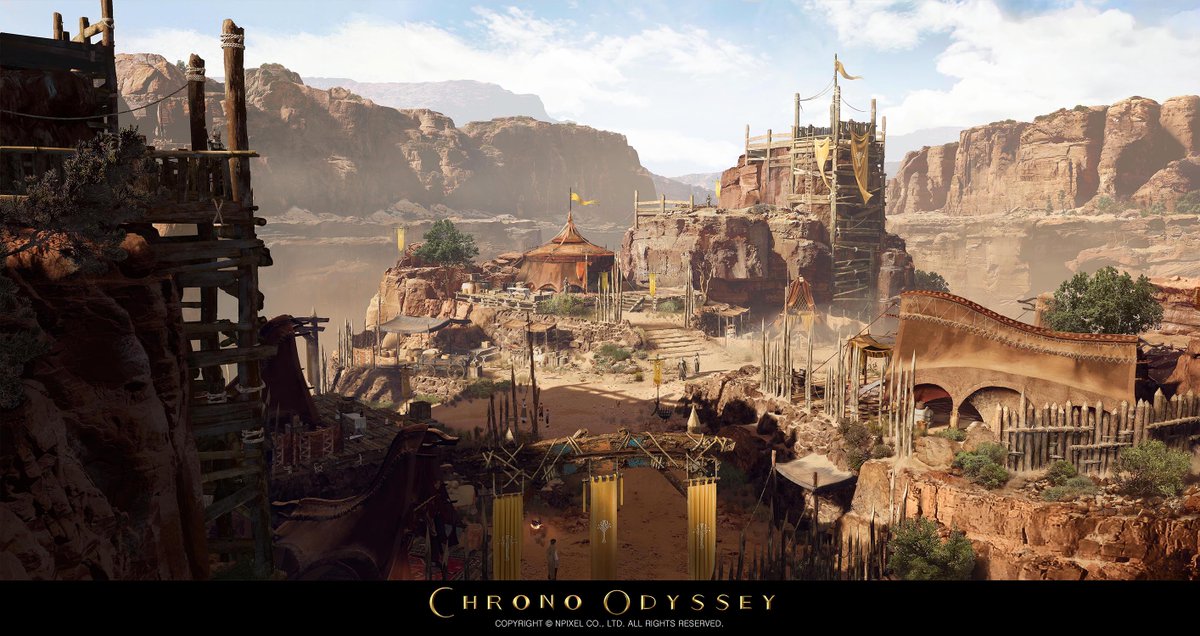
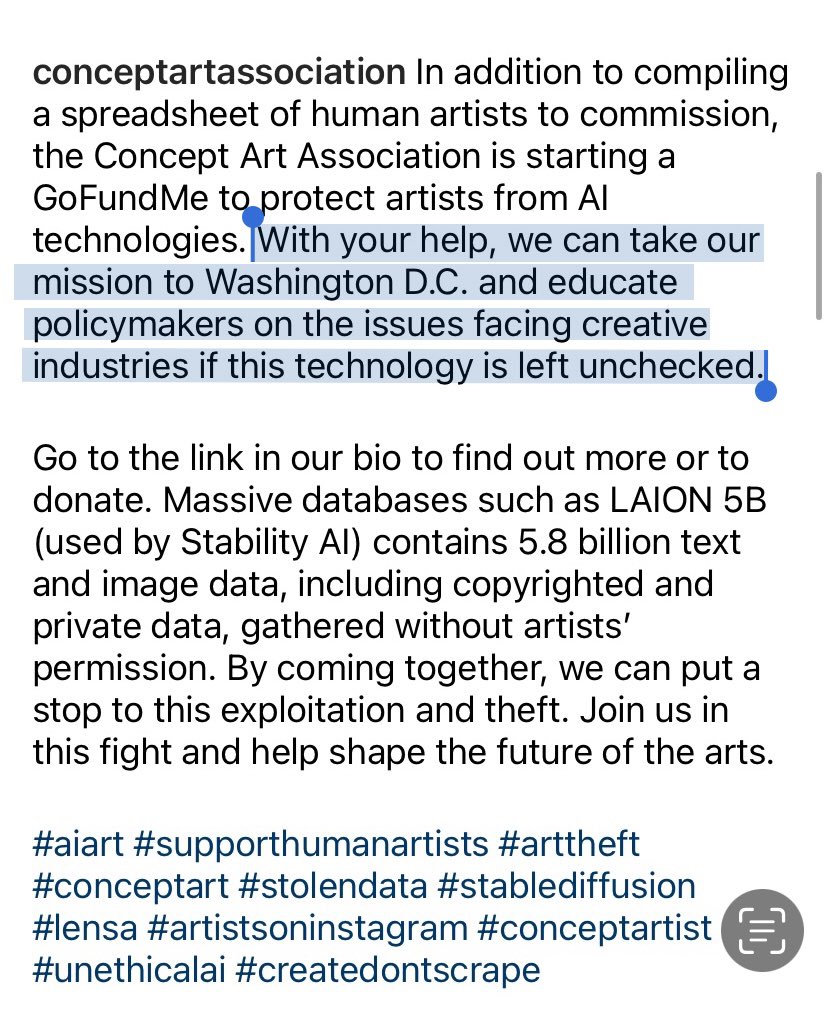
@e1aucp@spacegooose The idea that Ai bros would get hired by any company is laughable and pure copium. Literally anyone can type a prompt there for it has no value. Companies interested in Ai workflows would be more likely to just have smaller teams of artists who can chuck their sketches through Ai
Daily #Blender Tip: By adding a few modifiers to a Plane, you can turn it into a nice beveled panel that you can quickly extrude to add details to for example a robot model. #b3d
Available now! Node system to turn a simple mesh into a complex building! https://t.co/UHCuskHT5U
After a long period of reworking/beta testing/bug fixing and other anti-fun stuff, I'm happy to finally release this one. I hope you will find this useful :)
#b3d#geometrynodes
You can quickly add panel cuts using the crease brush. Reduce the geometry with a decimate modifier and still get clean panel cuts using Dyntopo, which automatically adds geometry where needed. #blender#b3d
If want to design creatures... Well.....
@Andrea_Chiampo and @NVIDIACreators just released a FREE TUTORIAL from the master of Masters! Don't miss it!
https://t.co/SZV6QqJQE7
All core features for the building generator implemented! I just need to fix some minor bugs. You will be able to create either fully customisable buildings or use OSM data with integrated blender-OSM addon to make cities in minutes. Release soon! #b3d#geometrynodes
When sculpting your model can quickly get very high poly. To work efficiently, you can divide the model into Face Sets and work on one at a time. #blender#b3d
Node doodling an NPR tree shader to answer some questions earlier. This isn't optimal, but you can get the idea of how to approach it. The mesh is a collection of planes with Sphere projected normals and alpha texture (I just did nodes) #b3d#bnpr