LLM Knowledge Bases
Something I'm finding very useful recently: using LLMs to build personal knowledge bases for various topics of research interest. In this way, a large fraction of my recent token throughput is going less into manipulating code, and more into manipulating knowledge (stored as markdown and images). The latest LLMs are quite good at it. So:
Data ingest:
I index source documents (articles, papers, repos, datasets, images, etc.) into a raw/ directory, then I use an LLM to incrementally "compile" a wiki, which is just a collection of .md files in a directory structure. The wiki includes summaries of all the data in raw/, backlinks, and then it categorizes data into concepts, writes articles for them, and links them all. To convert web articles into .md files I like to use the Obsidian Web Clipper extension, and then I also use a hotkey to download all the related images to local so that my LLM can easily reference them.
IDE:
I use Obsidian as the IDE "frontend" where I can view the raw data, the the compiled wiki, and the derived visualizations. Important to note that the LLM writes and maintains all of the data of the wiki, I rarely touch it directly. I've played with a few Obsidian plugins to render and view data in other ways (e.g. Marp for slides).
Q&A:
Where things get interesting is that once your wiki is big enough (e.g. mine on some recent research is ~100 articles and ~400K words), you can ask your LLM agent all kinds of complex questions against the wiki, and it will go off, research the answers, etc. I thought I had to reach for fancy RAG, but the LLM has been pretty good about auto-maintaining index files and brief summaries of all the documents and it reads all the important related data fairly easily at this ~small scale.
Output:
Instead of getting answers in text/terminal, I like to have it render markdown files for me, or slide shows (Marp format), or matplotlib images, all of which I then view again in Obsidian. You can imagine many other visual output formats depending on the query. Often, I end up "filing" the outputs back into the wiki to enhance it for further queries. So my own explorations and queries always "add up" in the knowledge base.
Linting:
I've run some LLM "health checks" over the wiki to e.g. find inconsistent data, impute missing data (with web searchers), find interesting connections for new article candidates, etc., to incrementally clean up the wiki and enhance its overall data integrity. The LLMs are quite good at suggesting further questions to ask and look into.
Extra tools:
I find myself developing additional tools to process the data, e.g. I vibe coded a small and naive search engine over the wiki, which I both use directly (in a web ui), but more often I want to hand it off to an LLM via CLI as a tool for larger queries.
Further explorations:
As the repo grows, the natural desire is to also think about synthetic data generation + finetuning to have your LLM "know" the data in its weights instead of just context windows.
TLDR: raw data from a given number of sources is collected, then compiled by an LLM into a .md wiki, then operated on by various CLIs by the LLM to do Q&A and to incrementally enhance the wiki, and all of it viewable in Obsidian. You rarely ever write or edit the wiki manually, it's the domain of the LLM. I think there is room here for an incredible new product instead of a hacky collection of scripts.
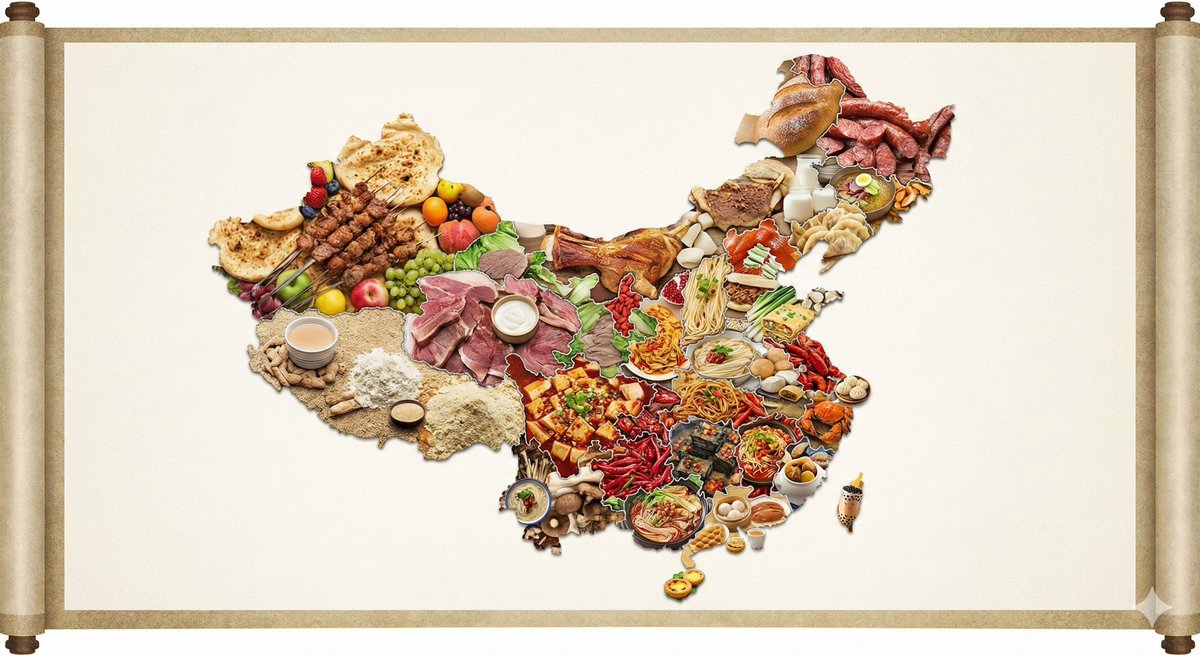
Surprisingly good for the first try.
Nano banana pro: "create a map of the US where every state is made out of its most famous food (the states should actually look like they are made of the food, not a picture of the food). Check carefully to make sure each state is right."
🍌 nano banana pro prompt (with gemini)
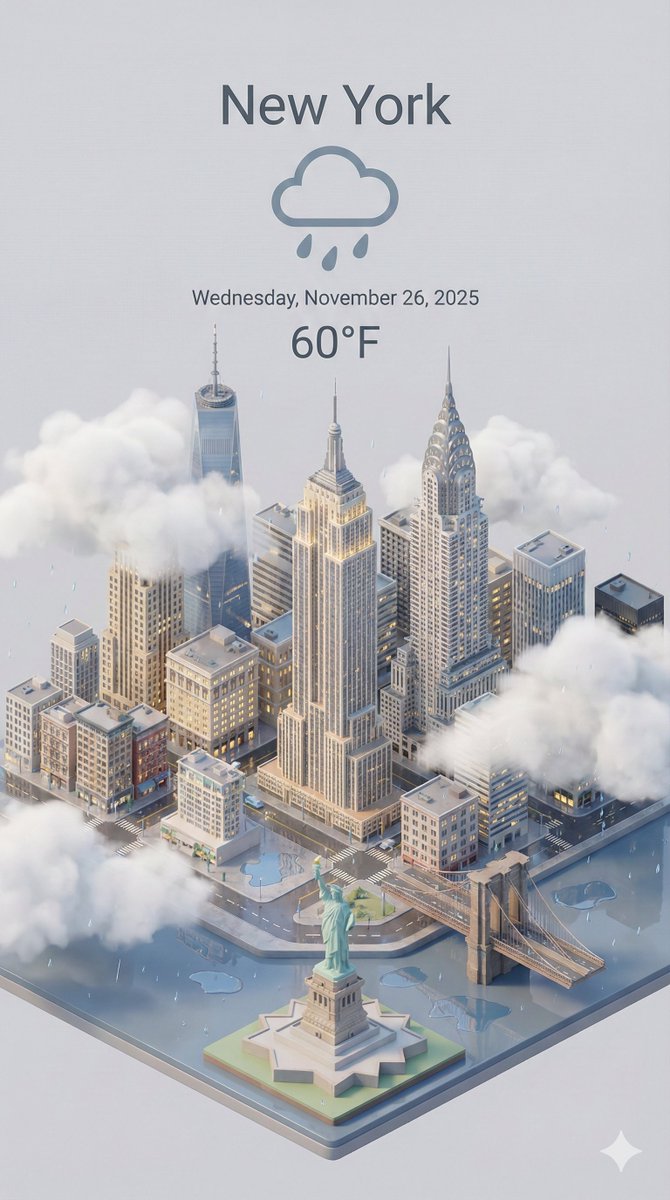
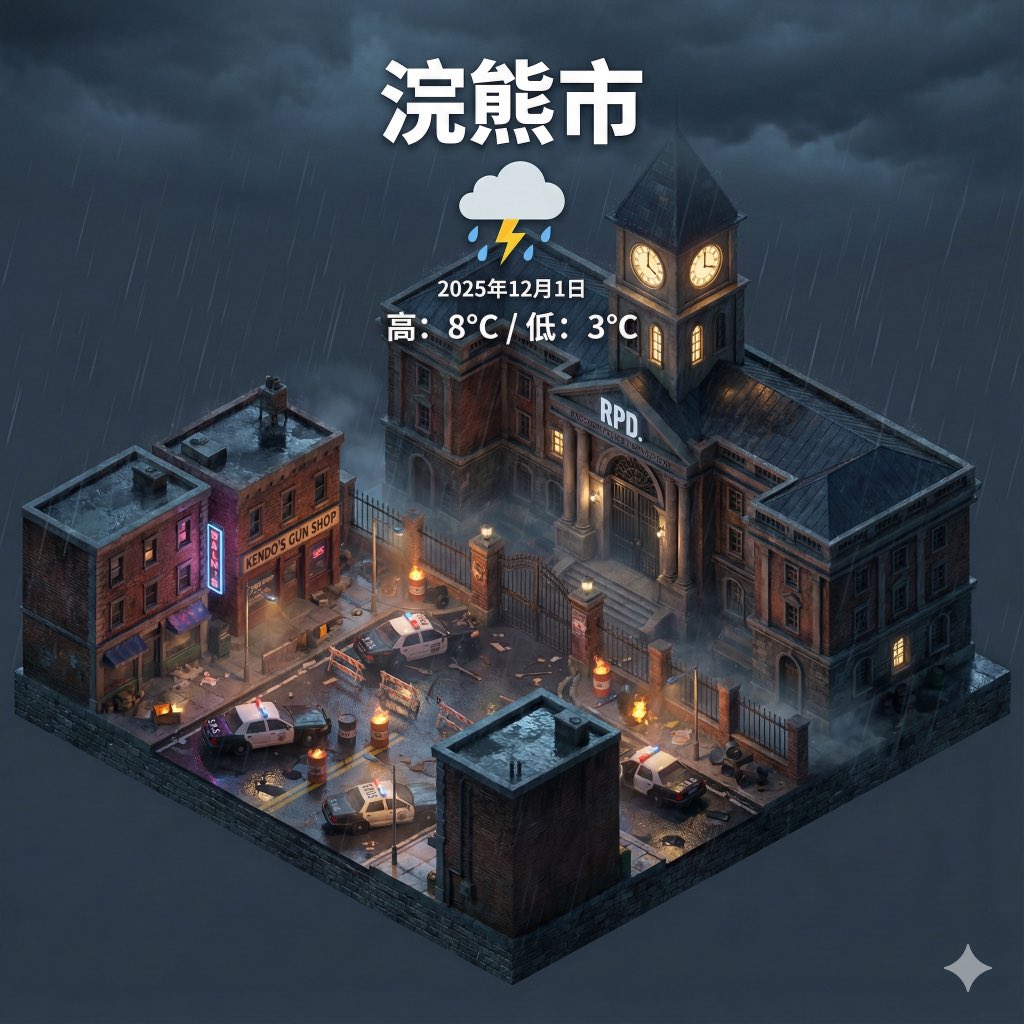
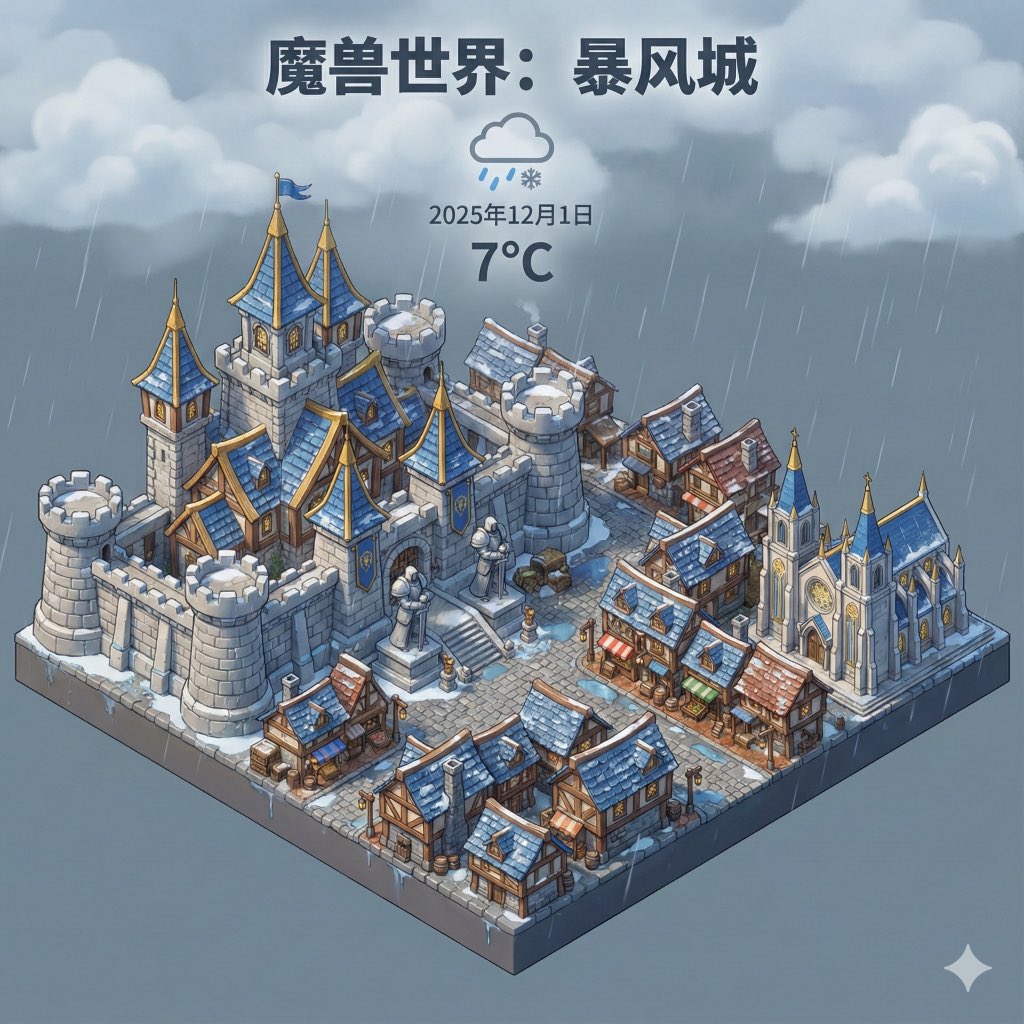
Dynamically generate a current weather card based on a given city name.
--- prompt ---
Present a clear, 45° top-down view of a vertical (9:16) isometric miniature 3D cartoon scene, highlighting iconic landmarks centered in the composition to showcase precise and delicate modeling.
The scene features soft, refined textures with realistic PBR materials and gentle, lifelike lighting and shadow effects. Weather elements are creatively integrated into the urban architecture, establishing a dynamic interaction between the city's landscape and atmospheric conditions, creating an immersive weather ambiance.
Use a clean, unified composition with minimalistic aesthetics and a soft, solid-colored background that highlights the main content. The overall visual style is fresh and soothing.
Display a prominent weather icon at the top-center, with the date (x-small text) and temperature range (medium text) beneath it. The city name (large text) is positioned directly above the weather icon. The weather information has no background and can subtly overlap with the buildings.
The text should match the input city's native language.
Please retrieve current weather conditions for the specified city before rendering.
City name:【上海】





![VoxcatAI's tweet photo. 这种画风真的有无限可能!✨
尝试了这种极粗描边+赛璐珞平涂的“美式Q版”风格👇
(比例: ),[详细内容]。极具辨识度的2D扁平卡通插画风格,极粗的黑色轮廓线描边,手绘矢量感,Q版可爱人物造型,赛璐珞平涂上色(大色块,无渐变),高对比度配色。纯粹的插画作品,无任何游戏UI界面。 https://t.co/wnj4VvC9Ol](https://pbs.twimg.com/media/G99KONSWgAASHAG.jpg)
![VoxcatAI's tweet photo. 这种画风真的有无限可能!✨
尝试了这种极粗描边+赛璐珞平涂的“美式Q版”风格👇
(比例: ),[详细内容]。极具辨识度的2D扁平卡通插画风格,极粗的黑色轮廓线描边,手绘矢量感,Q版可爱人物造型,赛璐珞平涂上色(大色块,无渐变),高对比度配色。纯粹的插画作品,无任何游戏UI界面。 https://t.co/wnj4VvC9Ol](https://pbs.twimg.com/media/G99KOKNXkAA8Afq.jpg)
![VoxcatAI's tweet photo. 这种画风真的有无限可能!✨
尝试了这种极粗描边+赛璐珞平涂的“美式Q版”风格👇
(比例: ),[详细内容]。极具辨识度的2D扁平卡通插画风格,极粗的黑色轮廓线描边,手绘矢量感,Q版可爱人物造型,赛璐珞平涂上色(大色块,无渐变),高对比度配色。纯粹的插画作品,无任何游戏UI界面。 https://t.co/wnj4VvC9Ol](https://pbs.twimg.com/media/G99KOKBXMAAi75z.jpg)














![VoxcatAI's tweet photo. 这种画风真的有无限可能!✨
尝试了这种极粗描边+赛璐珞平涂的“美式Q版”风格👇
(比例: ),[详细内容]。极具辨识度的2D扁平卡通插画风格,极粗的黑色轮廓线描边,手绘矢量感,Q版可爱人物造型,赛璐珞平涂上色(大色块,无渐变),高对比度配色。纯粹的插画作品,无任何游戏UI界面。 https://t.co/wnj4VvC9Ol](https://pbs.twimg.com/media/G99KONSXEAAycMq.jpg)