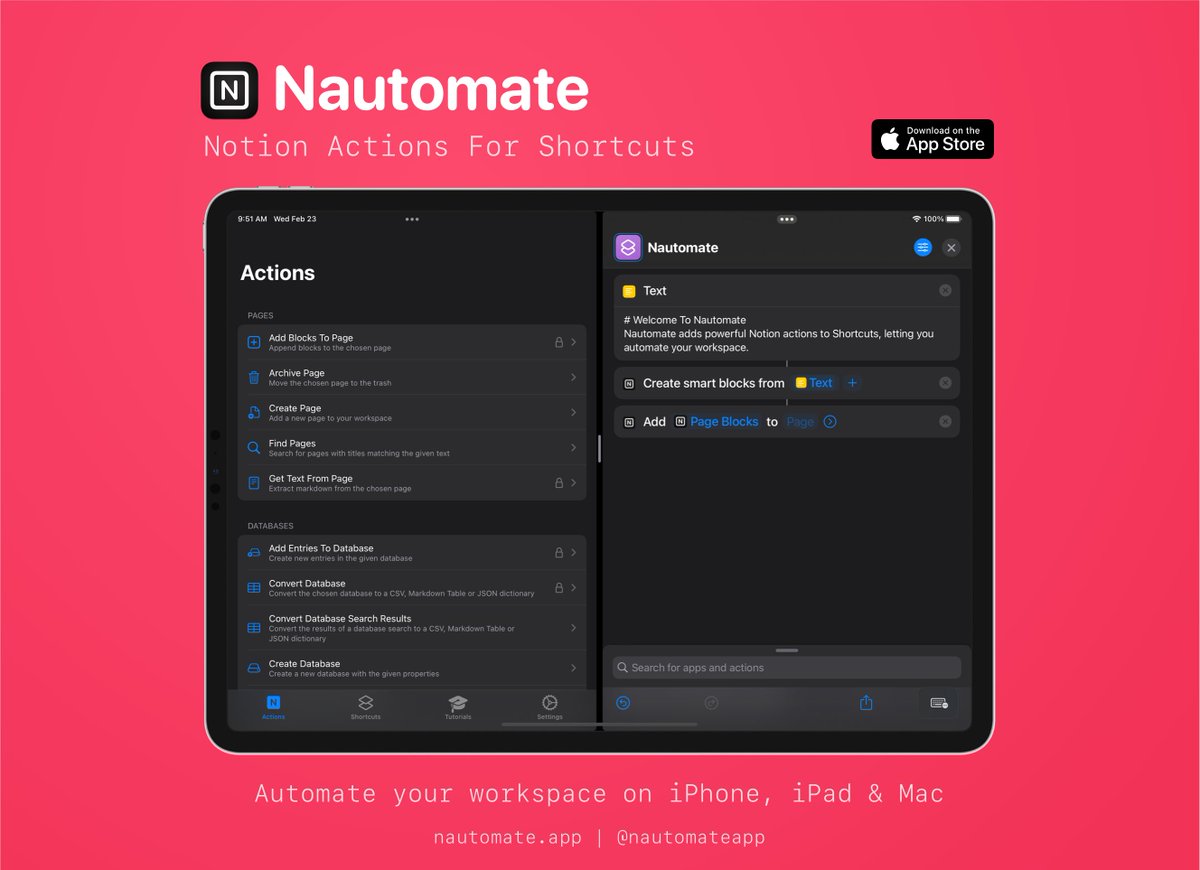
Nautomate is a new app which adds powerful, native @NotionHQ actions to Shortcuts, giving you automation superpowers 🦸🏻♂️
Download it now for free on iOS, iPadOS & macOS:
https://t.co/Ct1h3QkVtX
#notion#shortcuts#nocode
@thatbberg Hi Brittany! It looks like you’re trying to add the output of the ‘ask for input’ action rather than the output of the dictionary action here.
Tap the ‘provided input’ variable and select the dictionary variable instead. Hope that helps!
@NoveloNueve7 2. Probably messier, but you could add each of the properties you want to text files or dictionaries in a loop, filter the results then split the resulting text (or get the dictionary value)
@NoveloNueve7 The Filter Files action converts the rich Matching Entry object to a file, which loses the properties like name and ID.
2 workarounds:
1. Use a repeat loop. Get a random number between 1 and the number of entries. Check the loop index & add the entry to a variable if it matches
Between @NautomateApp
Shortcuts App and @NotionHQ ‘s new database views my mobile dashboard is frictionless.
Allowing me to become completely mobile and drop intermediary todo apps. 😁
@417Rocker Thanks! Adding relations isn’t *currently* supported I’m afraid, but is something I’m looking into how best to implement in the context of Shortcuts
The latest version of Nautomate adds:
🎓 Two new tutorials: ‘Search Database’ & ‘Add New Page’
📄 The new ‘Modify Page’ action which lets you change the icon, cover image & title of an existing page
Also, the ‘Add Blocks To Page’ action is now included in the free tier! 🎉
@jtmusson The ‘Embed Block’ is the one to use, with the caveat that I’ve reported a bug to Notion because YouTube embeds seem to stay as a white frame that never populates with the content - hopefully that’ll be fixed soon!
Attention @NotionHQ and iOS/iPadOS/macOS Monterey nerds! If you have tried to build Shortcuts for Notion, you know the dictionary/nested dictionary req are a pain in the ass. Not anymore! #pkm#Notion https://t.co/SRoN1Ej9HN
Nautomate is a new app which adds powerful, native @NotionHQ actions to Shortcuts, giving you automation superpowers 🦸🏻♂️
Download it now for free on iOS, iPadOS & macOS:
https://t.co/Ct1h3QkVtX
#notion#shortcuts#nocode
You made my year! 🧡💛🧡 Thank you @NautomateApp I am not a developer but it seems being able to use a dictionary in Shortcuts was enough to get several @NotionHQ integrations up & running in no time 👍 Excellent help articles too!