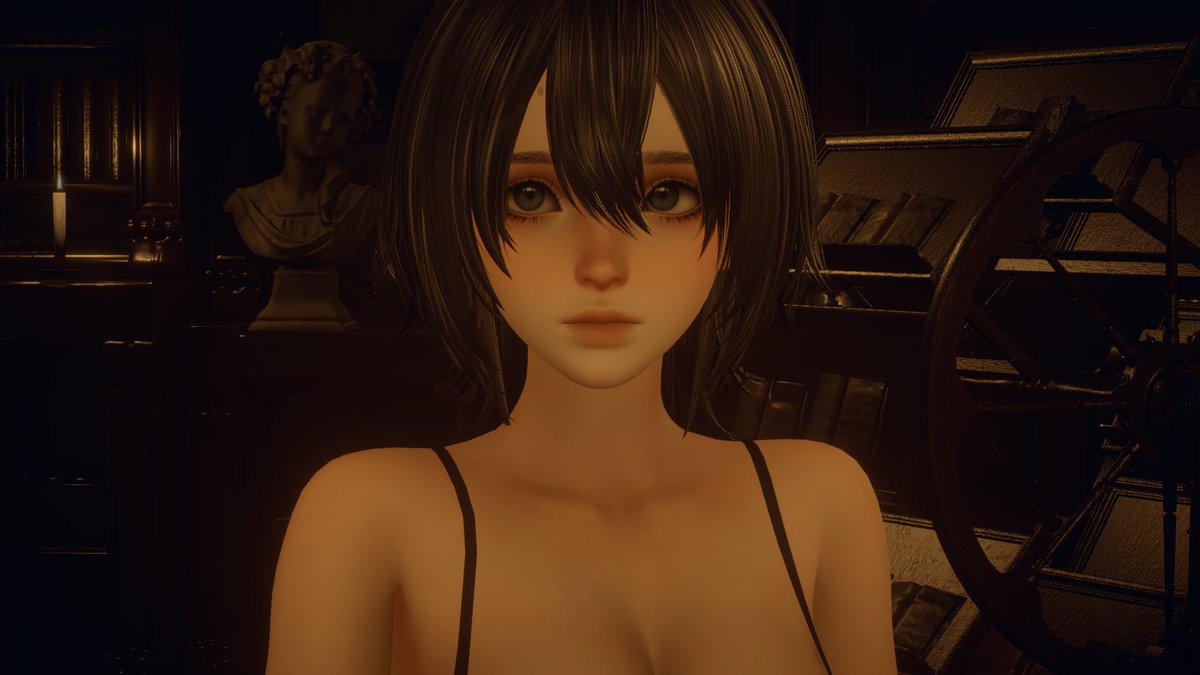
@Triiiii9777@1080p_HDTV_sRGB Regarding the fabric and hair, how do you simulate them? And how do I export them to other software for rendering (including simulation and animation)?
JankyAnims shared their older movement animation prototype, focused on visualizing flow and feel inside a game-like setup 🏃♂️
See more: https://t.co/BfiPPtttYp
I think some people think I’m talking about hair cards in the way people talk about face cards but I’m literally talking about the texturing process of hair cards I love how Fromsoft does them
How is this not more commonly known @Substance3D?
If you want your imported baked maps to load automatically to your texture sets then you have to set your naming conventions correctly.
As @SirRoderickW points out here (go follow him!) & in my example of it working, the suffix names look like this:
ScalpingKnife_ambient_occlusion
ScalpingKnife_curvature
ScalpingKnife_id
ScalpingKnife_normal_base
ScalpingKnife_thickness
ScalpingKnife_world_space_normals
If you bake in @marmosetco toolbag then i suggest altering the suffixes in your baker object to match so there's no need to do any renaming afterwards.
Things to note:
- Make sure you have a material(s) applied to your mesh with the same name as the basename of your textures.
- If you use .OBJ then make sure you export with 'materials' included in your export options.
- FBX files remain the same.
@v4karian here is my skirt result! basically adapted your method to zbrush. I believe for a pleaded skirt this gives a better result than the normal bridge technique from tuts.