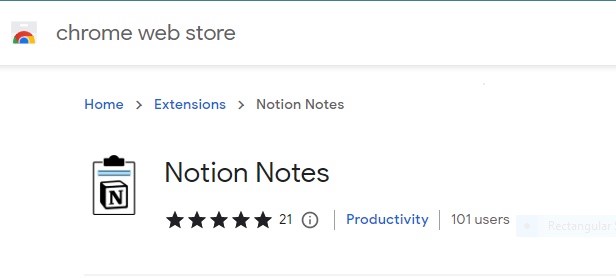
Woohoo!
Notion Notes has crossed 100+ users in just 3 weeks.
Install Notion Notes and be a part of our family, Hack your productivity with @NotionHQ and @Notion_Notes.
Woohoo!
Notion Notes has crossed 100+ users in just 3 weeks.
Install Notion Notes and be a part of our family, Hack your productivity with @NotionHQ and @Notion_Notes.
Thank you @mike_heap_prod for giving the review for @Notion_Notes .
The review we recieved was very detailed and on-point and we got great insights from the review.
NotionNotes will soon have the updates based on the review.
NotionNotes can now save Images along with the Notes.
Here's a small demo of how you can organize your DB to get a better view of images for easy search and lookup.
NotionNotes - Happy saving!
The greatest productivity app of ALL TIME:
@NotionHQ
Over the last 7 years, they've secured more than 20,000,000 users.
So I scraped the trenches of the internet to find out how they did it.
The full history of Notion and the strategy they used for success told in 24 tweets:
NotionNotes was created keeping this fundamental in mind and to make note-taking quick and easy.
Save the notes you want in any page of Notion in one click and focus on content-gathering, leave db/page creation to us. We handle everything for you!
NotionNotes-You click, we Save!
This video will guide you on how to use NotionNotes to ease your task of saving your notes/highlights, making reports or case studies, and organizing your notes. Helping you to focus on your task rather than saving manually and keeping track of files.
▶️- https://t.co/9ZNlfF5ERo
@ProductHunt@Notion_Notes - One of the best tools to save your notes in one click and eases my task by more than 10x.
Instead of following select - copy - notepad - paste - back to website, it replaces it with select - saveToNotionNotes, with free and unlimited saving.
Highly Recommended!
Notion Notes - One click solution to save all your highlights and notes in Notion
Check out this short video to know about the sign in and saving steps.