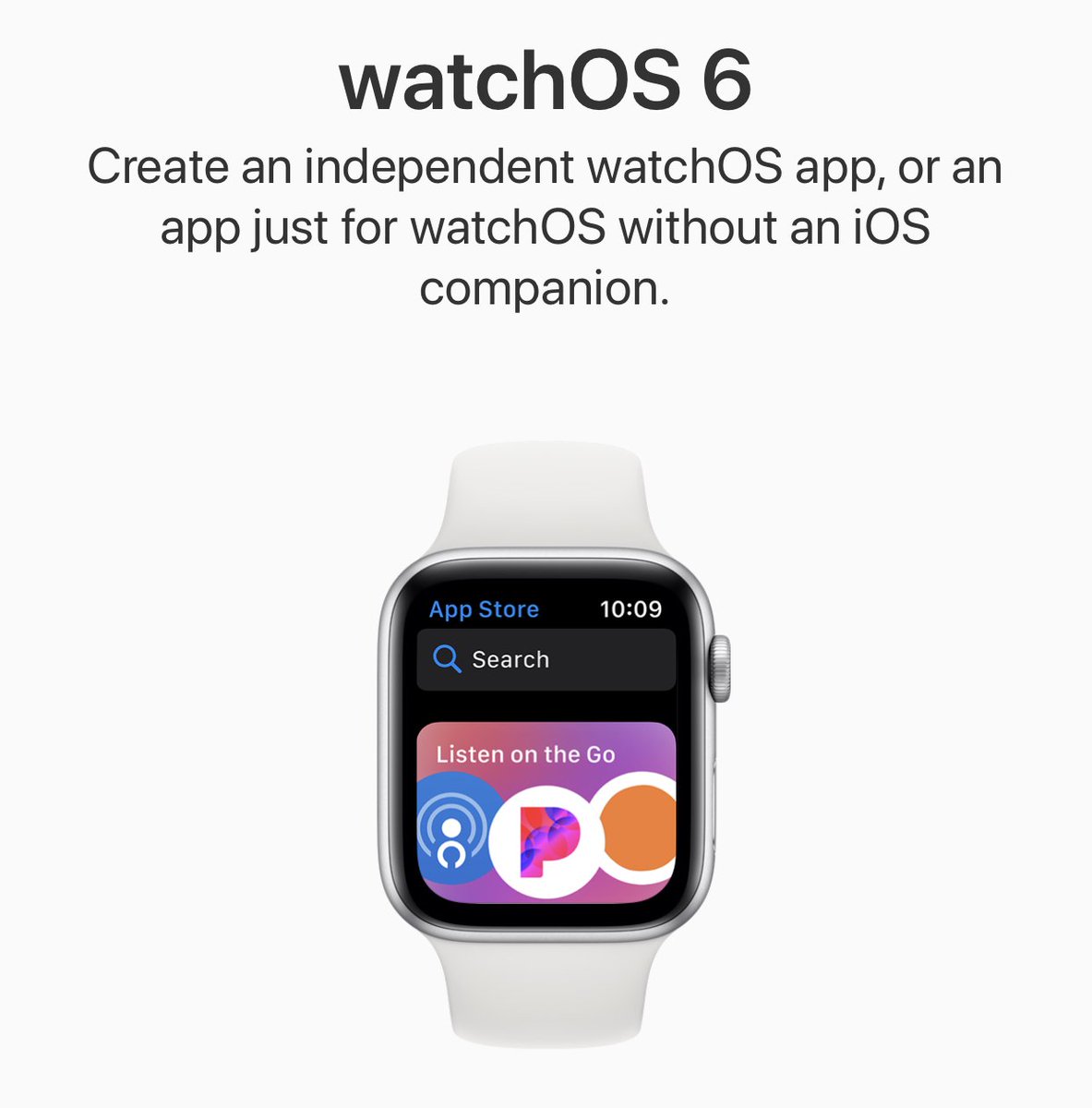
Outcast 3.1.12 is now available, and can be downloaded from the new Apple Watch App Store independently of your iPhone!
The new streaming functionality will be available on TestFlight hopefully soon.
@andyrosenberger By default, episodes are added for streaming. You can change the “primary row action” to download, then adding an episode will show a progress bar.
@Joshyooah Please ensure your watch is directly connected to wifi before starting a download on it. Swipe up from the watch control centre and check for a blue wifi icon.
@pauljakobwhite There isn’t an active TestFlight beta current, but you can sign up at https://t.co/rhGgz9gBck when there is. Thanks for the request about sorting, there’s a technical limitation why we can’t do that just yet but agreed it would be useful.
@voodookai@qzervaas Is it definitely 4.1.1 on the watch? I��ve had a few cases of the phone updating and the watch not updating. You can check by force touching the main screen, going to settings then scrolling down.
@voodookai@qzervaas Do you have the latest version of the app on your watch? There was an issue in one release but we thought we fixed it in the update a few days later.
@fabhac When you add it from the phone it really just adds a placeholder so you can then download it quickly after you disconnect your watch from your phone.
It will download in the background overnight though while your watch is on the charge puck.
@fabhac Hmm are you sure that it’s not streaming? With the newest update 5.0.3 the other day, we put an indicator on the episode details page that says “Downloaded”.
@cajovxus We can’t control that - Apple Watch does that automatically to preserve battery life. Unfortunately though, Bluetooth file transfer is much slower than Wi-Fi / Cellular.