Learn with Pathvela. Roadmaps that turn your goal into a path: lessons, quizzes and certificates. Plus an AI agent for your terminal, editor and browser.
I think there's a lot of value in learning how to ask better questions.
Not just when using AI, but when learning, working and trying to understand something new.
Lily CLI supports interactive terminal sessions.
You can launch Lily, ask questions and continue working through tasks in the terminal.
A useful option when you want to explore something beyond a single prompt.
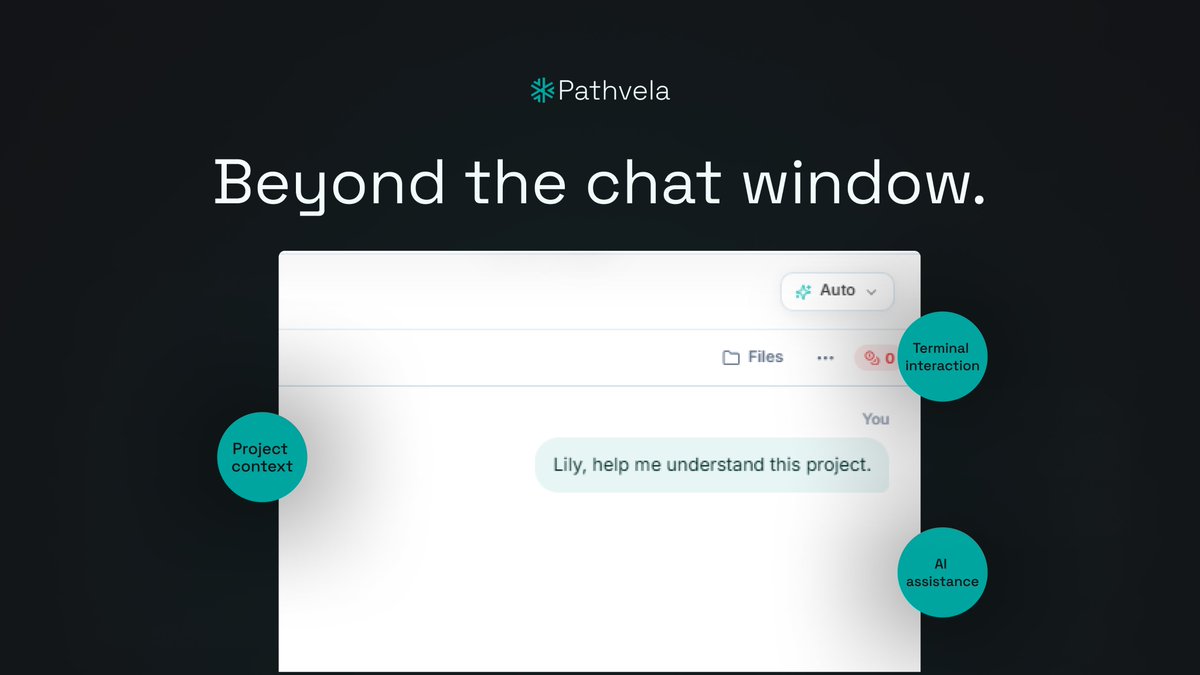
An AI assistant doesn't have to live only in a chat window.
Lily CLI brings AI assistance into your terminal, where you can interact with your project, ask questions and run commands.
Meet a different way to work with AI.
A useful reminder when working with an AI assistant that can interact with your project:
Give it the access it needs, review the changes it suggests and keep backups of important work.
AI can make workflows easier, but you should remain in control.
Whether you're exploring an unfamiliar project, trying to understand an error or working through a new idea, having the right assistance can make the process easier.
Lily CLI brings AI assistance into your terminal
Lily CLI can help you explore and understand files in your current project.
You can ask questions about what a file does, how different parts fit together and where to look when you're trying to understand an unfamiliar project.
@smartcoded@Sparrow_701 Lily is Pathvela’s AI coding agent for the terminal. You can install it with the curl command on our site and then use those three commands to get started.
Getting familiar with Lily CLI?
Here are three useful commands to know:
• "lily --help" - see available commands.
• "lily key status" - check your API key status.
• "lily run "..."" - send a one-shot prompt.
Save these for when you're getting started.
@Y0urDumble interesting stack but the skills still need a harness that can chain them across terminal and browser without you babysitting each one. We built exactly that.