@TransSee Hi, I have a problem. I bought the premium on August 14th. Although, today, out of a sudden, it seems like my premium user got removed. I tried to re-click on the link that makes my browsers set as premium, but it says Error. How to fix this ?
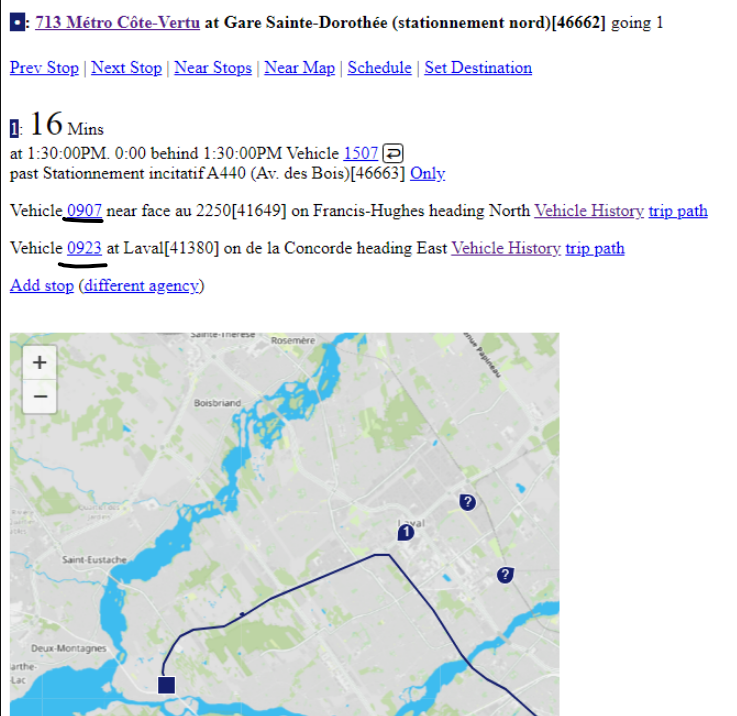
@TransSee Oh ok. Here, something strange happened, because both buses weren't in the bus fleet list, but appeared on the map when i clicked on the line. You see 0907 and 0923 being tracked on a unknown route, but not in the list. (Both screenshots were taken at the same time).
@TransSee Okay, perfect ! Yes, I found it in settings. Thanks a lot. Also, is there a way to keep the map at the bottom of the page instead of it being at the right ?
@TransSee@InsiderTransit Does the text go to the right like it used to be a few days ago? Because I just checked, and it's still aligned on the left like it was before... Do I have to go into the settings?
@TransSee@InsiderTransit Because the way it is now, (all being aligned to the left), if I open the page without scrolling down, (with my PC screen), I can only see 8 buses, because each bus takes 2 lines, but before, I could see 12 buses.
@InsiderTransit@TransSee Yes, exactly, i was running out of words to explain. But, yes, to use Mark's terms, the text is only aligned on the left, instead of it being all the way to the right. Basically, the text is shown like if my Google page was shrunk, but it's full page.
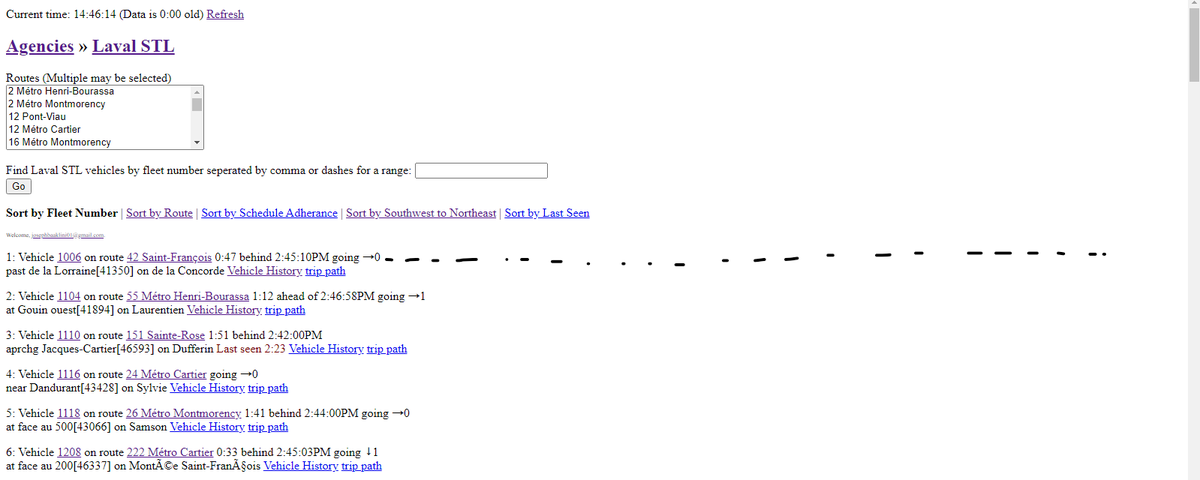
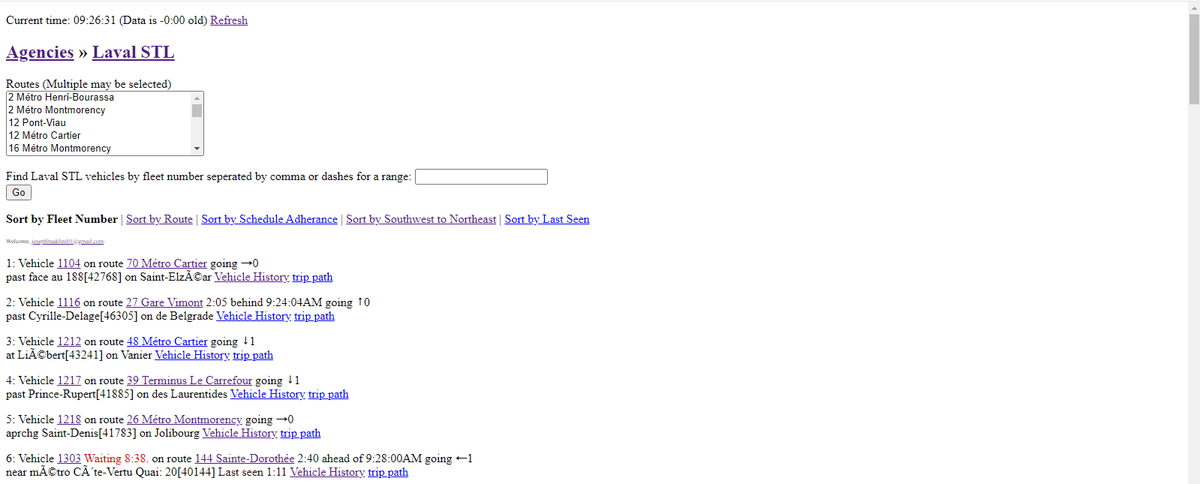
@TransSee Well, indirectly yes. But, what i'm trying to say is that since yesterday, the page presentation format changed. In the screenshot, before, the text used to continue all the way to the right, (following the black dotted line), now, it doesn't, it goes to the lower line. Why?
@TransSee Is there a way (in the settings maybe?) to put it back like it orignally was ? As you see in the screenshot, it cuts at the middle of the page and changes lines...