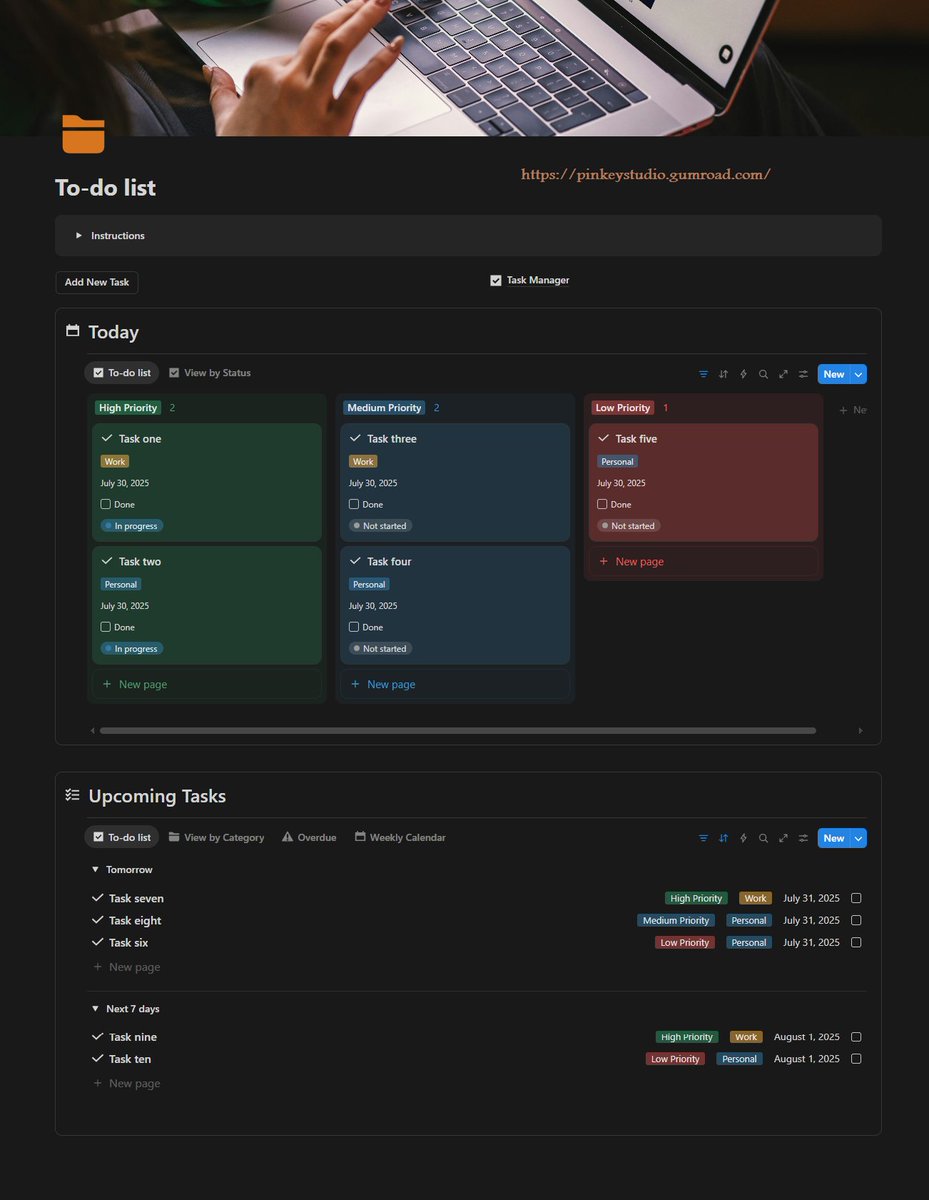
Notion templates to 0rganize your entire life
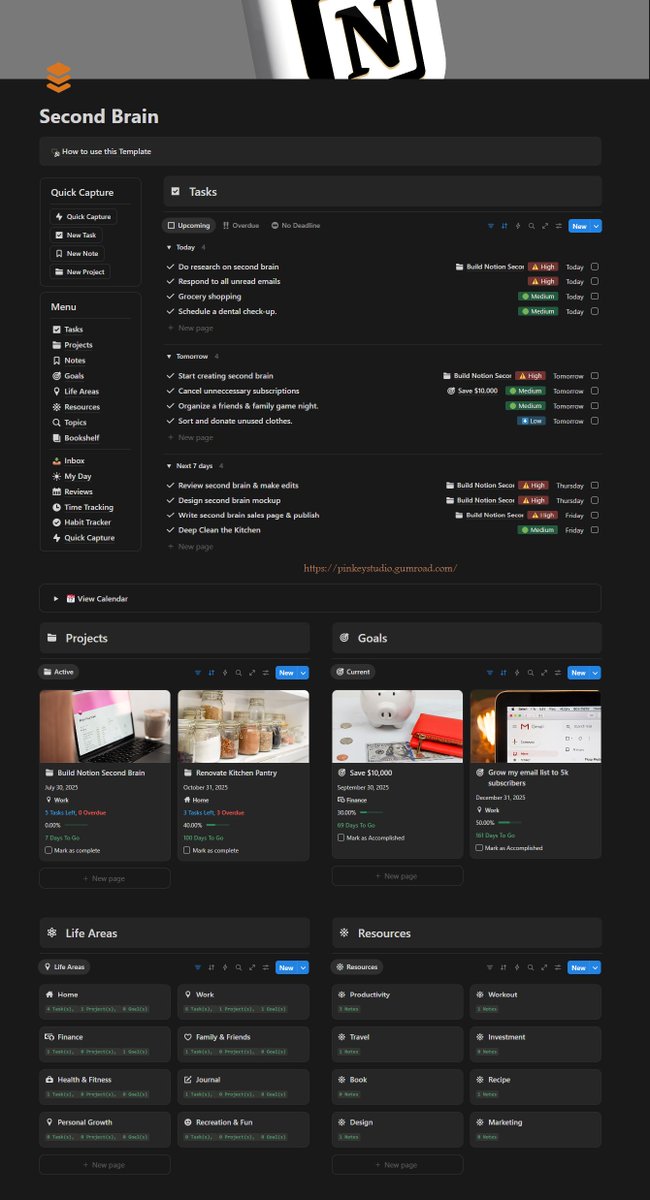
1. Productivity & Knowledge Hub
2. Finance & Budget Tracker
3. Meal Planner
4. Workout Tracker
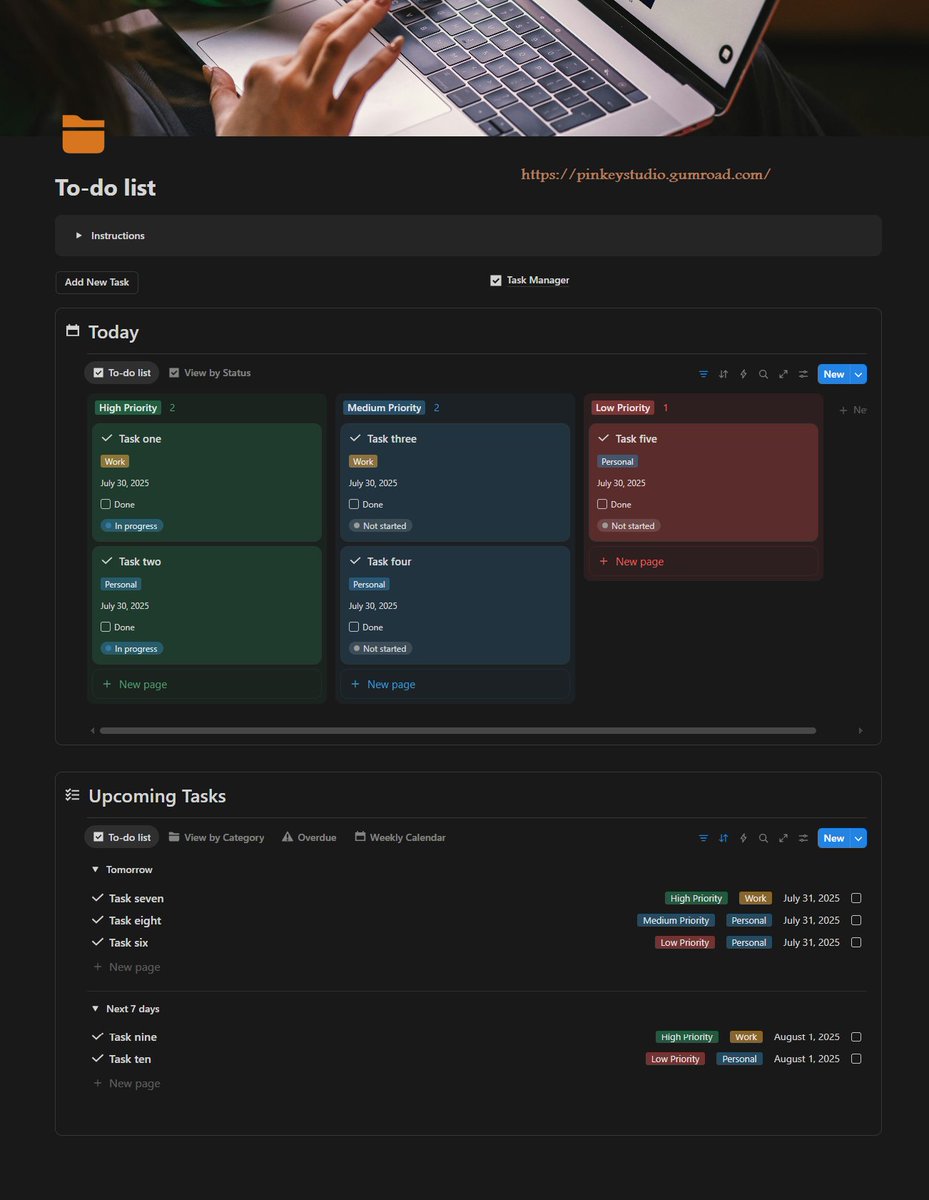
5. Get Things Done (GTD)
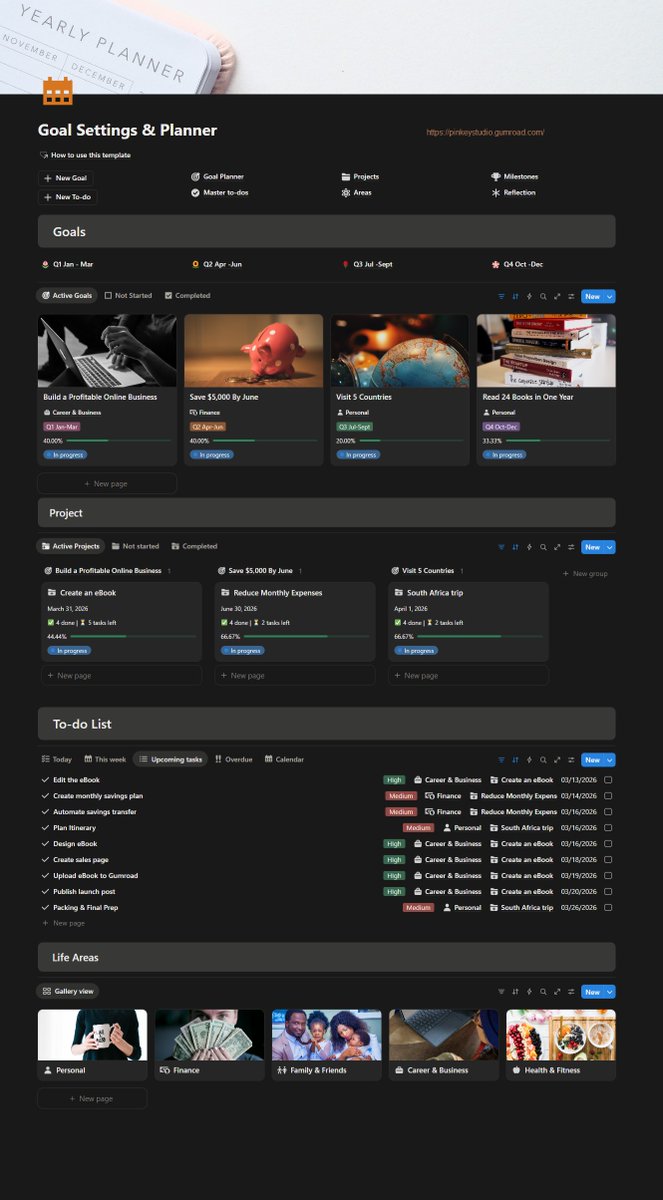
6. Goal Settings & Planner
7. Content Calendar
8. Travel Planner
9. Time Tracker
10 Reading Tracker
The best system is the one you return to.
Not the most sophisticated.
Not the most aesthetically pleasing.
Not the one from the bestselling book.
The one you open on Monday morning without think
Signs your productivity system needs a reset:
→ You avoid looking at your task list
→ You're always starting, rarely finishing
→ You feel productive but make no progress
→ You have 12 "urgent" things simultaneously
These aren't motivation problems, but system problems
Stop rebuilding project lists. → Create a project template with tasks, timelines, and priorities already structured.
Once a process becomes repeatable, it should become a system.
Systems reduce decision fatigue, create consistency, and save hours every week.
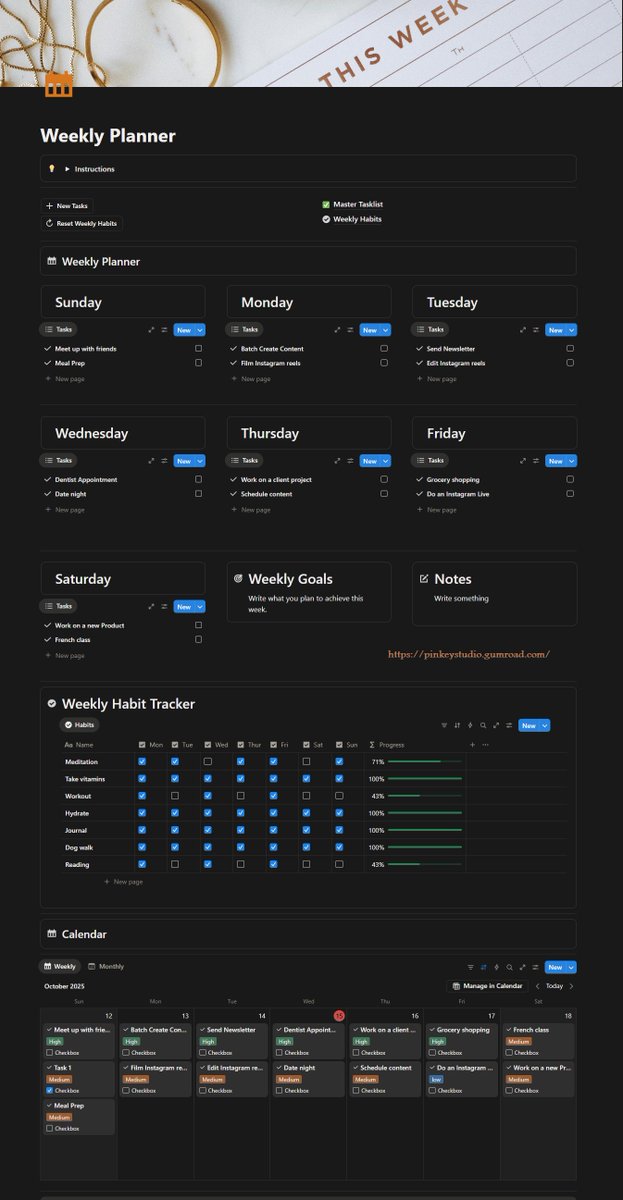
If you plan your week every Sunday → create a weekly review/planning template with the same steps every time.
If you write content regularly → build a content workflow checklist.
If you track goals → create a dashboard that shows progress automatically.
Every yes is a no to something else, usually the thing you actually care about.
Protect your priorities by saying no early and clearly, without a three-paragraph apology attached.
"No" is a complete sentence. It's also one of the highest-leverage productivity tools there is.
6 must-have tools to boost your productivity
1) @NotionHQ - All-in-one workspace for notes, tasks, & projects
2) @NotionCalendar - Stay on top of your schedule
3) @zapier - Automation
4) @toggl – Time tracking made easy
5) Opal - App blocking
6) Grammarly – error-free content