RenderDraw is an app on the Salesforce platform that allows you to render your 3D drawings on any object and associate and display any applicable documents
We have a great webinar planned tomorrow to show how to automate the mapping of a Sales Build of Material from your Manufacturing Build of Material.
Typically an intensive process, but don't worry! Things have improved.
Join us June 11th at 12 CST here https://t.co/szBA3bQK0j
Learn how we can hide proprietary information at scale (without manual intervention) in order to represent your Salesforce product data with gorgeous 3D visualizations, next Friday (June 11th) at noon.
Register here: https://t.co/Jf2ClueWYK
New webinar alert
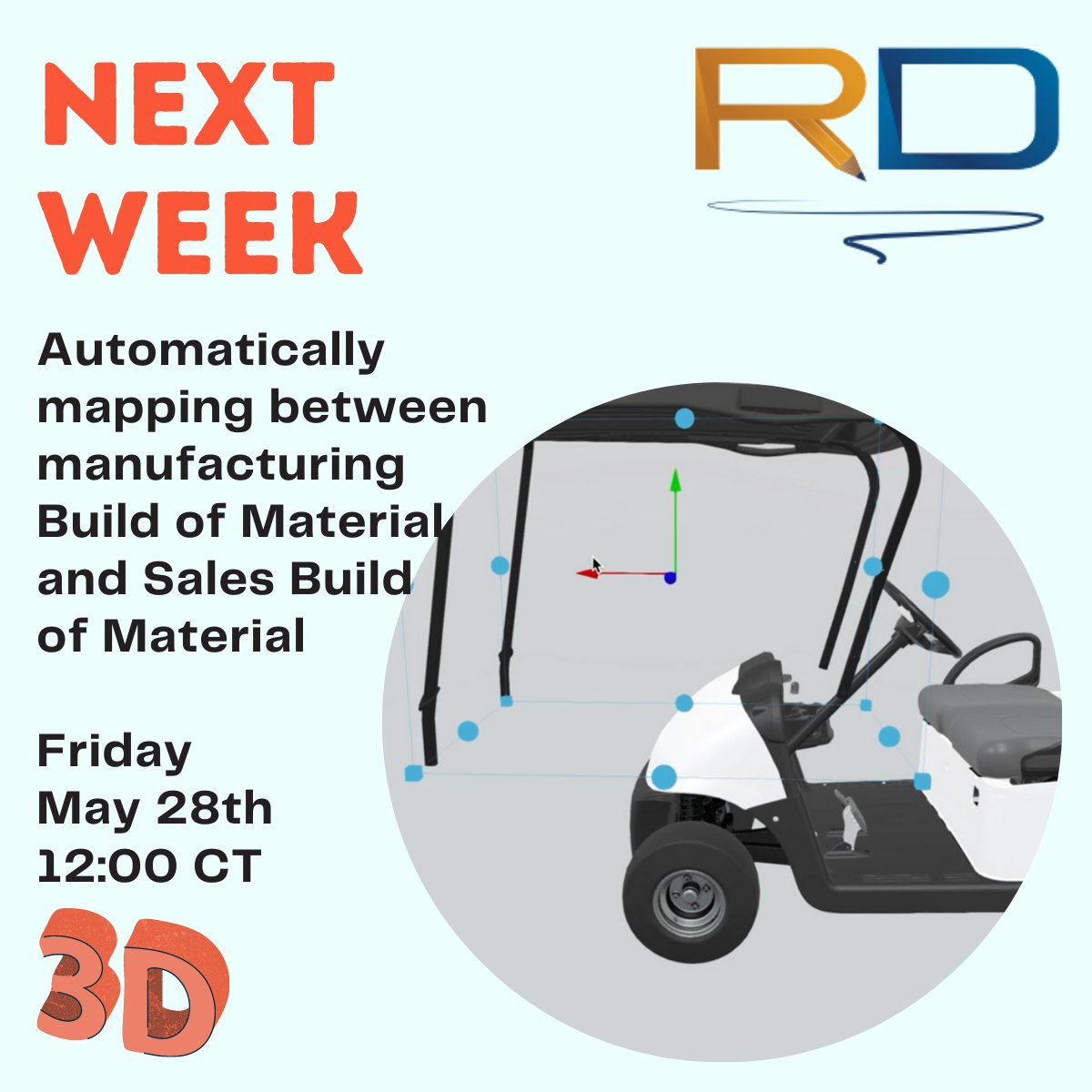
Next week, Friday May 28 join us to discuss how to automagically map between each component in your manufacturing build of material to actual products in the Sales build of materials within Salesforce.
Streamline your #Salesforce#UX next Friday May 28 CT
We're hiring!
If you are creative, intelligent and want to help us change how people interact with Salesforce, we'd love to talk with you!
We're currently looking for a Senior Salesforce Developer, a Account Executive, and two SDRs
https://t.co/Pm46qW3lJX
#hiring#Salesforce
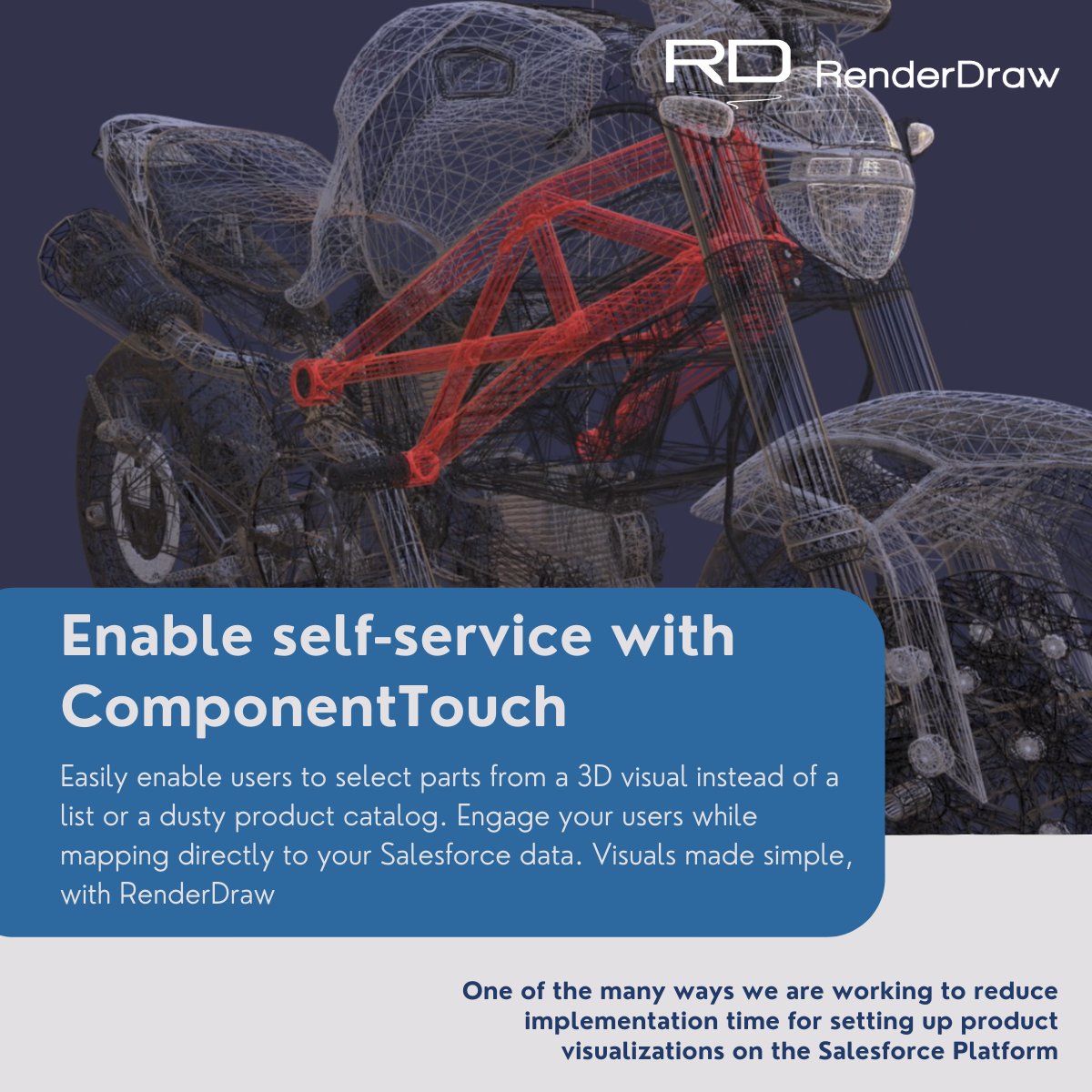
Easily enable users to select parts from a 3D visual instead of a list or a dusty product catalog. Engage your users while mapping directly to your Salesforce data. Visuals made simple, with RenderDraw
#Salesforce#CPQ#visuals
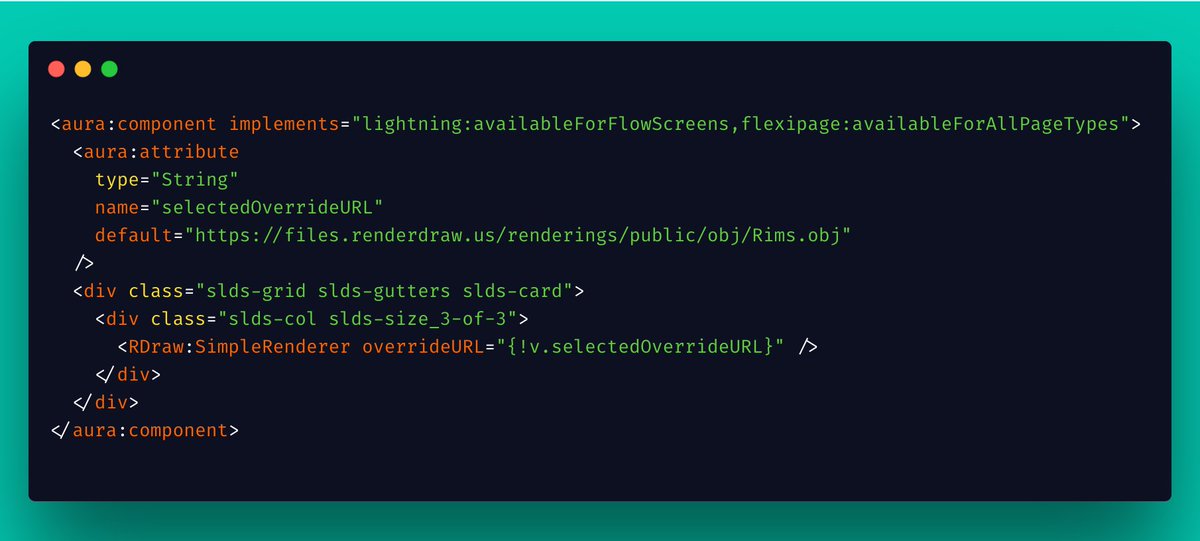
Ensure your visualization software can expand at the pace of Salesforce. Re-use drawings and 3D Scene configurations on dozens of different scenarios to provide clarity anywhere on Salesforce.
Oh, and make sure your #Salesforce administrator can manage it.
The #SalesforceATX Admin Group is so excited to have ProtonText, @RenderDraw, @OwnBackup, and @CopadoSolutions participate in a virtual DemoJam! Giftcards... Yeti... who knows what we have in store to give out RSVP HERE:
https://t.co/DgTQurnkJi
Just received another idea on https://t.co/WdKKfpEjD4 for 3D floor planning in Salesforce based on a customer request.
The possibilities are endless with #3D in #Salesforce. Submit your ideas, so we can get closer to our #3DEverywhere goal
Additive Manufacturers!!!
Learn how to incorporate 3D within Salesforce for approvals. Breakdown and interact with models uploaded from Salesforce Communities or internally and approve opportunities, quotes, orders or custom objects using our components!
#3D#Salesforce
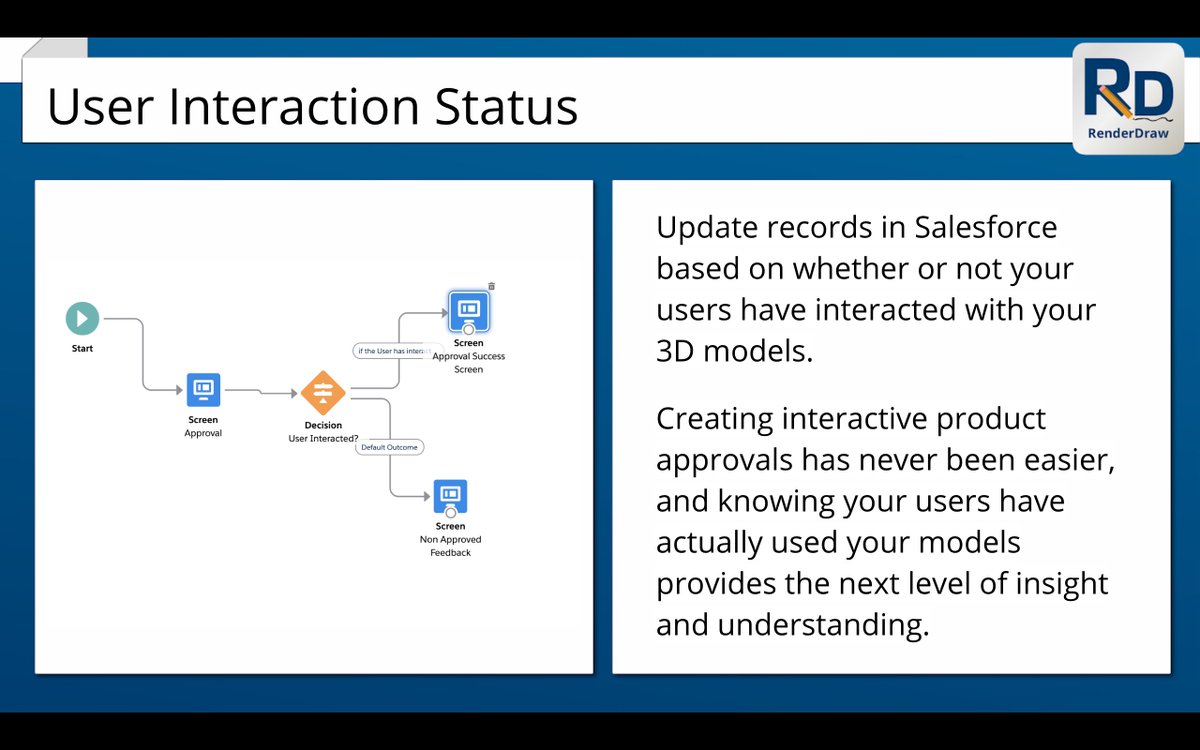
Need to know that your users have interacted with your #3D models as part of a #Salesforce workflow? Renderdraw has you covered. All of our components can be used in #LightningFlow or Standalone and are updated when the user interacts
Check out https://t.co/QkIgblQt1c
Here's how easy it is to display #3D renderings in Salesforce using today's relevant topics of conversation
Congrats to the #KansasCityChiefs on your Superbowl win. Despite being #SanFrancisco49ers fans, we'll applaud your victory here.
https://t.co/3ihDExZPtw 14 day trial
Here are just a few ideas to help get you started towards a meaningful #Salesforce digital transformation, you innovative manufacturer, you.
Product catalogs, service manuals, product visualization, approvals and custom apps all made perfect using RenderDraw + your 3D models.
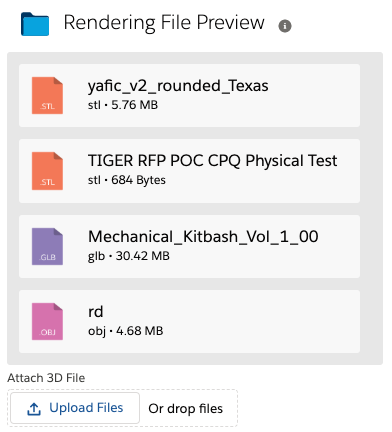
Have users that want to upload a #3D file to your #Salesforce Community? We make it simple (as usual) to allow for both the uploading as well as interaction of 3D files residing within #sfdc
Check out our FileSelector component and try your free 14 day trial #AppExchange
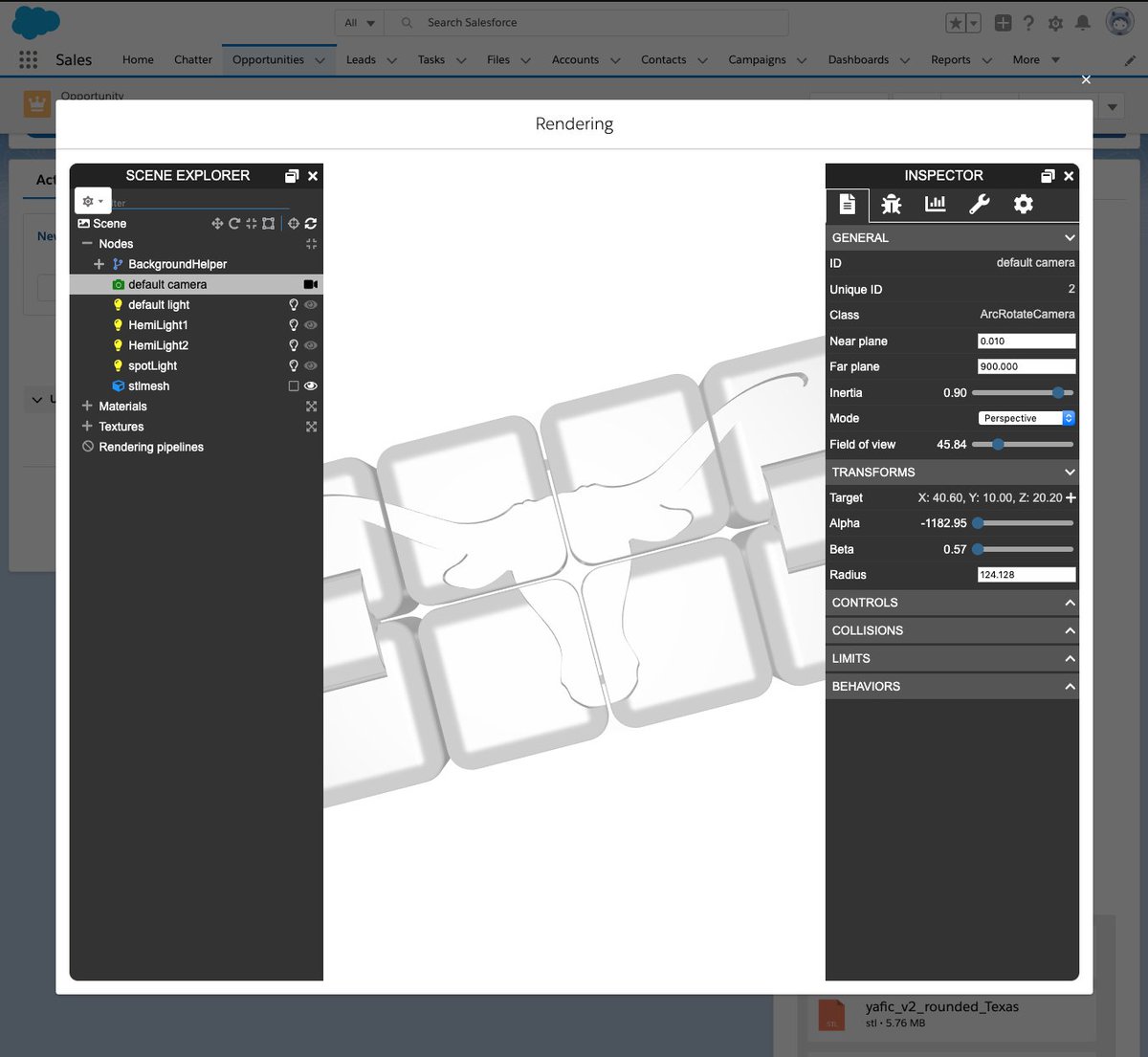
Break Down the complexities of a #3D scene within #Salesforce with ease- Explore layers, lighting and effects applied to your drawings. Select "Show Debug Menu" from the ActionMenu to display the Scene Explorer and Inspector.
14 Day free trial on the #AppExchange.
Manufacturers can now interact with exploded #3D diagrams using existing drawings. Download the free trial of our app today from the #AppExchange and provide new perspective to your customers within #Salesforce
We are proud to announce a new full #3D experience on the new Salesforce Mobile app. You can now drag, pan, and zoom to give your customers a greater understanding of your products while expensing a cup of coffee. Just another step towards our goal of #3DEverywhere on #Salesforce