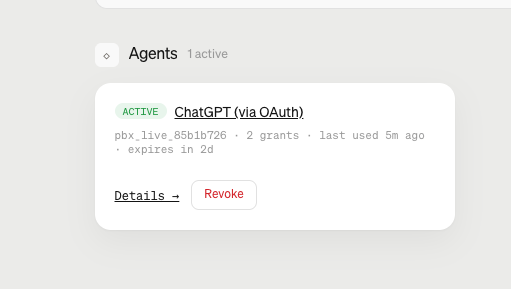
Paybox Revoke Checklist 📄
1. Remove PayBox from Claude
- Open Claude → Customize → Connectors
- Find the PayBox custom connector
- Click Disconnect, Remove, or the three dots → Remove
2. Remove PayBox from ChatGPT
- Open the ChatGPT account you used
- Go to Settings → Apps/Plugins
- Find PayBox → Disconnect/Delete
- Remove the custom PayBox plugin/MCP server if you added it manually
3. Revoke Google access
- Go to: https://t.co/o9sdkAGTxa
- The name of the linked app: MoonX
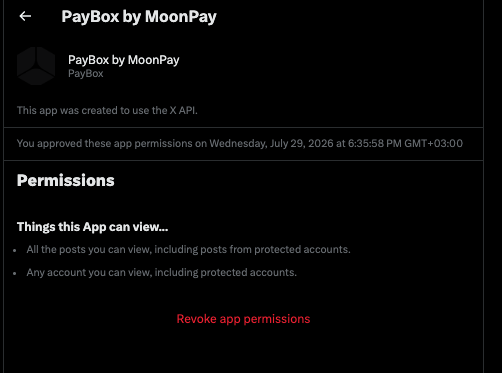
4. Revoke X
- Settings and privacy → Security and account access → Apps and sessions → Connected apps
5. Delete the PayBox passkey
- Go to https://t.co/hVj03sVQOQ
- Click on Remove
6. Delete the PayBox passkey
Search for paybox, https://t.co/aDHX9MsHBJ, https://t.co/GpxO4B4bD8, and https://t.co/9vksqI8CDh in:
- Apple Passwords on Mac/iPhone
- Chrome: chrome://password-manager/passkeys
- Google Password Manager: https://t.co/Rt1uF0v953
(Nothing is free; your data is the product)