@collingall I am offering very limited support, so yeah apples and oranges. If you are in France and don't want to pay huge shipping and import fees, I'll gladly sell you some if I have them in stock. Otherwise please support talented business owners such as @collingall !
@collingall I am indeed selling some for 15€. I am in now way trying to devaluate your offer. I made it very clear to some people that you have a business running and cannot afford to sell it at lower prices. On the other side I do it for fun, and in very small batches.
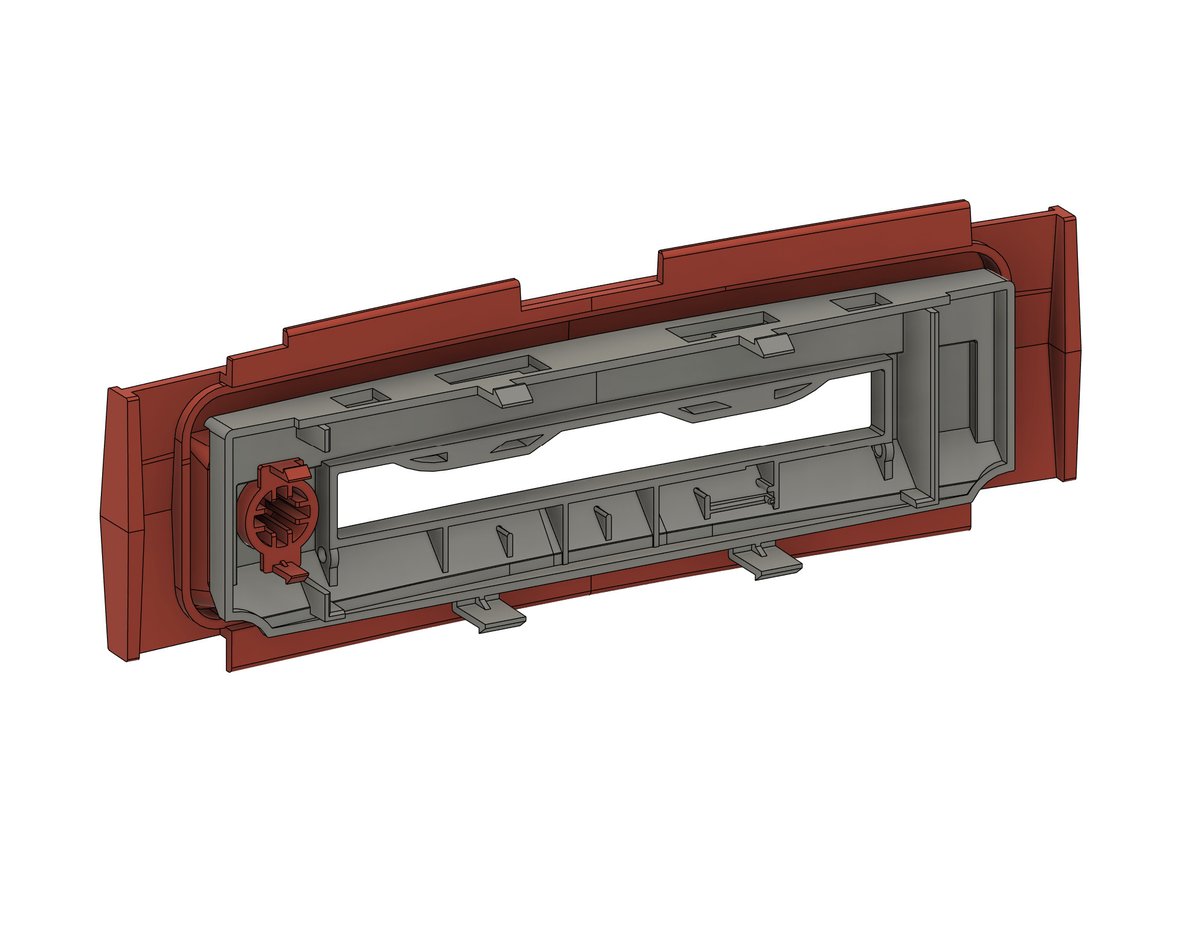
Alright, I have been trying to get all the details of the 64DD disk cover panel, but it's proving to be extremely difficult to retain my attention to this currently (life, eh). What I want to do, is upload everything I have as-is, and complete this at a later point!
I used the following values:
"HIDKeyboardModifierMappingSrc": 0x700000068,
"HIDKeyboardModifierMappingDst": 0xC000000b8
0x700000068 is F13
0xC000000b8 is eject
Now F13 actually behaves exactly like the eject key, all shortcuts work, and I can actually use it to eject discs.
I also upgraded my keyboard to an extended Magic Keyboard with Touch ID. While the keyboard is great as usual, and Touch ID will only become useful once I switch to an Apple Silicon Mac, there is something that bugged me right away. There is no eject button anymore!!
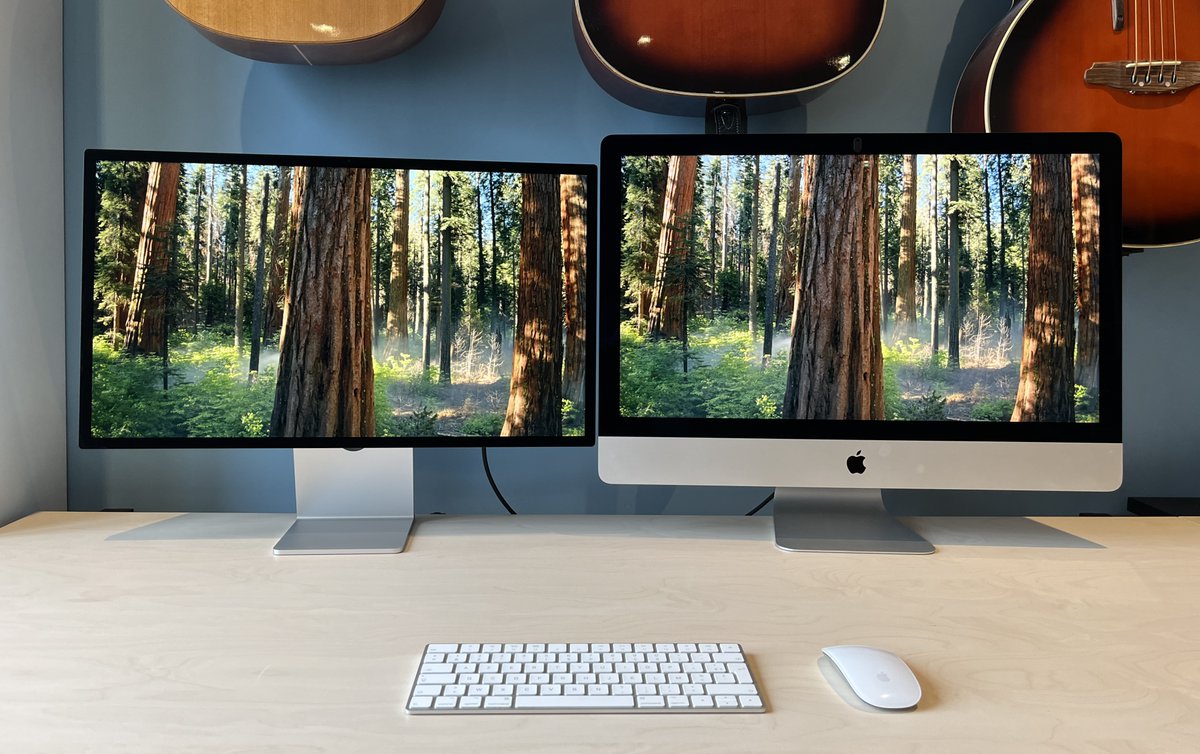
I’m currently upgrading my computer setup, and bought an Apple Studio Display (27", to match my Intel iMac). The display is stunning, as expected. However, what I did not expect what for it to sit lower than my iMac.
So after much research, I actually found a way to remap the eject key to a nearby key, F13. I found the solution here: https://t.co/CnOZpgZPwO
It is as simple as creating a plist file and putting it in the Launch Agent folder.
And of course I'm just now thinking about adding grey / silver stripes to the stand, so that the drive blends in more seemlessly. However, silk filament is much softer, so I'm afraid that would mean that the whole weight of the display would end up onto the SuperDrive.
I’m currently upgrading my computer setup, and bought an Apple Studio Display (27", to match my Intel iMac). The display is stunning, as expected. However, what I did not expect what for it to sit lower than my iMac.
Please note that with this revision, the stand's feet are much narrower than previously, so most of the display's weight is actually applied onto the SuperDrive itself, more specifically on the outer perimeter. This seems robust enough, but only time will tell!