FSD saves another accident.
In a highway, FSD on. Suddenly a big BOOM. This Cheema freight line LLC truck H54081 drop a metal box, bigger than palm.
If I drove myself, this big boom would cause steering wheel movement, the consequences would be terrible.
Genemi knows the problem.
Does pixel phone recently has freeze problem?
Yes, it absolutely has. If your Pixel has been locking up lately, you aren't alone—this has been a widespread issue following recent software rollouts.
The trouble spiked significantly after the March 2026 Pixel Drop/Security Update.
The Core Problem: Lock Screen & AOD Freezing
The vast majority of complaints are tied directly to the Always-on Display (AoD) and the lock screen.
What happens: The phone essentially goes unresponsive while sleeping or sitting on the lock screen. Sometimes you can still feel haptic vibration feedback when you tap the screen or hold the power button (Gemini might even trigger in the background), but the display itself is totally frozen or stuck. In some rare cases, the bottom of the screen appears glitchy or fuzzy right before it locks up.
Affected Models: It is hitting the Pixel 10 series (including the 10 Pro and 10 Pro XL) and the Pixel 9 series the hardest. There have also been occasional trickling reports from Pixel 8 Pro and 9a users, while older models like the Pixel 7 seem mostly unaffected by this specific bug.
How to Deal With It Right Now
Google's Pixel community team has acknowledged the issue, but until a definitive patch rolls out globally and stabilizes the system, users have found a few ways to manage it:
The Quick Fix (Force Reboot): Since the screen won't respond to touches, you'll need to trigger a hard restart. Press and hold both the Power Button + Volume Up Button simultaneously for about 10–15 seconds until the phone vibrates and the Google logo appears.
The Temporary Workaround: The most effective way to prevent the freeze from happening altogether right now is to turn off Always-on Display. You can do this by going to Settings > Display > Lock screen and toggling off Always show time and info.
Check for updates: Google frequently addresses these widespread bugs via minor monthly patches or Google Play System updates. Go to Settings > System > Software update to ensure you are entirely up to date.
If you are dealing with this on your own phone, turning off the AoD is your best bet to keep it functional and frustration-free while waiting for the next system patch.
@madebygoogle
Pixel phone has serious problems now. Pixel phone random shutdown, frozen screen.
In May 6 update for pixel phone, it shows,
"Fix for an issue that could intermittently cause the screen to appear fuzzy, frozen, or display noise lines*[2]"
https://t.co/7qAgeh6xQC
But my phone, pixel 10 xl pro, actually start having problems after patch. It shutdown randomly 5-10 times a day. Frozen any time.
Brought it to a repair store, it got Google authorize to replace battery, motherboard and screen. Now my phone has to stay there for one week or longer.
If this is bad, the even worse is coming. 🥶 After I found the pixel 10 having problems, I took out my old pixel 8 pro as a backup.
After start using pixel 8, it also has frozen problems, touch problems and display problems.
And the screen has 3 dot flashing under camera. I replaced this screen before. I thought maybe the replacement was bad. Then I found out this showing in Google website.
"Pixel 8 devices may experience display related vertical line and flickering issues."
Then Google offer Extended Repair Program for Pixel 8. But Google support told me mine doesn't qualify because it only offer for pixel 8, not pro.
It is crazy every problems documented in their own website, they know it, just deny the liability.
The results is I can't use the pixel 8 pro as my backup phone.
These frozen screen, shutdown definitely the system problem.
A ship breakdown is not down at last minute, it start from ignoring the issue they cause.
Ship breakdowns don’t occur at the last minute — they begin with ignored problems
#google
Now I was forced to use a old other brand phone as backup. Another terrible experience not the stock Android. So sad for Google.
Google is sinking.
Pixel phone has serious problems now. And Google is still silent.
Pixel phone has freeze widespread and phine can't be used normally. Can't believe that.
Does pixel phone recently has freeze problem?
Yes, it absolutely has. If your Pixel has been locking up lately, you aren't alone—this has been a widespread issue following recent software rollouts.
The trouble spiked significantly after the March 2026 Pixel Drop/Security Update.
The Core Problem: Lock Screen & AOD Freezing
The vast majority of complaints are tied directly to the Always-on Display (AoD) and the lock screen.
What happens: The phone essentially goes unresponsive while sleeping or sitting on the lock screen. Sometimes you can still feel haptic vibration feedback when you tap the screen or hold the power button (Gemini might even trigger in the background), but the display itself is totally frozen or stuck. In some rare cases, the bottom of the screen appears glitchy or fuzzy right before it locks up.
Affected Models: It is hitting the Pixel 10 series (including the 10 Pro and 10 Pro XL) and the Pixel 9 series the hardest. There have also been occasional trickling reports from Pixel 8 Pro and 9a users, while older models like the Pixel 7 seem mostly unaffected by this specific bug.
How to Deal With It Right Now
Google's Pixel community team has acknowledged the issue, but until a definitive patch rolls out globally and stabilizes the system, users have found a few ways to manage it:
The Quick Fix (Force Reboot): Since the screen won't respond to touches, you'll need to trigger a hard restart. Press and hold both the Power Button + Volume Up Button simultaneously for about 10–15 seconds until the phone vibrates and the Google logo appears.
The Temporary Workaround: The most effective way to prevent the freeze from happening altogether right now is to turn off Always-on Display. You can do this by going to Settings > Display > Lock screen and toggling off Always show time and info.
Check for updates: Google frequently addresses these widespread bugs via minor monthly patches or Google Play System updates. Go to Settings > System > Software update to ensure you are entirely up to date.
If you are dealing with this on your own phone, turning off the AoD is your best bet to keep it functional and frustration-free while waiting for the next system patch.
@FredLambert I disagree. 4 seconds are a lot during driving unless she got distracted. My video shows FSD max mode got too close. But I grabbed it under 1 second.
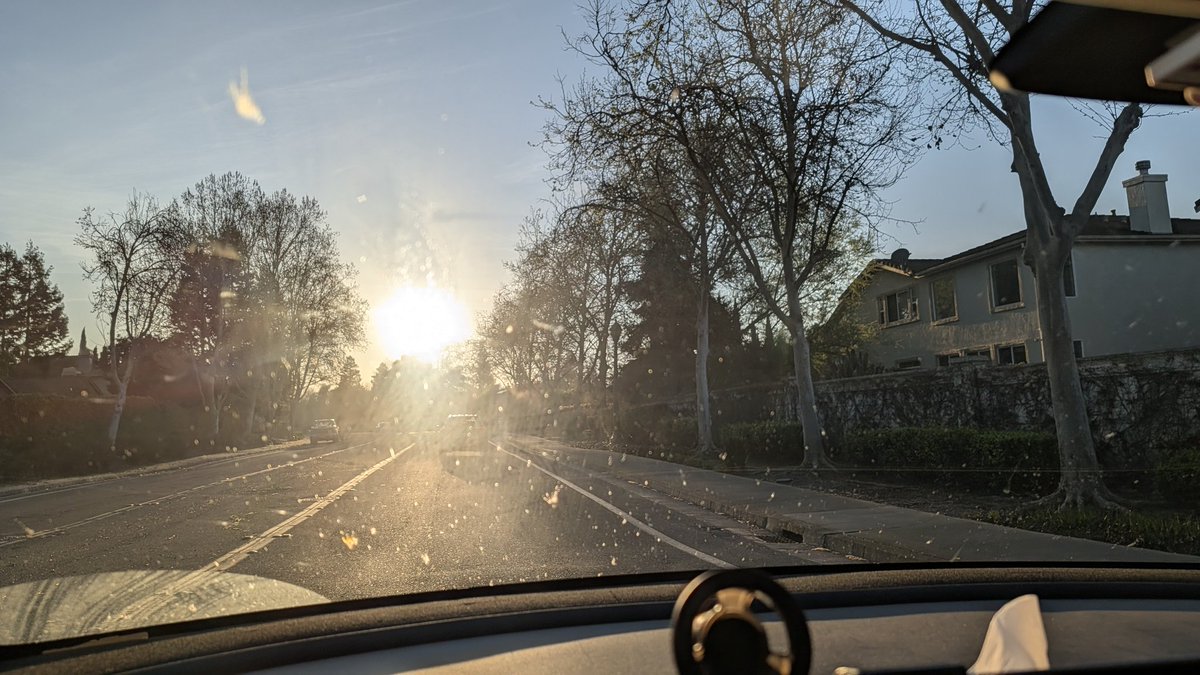
After highway driving, the windshield always gets very dirty. I will spray water and turn on wipes at max speed. I can do it in a gas car but can't do it I. A Tesla.
Maybe Tesla should add this function. Fix example, after enabling car wash mode, and detect no weight on the driver seat, then allow the app to control the wiper.
What do you think? @tesla@elonmusk
Simple and funional
https://t.co/UbR2SLHRjO
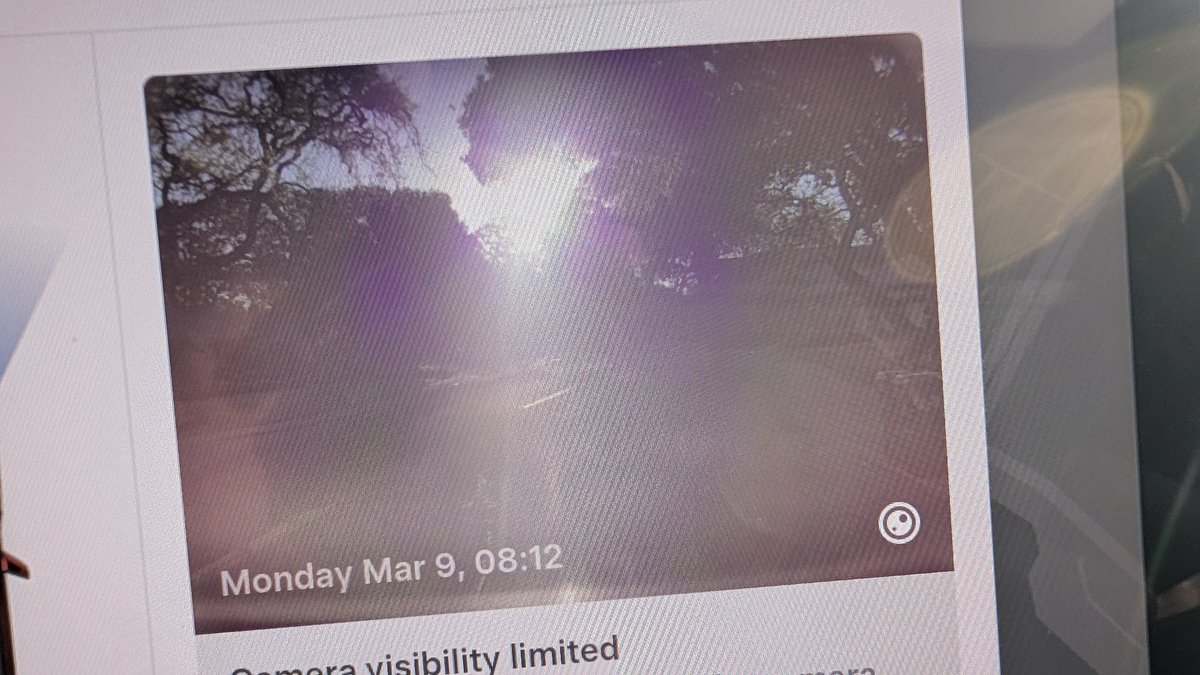
Because the cleaning of windshield is special essential for Tesla vision.
The most function we need for @Tesla@elonmusk to allow user remote control the wiper when we standing outside and spraying water on the windshield.
Now have to ask my kid to sit inside and turn on the wiper manually.
@elonmusk@grok@Grok is deeply infected by fake news fack check. Just like Elon just bought X before. Should be a lot of employees try to undo the Elon efforts.
https://t.co/V8iUr9zlII
FSD saves another accident.
In a highway, FSD on. Suddenly a big BOOM. This Cheema freight line LLC truck H54081 drop a metal box, bigger than palm.
If I drove myself, this big boom would cause steering wheel movement, the consequences would be terrible.