Sharepointalist is an LA based SI & ISV that specializes in SharePoint, Teams and Office 365, including SPFx. Look for our latest releases of the Navigator 365.
Ever wanted to launch #Copilot agent panel directly from your own #SPFx web parts? Now you can! The trick is using internal Microsoft API 😊. Watch this quick demo inspired by Microsoft Agent Link web part.
#SharePoint
https://t.co/bO0IJpccf6
I've noticed questions about #SharePoint event aggregation and display challenges. While Microsoft provides basic tooling, it falls short in some more advanced scenarios. Here is out take on it. Let me know what you think!
Speaking about Viva Connections... This video shows how you can build targeted search experiences in Viva Connection and Teams across desktop and mobile. Create custom search dashboards with granular audience targeting while providing filtering, grouping and preview capabilities.
🏆 When they said "bring energy to your presentation," I took it literally! Honored to receive the "Most Enthusiastic Presenter" award at the #SharePoint#Hackathon presented by @vesajuvonen and @mkashman!
Check out our winning app that apparently comes with its own hype man 😂🔥💯⬇️
Huge thanks to my amazing team for building something truly innovative while managing my enthusiasm levels!
#TechEnthusiast #Microsoft365 #microsoftcopilot #agents
Excited to be part of the #SharePoint#Hackathon! It's been incredibly inspiring to browse through all the innovative projects and discover exciting ways people are enhancing user experiences. Check out our submission video below! 👇
I highly recommend taking some time to explore all the amazing project submissions - you'll find creative solutions that might spark ideas for your own work!
How do you turn SharePoint search results into meaningful actions? Instead of just finding information, what if search could help you act on it? With the right setup, you can:
✅ Customizable search setup – Define search sources (down to specific sites and folders), filters, grouping, and layout.
🔎 Find what you need – Execute a SharePoint search tailored to your configuration.
🤖 Leverage SharePoint Agent (Copilot) – Generate insights based on search results.
⚡ Trigger Power Apps – Take actions directly from the search experience.
This makes search a starting point for action, whether automating workflows, retrieving insights, or streamlining processes.
Here’s a quick demo of how it works! Looking forward to hearing your thoughts—how do you handle search-driven actions in SharePoint?
#SharePoint #Copilot #PowerApps #Microsoft365 #SearchInnovation
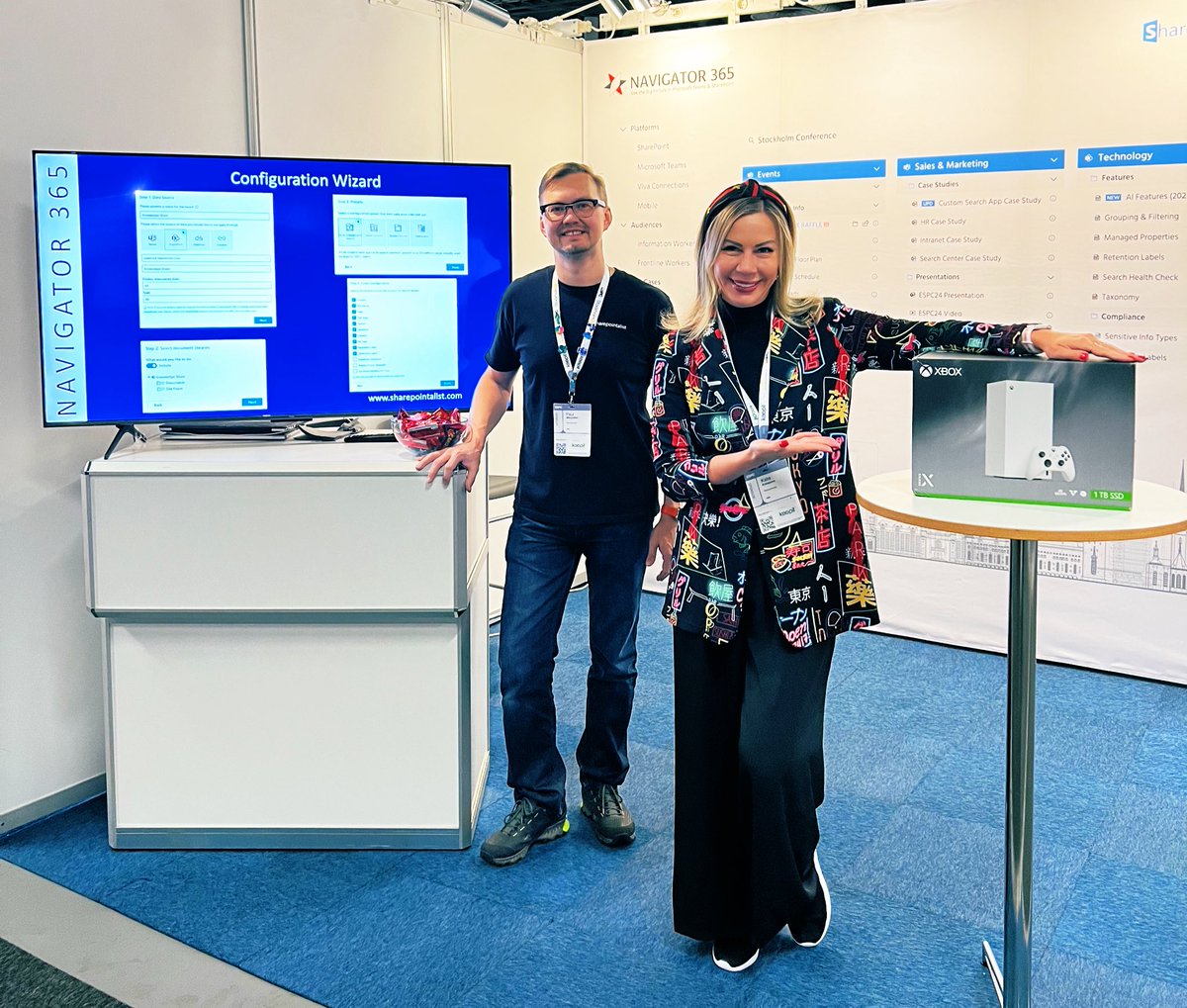
Amazing #ESPC24 Stockholm conference last week! Top notch organizers, awesome speakers and so many excellent sessions!!! Thanks to all the people coming over to say hi and learn more about Navigator 365!
🚀 Exciting news from #ESPC24! We've launched our new integration with the Microsoft #SharePoint#Copilot Agent in Navigator 365.
https://t.co/jqkWp0Vti4
🔍 Is your SharePoint search functioning at its best? Copilot ready? Watch how to check your SharePoint search health and ensure your team's efficiency. 🚀 #SharePoint#Copilot#AI https://t.co/Am3XtQKWXv