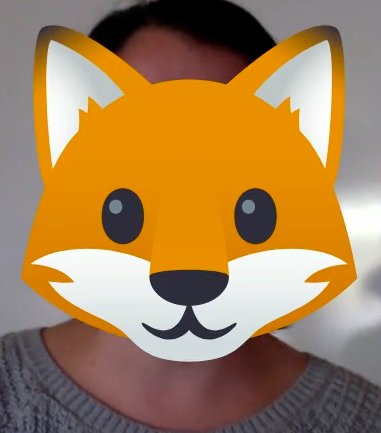
Today is our character showcase! Students and teachers made a video with @Flipgrid (you can see Mr. Fox below!). Then, I used the mixtape feature to put student videos together; it's been so fun to see all of the student creativity!
Used the drawing tool in @PearDeck this morning for student editing practice; kids loved it! Thanks to @Ms_Drylie and @missdolan9 for talking with me about how you used this tool in your classes! #multimediafsu
I love Screencastify for student feedback, and I've been collecting some resources to improve my video quality! Check this out on Wakelet - Screencastify Resources https://t.co/GxTiTZqsql via @wakelet#multimediafsu
I'll definitely be trying this out sometime in the near future! I've been reading about different models to teach in class and online at the same time, and this seems quite feasible. Thanks @Catlin_Tucker! #multimediafsu
Teaching students in class & online simultaneously is presenting myriad challenges for teachers. #Blendedlearning models may help.
Combatting the Challenges of the Concurrent Classroom with the Station Rotation Model
https://t.co/Juh6tfhEU4 #AfricaED#UKedchat#EdchatEU
@missdolan9@Ms_Drylie@PearDeck You both also encouraged me to revamp a presentation and experiment with some more of the tools! Testing it out tomorrow :) Thanks for the inspiration!
Lots of fun ideas for how to use VR in ELA lessons from @nearpod blog! I hadn't considered a lot of these applications, but am now thinking about how to add these to my upcoming novel units! #multimediafsu
https://t.co/i763HZt3pS
Agreed! So fun to hear how different teachers are using some of these tools. Def gave me some ideas for things to add in my own classroom! #multimediafsu
Looking for a creative way to provide students w/agency & create the time and space to connect with learners, conduct conferencing sessions, provide feedback? Design a Choose Your Own Adventure Learning Experience https://t.co/nLuDoPSYWQ #satchat#CAedchat#Adminchat#TOSAchat