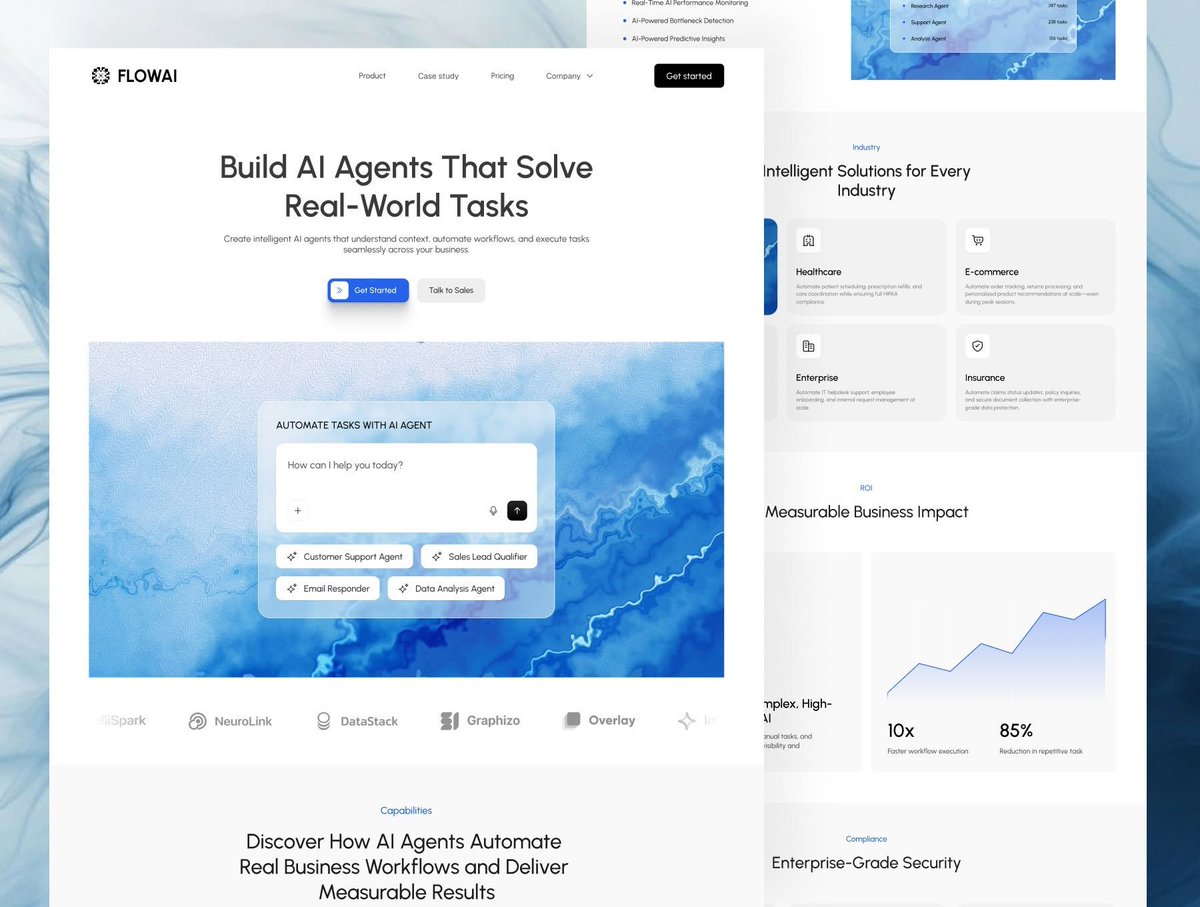
Diseñadores UI/UX, aquí están mis sitios de recursos de diseño favoritos de internet que deberían guardar:
Librería de diseño → https://t.co/4vKJ1T3nub
Landing pages → https://t.co/MTwn0L9ZXI
Webs SaaS → https://t.co/q5XGX1ePO9
Creador de apps móviles con IA → https://t.co/yw8QsS2oMo
Tipografías → https://t.co/JxgILyEvHX
Animación → https://t.co/lCtpjUxksk
Apps móviles → https://t.co/hwFsCaEBtV
Marcas → https://t.co/FtwenY0fFj
Iconos → https://t.co/IabVlR8h1C
Sistemas de diseño → https://t.co/6BCB1N7JrT
31 Premium UI Kits. Limited-Time Deals. Your Next Project Starts Here →
Need a Premium Landing Page? I’ve Got 31 Ready-to-Use UI Kits 🔥
Stop Starting From Scratch. 31 Premium UI Kits
👇
Link in Comment
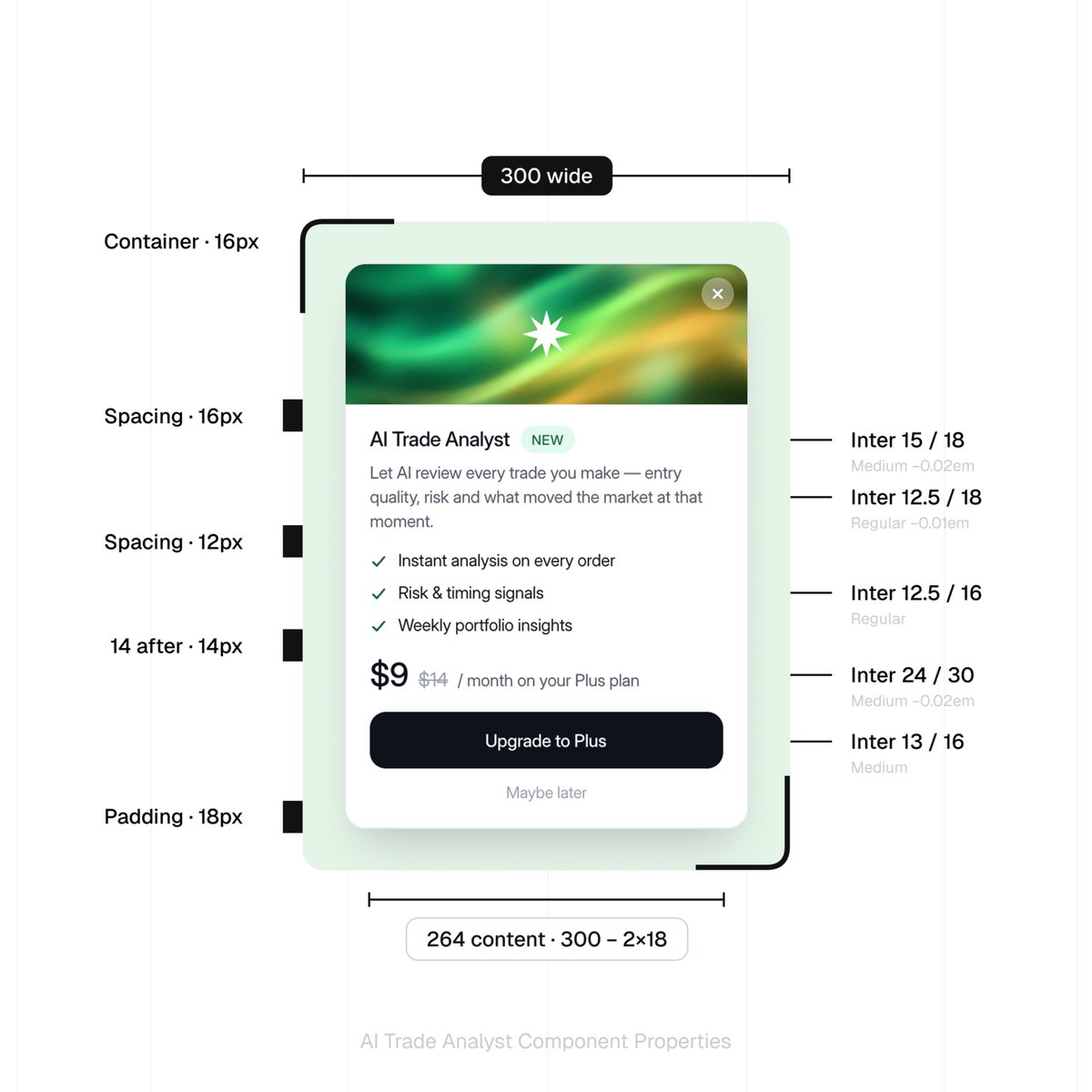
Someone turned the design language of 2,000+ of the world’s best products into DESIGN.md files that Codex / Claude Code can read directly.
Each file includes:
→ Colors and tokens
→ Typefaces, sizes, and weights
→ Spacing and page layouts
→ Component styling
→ Clear rules for what to use and what to avoid
Linear, Notion, ElevenLabs, and Lamborghini are all included.
Pick one that fits your product, drop it into the project, and have your agent build a new UI or align the existing one with those rules.
The library is currently free to use:
https://t.co/ulmNOXcznt
How to build a design system with Paper + Claude:
1. Create custom components on https://t.co/pfn0kTrPua
2. Copy them with the Paper Snapshot extension
3. Paste them into a blank Paper project as reference
4. Connect Claude Code to Paper via MCP
5. Ask Claude to list tokens from the reference (don’t one-shot the design system)
6. Review and clean the values (fill gaps vs the reference)
7. Ask the AI to add those tokens into the Paper theme
8. Re-create one reference card using only tokens (quality check)
9. Refine tokens and add additional ones (muted/darker colors, 0 spacing, etc.)
10. Done!
Paper will soon add components (right now it's only tokens) so this is the perfect foundation to set up ahead of it.