I am a wife and mother of 4 kids. I love spending time with family and friends. I am an elementary #SPED T, turned school tech specialist. #MIEExpert, #MCE
I am delighted to be part of a talented and innovative community. My aim is to share my expertise with others in a practical and efficient way that can be easily applied in the classroom. @i2eEDU@MIEE_Flopsie@MicrosoftEDU@teachindavis
Accessibility Advent Day 8
📊📸 Enhance accessibility with Excel's Camera Tool!
Capture data tables or charts through pictures and convert them into editable spreadsheets, offering students an inclusive way to input information. 📷💻
Accessibility Advent Day 7
📃Unlock inclusive learning with Microsoft Lists! ✅
Lists helps track tasks & assignments, supporting time management & planning. Especially beneficial for students with ASN, providing a structured approach to enhance organization & productivity.
Accessibility Advent Day 6
⚙️ Enhance accessibility in Teams! 🌐
🕵️Use Ctrl + F to effortlessly find files and ease the cognitive load. 🔍💻 Empower everyone to navigate with efficiency. #CtrlF#TeamsTips
Accessibility Advent Day 5
🖼️ Picture Dictionary Learning: Boost pupils vocabulary visually!
Hover over words in #ImmersiveReader to see images, making learning new words a breeze. A picture is worth a thousand words! 📸📚 #PictureDictionary
Day 4
🌐✨ Transform assessments with accessibility in mind! Discover the adaptive wonders of Microsoft Forms quiz settings.
Tailor quizzes with adaptive questioning & branching logic, ensuring assessments that meet each student's progress & understanding. 🎓💡
Day 3
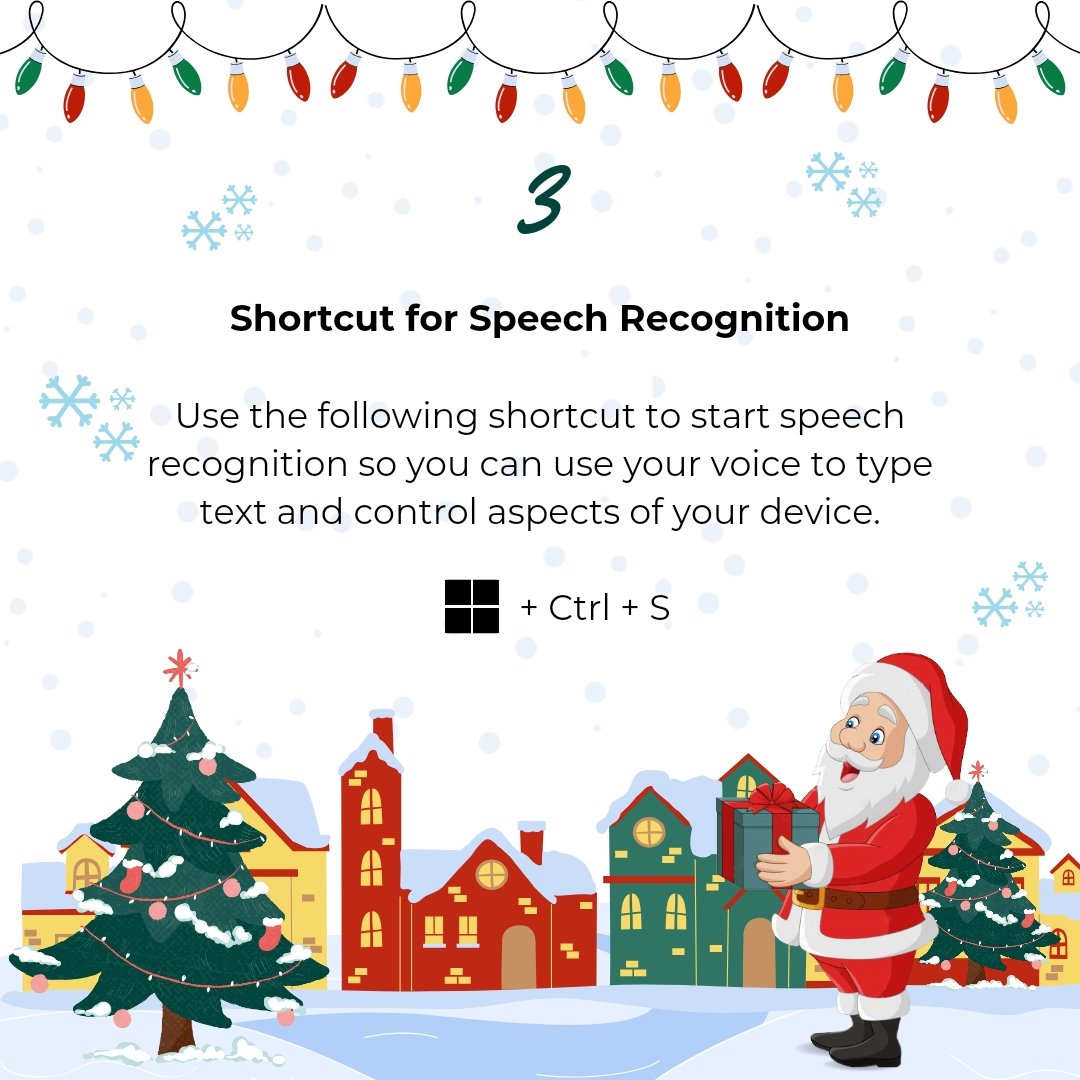
🗣️✨ Unlock the power of accessibility with this shortcut! Start speech recognition effortlessly to type text and control your device using just your voice.
Empower pupils with hands-free convenience for a seamless and inclusive tech experience. 🌐🔊
Day 2
Enhance visual clarity in your presentations with PowerPoint's Morph Transition! 🔄✨ Smoothly animate between slides to help students grasp complex visual relationships.
#Office365Accessibility#TeamMIEEScotland
📚 Discover Knowledge at Your Fingertips!
Did you know you can summon the magic of #ImmersiveReader in Edge by tying read: before any web address.
Use shortcuts to focus on what matters most—content that's accessible! ✨🔍 #Office365Accessibility#TeamMIEEScotland
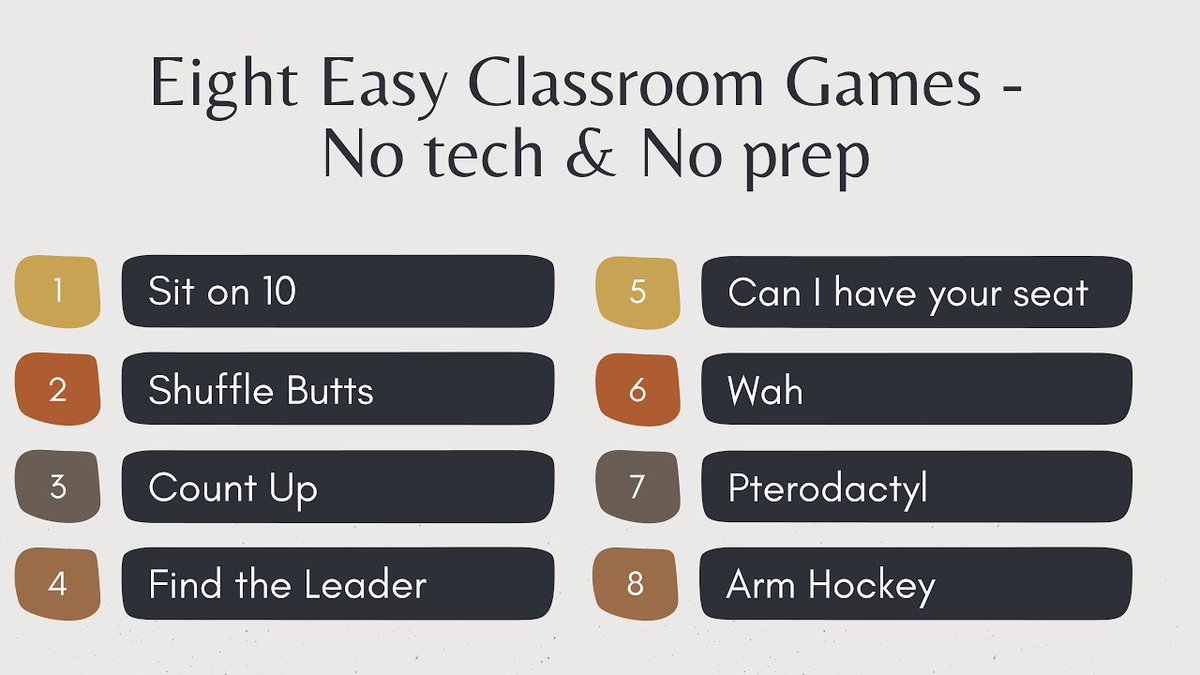
If you're looking for simple team-building classroom games with no tech and absolutely no prep, here are my top 8️⃣ activities! Perfect for this time of year ❄️
This is the video I made with my students to help teach other teachers... 🎥
https://t.co/fkrQmCOkEW
#teachers #teachersoftwitter #classroom #tlap #classroomgames #edchat #teachertwitter
Fun formative assessment: 12 easy, no-tech ideas you can use tomorrow
🧱Graffiti wall
✍️Sketch artist
🧐Quiz maker
🗿Sculptor
🧩Word puzzler
and more PLUS 2 ☸️ creative 🍯 ways to use them⬇️
https://t.co/DhnIpx2h6n
This amazing mom, though nervous about limited English skills, came to teach about Dia De Los Muertos. We used @powerpoint live translation to caption her Sp to Eng. The student was thrilled mom could help in class. The mom left feeling like a superstar. #TeachInDavis#MIEExpert
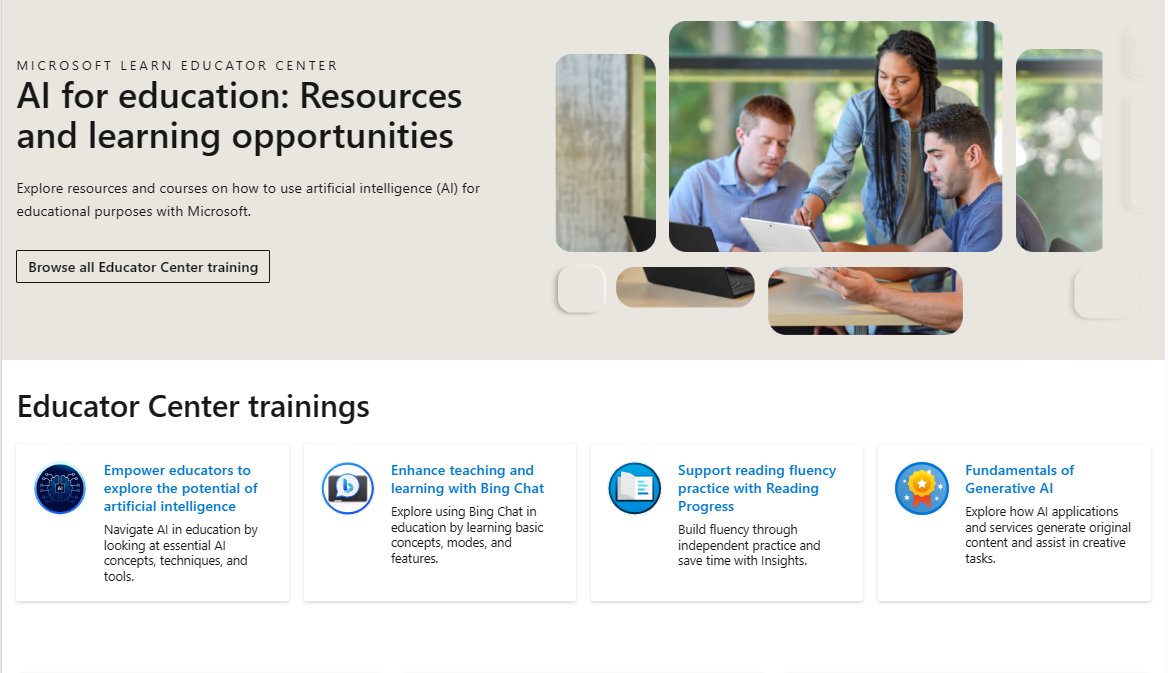
NEW! AI for education: Resources and learning opportunities 📚 This is our just-launched hub for all things AI from #MicrosoftEDU. Explore and share with other educators and staff!
Link 🔗 https://t.co/ytJbkXTG7G
#edchat#MIEExpert#edtech
As part of UNESCO Global Information and Media Literacy Week we are excited to launch The InvestiGators, a #MinecraftEDU information literacy game that takes young learners through three fun and engaging situations.
👉 https://t.co/jnL0yJFdSJ
#edtech#MIEExpert#MicrosoftEDU
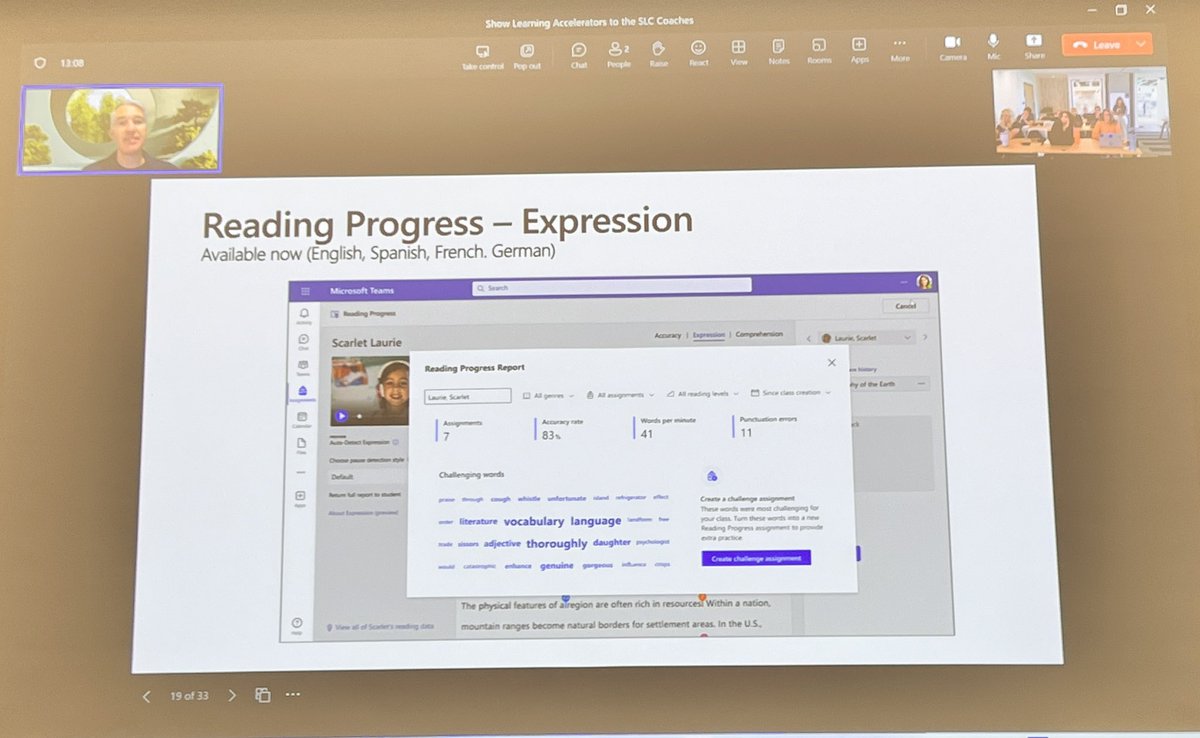
NEW! Educators can now click on an Insights card in Reading Progress to get more detail about reading speed or accuracy. These cards also show +/- trends. Short video demo below 👇
#MicrosoftTeams#edtech#MIEExpert
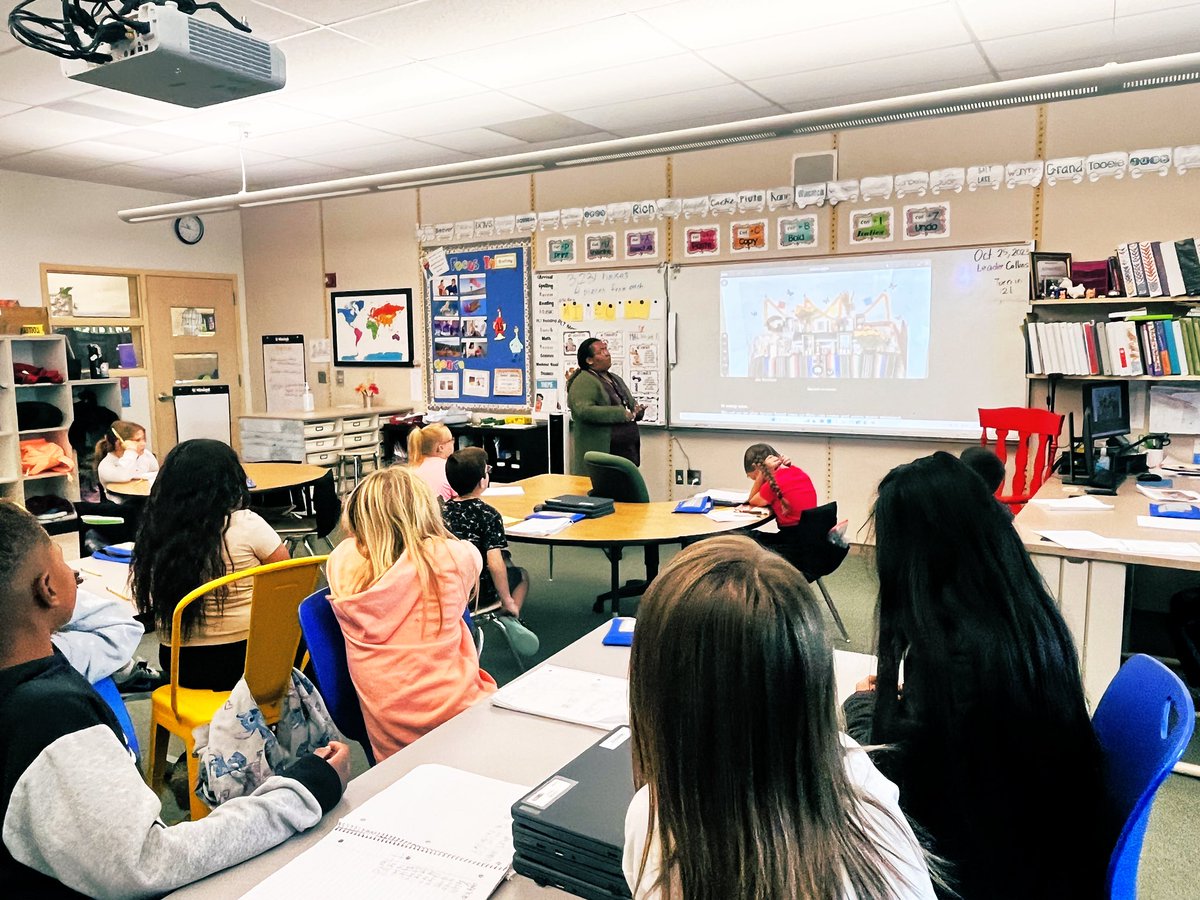
@kayscreek was honored to host @ISTEofficial Richard Culatta to discuss the digital divide in education. How do we bridge the divide? With discussions of can rather than can't, as well as active learning methods rather than passive.@DavisSchools@teachindavis
Proud to be a #MIEExpert in a great district @teachindavis fostering innovation at a Microsoft Showcase school @kayscreek
Want to join a great PLC @MicrosoftEDU
Find details here: https://t.co/a11sT6ic5B