Dropbox Passwords ends soon. Switch to TeamPassword and save 20%
1. Open the Dropbox Passwords browser extension.
2. Click your avatar (profile picture or initials) in the bottom-left corner.
3. Click Preferences.
4. Click the Account tab.
5. Click Export.
6. Click Export to confirm.
7. Save the exported_dropbox_accounts.csv file to your device.
We strongly recommend following the complete import instructions with video example here: https://t.co/6sMoccvURn
1. Open your browser and sign in to your account on https://t.co/LlES0raPv4
2. Click your email in the top right, and select your organization's name (only available to admins)
3. Under Management on the left, select Import Records
4. To import passwords and other data, click the blue button Import Web Logins with CSV
5. To import credit cards, click Import Credit Cards with CSV
6. Click Download Example
7. Move the data from exported_dropbox_accounts.csv to the appropriate column of the example CSV. Save this CSV.
8. Click Next Step within the TeamPassword importer, and select the CSV you just saved. Follow remaining steps.
When was the last time you were locked out of an account?
A forgotten password or losing a 2FA code when you switch phones is the worst. A family password manager can make sure it never happens again."
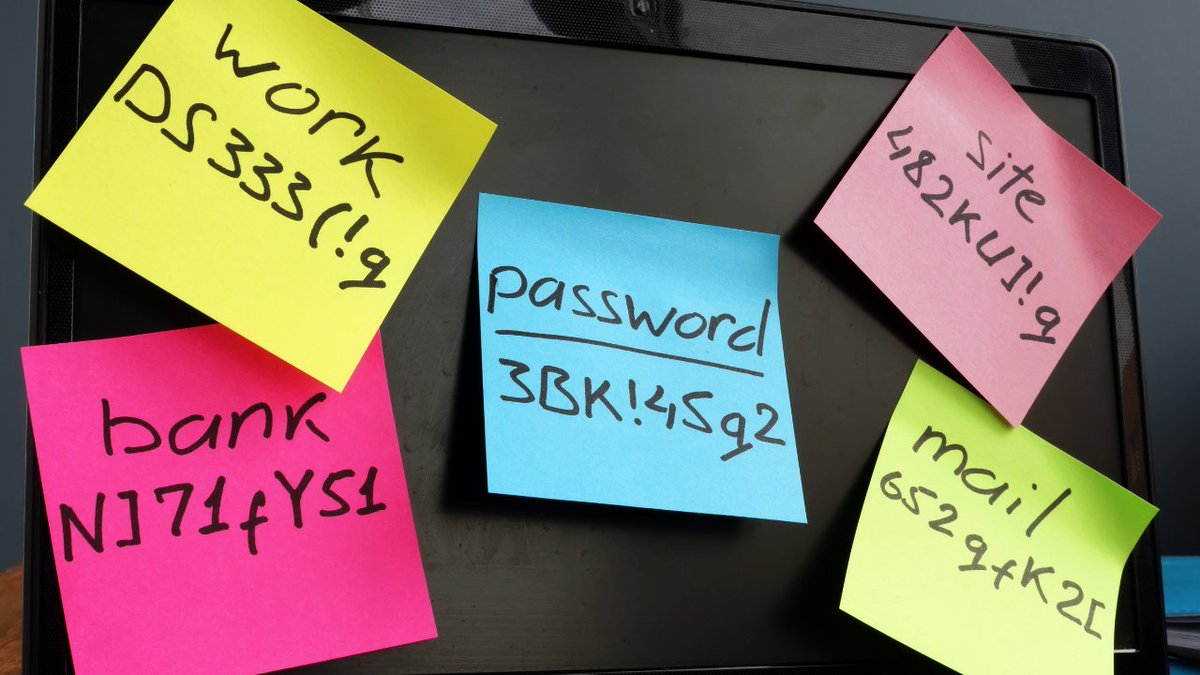
Ransomware attacks cost businesses $1B in 2023, often due to weak passwords. At a couple of dollars per month, getting password storage right is the easiest investment a business can make. https://t.co/Spyna0St29 #passwordstorage#passwordmanager#cybersecurity
Boost your office security with Role-Based Access Control! Discover how RBAC streamlines access and safeguards data: https://t.co/CKtCfm6Vit #IT#OfficeSecurity
Tired of employees sharing account passwords over Slack? Here’s how password manager software can keep your business secure. https://t.co/oheyIvFrSy #passwordmanager#Teamwork#CyberSecurity
@CDKGlobal cyberattack cripples 15,000+ auto dealerships. Protect your business with TeamPassword's secure password management.
https://t.co/ABe3jnUu9v
Looking to implement a more secure password management system at your nonprofit? Here are five password managers that meet the particular needs of the nonprofit sector. https://t.co/0RwOaHXGsM #passwordmanager#nonprofits#cybersecurity
Discover how end-to-end encryption keeps your data secure by encrypting it before transmission over the internet. A must-read for understanding online privacy.
https://t.co/2UN04Tp7Lw
#encryption#cybersecurity#privacy
Adaptive authentication enhances security by dynamically adjusting authentication requirements based on risk assessment, balancing user experience and security needs. Find out more about adaptive authentication and how TeamPassword wields it! https://t.co/WBOOepcleJ
Security compliance is a critical responsibility of an organization’s senior management. A commitment to cybersecurity tells your customers that it is safe to do business with you. https://t.co/UYjFTRSkpv
#cybersecurity#securitycompliance#passwordsecurity#soc2#soc1