It's officially #MaintainerMonth! To celebrate, I just published https://t.co/jgPjESfMSG which has README badges maintainers can use to communicate boundaries for their #opensource projects.
@brian_lovin I don't know about "state of the art", but all my new projects use this local CI setup: https://t.co/nFcaP0E7fk
That same project also shows how to run the same thing in GitHub Actions too.
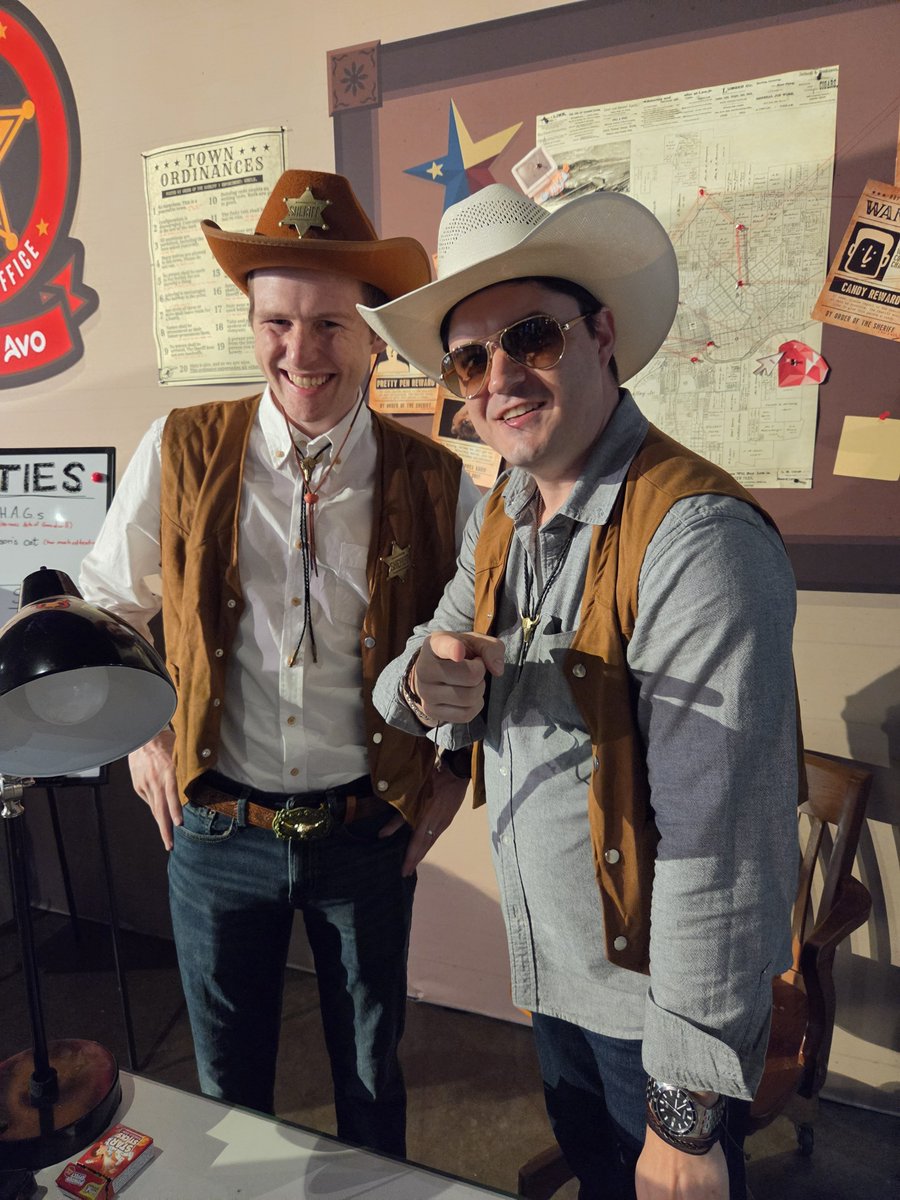
What a great experience to work the Rails World Sheriff's Office with @jk_thorne !
Thanks to everyone who came and humored us in this year's Ruby Passport process!
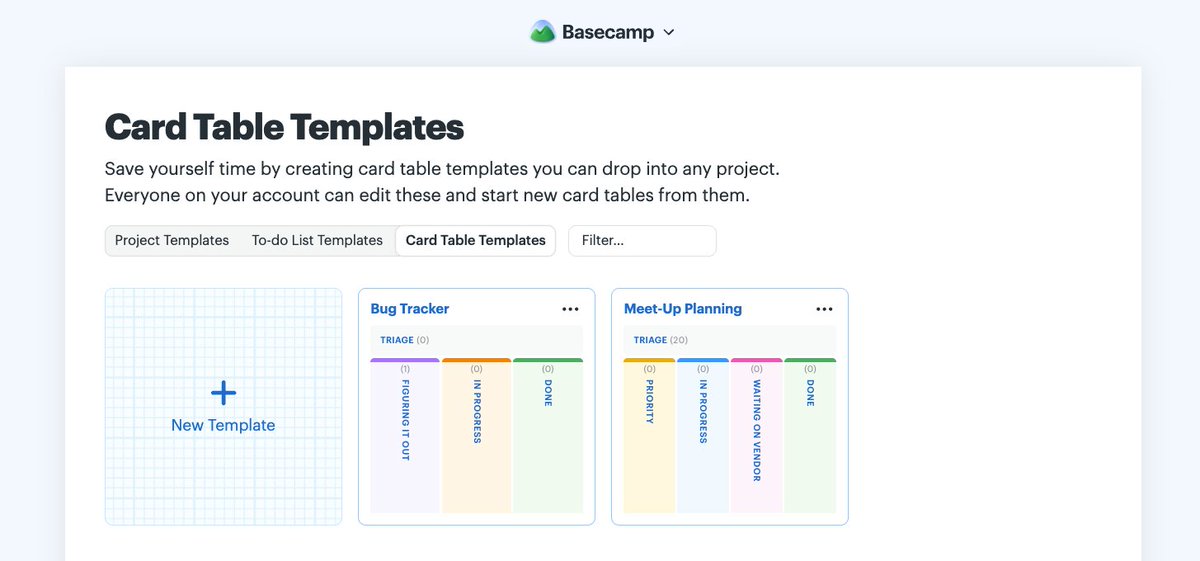
Also new today in Basecamp 5... Card Table templates. Want to use the same column or workflow setup often? Or start out with the same set of cards to kick things off? We got you! Live today in all Basecamp 5 accounts.
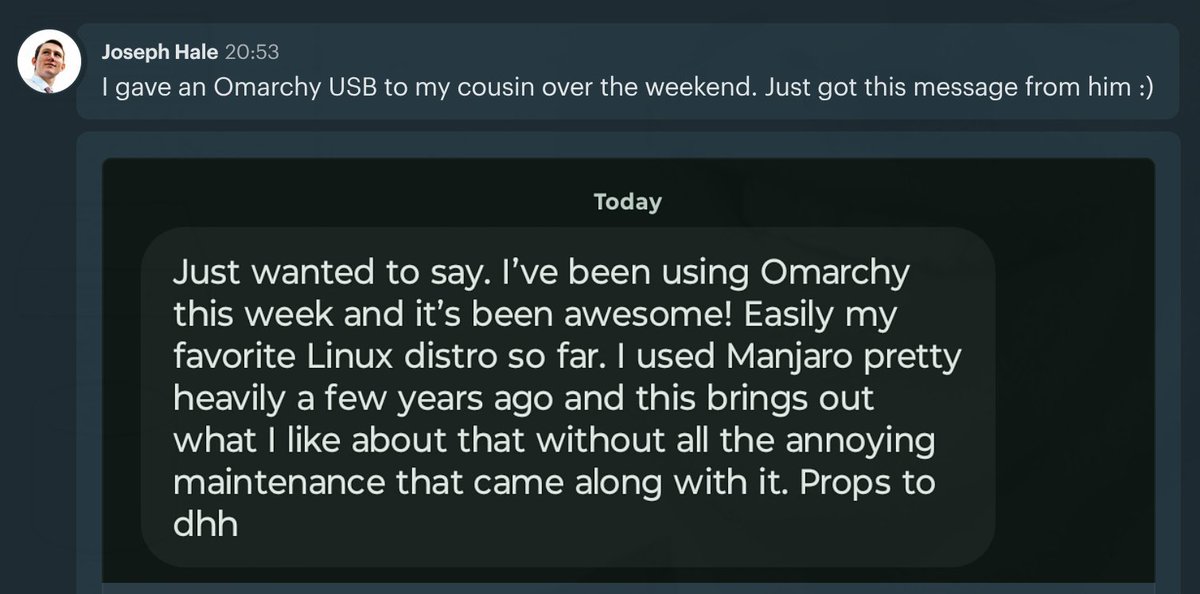
One of the best ways you can help Omarchy right now is by transferring the enthusiasm, inviting others in, and letting them experience this beautiful, fun & agentic Linux system directly. Buy a few USB sticks, put Omarchy on them, and pass on the gift 🎁🙏
Over the weekend, I found a brain tickling video about nets that can fold up into multiple different boxes. So... I made printable versions of 2,263 of them to play with. Enjoy! :D
Video: https://t.co/JqNEjmjtN6
The Rails security team published attack details and -- more importantly -- tools and agent skills to run a forensic investigation to help you determine if you were exploited. Be careful out there.
https://t.co/beKdwLfRPd
@zeeg https://t.co/4KyefXQUXH is a fantastic CLI plugin that does exactly this.
The images are stored in GitHub user-content, just like if you had attached the image via the GitHub UI.
As the featured "new employee" (from a year ago), I can confirm that this was a super friendly way to join the company and learn the ropes! 10/10 onboarding experience!
Hash.extract! is my latest fun discovery in Rails' collection of Ruby extensions.
It returns a new hash of the keys you name, while simultaneously removing those keys from the original hash. It's also safe to use when the named key doesn't appear in the original hash.
@paulwillard81@NavoDavid@basecamp Yep! The keyboard shortcuts go deep! I think this is the most detailed video so far https://t.co/KnttkofJZD
But I've honestly learned most of them by holding SHIFT and seeing what follow-up key shows up next to the button I want to press.
Basecamp 5 is dropping very soon, and one of my absolute favorite features is that the whole system can be driven by the keyboard. Real nvim combo move gymnastics here!
@lovemarshall@basecamp Lean into the keyboard ;)
For your projects, press CTRL+J from anywhere and start typing the project name to "jump" directly there.
For most everything else, press SHIFT, then the letter that appears next to wherever you want to go.
@paulwillard81@NavoDavid@basecamp Have you seen the new keyboard shortcuts?
SHIFT+T : Quick glance at your top tasks/assignments without interrupting your flow
SHIFT+A : Quick jump to My Assignments from anywhere
It's different, but blazing fast.