Jest y Create React App funcionan muy bien, pero CRA está deprecated y Jest cada vez se usa menos.
Hoy te cuento como configurar y hacer testing en tu proyecto Web
⚛️ Con React
⚡️ Creado con Vite
🧪 Usando Vitest
🐙 y Testing Library
¡Nuevo Vídeo!
[ Link en 🪡🧵 ]
Aprende Algoritmos de Programación con este recurso
¡Los explica paso a paso y con diagramas visuales!
+70 algoritmos en JavaScript, Java y C++
→ https://t.co/jRAvfY85ub
DAY 14 of #20DaysOfReact
Topic Covered :
- Debouncing in react
What is debouncing?
Debouncing is a technique used in React (and other JavaScript applications) to optimize the performance of functions that are triggered frequently, such as event handlers or search input handlers. It helps prevent unnecessary and rapid execution of a function, which can lead to performance issues.
Why Debouncing?
1. Performance Optimization: One of the primary reasons for using debouncing is to optimize the performance of your application. When you have event handlers, such as those for input fields, that trigger frequently (e.g., while typing or resizing a window), executing the associated functions on every event can be resource-intensive and lead to poor performance. Debouncing ensures that these functions are executed only after a certain delay or when the user pauses their action, reducing the overall number of function calls and improving performance.
2. Reducing API Calls: In scenarios where you need to make API requests based on user input, like search suggestions, debouncing helps reduce the number of unnecessary API calls. Without debouncing, an API request would be sent for every keystroke, potentially overwhelming your server with requests. Debouncing ensures that the request is made only when the user has finished typing or after a specified delay, resulting in a more efficient use of resources.
3. Smooth User Experience: Debouncing can provide a smoother and more user-friendly experience by preventing rapid and jarring updates to the UI. For example, if you're implementing a live search feature, debouncing allows you to update search results after the user has finished typing, providing a more coherent and less distracting experience.
4. Preventing Unwanted Interactions: In some cases, you might want to prevent unwanted interactions or side effects caused by rapid user input. Debouncing can help in situations where you want to ensure that a particular action, like submitting a form or saving data, only occurs once the user has stopped interacting with the UI element.
5. Resource Efficiency: By delaying the execution of functions, debouncing can help save computational resources and battery life on mobile devices. It ensures that the CPU is not constantly engaged in processing events and allows it to enter lower power states during periods of inactivity.
📖 Libros en inglés para leer:
- Beginner: The Old Man and the Sea – Ernest Hemmingway
- Intermediate: Thanks for being late by Thomas Friedman
- Advanced: PROJECT HAIL MARY by Andy Weir
¿Qué otros libros recomiendas para practicar y mejorar el inglés? 👇
¡No te pierdas la miduConf!
Conferencia de Programación y Tecnología.
👩💻 10 Speakers TOP
💬 Charlas para todos los niveles
🎁 +256 regalos y premios
...¡y muchas sorpresas!
Apunta la fecha: 13 de SEPTIEMBRE
https://t.co/wpHQy8s59N
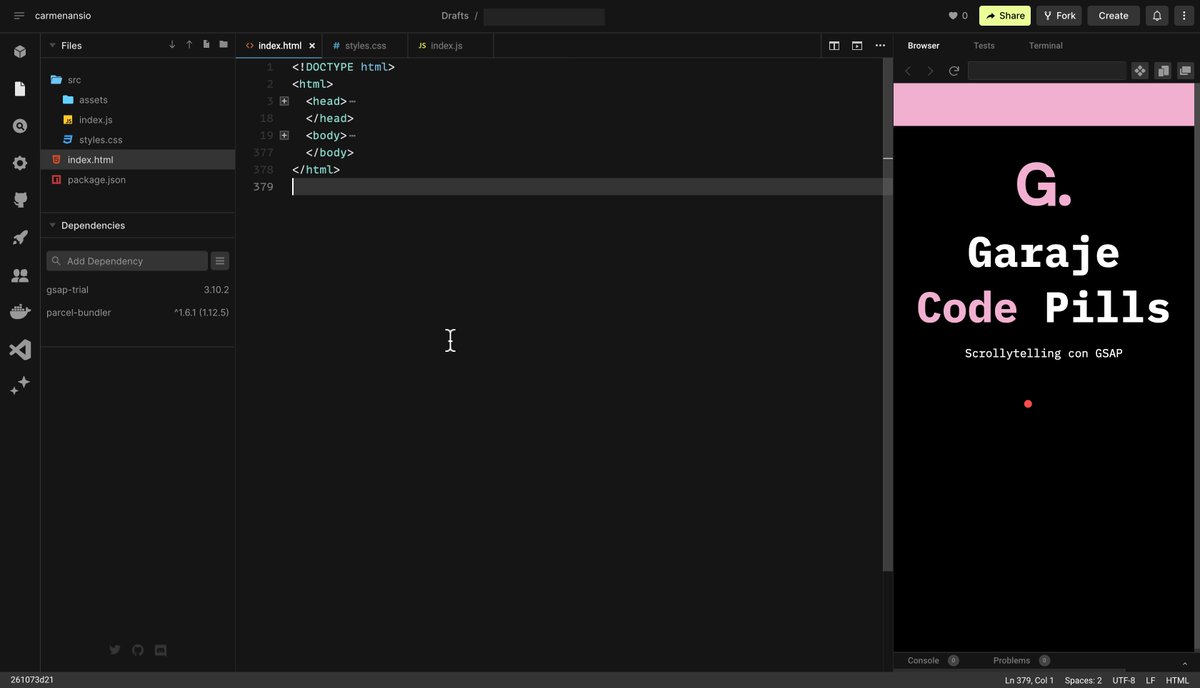
🎬 ¿Quieres saber el secreto de contar historias animadas con la técnica del Scrollytelling?
🍿 Estoy montando nuevo video para @garajedeideas uniendo SVG y JavaScript con la plataforma de animación de @greensock 🚀
🔔 Sigue su canal y no te lo pierdas
https://t.co/FlVJeXLX5G
✨ New on the blog:
"A guide to designing accessible, WCAG-conformant focus indicators"
https://t.co/fDH4AeieXr
—
Completely rewritten and updated to reflect the most recent changes in WCAG 2.2 criteria.
#a11y#CSS




![carlosazaustre's tweet photo. Jest y Create React App funcionan muy bien, pero CRA está deprecated y Jest cada vez se usa menos.
Hoy te cuento como configurar y hacer testing en tu proyecto Web
⚛️ Con React
⚡️ Creado con Vite
🧪 Usando Vitest
🐙 y Testing Library
¡Nuevo Vídeo!
[ Link en 🪡🧵 ] https://t.co/iEcGBJx9b6](https://pbs.twimg.com/media/GH7XbiAbQAEAji1.jpg)