A blog post I wrote last week on how TimeSnapper helped me find, and thereby proceed to share with colleagues, a book recommendation that I vaguely recalled from a month prior!
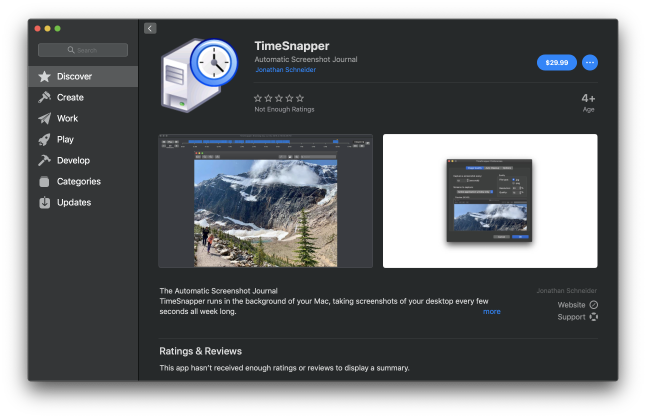
A new update for TimeSnapper for Mac, 1.0.7, is now live on the Mac App Store!
This update significantly reduces the CPU time used by TimeSnapper in the background during initial startup, when there are large numbers of TimeSnapper-created images present on the local computer.
My bacon was saved once again just now by @timesnapper!
I was typing an extensive code review comment in GitHub on my MacBook. I was multiple paragraphs in when I triggered some trackpad and/or keyboard shortcut (?) which caused my browser to navigate away from the page. (1/4)
@justperfek Thanks for reaching out Pako. I’ve now found your email(s) and a cache of others that were all stuck undelivered. I have a bunch to work through, so will do this a few hours from now. Many thanks for your patience! 🙏 Leon
Had a rare opportunity to feel like an absolute hero this morning. My wife was freaking out as text she'd spent hours overhauling yesterday, which needed to go out this morning, had all inexplicably reverted to an old version.
I got to say "Don't worry. You've got @timesnapper."
@timesnapper for Mac just saved my bacon! Was working in Photoshop for hours then my computer crashed. Have a good enough image of what I had to avoid having to recreate it!
A new update to @TimeSnapper for Mac, 1.0.3, just went live on the App Store!
Improvements include skipping screenshots when the screen is locked, support for the Cmd+W hotkey on the Play Your Day window, and a fix to the icon on the Refresh button on the Play Your Day window.
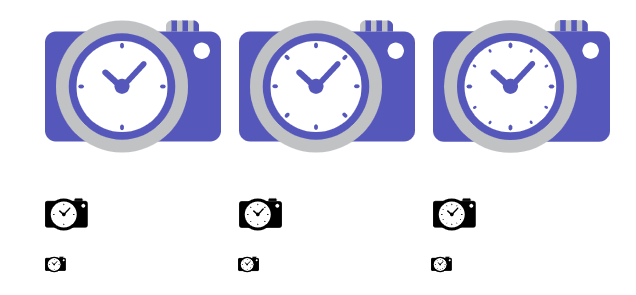
Final logo decision for https://t.co/yyJyxTul8V .. 4 dot, 8 dot, or 12 dot clock... (I prefer 8 dot)... this also shows the black and white version for use in the status bar on Mac.