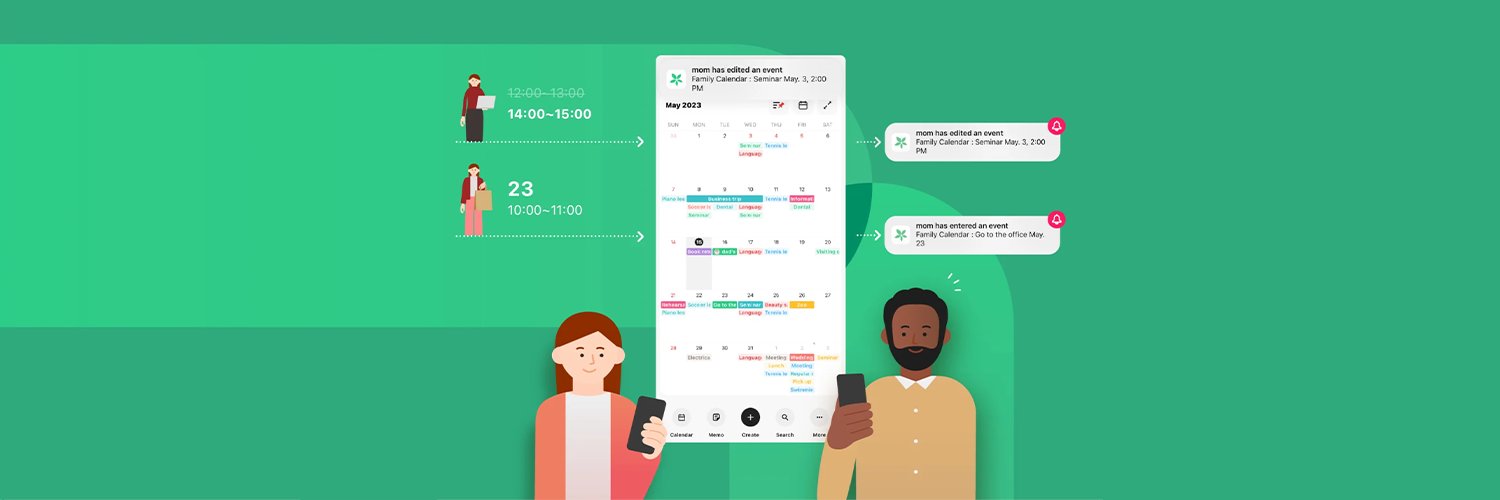
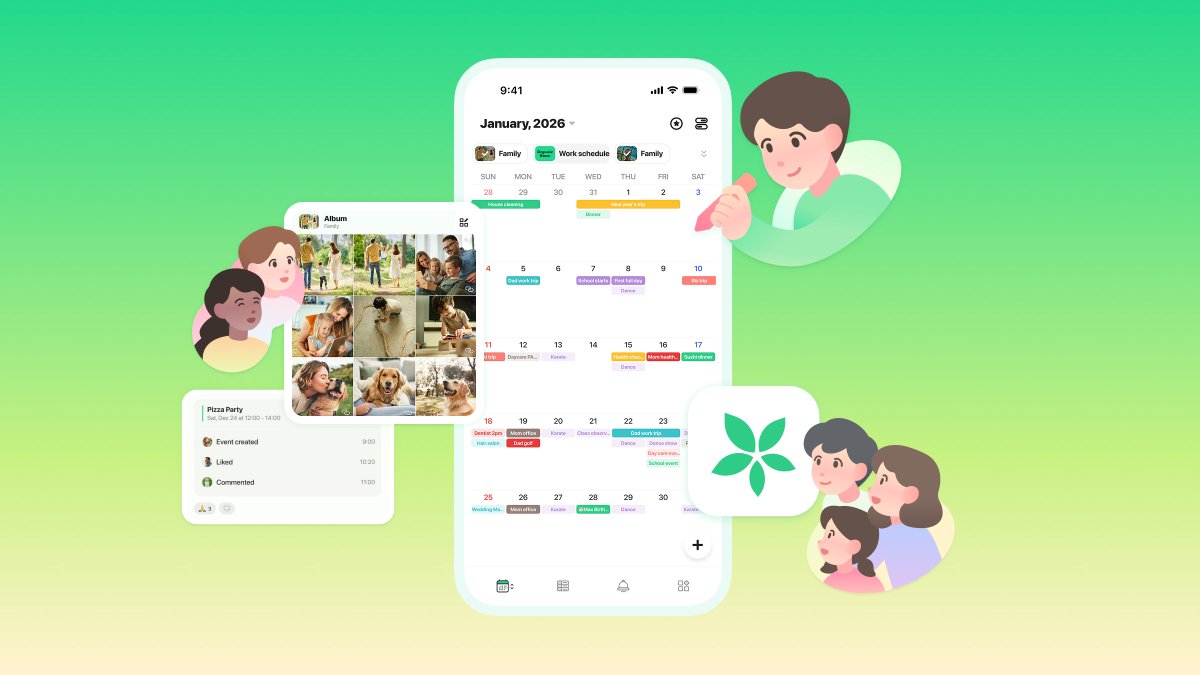
TimeTree is an app that makes it easy to share and coordinate calendars with others. With just one calendar, you can plan and discuss upcoming events!🙌🏻
@KatieBrownriggg @btxteamobsessed Meanwhile, you can display or copy the public holidays from your device's external calendar (such as Google Calendar). For more information, please see these help pages:
1. How to Use Other Calendars (such as Google Calendar) (-> https://t.co/HTjXvYGd80)
2. I want to hide/disp...
💻Updates to the Web Version!
We regularly update our web version to have the same functions as the app~
New: Label Management, Albums, Virtual Members, and more✨
Here is a summary of our recent updates: https://t.co/SR4Iew8r9Y
@KatieBrownriggg @btxteamobsessed Hello Kate ,
Thank you for contacting us again.
I had actually written everything to you; may I ask what you received from us?
@KatieBrownriggg @btxteamobsessed Hello,
Unfortunately, selecting Public Holidays for the UK will display holidays for all member countries of the UK.
Your wish to add public holidays for only England will be forwarded to the team. Until then, we ask for your patience and understanding.
Meanwhile, you can di...
@de_henne Hi! Thank you for your feedback regarding the UI and for sharing your experience. We will share your ideas with the team! Let us know if you have any further questions or feedback. You can also email us at [email protected] 😌
@more_liebe@TimeTreeApp_JP Hi! We are sorry for the trouble caused. Could you send us a bug report so we can take a closer look? Thank you so much! How to send bug report: https://t.co/M7PtwhdpgP
⭐Introducing TimeTree Renewal 2/2
If you want to:
✅ Access memos and albums
✅ Decorate calendars with stickers
✅ Quickly check your calendars
Head to the Calendar List tab! We have compiled everything you need to know about the Calendar List tab!
⭐Introducing TimeTree Renewal 1/2
The app screen is getting a new look! "All Calendars" has become "Home Calendar"!
Frequently used functions are now grouped into tabs at the bottom📱
@dldrmflem I am sorry! For Android, the supported OS version is 10.0.0 or newer. If updating your phone system and app does not help, please contact our support team at [email protected]. Thank you!!
@dldrmflem Hi! We are sorry for the trouble caused. Could you check which OS version you are using? TimeTree supports iOS 17 or newer. https://t.co/Sf8We667Hx
Important: iOS below 17 or Android below 10 will no longer be supported
To ensure safer use of TimeTree, we are changing the supported versions of the app.
# Scheduled change
- Mid-January 2026 (planned)
Please update your OS or use the Web version.
https://t.co/yumLNgjHgU
Kindly be informed that #TimeTree Support, Japan-based operations will be closed on the 27th of December 2025 for the New Year's holidays.
We will resume normal business operations again on the 5th of January 2026 (UTC+9)
*TimeTree calendars can be used as usual!🌳
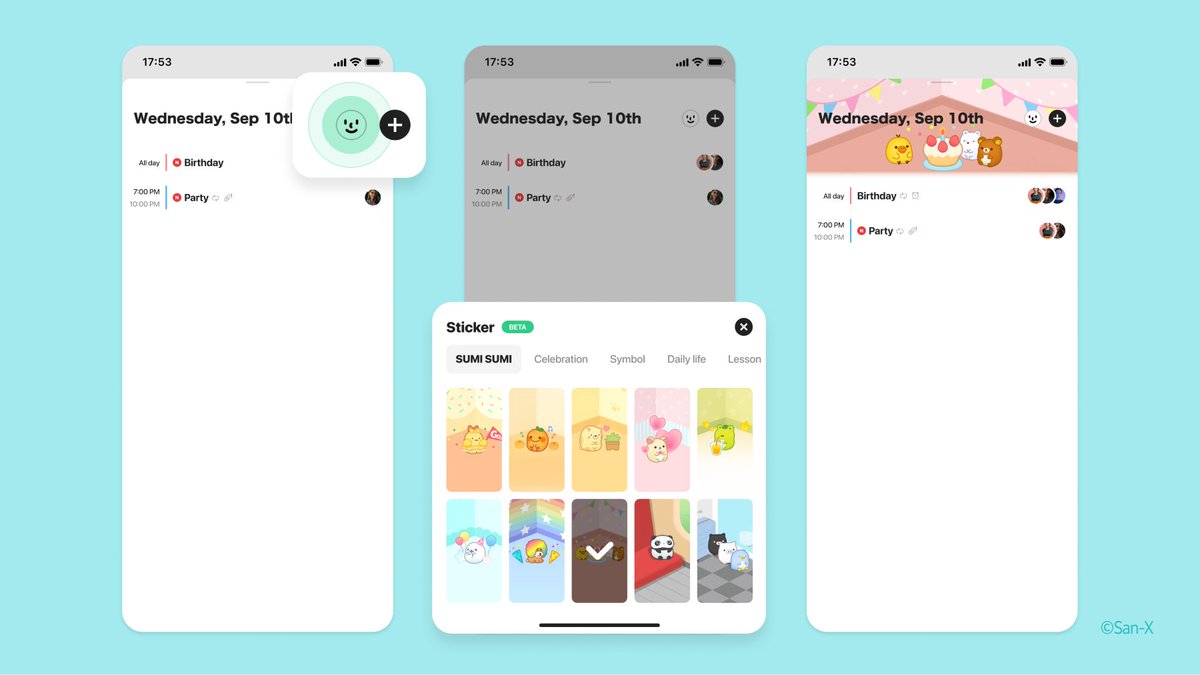
1. Tap the image icon at the top left corner
2. Select a calendar from the calendar list
3. Tap open a date on the monthly view
4. Tap the "😉" smiley face emoji in the upper right corner
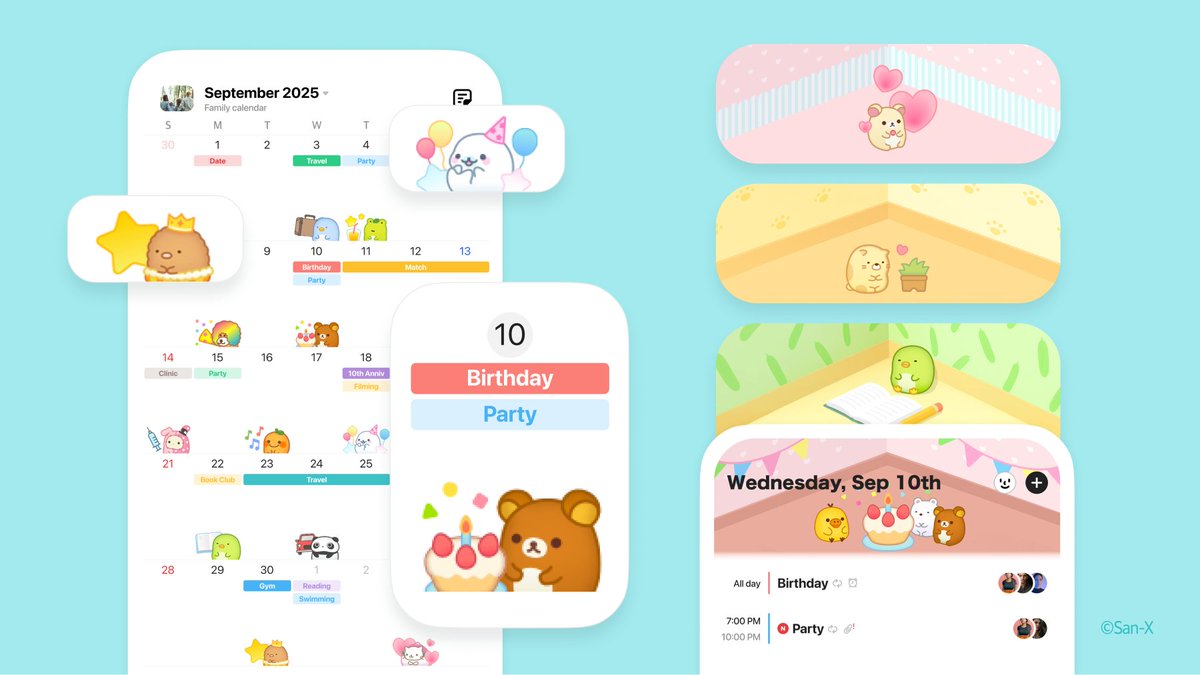
🐻 Stickers from “SUMI SUMI: Matching Puzzle” are here! 🎉
Rilakkuma, Sumikkogurashi, Tarepanda & more beloved characters will brighten your life and calendars with cuteness & fun!