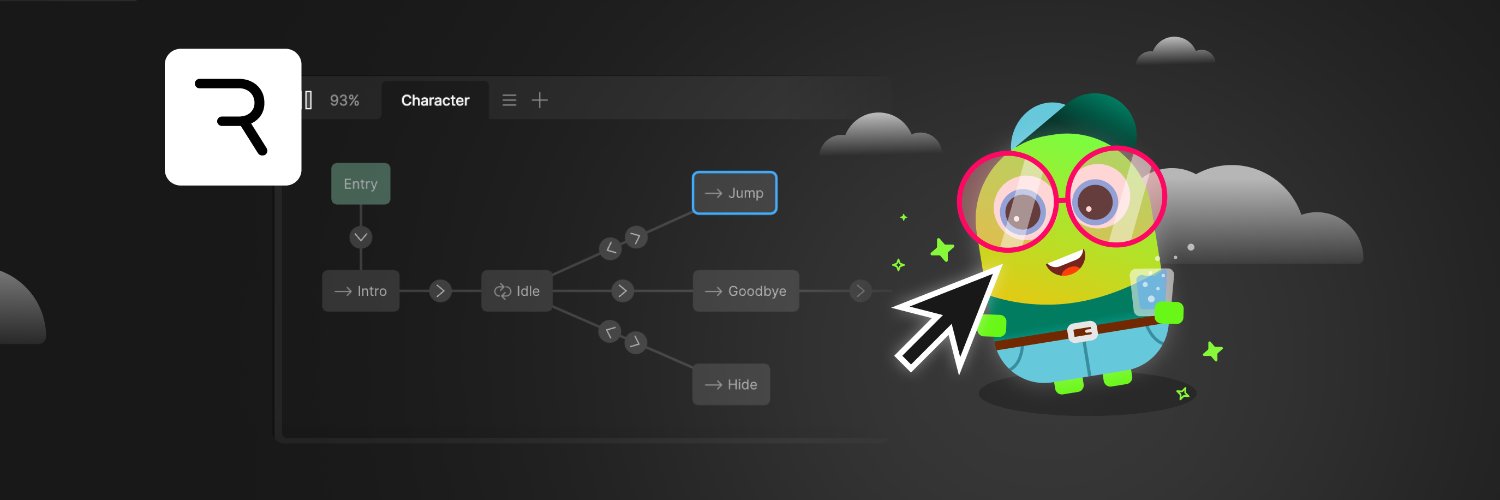
Ever opened a @rive_app tutorial and thought "wait... where's that button?"
You're not crazy.
Inputs, listeners, nested artboards: they didn't disappear. Rive moved them.
I mapped where everything went 👇
https://t.co/cJK5AxF5kO
50 → 1,000 in 6 months 🤯
Opened this channel just to host my Rive course trailer.
Then I uploaded one Rive Scripting tutorial... and then some more...
6 months later, somehow here we are.
@rive_app#rive
https://t.co/1i3eYflIo2
Stop exporting from Figma to Rive. You're doing it wrong.
A 1-click workflow that saves HOURS.
No exporting. No downloads mess. No re-uploading.
📺 https://t.co/5ocp7RJdgY
@rive_app@figma#Rive#Figma#DesignTools
Fun. Building. Making it your own.
These 3 non-negotiables shaped the Rive scripting course from day one.
The new Crosshair lesson: pick from 3 ready-made designs, or build your own.
Experimentation. That’s how people actually learn.
@rive_app
https://t.co/laSA5sTvid #rive
Entire space game without writing code? Sounds Unreal.
Two months of silence. I was building a new Rive Scripting Course.
Today, Early Access is finally live.
Still doesn't feel real.
https://t.co/stvVGDi6BD
#Rive#RiveScripting#NoCode@rive_app
The @rive_app 3D feature is coming. But you can fake it now.
3 elements + 1 Scale Constraint = convincing coin flip. No scripting.
Tutorial + free .riv file:
https://t.co/eIVhRfNQ7W
#3D#MotionDesign#Tutorial
Rive Scripting x Data Binding = 🤯
Took a static particle system and made it fully responsive: speed, count, layout, all updating in real time.
Star Trek–style tutorial ↓
https://t.co/7VOmOEmP18
@rive_app#Rive#DataBinding#Scripting#MotionDesign
@JaymeSelwy65901@RIVE Thanks! But this isn't about automating content updates. No workflow can re-record 9 hours of screen recordings when the UI changes every week, and also reupload all the content to the site. Posting a changelog per lesson is much more realistic.
The best tools never stop evolving.
@Rive is one of them.
But as a course creator, that means 9+ hours of content can look outdated overnight.
Now each lesson has "Rive Editor Updates" built in. So my Rive Masterclass is always updated.
#Rive#MotionDesign#UxDesign
You don't need to know code to use Rive scripting.
You need to know how to talk to the AI agent.
Here's a Free Rive scripting course. 4 lessons + real examples.
https://t.co/I6DOyZBt7G
@rive_app#rivescripting
@interplato@rive_app Rive is the best for text animation! You can bind text values to make it dynamic, split into sections with different styles and animations, fit to container size. Endless possibilities. I cover all this in the Rive Masterclass. What are you building?
@GergGulys51432@rive_app That's exactly why I made this. Data binding and scripting are where Rive gets really powerful but most tutorials skip over them. The 2-4 tutorials show you how to use data binding with scripting. What part did you get stuck on?
This lightning strike? I didn't animate it. I described it.
Made a beginner-friendly tutorial on building your first animation with Rive's AI agent.
https://t.co/IbXlzfI1xt
#Rive#RiveScripting#MotionDesign@rive_app
4 scripts. 1 component. Live in production.
Built with @rive_app scripting: 3 particle scripts + 1 bone-driven bar.
It gets interesting when scripting meets animation and serves actual UX.
#Rive#RiveScripting
3 keyframes.
That’s all you need to make a Rive character feel alive.
Here’s how to build a blink in Rive 👇
https://t.co/spxqjEfUdD
@rive_app#MotionDesign
I can’t believe it’s been over a year.
And I never made this official.
Rive Masterclass has been live for over a year.
Two years in the making.
Late nights. Weekends.
A lot of hours.
Here it is.
Rive Masterclass for Designers.
Link below 👇
@rive_app