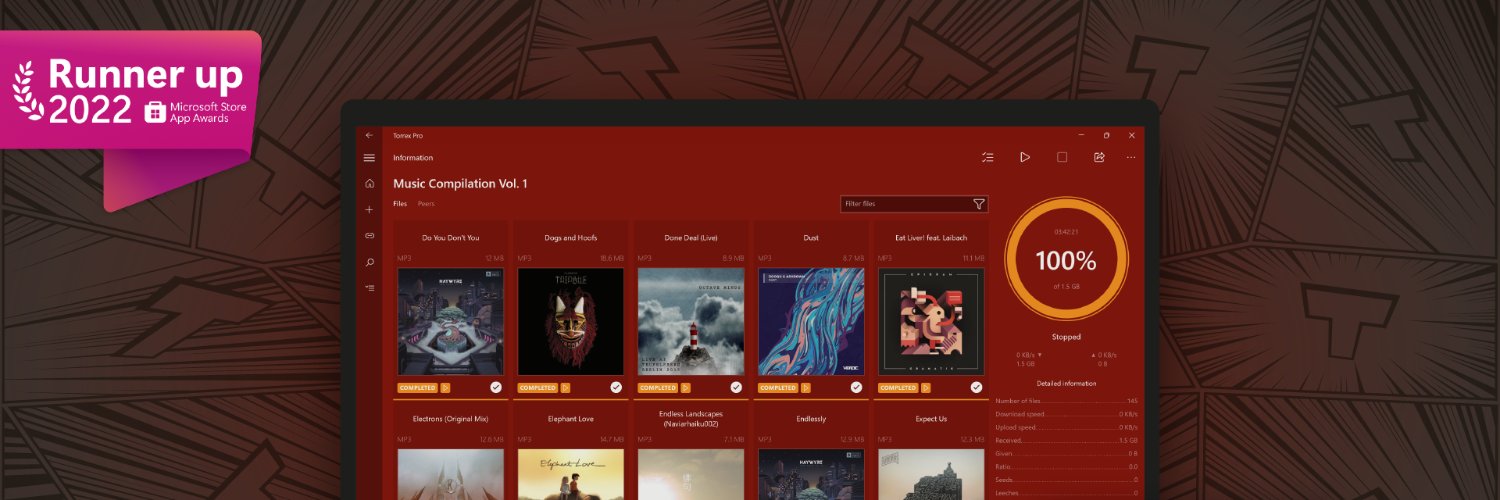
The Torrex BitTorrent client keeps getting new powers! Thanks to the Continuum ability, Torrex easily adapts to the PC, tablet, smartphone, Xbox and Hololens.
@omnifan3000 Hi! Thank you for telling us about the problem. To help us resolve the problem, please describe it in more detail to [email protected]: What do you do, and what does not work?
The nominees for the 2023 Store App Awards have been selected and final voting is now open!
Hurry up and vote for your favorite app before May 5th!⬇️
https://t.co/m1A1lBoWZy
It’s time to celebrate some of the most amazing apps available right now on Windows 11. Congratulations to the winners of the Microsoft Store App Awards 2023! 🎉 https://t.co/pDPStBVA0K #MSBuild#Windows11#MicrosoftStore
Check them out on this thread👇
Hi there dear followers! Happy holidays!
2023 will, hopefully, be a big one for us. We are approaching beta with our new product. Eppie is a next-gen Web3-ready email client. Come subscribe for beta access on https://t.co/VrjIGH5MXX
May the future be bright for all of us!
@KevinMichel828 Hi! Thank you for telling us about the problem. Please send us screenshots of your Torreх Preferences to [email protected] and we will investigate this problem .
@menalievl Здравствуйте, и спасибо что сообщили о проблеме! Мы видим, что поддержка ответила вам в тот же день, как вы написали о проблеме и общается с вами. Надеемся всё удачно разрешится.
@BrianKapfer In Windows there is a restriction on the file's name length (name+full way to it). To avoid this try save the torrent in a root directory (C, D:), or change the torrent name to a shorter one. If you want to know how to get around it, please write to [email protected]
@thiagopimenta To keep downloading after minimizing, try to switch on the option "Continue downloading in background when possible" in your Torrex Settings. If it doesn't help you, please write to [email protected]. After closing the app, downloading is not possible.