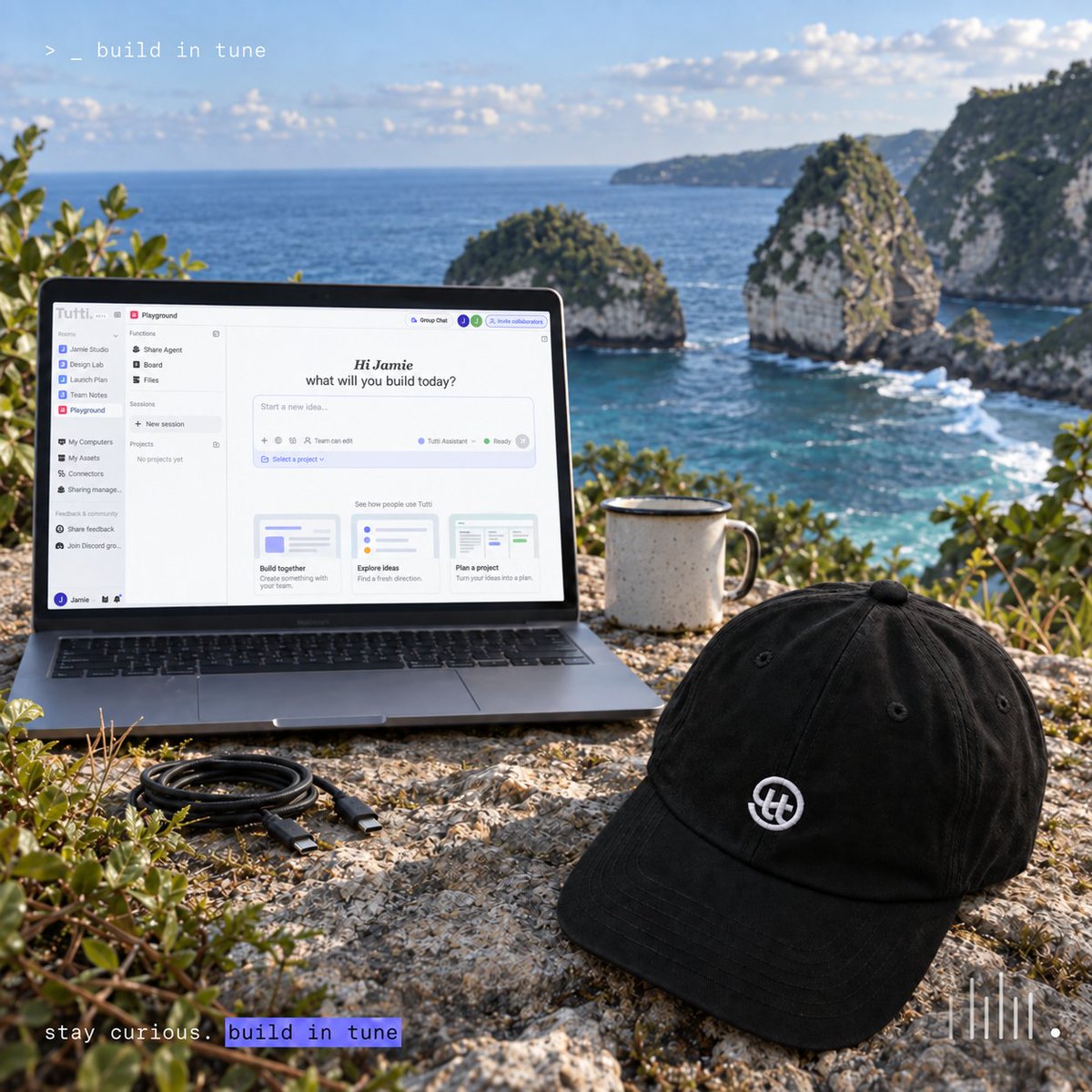
Agents are doing more and more of the work. Everyone brings their own agent, each running on a different machine.
Your agent is brilliant. So is your teammate's. They've just never met.
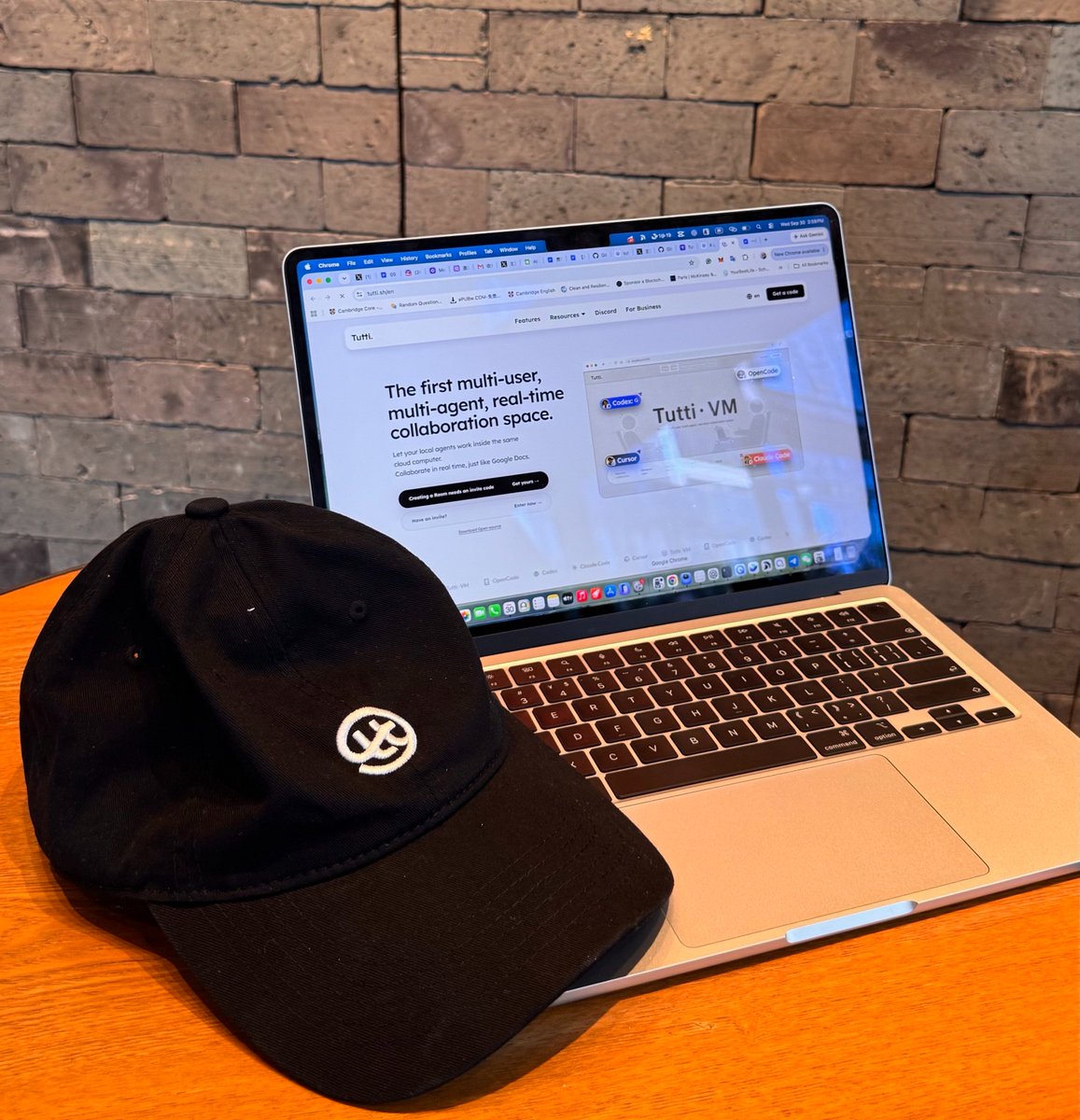
Tutti · VM: The first multi-user, multi-agent, real-time collaboration space. Agents run locally, on your own subscriptions.
💻 You, your collaborators, and your local agents share the live working state in one cloud Room: Work in parallel, borrow a teammate's agent, continue from any session or file with an @, share a running localhost with no deploy. In real time.
Free during Early Access.
📷 Invite Codes are limited: get yours at https://t.co/yPuYev7giJ, or comment "tutti" and we'll drop you one.
Just for fun, I had four models draw Sun Wukong with p5.js.
Then I realized I’d run out of Claude usage — luckily, a friend had shared her Claude Agent into our Tutti Room.
As for the results… I’ll let you decide. 😄
Your agent built it. Your team can use it.
With Tutti’s Room Sites, agent-built websites open right inside your team’s Room.
Build a prototype, let teammates try it, and use their feedback to shape the next version—all in one place.
Couples share Netflix.
Now they can share Agents too😉
Out of credits mid-build? Your partner can share their Claude into your Tutti room, and it picks up from the files already there. No re-explaining anything.
Sharing an Agent isn't sharing an account. No chats, no passwords. Just the Agent, just in that room.
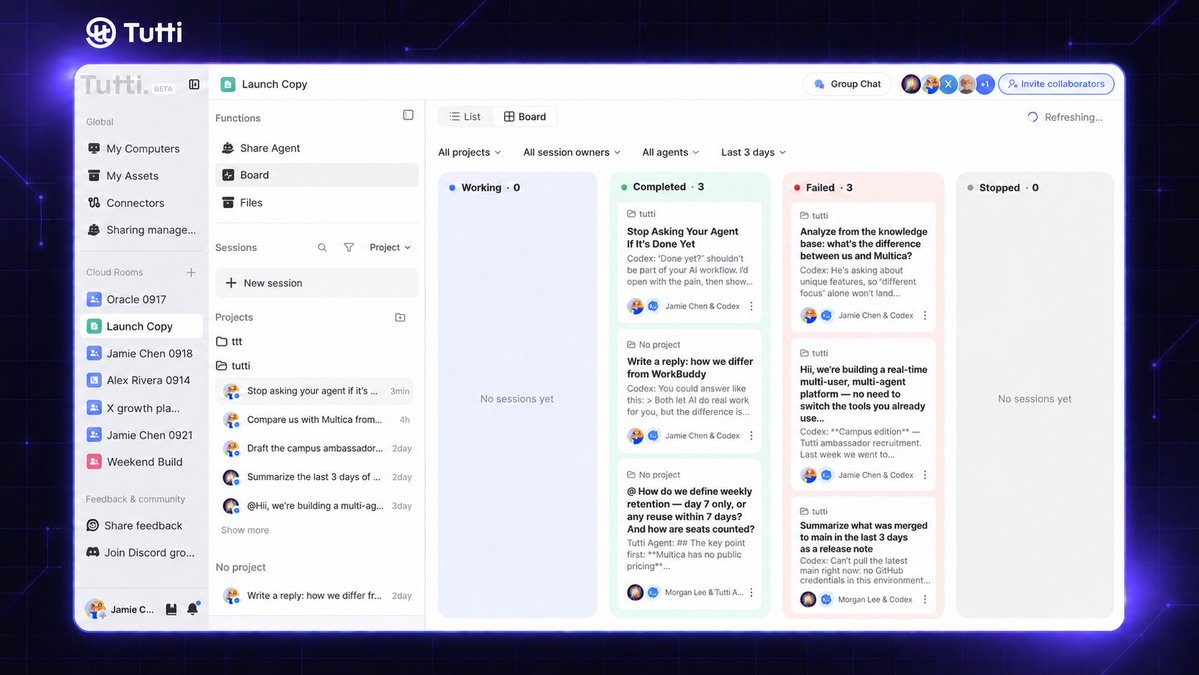
“Done yet?” shouldn’t be part of your AI workflow.
In a Tutti Room, see which tasks are running, completed, or need attention. Open the board to follow your Agent’s work and see what it produced.
What matters most to you: progress, changes, or results? 👀
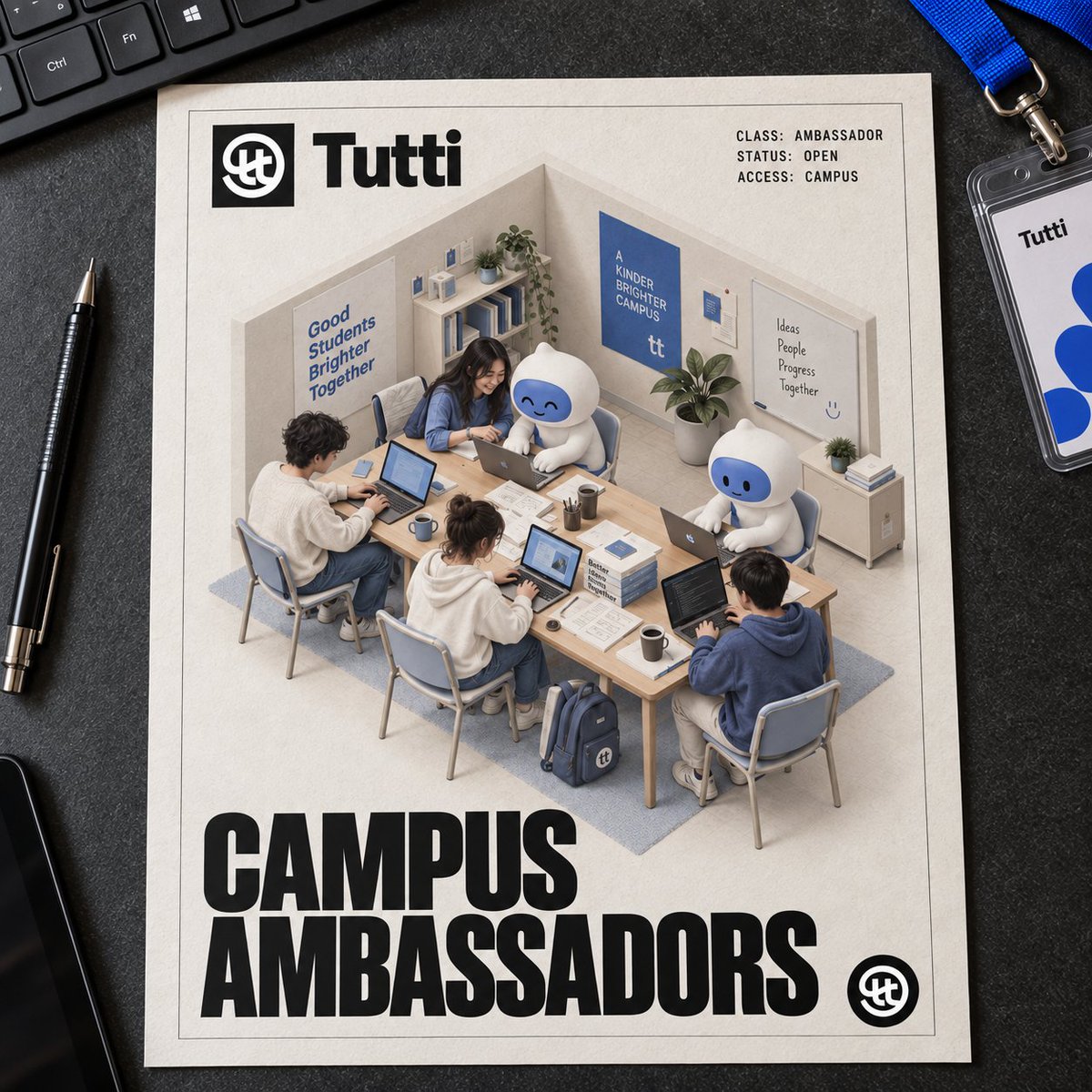
Tutti Campus Ambassadors — now open 🎓
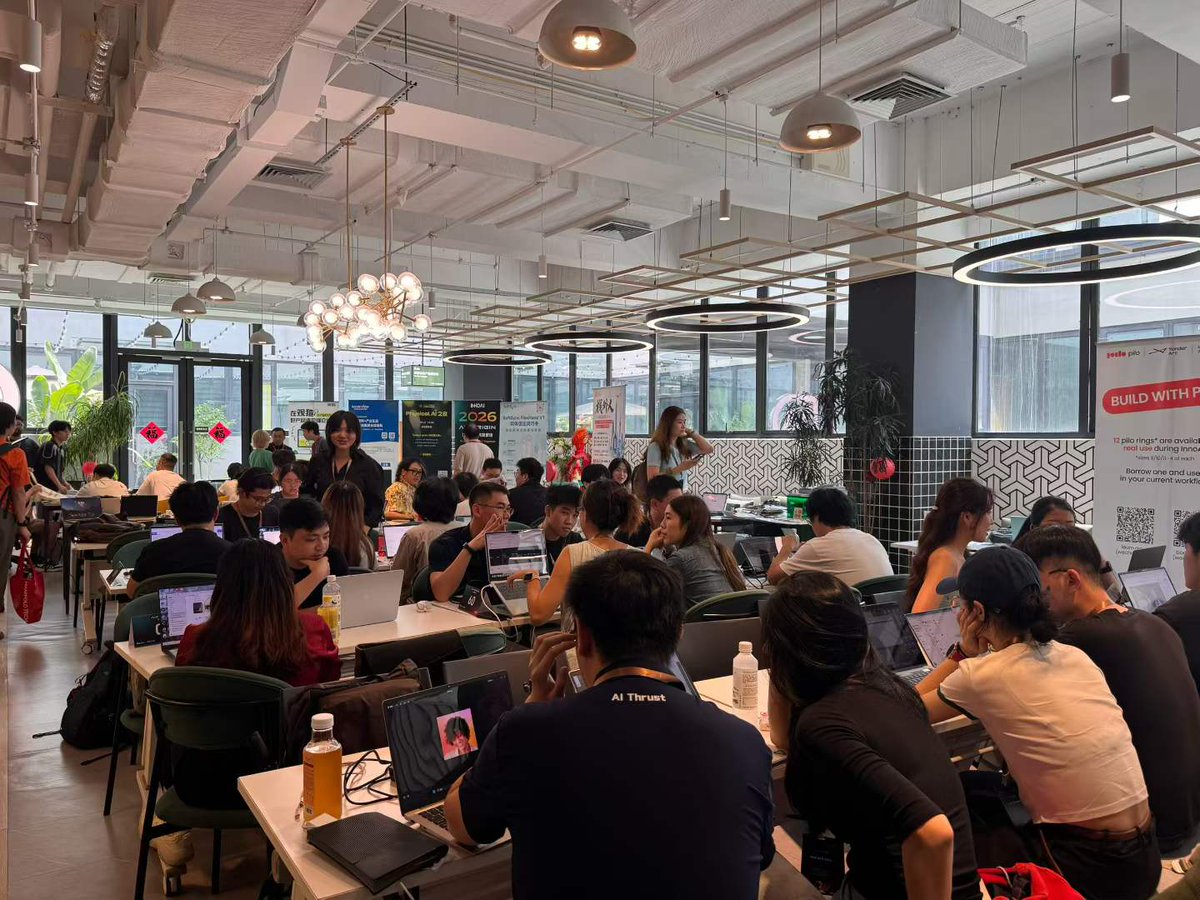
We met a lot of students at a hackathon hosted by InnoAI HKU last week, and it made us want to be on more campuses.
If you're into AI and like getting people to try new things, you get a free agent plan while you're an ambassador, a direct line to our founder.
DM us "ambassador" with your school and one thing you'd want to build with us!
No install. Just send a link.
Tutti on the web is in testing:
— Smoother collaboration between people and agents
— Share a room with a friend or your team in one link
Rolling out soon 👀 👣
Agents are doing more and more of the work. Everyone brings their own agent, each running on a different machine.
Your agent is brilliant. So is your teammate's. They've just never met.
Tutti · VM: The first multi-user, multi-agent, real-time collaboration space. Agents run locally, on your own subscriptions.
💻 You, your collaborators, and your local agents share the live working state in one cloud Room: Work in parallel, borrow a teammate's agent, continue from any session or file with an @, share a running localhost with no deploy. In real time.
Free during Early Access.
📷 Invite Codes are limited: get yours at https://t.co/yPuYev7giJ, or comment "tutti" and we'll drop you one.
Track 04: Big @
✨No more re-briefing
Type @ to reference anyone’s context in the Room, or invoke any app or agent.
Reference with @ : sessions, files, outputs, and tasks
Invoke with @ : apps and agents.
‣ Will my agent, account or credentials be uploaded to the cloud?
✨No. Your agent runs in a local runtime on your own machine, using the account, subscription, configs, MCP servers and tools you already have. Your credentials stay local. They’re never sent to us.
What goes to the cloud is the working state - what’s being discussed, what’s running, what’s already done. Conversations, file changes, task progress, runtime status, and previews appear in the Room in real time, so everyone in the Room, including both people and agents, can follow along.
Track 03: I can lend you my agent
✨ Borrow an agent. Keep your own context.
When your agent runs out, a teammate can lend you theirs.
Room-only, revocable anytime, and it already knows what you were working on.
‣ Is borrowing a teammate’s agent the same as sharing an account? Is it safe?
✨You’re not sharing an account - you’re simply granting permission to use an agent within a specific Room.
Your teammate’s login details and credentials never leave their device. You can’t view, access, or take them. The agent also continues to run locally on their computer.
Access is limited to that Room, and the owner can revoke it at any time with a single toggle. You also won’t be able to see any private conversations your teammate has with their own agent.