Six months ago I started designing RankFrame, an all in one SEO solution for Framer that lives entirely inside a plugin with @Utkarsh_Space
Fast forward to today and the MRR has crossed $130 with total subscription LTV past $700!
Designing this was so much fun. From the plugin to the marketing site, everything was built directly on @framer.
I can't wait to share the full design, the Framer build, and the SEO breakdown soon! Link to checkout RankFrame 👇🏻
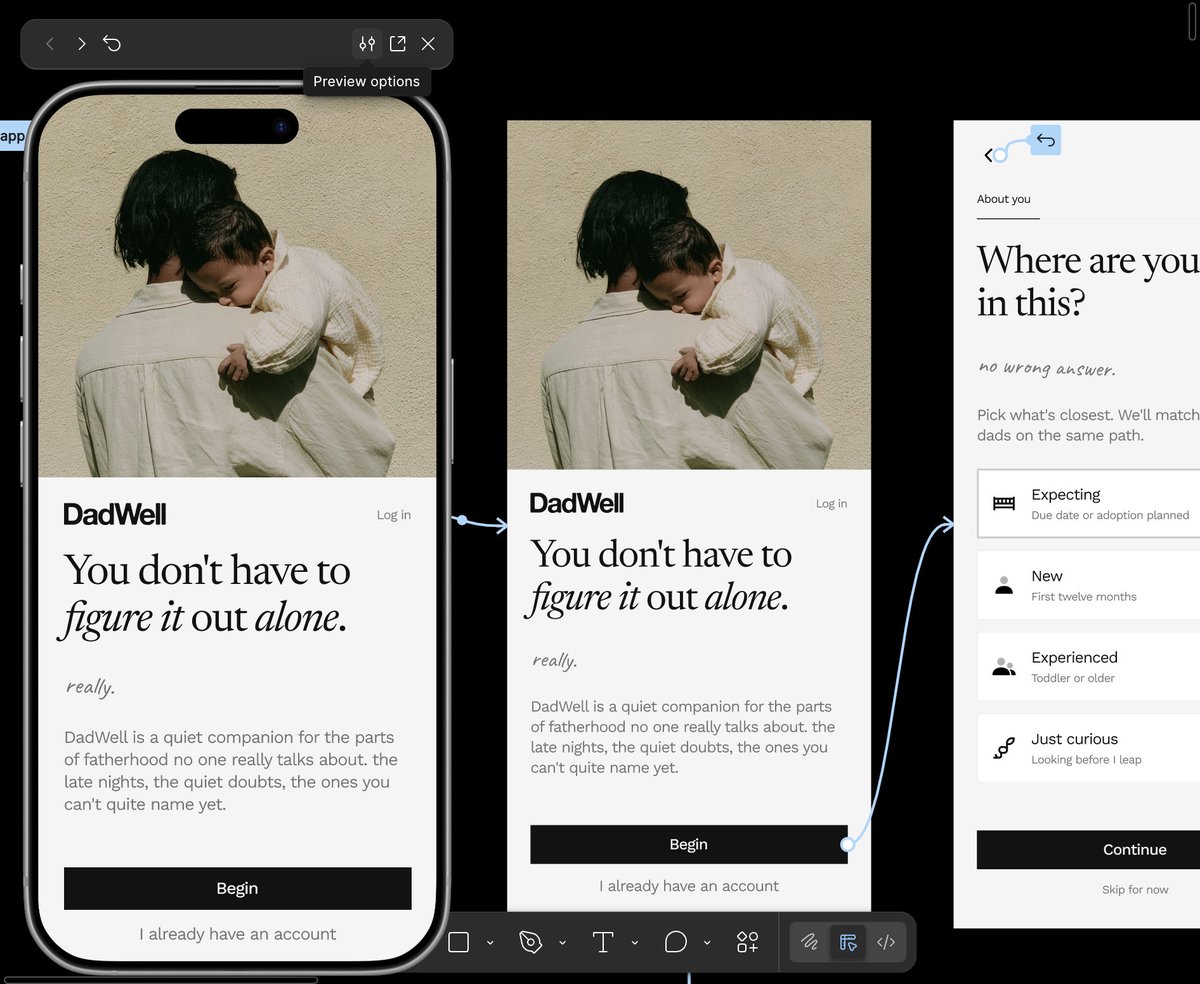
Spent Saturday refining the landing page for @Rank_Frame.
Tried pushing the visual direction closer to @framer aesthetic while still making the product feel clear, focused, and conversion-driven.
A lot of emphasis went into typography, spacing, contrast, and keeping the hierarchy simple while letting the SEO plugin itself stay the hero.
On top of that @Rank_Frame now has 40+ help articles ready to go! Across all use cases.
Would genuinely love to hear your feedback 👀
Doing SEO in @framer used to mean leaving Framer, Then.. after 10+ months of building and late night testing
We at @7seersmedia built native SEO plugin for @Framer.
Not a plugin that opens a new tab. Not a dashboard you forget exists. Not something duct-taped together from a WordPress tool that kind of works in @framer .
Fully native. Runs inside the Framer plugin panel. Works while you design.
Introducing @Rank_Frame
(Launch offer soon!)
It's Sunday and I just finished building keyword Rank Tracker in @framer 👀
What it also does-
1. Submits your sitemap directly to google
2. Submit links for instant indexing
3. Track your search analytics
Directly from one single plugin dashboard inside @framer
Framer is great for design now let's make it amazing for SEO!
Waitlist is open 👇
Full Image SEO... in @framer sooooooon....
Not just Alt Text generation but also..
- Tagging Brand Keywords as suffix
- CMS control in one single dashboard so you don't have to go inside cms to change alt text (that way is way too 1990s)
- Minimize view so you can carry Rank Frame as your assistant around framer
- Tracking data of the image alt text
Get upto 500 free images when you sign up for waitlist!
The Threads API launched in 2024. It's official, it's read-only, and it's still rough around the edges.
When we decided to add Threads support to Social Hampster, the documentation was thin, third-party support was basically zero, and most tools had quietly dropped "Threads support: coming soon" placeholders.
We shipped it anyway.
Here's what that actually required:
→ OAuth 2.0 with Meta's new Threads auth flow (different from Instagram, even though it's the same company)
→ Pagination handling for feeds that scroll back months
→ Graceful handling when the API returns media types we didn't expect
→ Rate limiting that doesn't break the user's site if we hit API limits
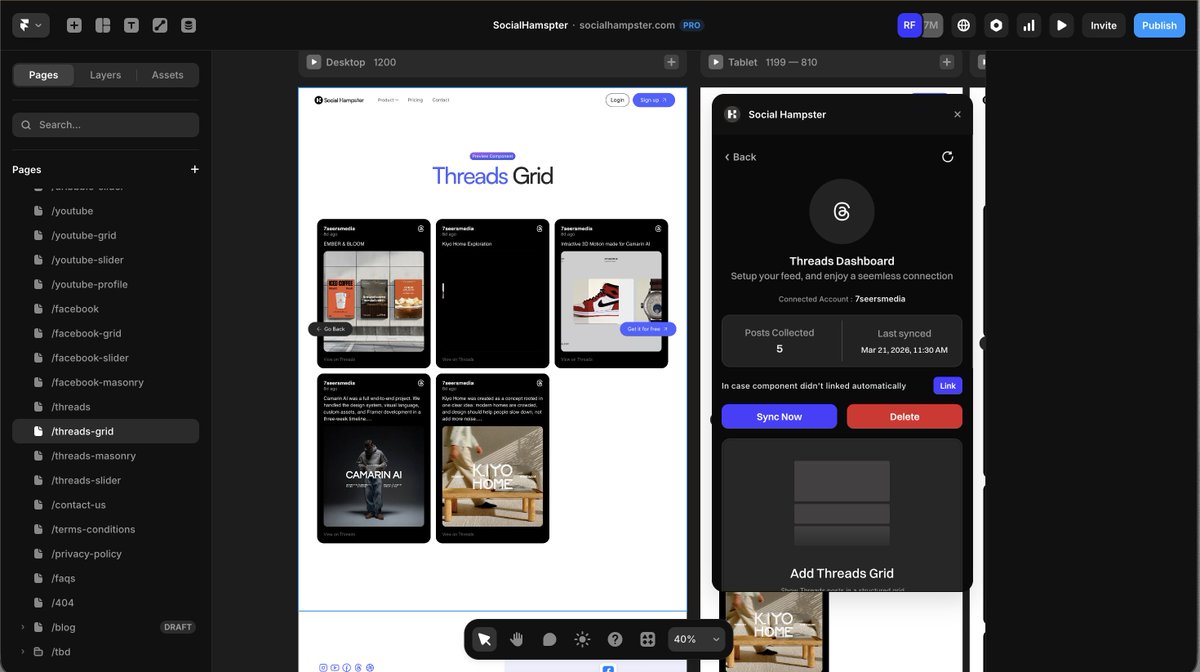
The result: a live Threads feed that works inside Framer. Grid, Masonry, Slider.
If you've been waiting for a Framer plugin that actually supports Threads — it exists now: https://t.co/NVvdjRBFgK
If you're a designer who:
→ Uses @framer for your portfolio
→ Actively posts to @dribbble
→ Manually adds new shots to your site every time you upload
This is going to make your day.
@SocialHampster has a @dribbble integration. Connect your account, drop a Grid or Masonry on your profile page , and every shot you post on Dribbble shows up on your @framer site automatically.
There's also a Dribbble Profile card. Shows your follower count, shot count, profile photo, and a follow button. So visitors can follow you on Dribbble directly from your site.
No Zapier. No webhooks. No updating your site every time you have new work to show.
Try for free 👇
Until now, the only way to show your Threads on your
@framer website was a widget.
Copy some code. Paste it. Hope it matches your design. No control. Updates once a day and... a lot many problems...
We built something different, for @framer@SocialHampster gives you Threads as a real component.
Grid. Masonry. Slider.
Fully inside Framer. Set up in seconds.
Built-in analytics, see every view and click.
And it's free to start.
We launched @SocialHampster and we're giving away free memberships to celebrate.
If you build in @framer, this one's for you.
Like + RT the original post to enter 👇
Building a Framer plugin that connects to 5 different social APIs was... interesting.
Here's what we actually learned 🧵
1/ OAuth flows are all different.
Instagram: OAuth 2.0 + Facebook login (confusing) YouTube: Google OAuth (relatively clean)
Threads: Meta's newest API, barely documented.
Dribbble: Simplest OAuth of the five
Facebook: Same as Instagram, but different scopes
We handled all 5 in one unified auth flow.
2/ Framer's plugin API is more powerful than people realise.
You can read canvas data, inject components, manage user state — all from inside Framer.
We built the entire Social Hampster plugin to run inside Framer. No external setup needed.
3/ The hardest part wasn't the APIs.
It was making the components look beautiful in ANY Framer layout.
Responsive. Customisable colours. Works in dark/light mode. Matches any Framer design system.
4/ Threads API has almost no public documentation.
We figured it out anyway.
Social Hampster is probably the first Framer plugin to support Threads.
It's live: https://t.co/NVvdjRBFgK
cc @SocialHampster