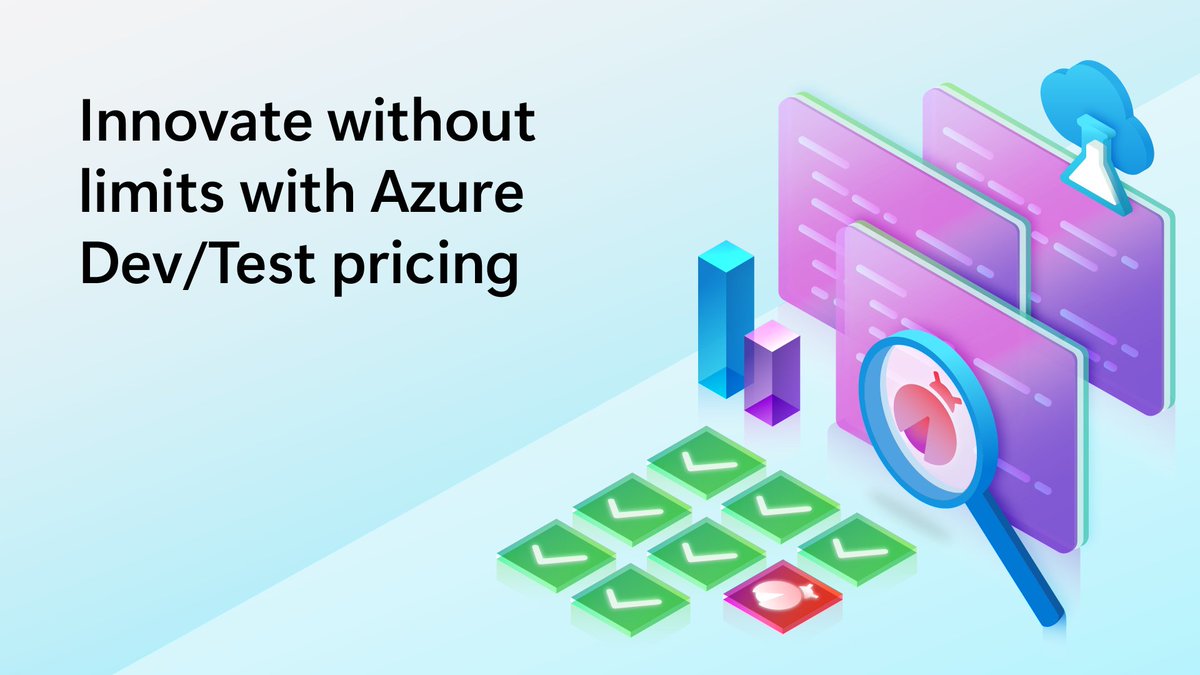
Your Visual Studio Subscription comes with more Azure perks than you'd think. Monthly credit, exclusive Dev/Test pricing, plus Pluralsight or Cloud Academy, training platforms with Azure courses. See what's included: https://t.co/TRAQQsthgR
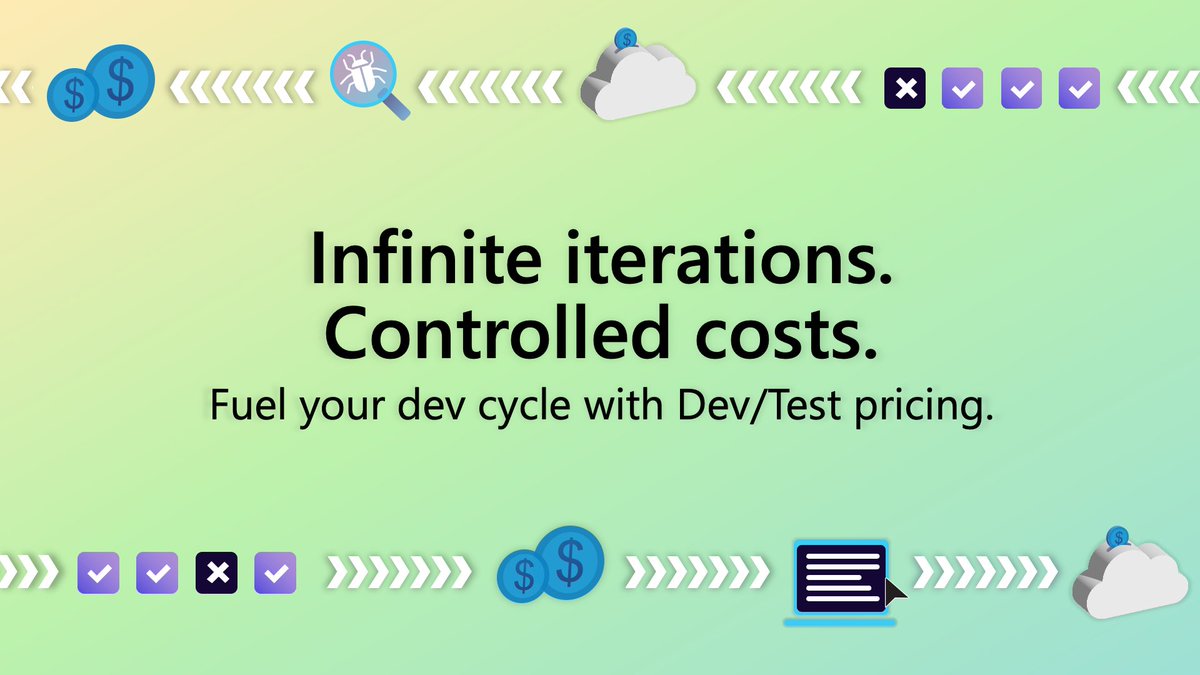
The best time to catch a bug is before your users do. Test it, break it, fix it. Azure credit + Dev/Test pricing helps make room for that: https://t.co/JwwkWPBjUS
Byte Break Friday! 🖥️ Your setup says it all. One monitor, clean and focused or every tool visible at once. Which developer are you? Drop your answer below 👇
Visual Studio Subscriptions admins: assigning the subscription isn't the last step.
Check it at https://t.co/yMbMSFvPQ1, then send the GitHub org invite.
Don't skip step two.
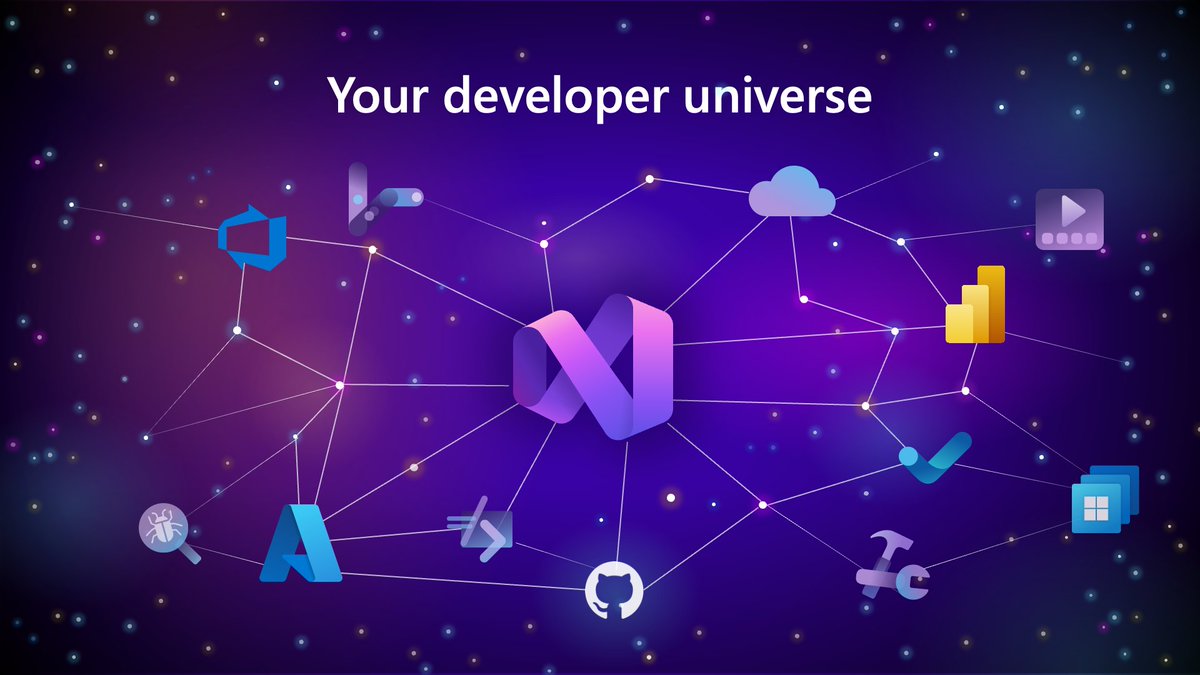
Your Visual Studio Subscription isn't just one tool. It's a whole developer universe, already in one spot.
Explore what's already yours:
https://t.co/EExwGnyz6H
How much of what you build actually lives outside Visual Studio itself?
Databases, cloud infrastructure, git workflows, and the other languages sitting alongside C# in your stack, Pluralsight can help you sharpen (cont) https://t.co/dBu0nvPp2L
You work in Visual Studio daily, but there's still more in it than you've tried.
Pluralsight has courses to help you keep exploring and learning more. Activate your Pluralsight benefit and keep learning: https://t.co/WO3Whrmvi7
Writing code with AI is one thing. Building AI into your code is another.
Pluralsight has training on both, from sharpening your day-to-day AI skills to learning how to build AI into what you ship. See what's included with your subscription: https://t.co/twS6SYgJcw
You know the drill: build the grid, wire up sorting, wire up filtering, repeat on the next project. Syncfusion helps you bypass this with ready-to-use UI components, SDKs, and more, by subscription level.
Watch to learn more, then activate:
https://t.co/7xWNBvIYbC