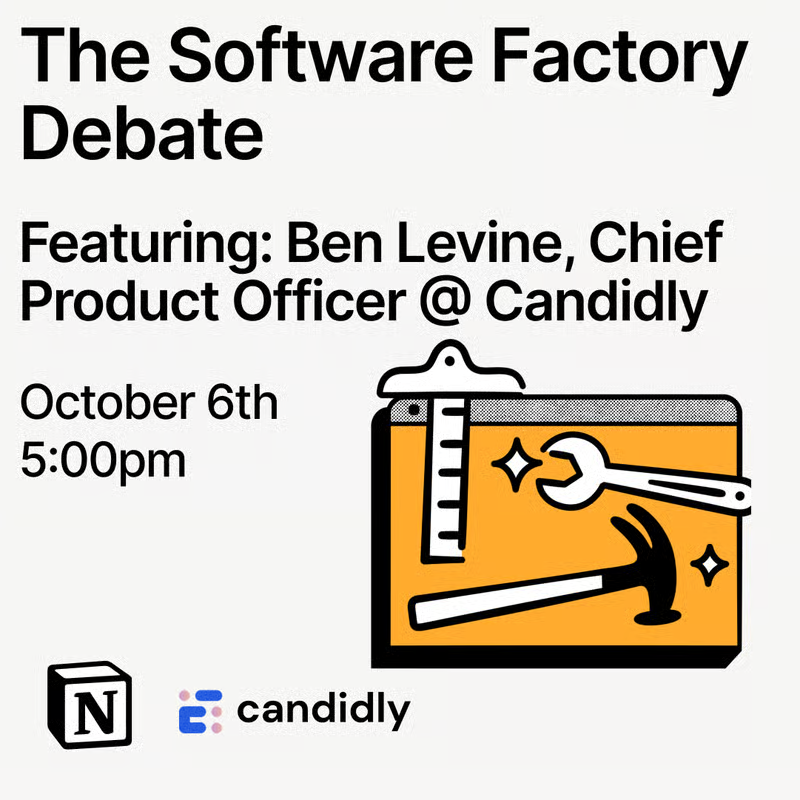
next tuesday, ben and i are going to be talking about software factories: what works and what doesn't.
if you want to see how we use them at notion, register here: https://t.co/ltEhj3TDci
@BahadirEfeoglu yes we have many! what have you been having difficulties with?
a lot of these recent ones are about notion ai specifically: https://t.co/Lr0m2CZbXn
the best part of this launch is that this api is 100% compliant with the agent skills spec
these skills are not just markdown! you can put code, reference files, images, spreadsheets, and anything else that might tailor your agents better for their task.
...which means that notion now has a new folder primitive that you can use to manage your accompanying files. this will hopefully be a useful new feature for you that you can use for skills and so much more!
a trap that a lot of products fall into is they think that accessibility features are only meant for certain groups of people and so they start considering this work as a checkbox to tick off and move on.
but i think that gets it wrong. accessibility should be about making better products for everyone!
today when i walk around the notion office, i see many of my coworkers now using high-contrast mode (myself included!), not because they are vision-impaired, but because @tamralikecamra and co sweat the details to make it beautiful for everyone.
High contrast mode is here.
Notion’s muted design can make content hard to read. So we built a new mode for anyone who needs more contrast.
Text, icons, and borders should be much easier to see. And we think it makes Notion look pretty tuff, too 🏴☠️
an aspect of notion's engineering culture that i appreciate is that we like to pay homage to great software by translating those ideas into the product in a way that everyone, not just software engineers, can use and appreciate like databases, transclusions, etc.
this one is inspired by tools used by devops and infrastructure engineers: terraform/pulumi. though it may sound unlikely, it turns out a lot of the concepts invented to manage servers apply to managing a notion workspace!
Now in beta: Notion as code.
Define an entire workspace in TypeScript: teamspaces, databases, custom agents, all of it… then deploy it through the API.
Build workspaces with coding agents, version-control your setup in git, and reproduce the same setup anywhere you need it.
this is now my most used notion ios app! this app may be one of the first of its kind:
- native swift (it's fast!)
- notion-level design
- built quite quickly with the help of coding agents
notion mobile team starting to prove that you really can have your cake and eat it too!
Meet the Notion Agents iOS app.
A voice note. A photo of a napkin sketch. A question at 11pm. All handled before you're back at your desk.
A team of agents, in your pocket.
notion started out as an editor like apple notes but now it’s much, much more powerful! it has:
- a rich block-based editor
- databases
- real-time collab with your team
- ai note taker
- ai agents
- project tracking
- wikis
- and more
if all you want is notes for yourself then apple notes is great. but if you want more, then notion might be the tool for you!
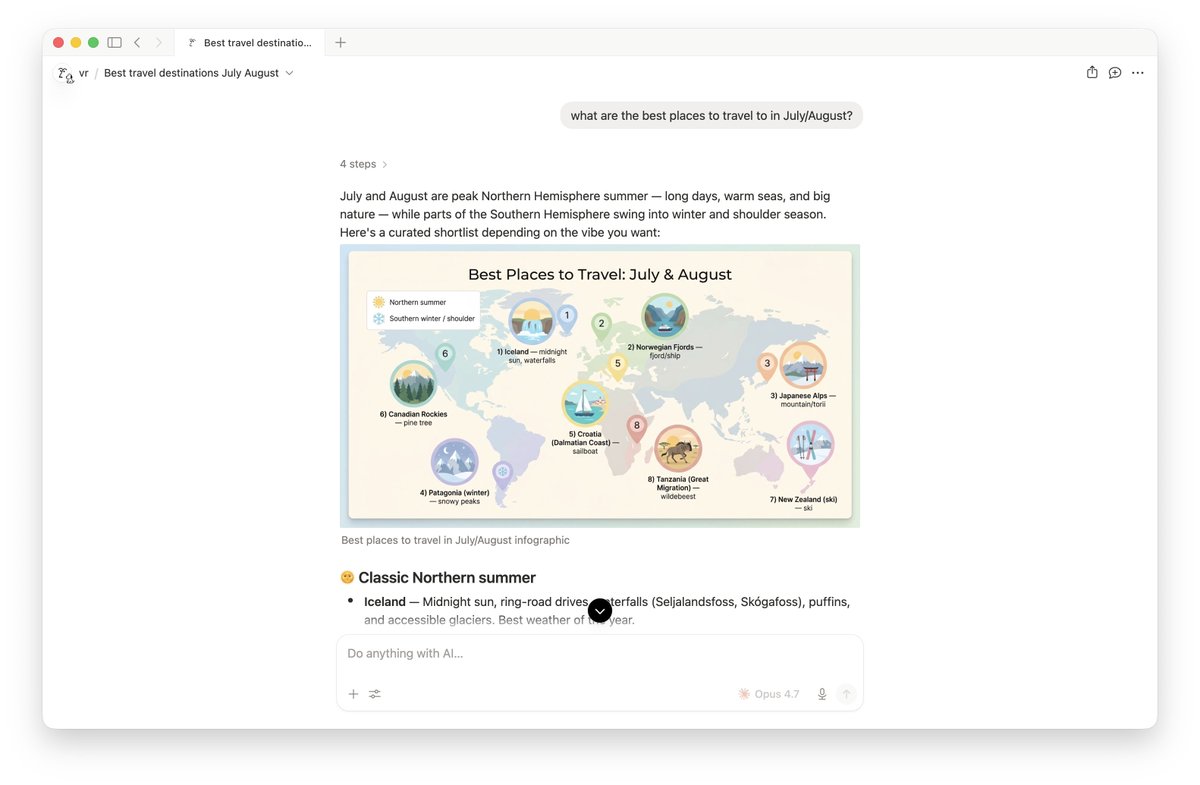
@_yschung some of the benefits i've experienced are
- easy to collaborate & share w/others
- has all the major models (inc. image models)
- easy for non-technical ppl
- organized with your workspace (no random links floating around)
- security: sandboxing, CSP, etc
- more to come 👀
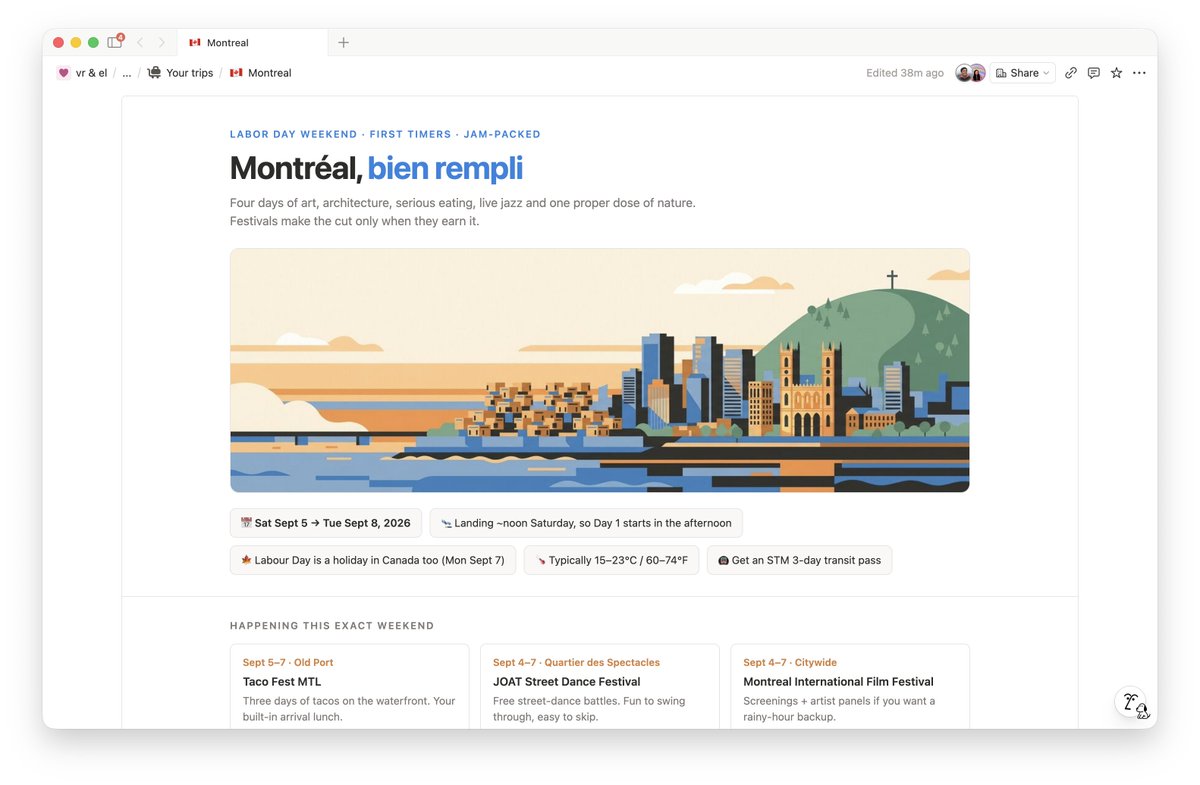
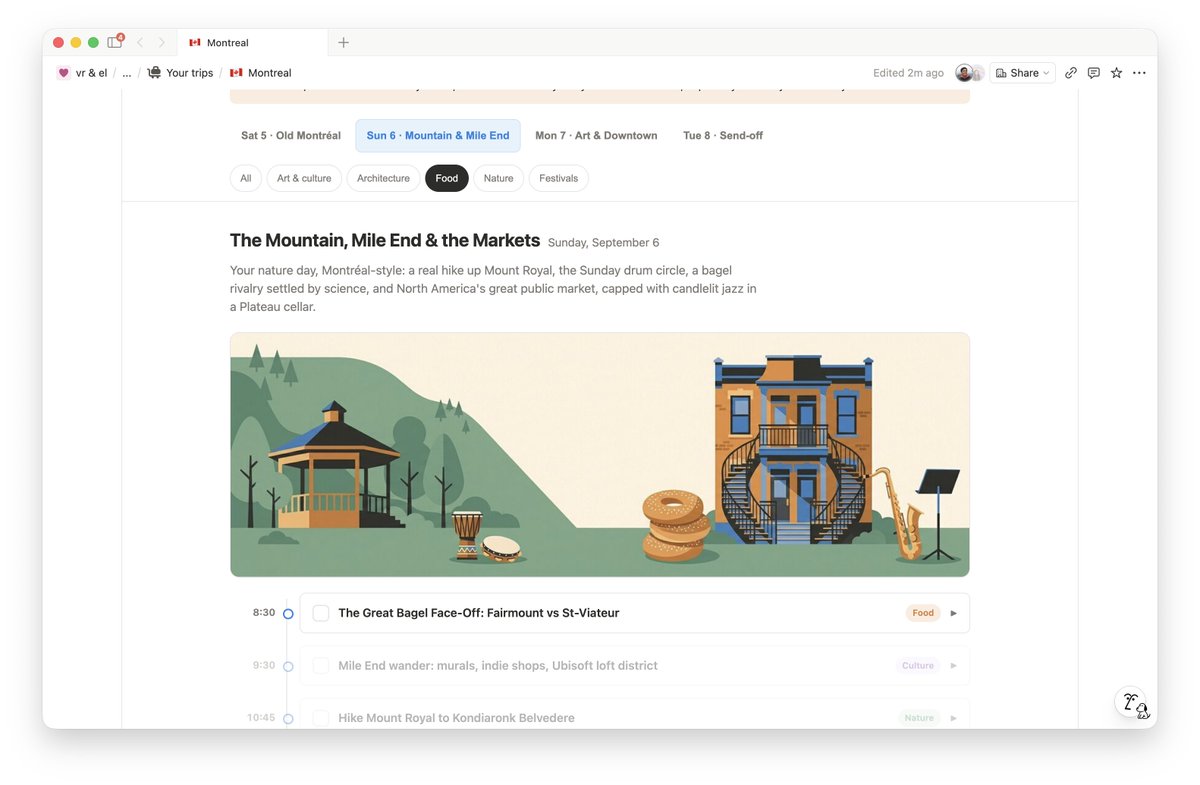
notion's new html blocks + fable have made this even better! here's an interactive itinerary for our upcoming trip to montreal. the svgs it generated are sooo good