Popular interview question: What is the difference between Process and Thread?
To better understand this question, let’s first take a look at what is a Program. A Program is an executable file containing a set of instructions and passively stored on disk. One program can have multiple processes. For example, the Chrome browser creates a different process for every single tab.
A Process means a program is in execution. When a program is loaded into the memory and becomes active, the program becomes a process. The process requires some essential resources such as registers, program counter, and stack.
A Thread is the smallest unit of execution within a process.
The following process explains the relationship between program, process, and thread.
1. The program contains a set of instructions.
2. The program is loaded into memory. It becomes one or more running processes.
3. When a process starts, it is assigned memory and resources. A process can have one or more threads. For example, in the Microsoft Word app, a thread might be responsible for spelling checking and the other thread for inserting text into the doc.
Main differences between process and thread:
🔹 Processes are usually independent, while threads exist as subsets of a process.
🔹 Each process has its own memory space. Threads that belong to the same process share the same memory.
🔹 A process is a heavyweight operation. It takes more time to create and terminate.
🔹 Context switching is more expensive between processes.
🔹 Inter-thread communication is faster for threads.
Over to you:
1). Some programming languages support coroutine. What is the difference between coroutine and thread?
2). How to list running processes in Linux?
--
Subscribe to our weekly newsletter to get a Free System Design PDF (158 pages): https://t.co/FIzCeaWsZV
I've taken a few weeks worth of course creation work which was over an hour of detailed video instruction and cut it down to 5 minutes.
Watch Step-by-step of Split-Screen Pinning with @greensock's ScrollTrigger.
Demo in thread💥 Sale Ends tonight.
https://t.co/XkHaUqJfbB
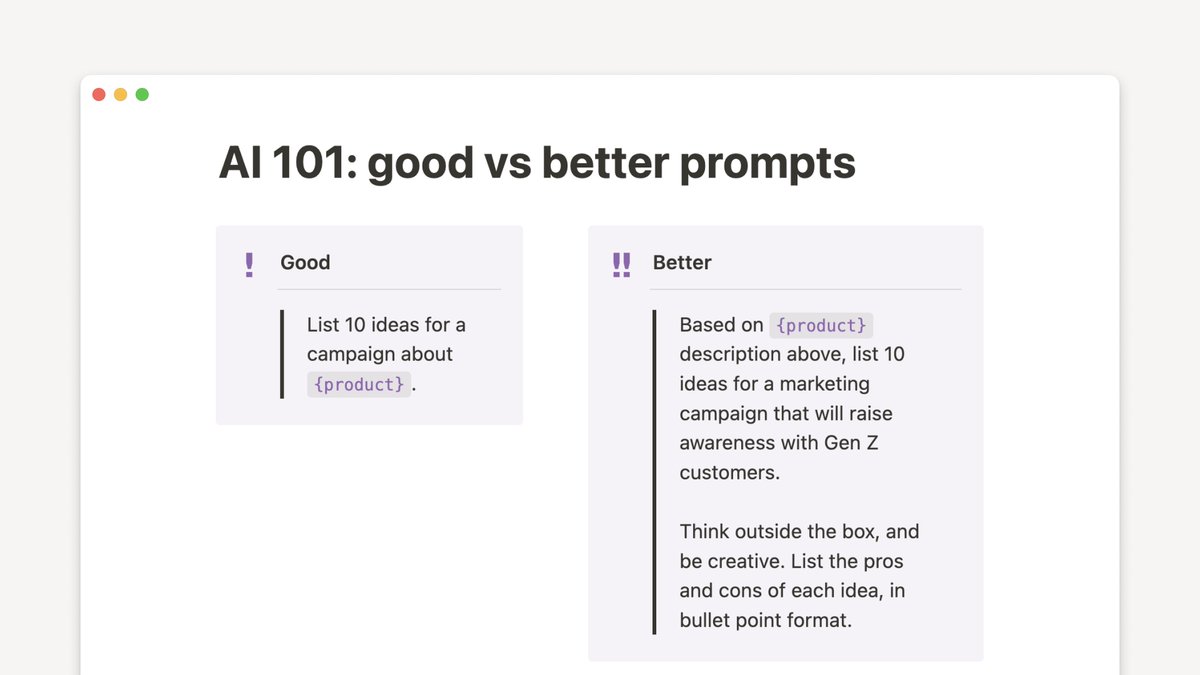
🍎 AI 101: The quality of a prompt directly informs the quality of its output.
Take your prompt from good → better!
• Be detailed. What info should AI reference? Who’s the audience?
• Think about style. Provide a voice, tone, or creative direction.
• Specify a format. Do you want your output as text, bullets, or a table?
• Go deeper. For example: ask for ideas AND pros/cons.
💥 React tip: if you have an effect that needs to be executed when your app starts, it's definitely okay to execute it *outside* the component, and *not* in useEffect().
This is especially true if the effect should only execute once, which is an unavoidable constraint sometimes.
Our next major version, React 18, is available as a Release Candidate. If you’d like to help us prepare for the stable release, follow this upgrade guide and let us know if you find any issues! https://t.co/PrgSEgNq3L
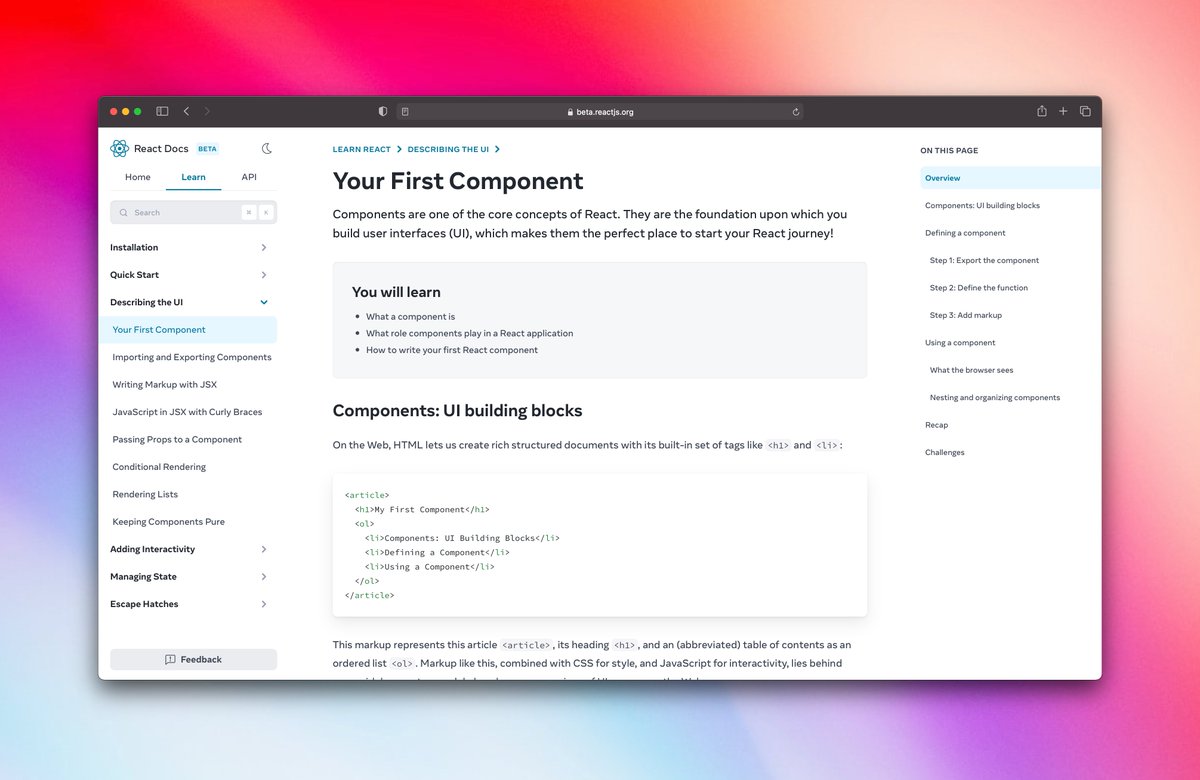
The new React docs are out!
Well-written and practical, complete with interactive examples, diagrams, and more. Plus, they teach Hooks first.
Give them a read and provide feedback: https://t.co/Z6HM1EZvrt
Science is discovering the essential truths about what exists in the Universe, engineering is about creating things that never existed
https://t.co/aIEUtHoPxM