Gemini 3.7 Flash is now available in Shuffle. ⚡
The latest Google model is live across Editor, Multi-AI Designer, and CLI.
Made for speed. Driven by creativity. 👨🎨
The fastest path to your new frontend with Shuffle
1/3. Start with Multi-AI Designer
Describe what you want, and instantly explore multiple design concepts. Compare different directions from Claude, GPT, Gemini, and refine your favorite.
A fun way to learn Shuffle Editor and see its AI capabilities in action.
🔥 Landing Page Roast 🔥
❶ Drop your URL
❷ Get a UX + conversion-focused roast
❸ Receive redesign focused on improvements
Customize in Shuffle & get code in your favorite tech!
🔗 Link in reply
Gemini 3.5 Flash is insanely fast. ⚡
This video isn't sped up.
Google's newest model is now available across all Shuffle tools:
• Shuffle Editor
• Multi-AI Designer
• CLI
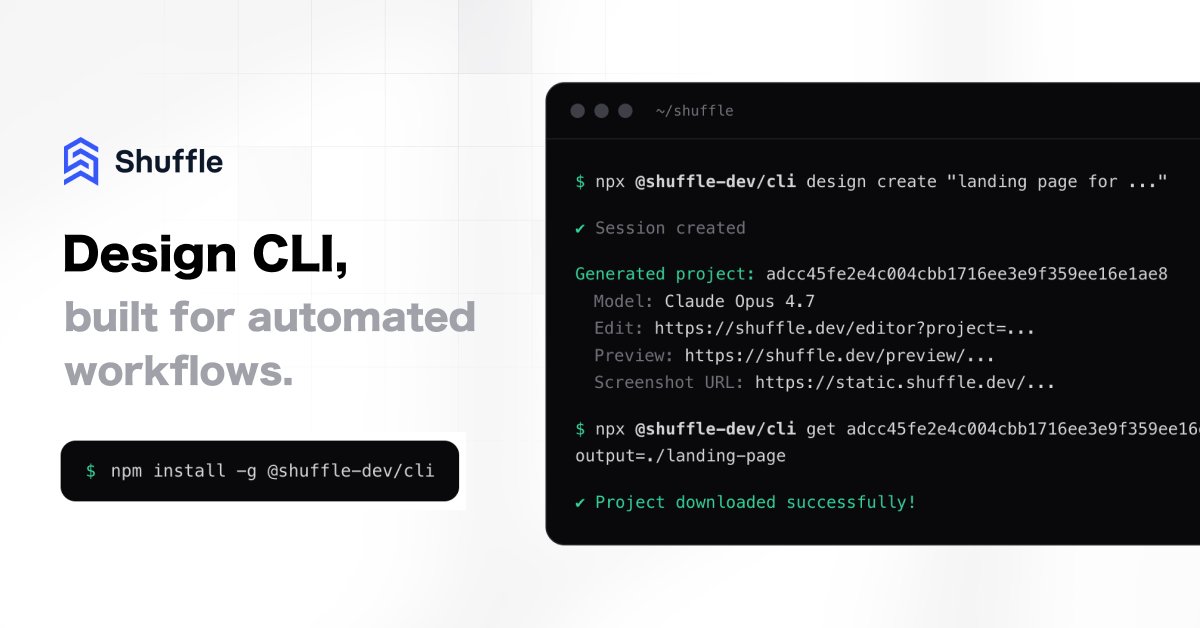
Shuffle CLI with AI design & redesign is officially here.
It brings Shuffle's Multi-AI Designer directly to your terminal (🤖 Claude Opus, GPT, Gemini, Kimi).
💡 See examples & code below:
> Design Slack Bot
> Automated personalized web design outreach
@sama@benhylak At Shuffle, our users create hundreds of designs daily using the same prompt across top models, and GPT-5.5 delivers the best results in 80% of cases.
The one downside is speed (slow to start). But overall, great work!
https://t.co/TWfQMNzoYR
Claude Opus 4.7 is live and is now available in Shuffle!
Try it in Shuffle Editor, or in Multi-AI Designer alongside leading models from other providers.
Links below. 👇
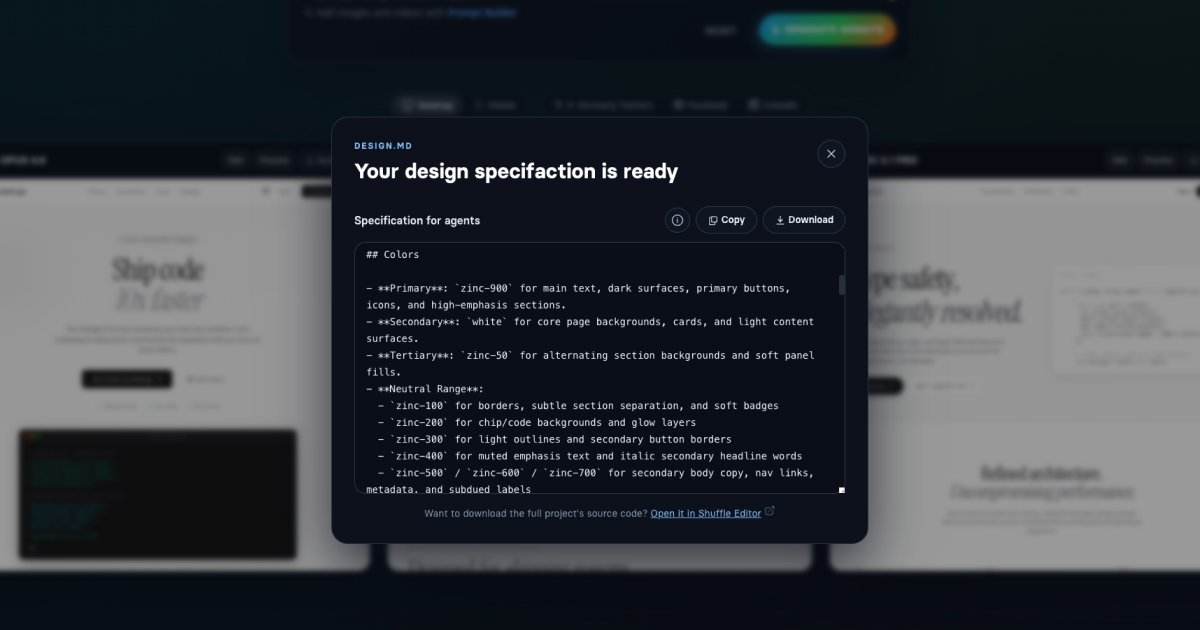
📣 Every project created in Multi-AI Designer now comes with a design.md file.
Add it to your project, and let the coding agent:
✅ Build brand-new websites based on the design direction.
✅ Or apply the same design to existing projects.
Link below. 👇
AI Website Redesign extensions are now live on Chrome and Firefox. 🚀
Just write a prompt and instantly redesign any site using top AI models side by side.
Especially helpful for:
✅ Local websites
✅ Auth-protected sites
Check out the links below 👇
Simple hack to land more website redesign clients:
❶ Find outdated sites
❷ Create 4 redesign concepts using this tool 👇
❸ Show, don't tell. Pitch redesign + build
❹ Keep the offer simple with a clear next step
Proof > promises.
https://t.co/9tdTt21RR9
Building UIs couldn't be easier. Could it?
🆕 Prompt Builder in the Multi-AI View 🆕
❶ Choose from a range of presets for styles, typography, and colors to shape the overall look.
❷ Dive into each section. Add images or videos and stack eye-catching visual effects. 😎
Huge thanks to everyone who upvoted Shuffle’s Multi-AI View on @ProductHunt yesterday! 🤝
Haven’t tried it yet? Link in the next post. 👀
For those who did, here's a quick guide to editing AI-generated projects in Shuffle.
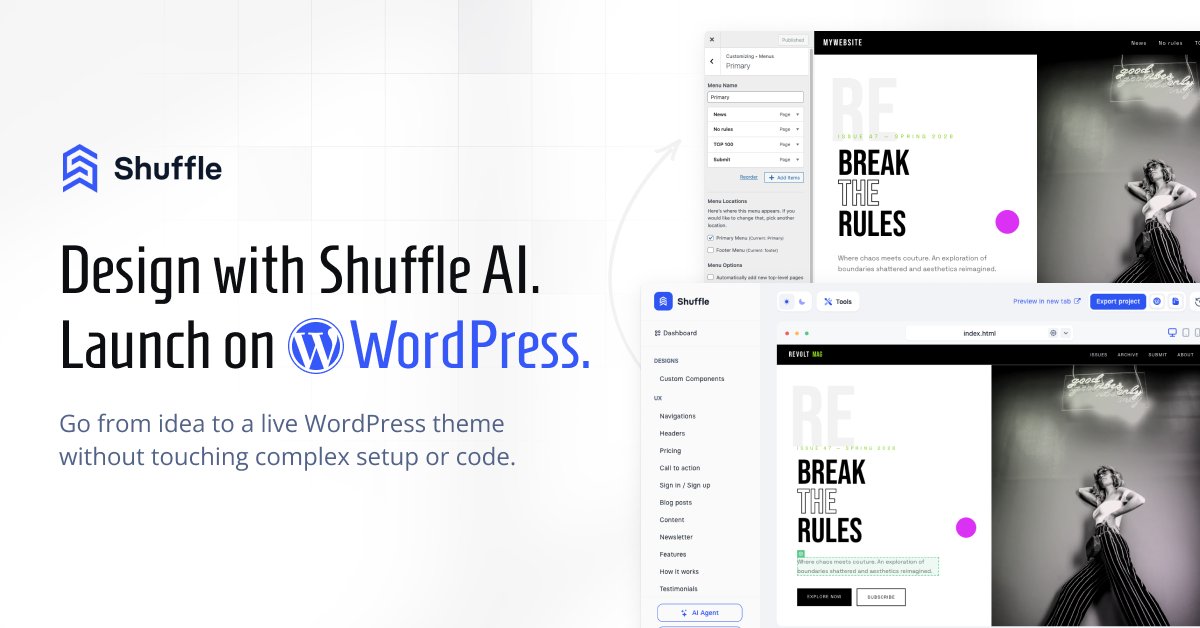
WordPress themes are one of the most popular export formats in Shuffle. 🔝
Have you tried it yet?
❶ Create Your Design with AI to get started
❷ Fine-tune it visually
❸ Convert it into a WordPress theme
Now also available in the redesign mode!
👉 https://t.co/rfZdPhVMde
🚀 Start your next website from scratch with Shuffle!
Just describe your idea, watch leading AI models generate your design, and fine-tune it visually or with AI.
Export to Next.js, Laravel, WordPress & more.
Watch how it works. 👇
A new design mode just dropped in multi-AI view in Shuffle.
◻️ Paste a URL and describe the desired style
◻️ Watch multiple AI models redesign it side by side
◻️ Pick your favorite and visually customize it in Shuffle
✅ Be happy
Try it on your website! (link below)
💡 When the prompt doesn't include stylistic direction, each model defaults to its own "design bias".
• Opus: Gravitates toward orange-heavy palettes.
• GPT: Defaults to enterprise-leaning aesthetic.
• Gemini: Prefers BIG fonts.
• Kimi: frequently mirrors Opus-style outputs.
What design bias are you seeing in your tests? 🧐