The 3 kinds data any personal AI assistant should take advantage of to understand us as human more comprehensively
https://t.co/UHQSS6nHvb
Follow me on substack
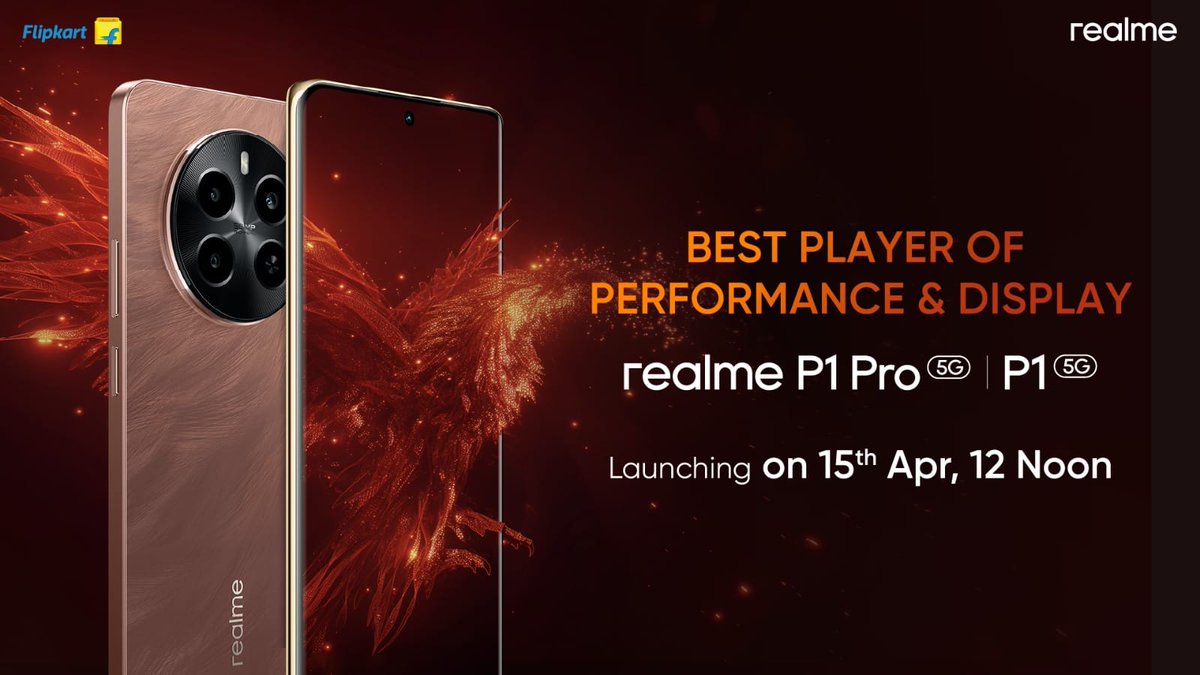
#realmeP1SeriesLaunchOn15th is set to revolutionize the smartphone game with its launch on April 15th With cutting-edge features, stunning design, and lightning-fast performance, get ready to upgrade your mobile experience.💥 Stay tuned for more updates...📱
Introducing Udio, an app for music creation and sharing that allows you to generate amazing music in your favorite styles with intuitive and powerful text-prompting.
1/11
Thanks for the tutorial!
Tbh, it's been a while since Lora and all the AI image stuff came out. The same-style consistency problem has not yet been fully resolved ???
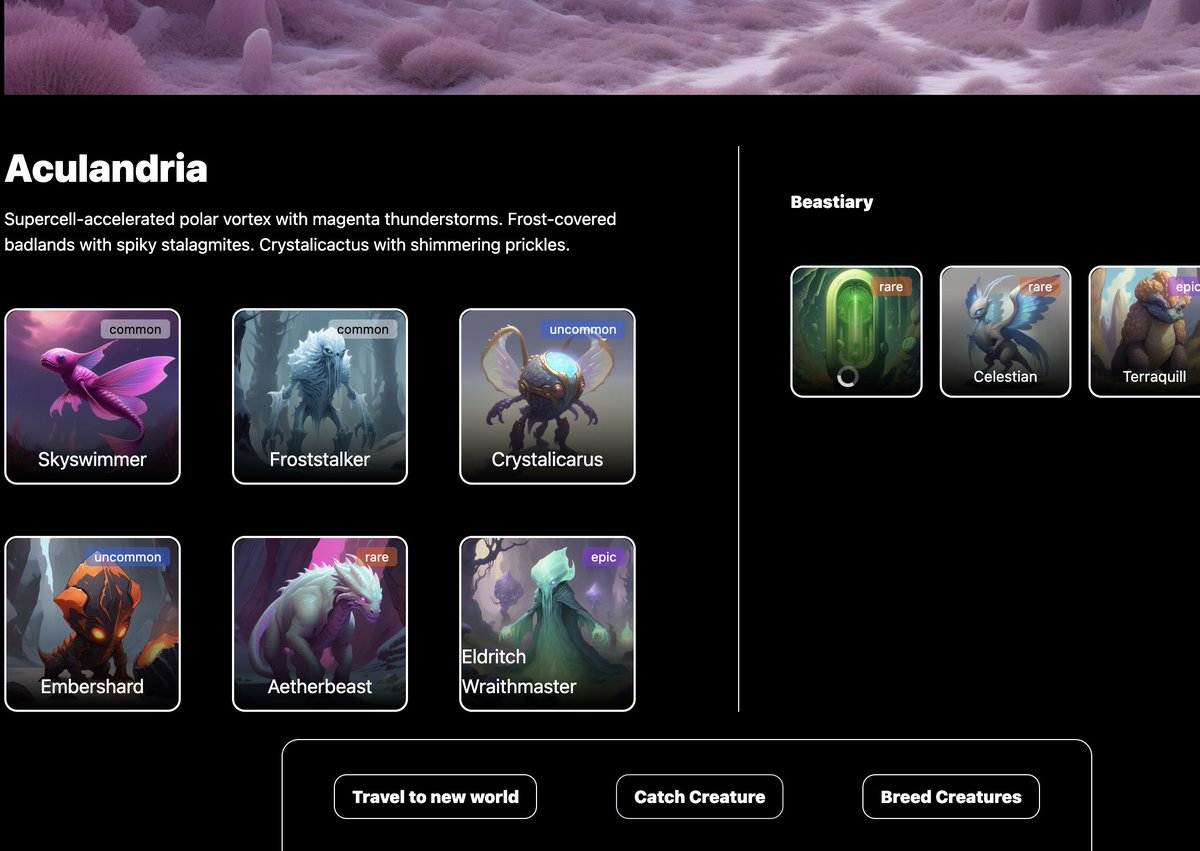
I built a very simple demo for an alien creature merging/breeding game with infinitely varied and never-ending content using Scenario and a strongly typed LLM function framework that we’re tinkering with at Banana.
Key steps in thread below, as well as the link to try it.
🧵👇
@Kenyon_Brown Interested but also a bit confused......
🦙 What problems are you solving?
🧉 How do CreatorCommerce solve the problem?
🧱 Who are your customers?
@levelsio Can't agree with 100%
Brand matters a lot even in B2B Saas.
We adopt a new software, thus a new way of work because we believe in its design taste, philosophy and vision.
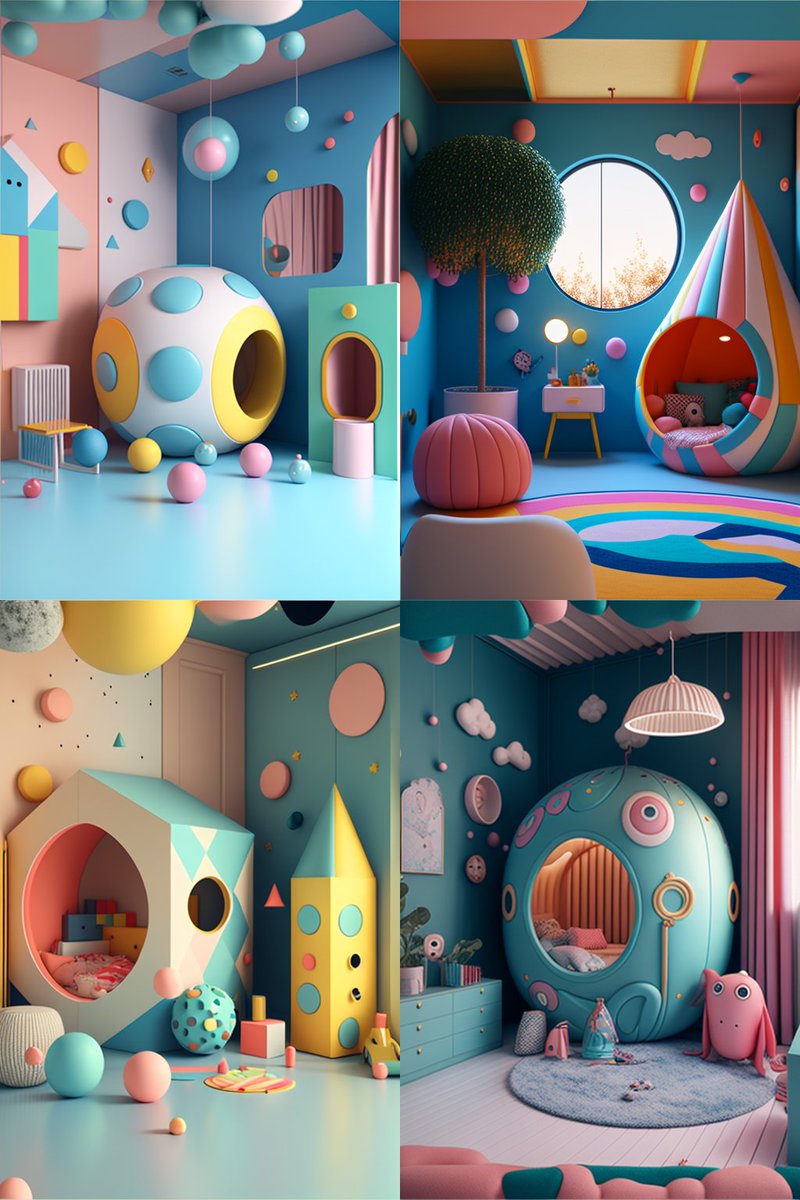
🎥Making a Storytelling and Cinematic Stack, Part 2, Style exploration
Last week I talked about creating a storyboard by sorting the images. You can easily do that by importing your Midjourney images into @FabrieDesign and the images will line up beautifully on its whiteboard.
🎥Making a Storytelling and Cinematic Stack🎬
I was asked to share my workflow for creating a storytelling and cinematic stack of images.
The workflow is very simple:-
1. Generate the images. Use the style tuner and apply the style code to make the style and tones of the images consistent;
2. Create a storyboard - this is the most important part and I use a very handy app @FabrieDesign to help me. Fabrie is a powerful tool but the most relevant feature to my workflow is their whiteboard workspace where I can import all Midjourney images and prompts with 1 click. I can arrange and move the images on the whiteboard as I like;
3. Stack the chosen images and tell your story through the title and text
You can see from my storyboard at Fabrie that I sort my images into different categories and from that I can easily choose which images fit the story in my head. See a short video in the reply for a simple tutorial of Fabrie and my referral link.
I would be interested in hearing your workflow. Please share and learn together!
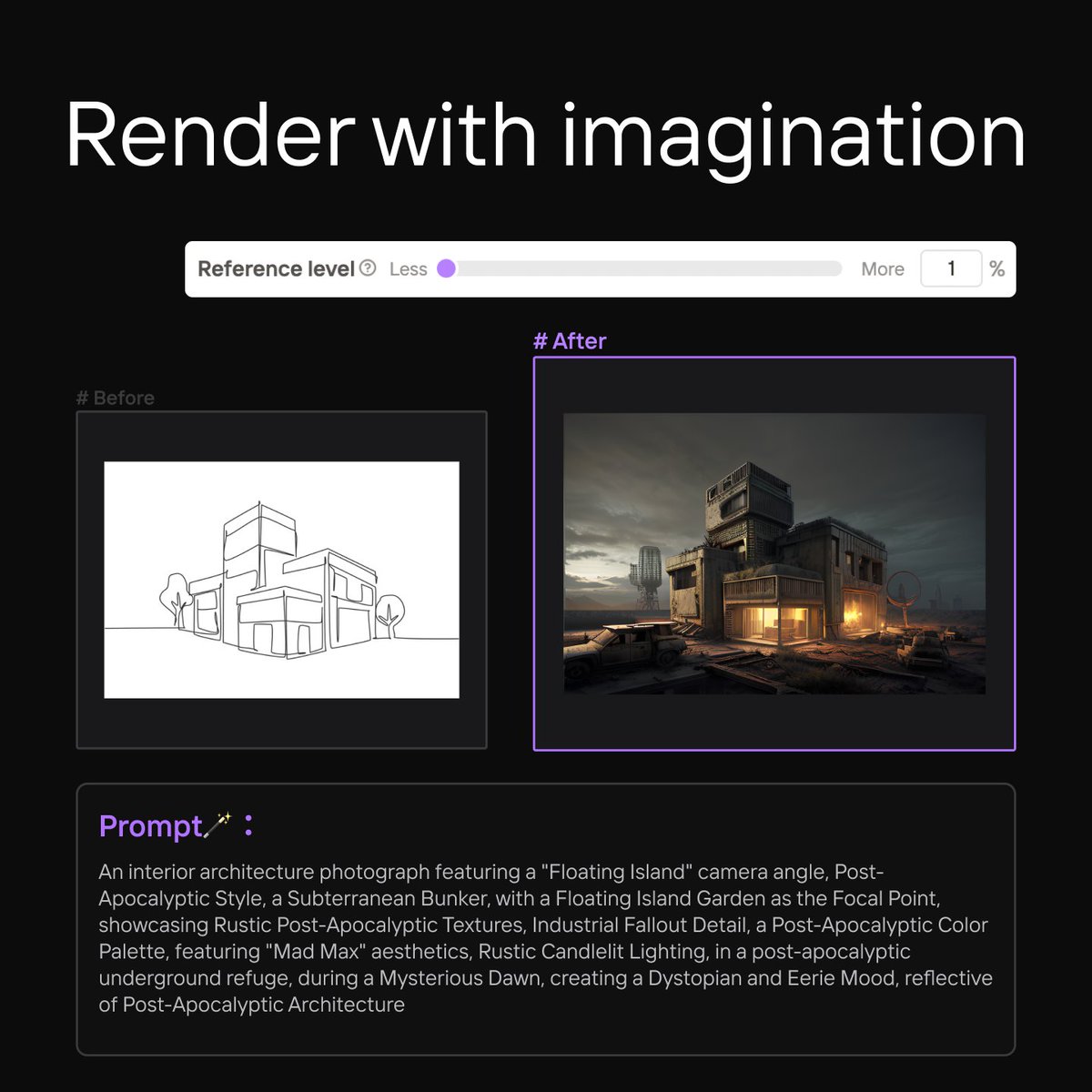
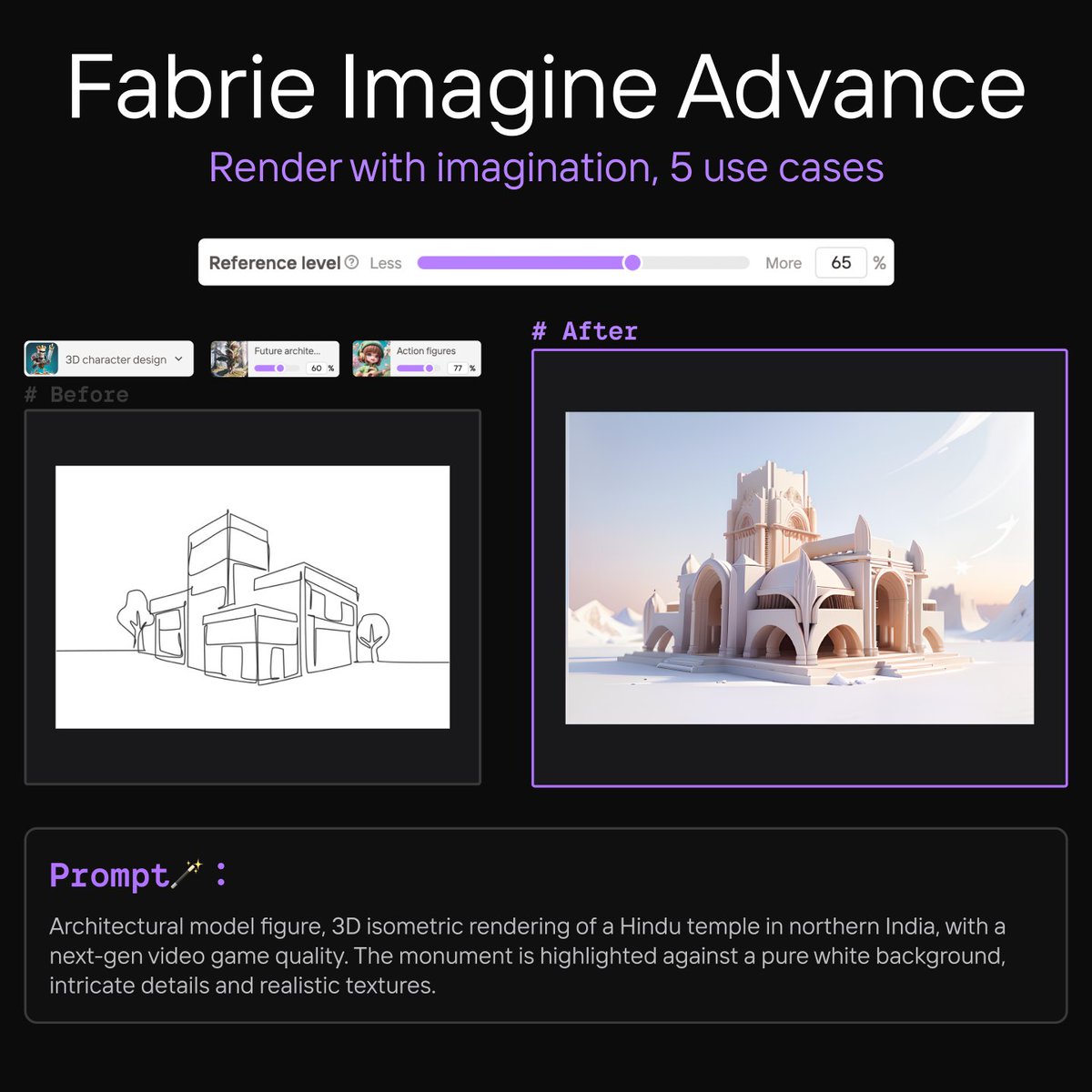
With AI, rendering becomes a creative process. Our experience from the past during the ideation stage may no longer apply.
Sign up and try for free
(no credit card, unlimited AI credits)
https://t.co/XN27dY9vo8
See it in action
https://t.co/hztodHJKf1