Quick Linux tip:
When you need to create several directories at once, you don’t have to do it one by one.
The mkdir command supports brace expansion, letting you create multiple nested directories in a single go.
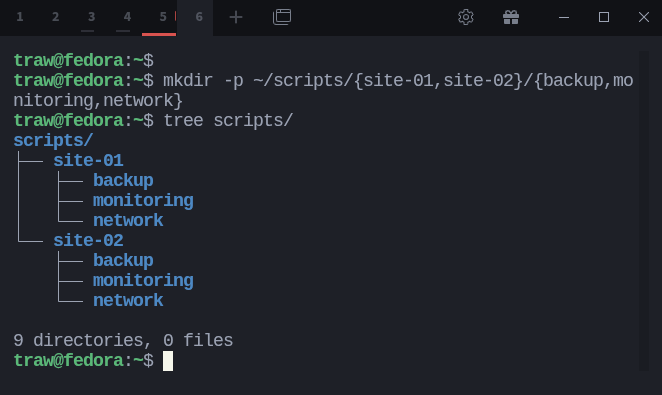
$ mkdir -p ~/scripts/{site-01,site-02}/{backup,monitoring,network}
This instantly creates folders for two sites, each with its own backup, monitoring, and network directories.
A neat way to save time and keep your directory structure organized.