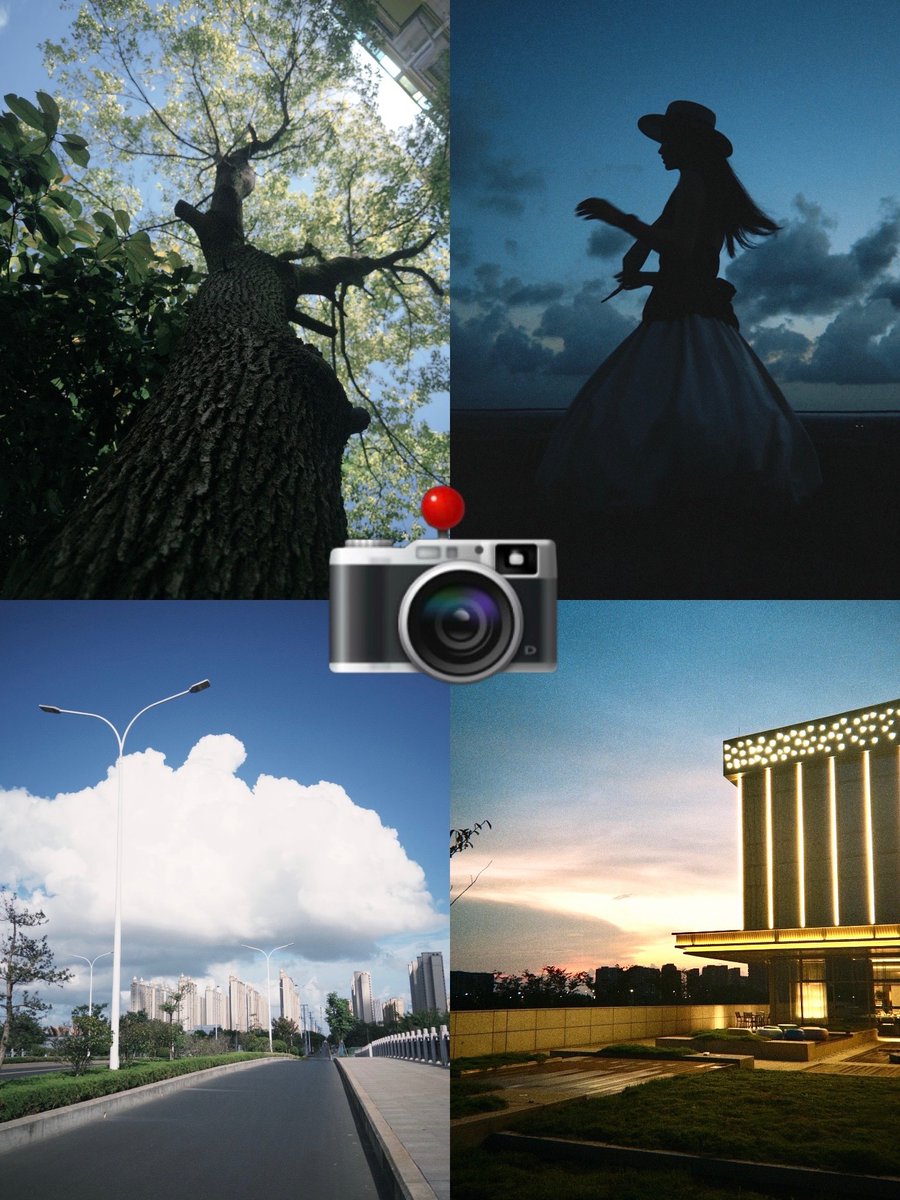
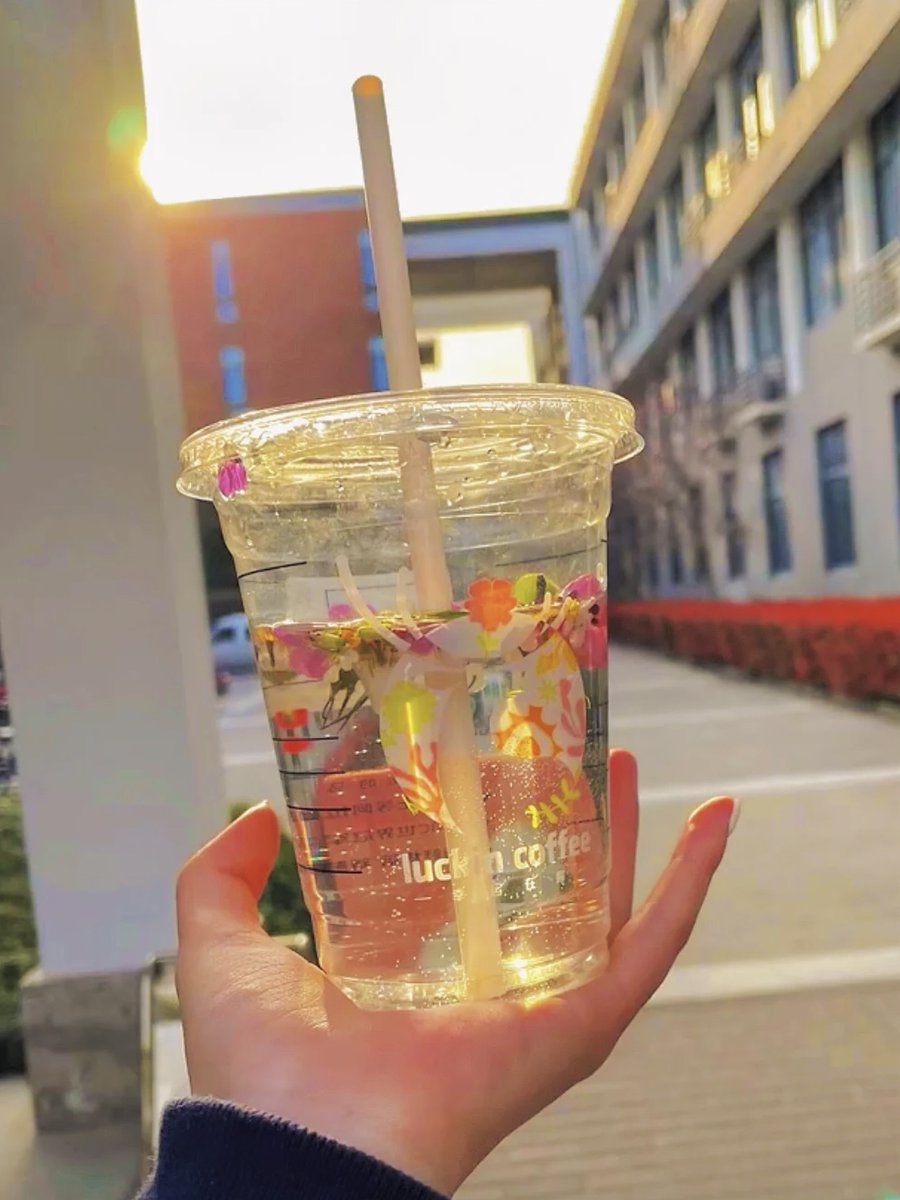
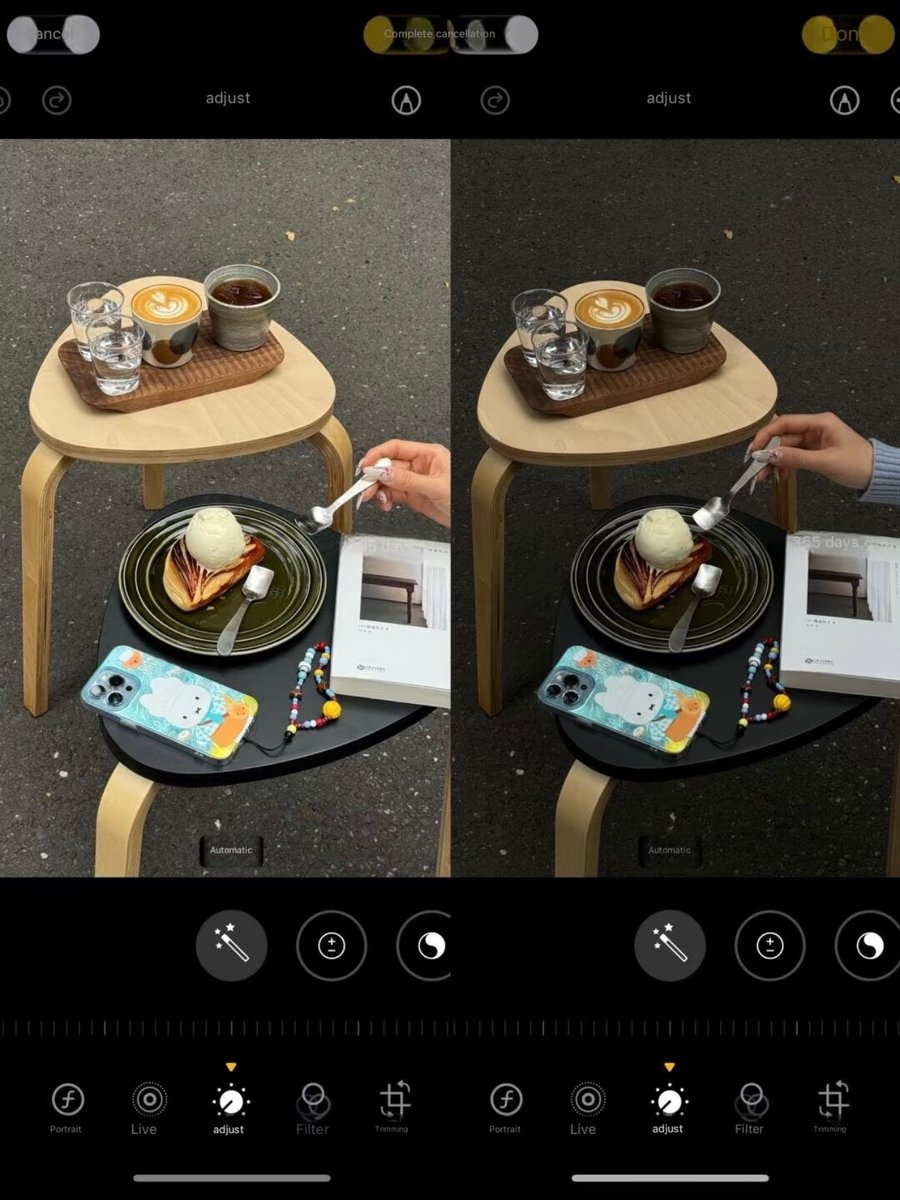
how to adjust this dark food exploration filter!! Dark-themed cafes, cakes, restaurants, welcome in!!
📱iPhone original camera editing
✅Zoom: 2.5x - 3.5x
•Exposure: -5
•Sharpness: -25
•Highlights: -10
•Contrast: +15
•Black Point: +3
•Saturation: +25
•Clarity: +5
✅After adjusting a photo, click the top-right corner "Copy Edit Points"
✅Copy to other photos and you're all set
sharing the dark tone filter for my cafe visit that everyone's been asking about!
📱: iPhone Photo Edit Settings
• Exposure -28
• Brilliance -18
• Highlights -17
• Shadows -16
• Contrast +10
• Brightness -6
• Natural Saturation -18
• Sharpness +40
• Definition +9
Tips:
✅When taking pics, just lower the exposure and zoom in a bit
✅Feel free to tweak these settings based on your photo's vibe
that “i’m all cried out, i’m all tired out, i’m all fired out. right now it’s killing me cause now i have to find someone else when all i wanted was you.” always makes me TEAR TF UP 😩