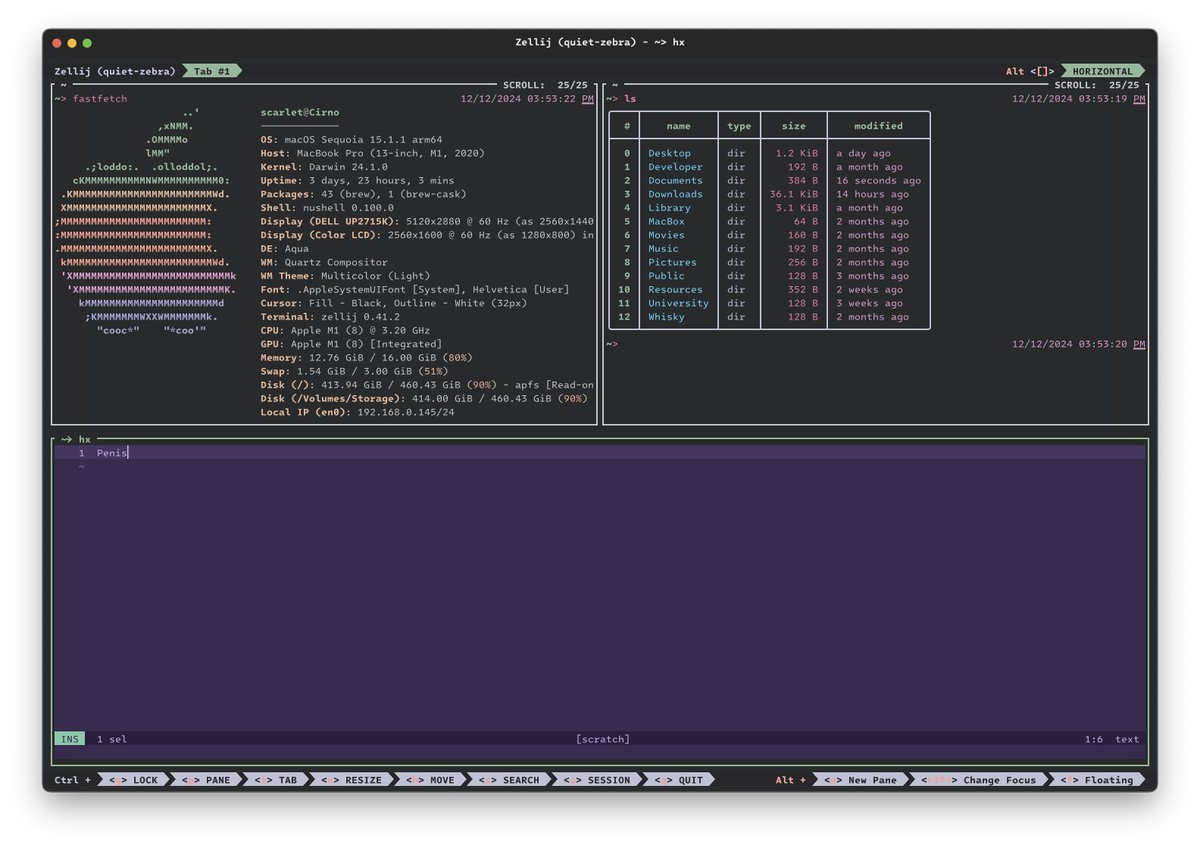
Hi everyone, we will no longer be posting from this account.
For release updates, tips and lame jokes you can follow us on:
mastodon: https://t.co/iqvX9FmgFw
bluskey: https://t.co/YtYMBQxWsK
@thdxr@fordnotferrari With a dedicated Zellij plugin.
You can click on each of these to open its interactive terminal.
You can control their flow interactively, save previous sequences, re-run, etc.
UI still needs some work, but I'll publish this soon.
@dpc_pw Hi dpc. Sorry to hear you're having trouble with screen space. I have a compact UI for those who prefer it, which you can read about here:
https://t.co/T8lrs6tmMC
There are some simple copy+paste layout examples to save you from 400 lines of config
https://t.co/eo8v5D87nx
@twopSK@homerow_app I honestly have no idea what this is, but if you built a plugin or a config that you think someone else may find useful, please feel free to open a PR adding it to the awesome-zellij repo. Or just check it out, lots of great plugins!
https://t.co/0ThjJxrqwT
Productivity tip: define a layout with the panes you _always_ use when working on a project.
`zellij --layout run-layout.kdl` and you're then ready to work!
Faster than creating a new tab, creating each pane, getting command from historys, etc. Easier for contributors, too!
Did you know the zellij community wrote dozens of plugins that can improve your terminal workspace? 😊 We (try to) keep track here and also collect resources, useful scripts and tutorial in the repo:
https://t.co/0ThjJxqSHl
Wake up, a new screencast just dropped showing you how to develop a plugin using #rustlang!
Learn to compile a wasm blob, create a UI and everything else you need to make your terminal dreams come true >>>
https://t.co/fV7cSS0NuC
This ✨ holiday season ✨ we offer no special discounts or Premium sales because Zellij will always be free!
However, if you want to help your favorite terminal workspace, please consider sponsoring. As a bonus you can receive some awesome stickers! >>>
https://t.co/uohUMPldAB
Stop wasting time traversing through your filesystem manually! Learn how to use my filepicker, a built-in plugin that will allow you to dynamically traverse your filesystem >>>
https://t.co/j506u6tWM5
Sure!
I got some exciting tutorials and screencasts covering basic functionality, creating and using layouts, session management and more.
https://t.co/7k40SjtS0z
You can also check out the awesome-zellij github repo, which lists plugins and how to get user support.