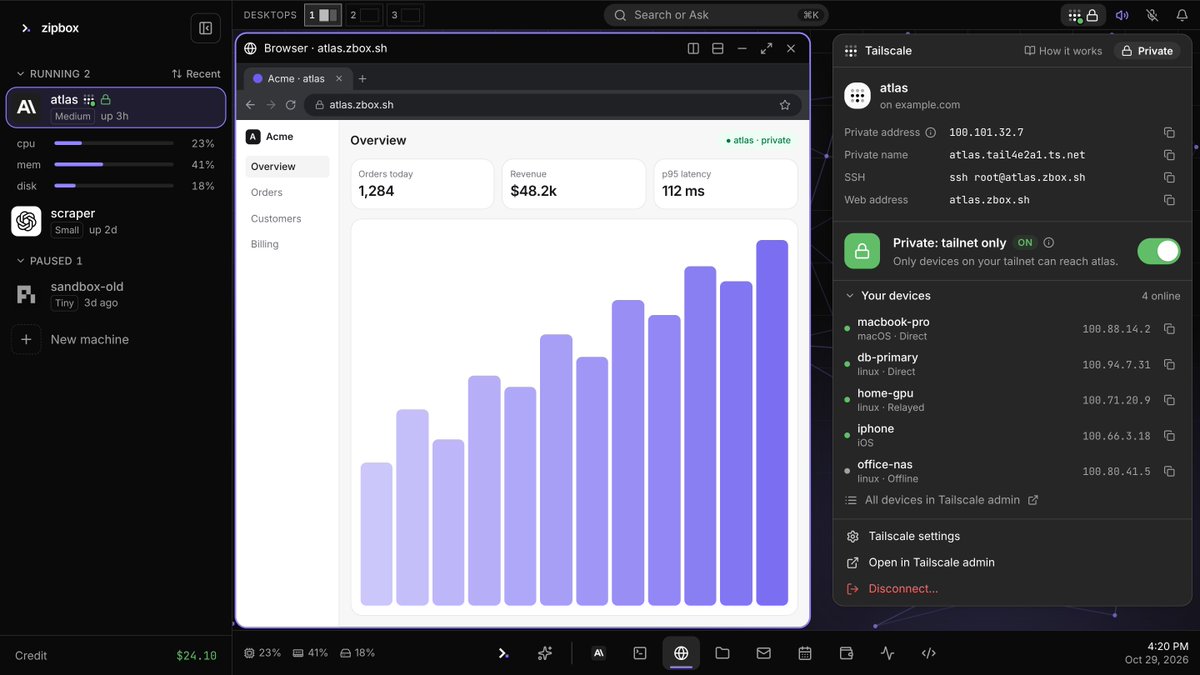
the @Zipbox_ onboarding is incredibly polished and smooth. signup + private devbox on tailnet in < 2 mins, with a pi console open, nothing to configure, repo cloned and ready to go.
Pick your agent. Add a one-time Tailscale key. Choose “Start private.” Boot.
Your agent gets its own computer. You keep it on your network.
Try native @Tailscale on Zipbox → https://t.co/nVIZmcDpMt
Your AI agent just joined your tailnet.
@Tailscale is now native in @Zipbox_.
Give your agent a cloud computer on your private network. Let it reach your services. Keep its desktop, terminal and apps off the public internet.
Your cloud computer. Your network.
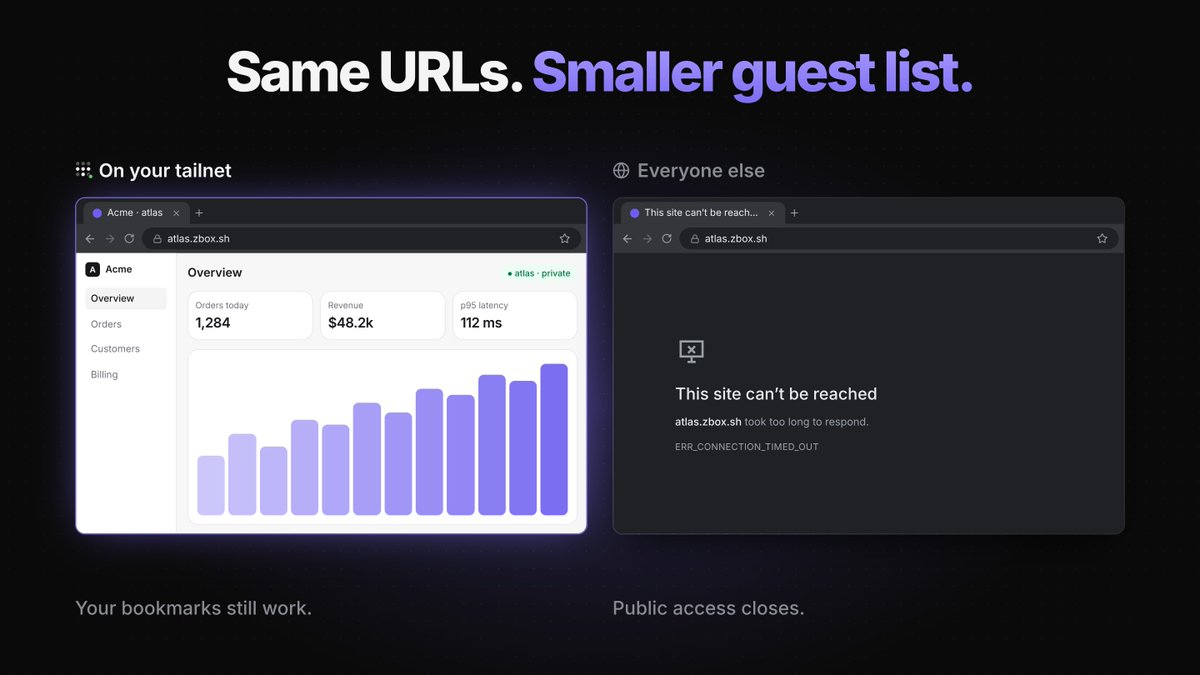
Same URLs. Smaller guest list.
Turn on Private mode and your box’s desktop, terminal, IDE, previews and SSH become tailnet-only.
Your bookmarks still work. Public access closes.
You can also start a box private from the beginning.
(4/4) Prefer a terminal? Meet the zipbox CLI.
Run commands, transfer files, open a shell, publish previews and read logs. Add --json for scripts and CI.
Less clicking. More scripting.
Get started with the API, SDKs, MCP and CLI:
https://t.co/1JGE4sTbqn
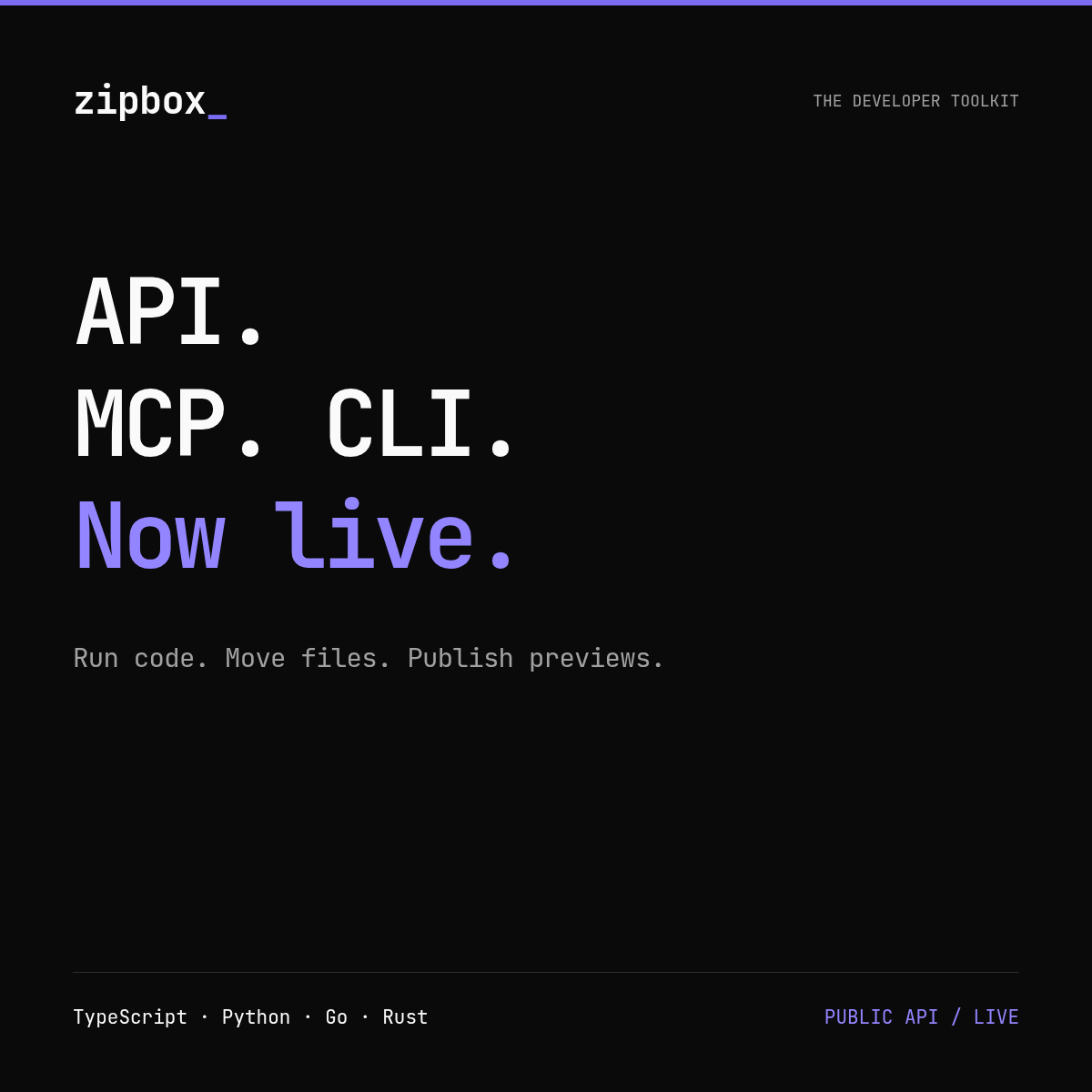
(1/4) The Zipbox API is live. MCP and CLI included.
Create and manage boxes, run code, stream output, move files, and publish HTTPS previews.
TypeScript, Python, Go, and Rust. Pick your flavor.
(3/4) MCP, with actual tools.
Connect Claude, Codex or Cursor to create boxes, execute commands, clone repos, edit files and grab preview URLs.
Hosted MCP with OAuth, or stdio through the CLI. Even the docs are searchable tools.
@alexsantos Thanks for trying us out. Cloudflare blocks a bunch of data centers’ IPs. That’s why you hit all those snags.
One thing you can try is installing Tailscale on your sandbox and setting up your own desktop/laptop as an exit node. That should get you through.
Dear @openclaw and @NousResearch Hermes users,
Stop buying Mac minis. Give your agent its own computer, inbox and browser, and it never sees your keys.
- @Zipbox_