SVP Product @Otter_ai, your AI meeting assistant. Transcribes meetings. Summarizes key points. Now get answers & draft follow-ups with Otter AI Chat • MIT alum
2025 was extraordinary. 🚀
@otter_ai crossed $100M ARR and launched industry-first AI Meeting Agents - powered by our team of 200+ and trusted by 35M+ customers worldwide. We're building the corporate knowledge base that turns every conversation into actionable intelligence, and have already delivered over $1B in ROI for enterprises.
The best part? We're just getting started.⚡️
https://t.co/pwxgUDVzaG
We're excited to announce major new capabilities designed specifically for enterprise teams! 🚀
Introducing six innovative features that will unlock the full potential of enterprise conversations while maintaining the security and flexibility they require:
🔗 Custom Integrations via Public API
🤖 Advanced Agentic AI Chat
🔄 AI-to-AI Connectivity with MCP Server
🔒 Enterprise-Grade Security
✍️ Tailored Meeting Summaries
💻 Native Desktop App
Read the full announcement 🎉: https://t.co/J0JIQs6ss0
Want to save a whole month of time each year? ⏳ Otter’s new report breaks down how AI can seriously boost your productivity by taking tasks off your plate.
https://t.co/IqUEdnIVdw
#AI#Productivity#OtterAI#WorkSmarter
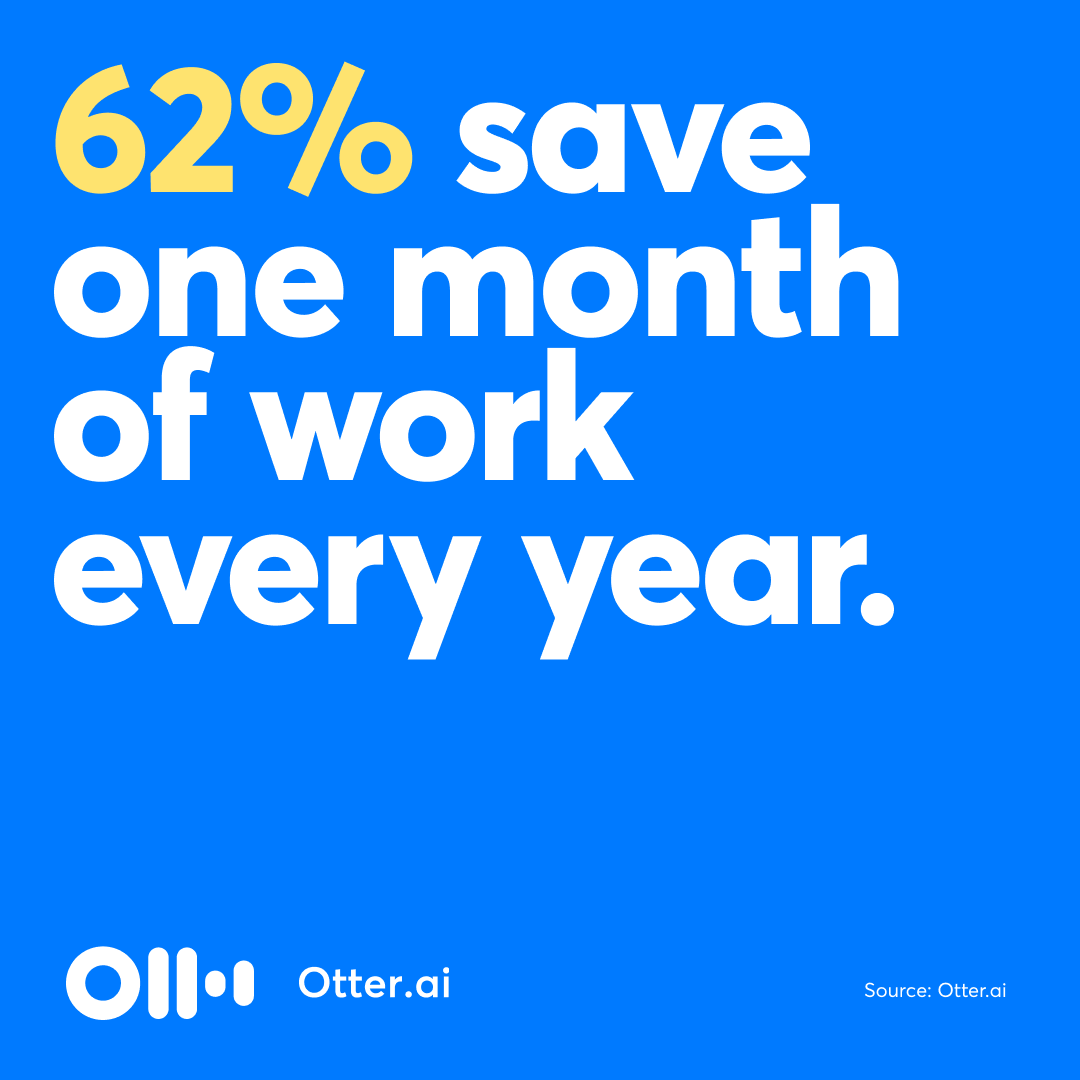
New findings 🚀: 62% of professionals using Otter are saving over a month 🗓️ of work every year using their AI meeting assistant!
Learn more about how Otter can save you time: https://t.co/0l6MAnTiSY
@annalise_frank@otter_ai Hi Annalise, would you please check again? Looks like your Otter mobile app recorded the full 61 minutes on device (as expected whenever there's poor connection), and then uploaded for transcription automatically as soon as your phone was connected to network later that evening.
Introducing Meeting GenAI ✨
Say goodbye to lost insights and hello to this game-changing suite of AI features that unlock the hidden value of your team's meetings.
Check it out: https://t.co/GpmDaAHu8N
Introducing Meeting GenAI ✨
Say goodbye to lost insights and hello to this game-changing suite of AI features that unlock the hidden value of your team's meetings.
Check it out: https://t.co/GpmDaAHu8N
The all-new Otter app for Slack gives teams the ability to streamline meeting communication with automated meeting insights from Otter into @SlackHQ.
Learn more: https://t.co/Lxoq3tEpEr
⚡⚡INTRODUCING OTTER AI CHAT ⚡⚡
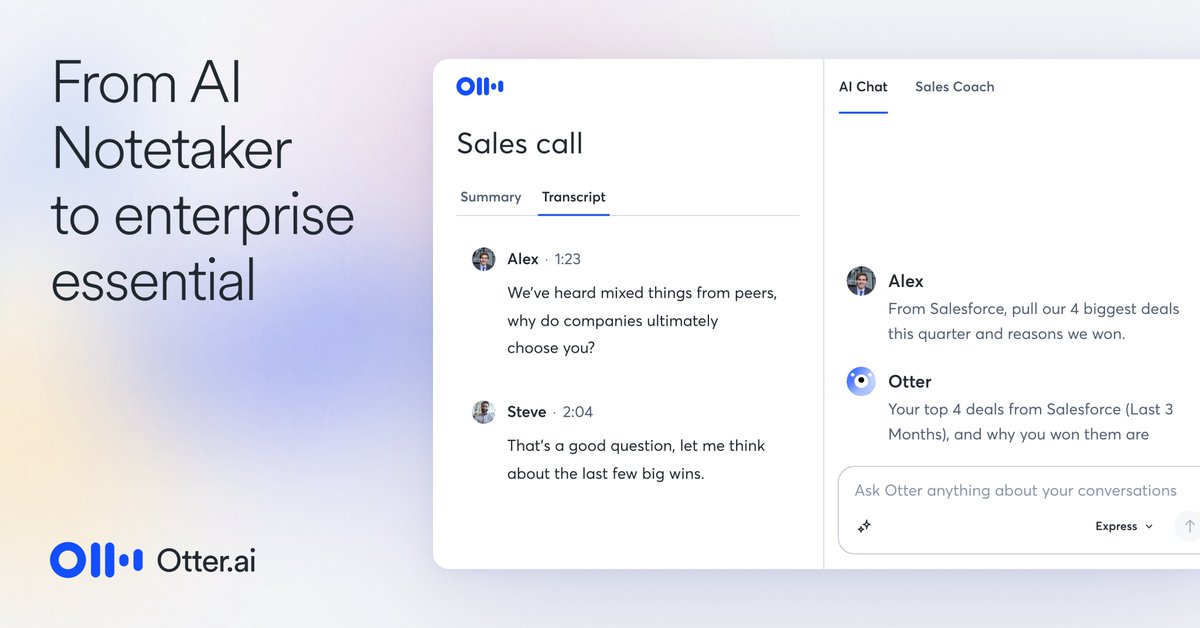
We’re excited for you to check out the new Otter AI Chat. Now you and your team can unlock all the insights from meetings with live AI-powered answers and content right when and where your meetings happen.
Check it out: https://t.co/JbyU1XVLIG
What does the next 1 BILLION AI powered meetings look like?
For starters, they’re on #OtterPilot.
📓Automated Notes that write themselves
🖼️Automated Slide Capture
🎯Automated Meeting Summaries
Check out more: https://t.co/JK3Ld7BLHs
@justinquinnn@otter_ai Hi Dr. Justin Quinn, to clarify, Otter Pro would still offer unlimited number of recordings via the Otter app and Otter Assistant (for Zoom, Microsoft Teams, Google Meet) up to 1200 minutes per month. Only imports are limited to 10. Hope this clarifies the changes. Thanks!
@RichardHaas99@stokel@otter_ai Yes, for meetings, we offer unlimited number of recordings (up to the monthly minutes quota) using the Otter app and Otter Assistant for Zoom, Microsoft Teams, and Google Meet. Only imports are limited. Hope this clarifies the changes. Thanks!
@EpistemicHope@otter_ai Hey Eli, try this workflow:
1. Record with Otter mobile app
2. On your desktop, visit https://t.co/3L6GfSqXwO, log into your Otter account, go to My Conversations to access your new recordings (i.e. no need to export)
3. Move "processed conversations" to Trash or Archive folder
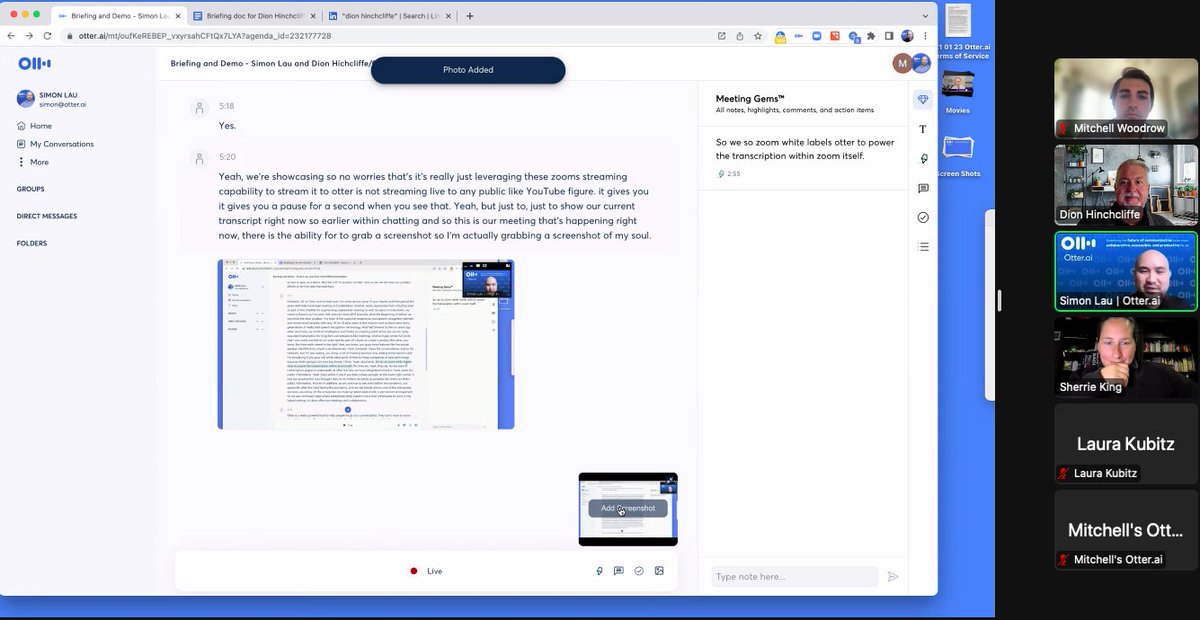
Was great to meet VP of Product @_SimonLau of @otter_ai as he gave me a tour of their new Meeting Gems. Create useful points of #collaboration within transcripts.
The platform becoming a real hub of human collaboration in any type of setting (physical, virtual.)
#FutureOfWork