More of the iOS app loop, now inside Codex.
The Build iOS Apps plugin lets Codex view and test your iOS app in the in-app browser, open SwiftUI previews, and hot reload edits without leaving Codex.
@PaulSolt i wish i could have place bets, openai hiring the right people is paying dividends - great consumer apps and integration; good system/platform knowledge with years of experience!
with this.. all i really need is a larger SSD mac mini that can hold all my local xcode builds and derived data; then macbook neo/iphone/ipad. was dealing with tailscale and remote terminal but can't beat a great Codex mobile app. So bullish on the team they built!
My laptop has become a “satellite device” since I started using Codex from my phone. And my Mac mini has become the “home.” It’s clunky, but the end state feels more like how we’re going to be working in the near future:
I’m currently running the Codex app on 2 devices:
1. my MacBook
2. my Mac mini
My laptop isn’t reliably connected to Wi-Fi enough, so I keep a Mac mini on my desk that is always connected.
When I kick off new threads from my phone, I start them on the Mac mini. When I’m working from my desk, I run them there too.
The cool part is that I’ve added my MacBook and Mac mini as connected devices to each other. That means I can start and resume threads from either device. So if I’m in a meeting but want to continue a thread on my laptop that was started on my Mac mini, I can do that.
I’ve also set up mutual SSH for Mac mini <> MacBook, so files are easy to access from either side. It’s not fully seamless yet, but the model works.
What this means:
- I have an always-on Codex that is accessible from my phone, with its own dev environment
- All threads are always accessible from any of the 3 devices
- I can run heartbeat threads that stay on 24/7
It’s a little makeshift today, but the shape of it feels very real to me: Codex is no longer tied to whichever computer happens to be open in front of me. It starts to feel like something I can stay connected to across whatever device I’m using.
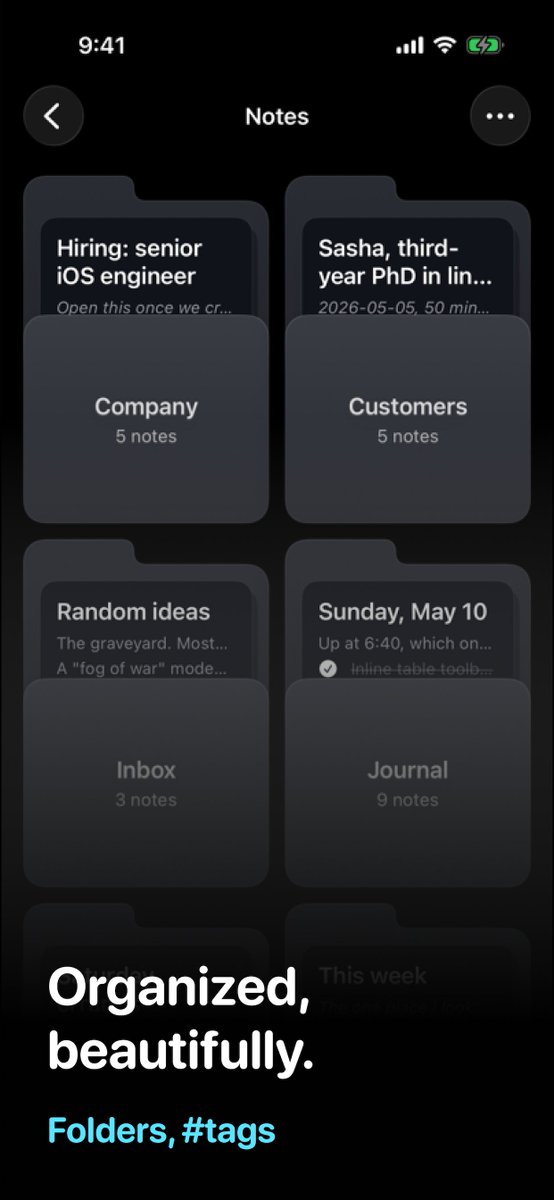
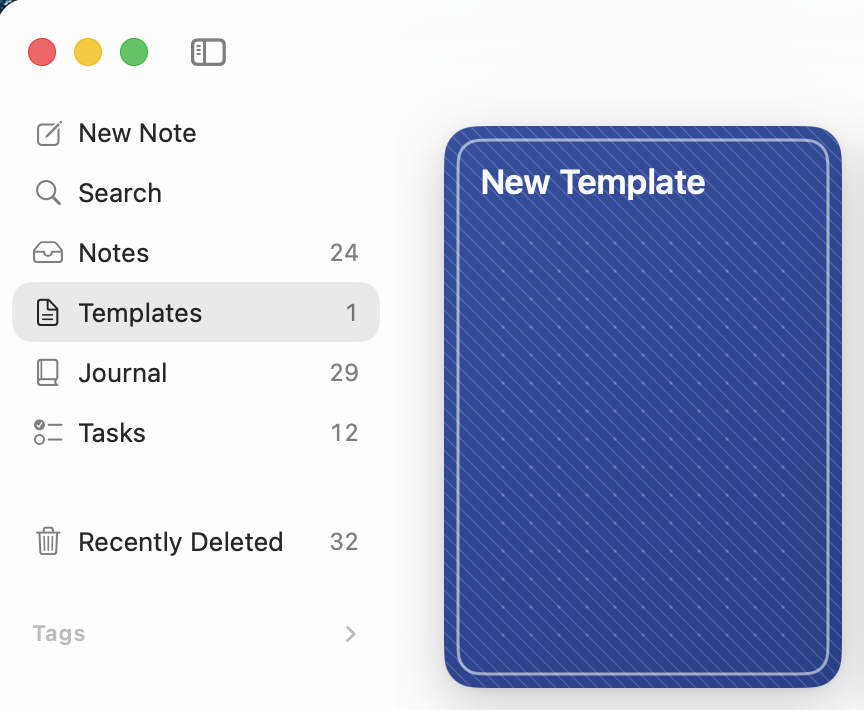
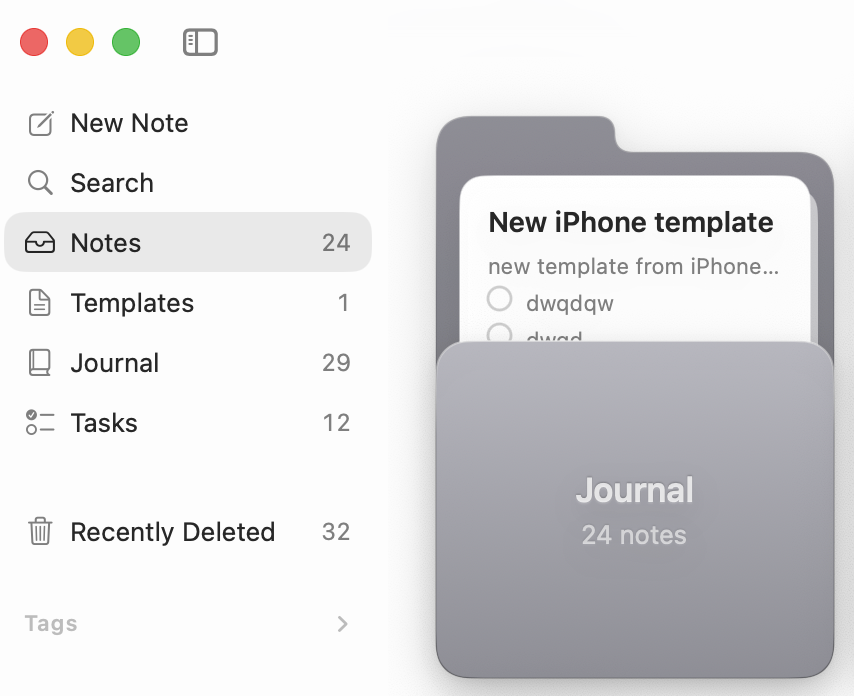
When you are going too fast for your website to have latest screenshots https://t.co/YSwEpBPGyI.. Latest update of Raven which brings #ios#swift native, powerful and clean #markdown edition to your phone/mac with great #sync.
what would be the folders, you'd use? #markdown editor with native and clean ui. sync perfectly between devices, your notes on your iPhone, your vault on your mac so that Claude/Codex can edit those when needed.
i see many people shipping their own #markdown editor, we all deserve better but one crucial point for me was the sync between disk<>mac app<>phone<>pad. that's where i spend time to make sure that experience is seamless with https://t.co/YSwEpBPGyI
https://t.co/YSwEpBPGyI is here for that; maybe no that dead simple behind the scenes but very simple in UX/UI. Imagine the mix between Apple Notes and Obsidian.
Can anyone recommend a dead simple, easy to use notetaking app based on markdown files?
Obsidian is far too complicated for me. I'm looking for Apple Notes, but with markdown storage
Can anyone recommend a dead simple, easy to use notetaking app based on markdown files?
Obsidian is far too complicated for me. I'm looking for Apple Notes, but with markdown storage