@jsjoeio@ConnorPeet@BrigitMurtaugh Our larger vision is for this to be a part of the larger “code” CLI so “code-server” leverages existing naming (“code” for existing CLI and “server” for the existing server that powers our remote extensions)
The VS Code Server is available for public preview! It allows you to connect to any remote machine in https://t.co/FHARCFJrZB 💻
@ConnorPeet, @BrigitMurtaugh and I are excited for you all to try it!
Blog with signup info: https://t.co/9LAdJ4BWYC
Video https://t.co/13TyFWZCbf
@bobmagicii For the CHANGELOG we opted to have release notes instead that follow the VS Code releases. You can see all the release notes here: https://t.co/CwccwDa085
You can also find links to these from the VS Code release notes
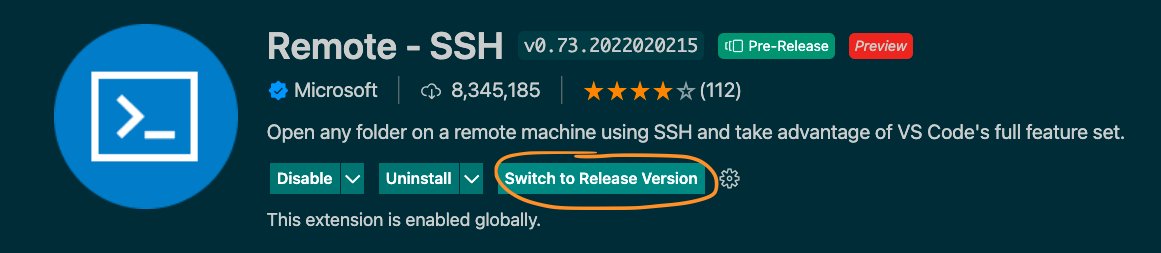
@bobmagicii Oh looks like you're on the Pre-Release version of the extension which we do update daily. If you click on the extension to open the extension page there should be a button to switch to release version which along with VS Code releases (~once a month)
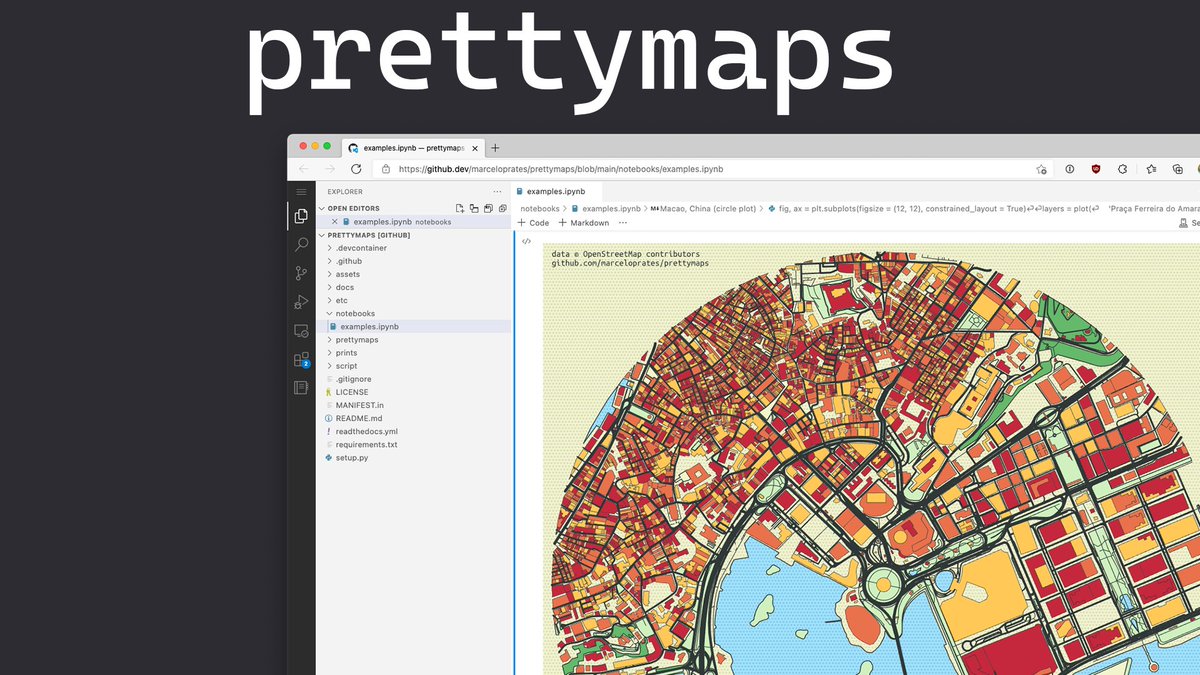
I just solved day 1 of https://t.co/EDwQ8kOwqb in the browser using Jupyter notebooks on https://t.co/2zL91i1t7I. Feels amazing to be able to iterate this fast with @code, without any setup! ⚡️
Check it out yourself: https://t.co/05NP1pbO6y (install the recommended extensions)
Custom Notebook extensions roundup! Some cool Notebooks I've seen in the last couple days on @code:
Work with SQL queries in a Notebook 📕
https://t.co/MWJbf4pUna
Use Go in a Notebook 📘
https://t.co/KiJ23IYZoY
There are Notebooks in VS Code! But have you wondered what Custom Notebook extensions in VS Code are? Learn more about Custom Notebooks from the latest @code blog post! https://t.co/KVneVP0bt4
If you missed @code livestream this morning where
@BrigitMurtaugh and I covered everything https://t.co/FHARCFrR83 and how to make extensions for it, you can catch on Youtube! 📺
Slides from my part: https://t.co/rNSsZoRQRF
Youtube: https://t.co/QCUJHDCRkF