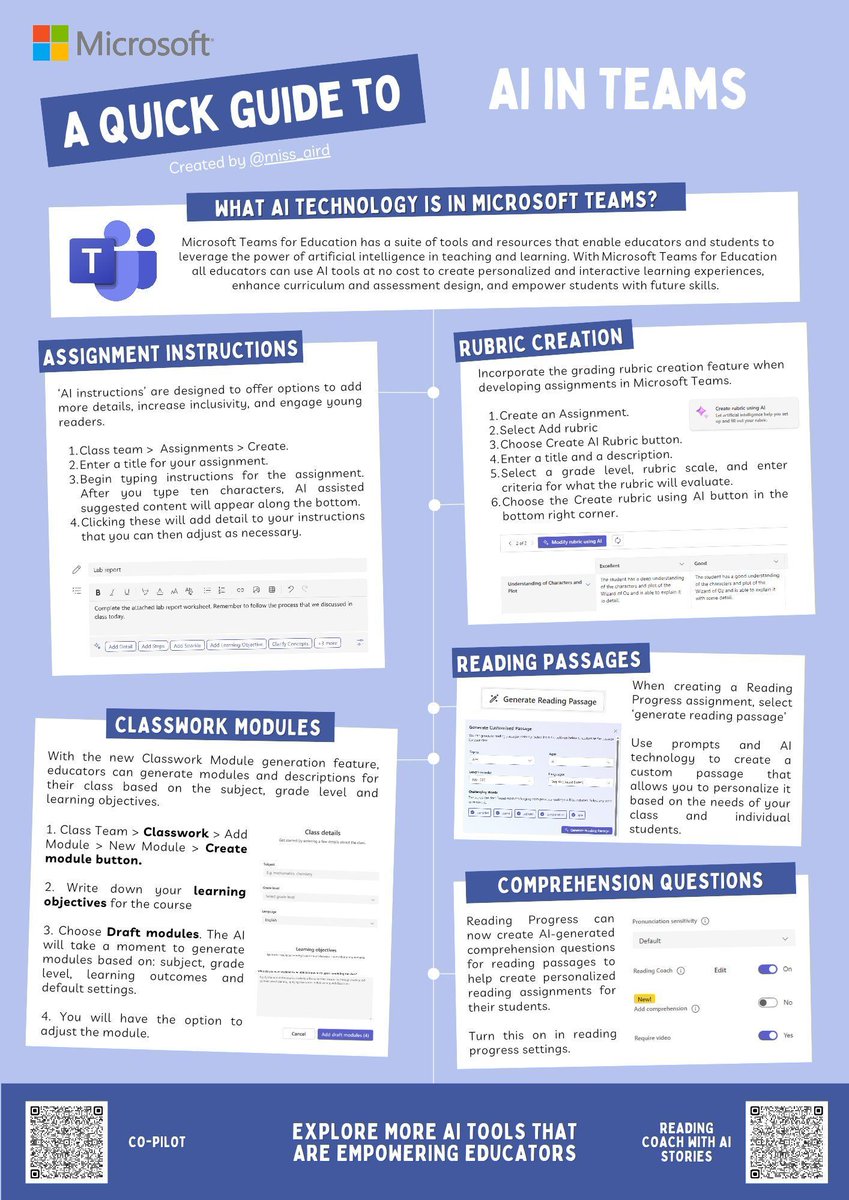
Check out the new quick guide poster highlighting the top 5 new AI features in Microsoft Teams (all FREE), designed to make teaching even more efficient and engaging ✨ #AI#MIEExpert
Link: https://t.co/czfYEzjv75
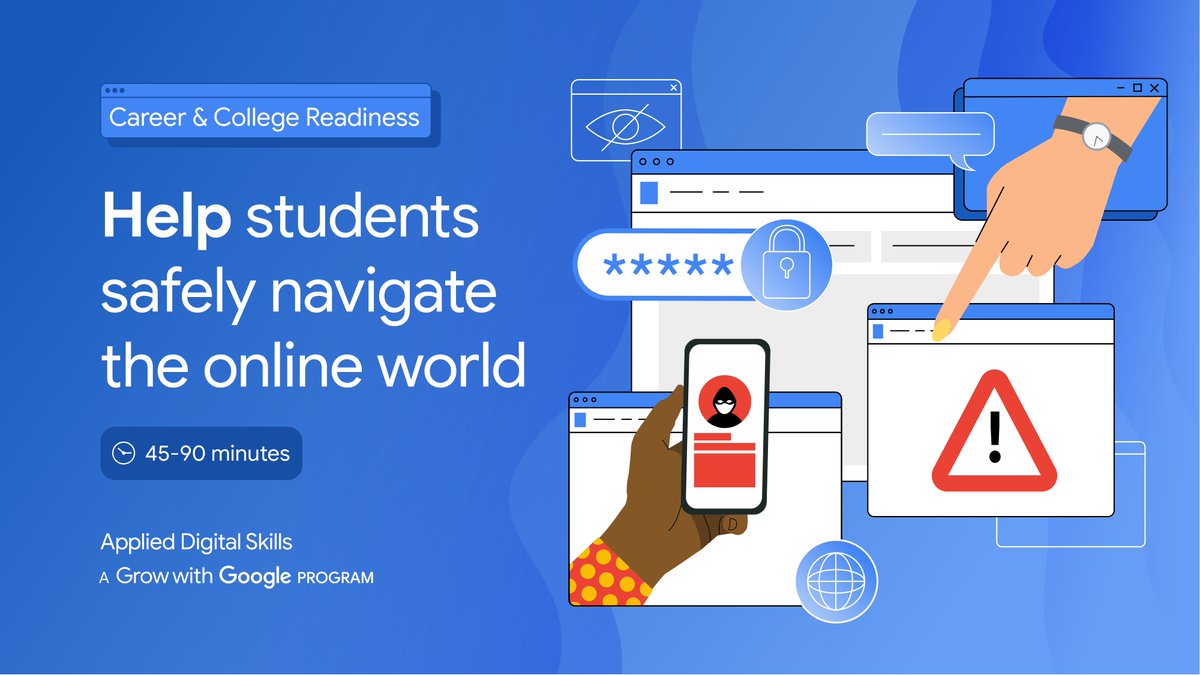
Online safety? It's no mystery! Here's the key: This #AppliedDigitalSkills lesson collection where students can learn how to:
Create secure passwords 🔐
Avoid online scams 🖥️
Build healthy digital habits ✨
Add these video-based lessons to your classroom:
https://t.co/t12oUl1eD5
As educators, you balance a lot. ⚖️
Say hello to the AI teaching assistant that can help lighten your workload.
Download the Copilot app to see how AI can transform efficiency in your classroom: https://t.co/yKvJHGJFFu
#MicrosoftEDU#AI#Education
We have the tools you need to bring AI to the classroom!
The Microsoft Education AI Toolkit offers resources to help education institutions get started with AI solutions like Copilot: https://t.co/H0SjTaUUNp
#MicrosoftEDU#Education#EdTech
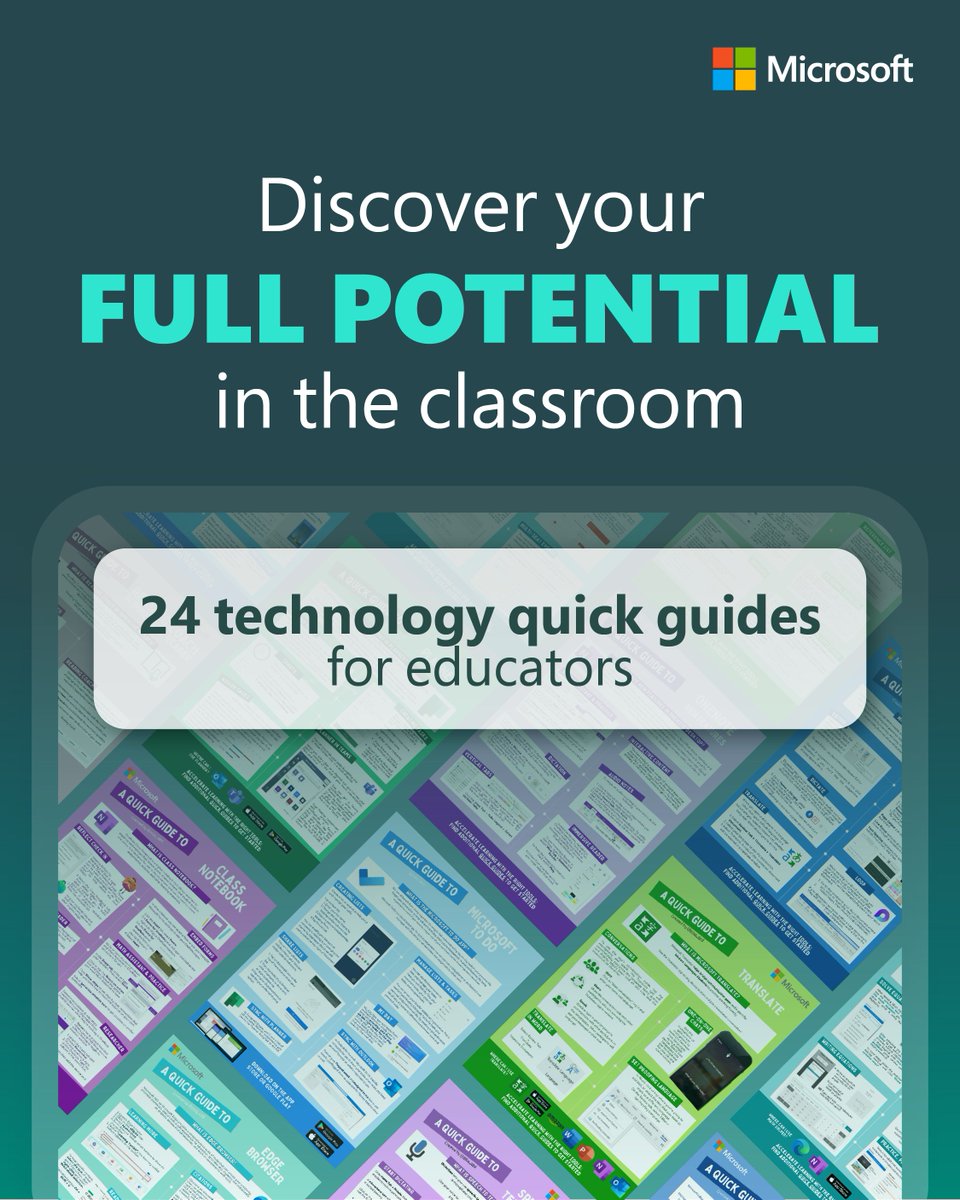
Discover your full potential in the classroom!
Explore these quick guides to get the most of your favourite @MicrosoftEDU tools, elevate planning, and support student learning: https://t.co/n7uLO7BXCR
#MicrosoftEDU#MIEExpert#Education
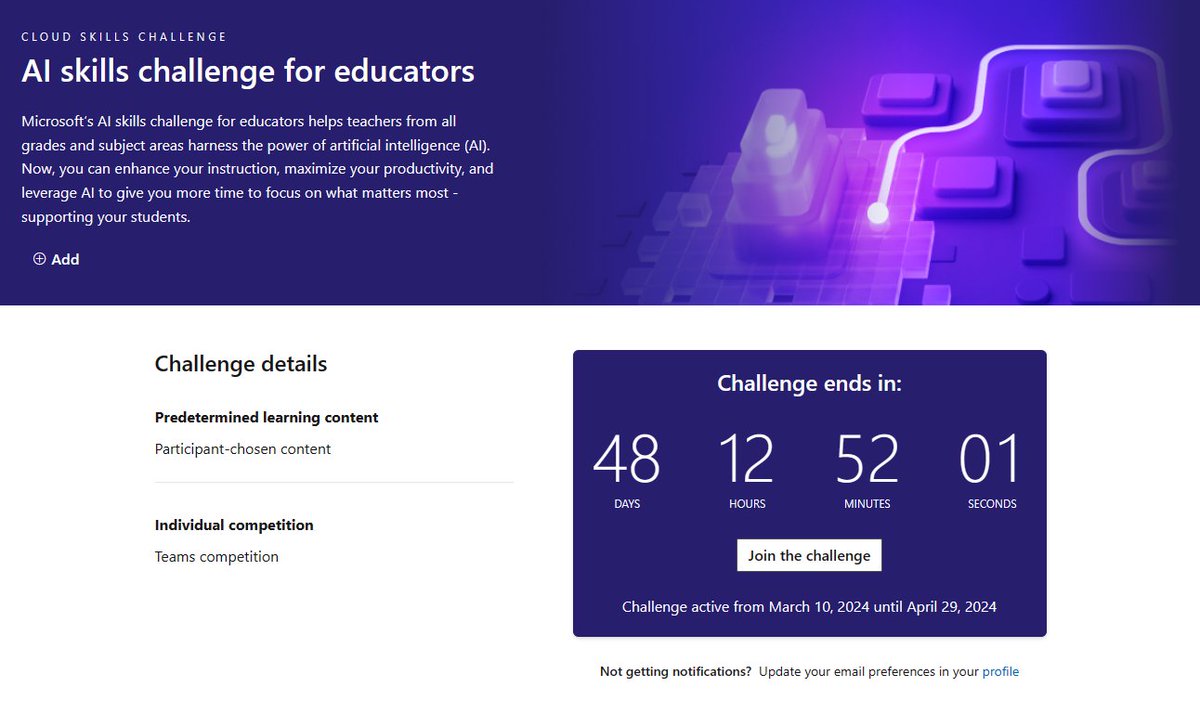
The AI skills challenge for educators is a friendly competition to help teachers from all grades and subjects take their teaching to the next level with AI.
Link: https://t.co/VmsXHAbszr
#edtech#MIEExpert#edchat
Why does cybersecurity matter? What’s phishing? Are all links trustworthy?
Use our conversation guide to foster important discussion in the classroom about digital safety and read the blog for more cyber hygiene tips: https://t.co/9WdpjFR6IE
#MicrosoftEDU#SID2024
Check out this gem 💎
#MIEExpert Heather @miss_aird made this brilliant infographic 🤩
It beautifully highlights powerful #FlipForAll features like✨Topic Copilot, #Mixtapes📼, #FlipAR🔮, and MORE 🚀
Don't forget to tag, share, and bookmark this incredible resource 🏷️💌📌
Dear teachers and staff: your well-being matters.
Explore resources from #MicrosoftEDU that nurture wellness and help you invest in yourself. You deserve it. https://t.co/3BMSZx2Iw3
#ReflectApp
I’ve signed up to do 100 squats a day in Nov for Stand Up To Cancer to help fund life-saving research, in memory of my nan. Plz show your support to finding a cure by making a donation. Thank you for your support! #standuptocancer#donate#cancerresearch https://t.co/fWOOQWYERW
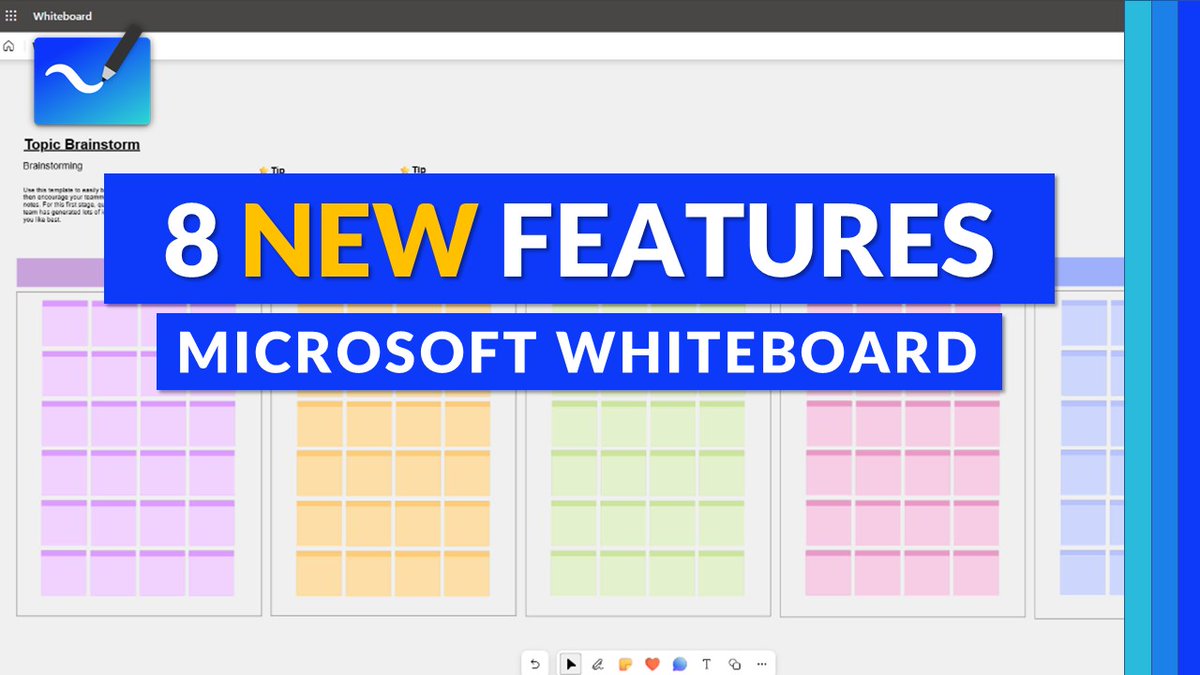
A tutorial video showing 8 new features in Microsoft Whiteboard 📽️ Applies to stand-alone & #MicrosoftTeams. Includes:
🖼️ New board setup
💬 Commenting
⚡ Real-time "Live Text"
✍️ Ink improvements
➕ Lots more
YouTube 📺 https://t.co/ZC0sW61p8i
#edtech#MIEExpert#MicrosoftEDU
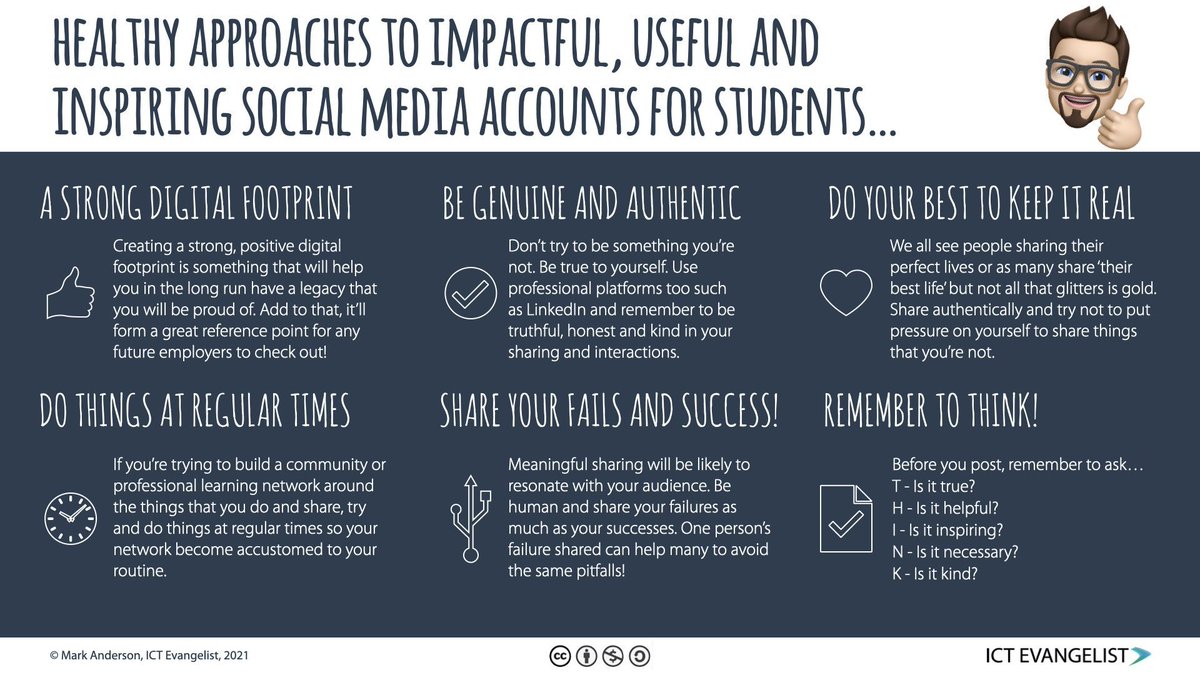
Morning! Did you know it's #DigitalCitizenshipWeek? With that in mind, here's a helpful poster on healthy approaches to using social media to share and discuss with students #EdTech#AIinEDU#EduTwitter
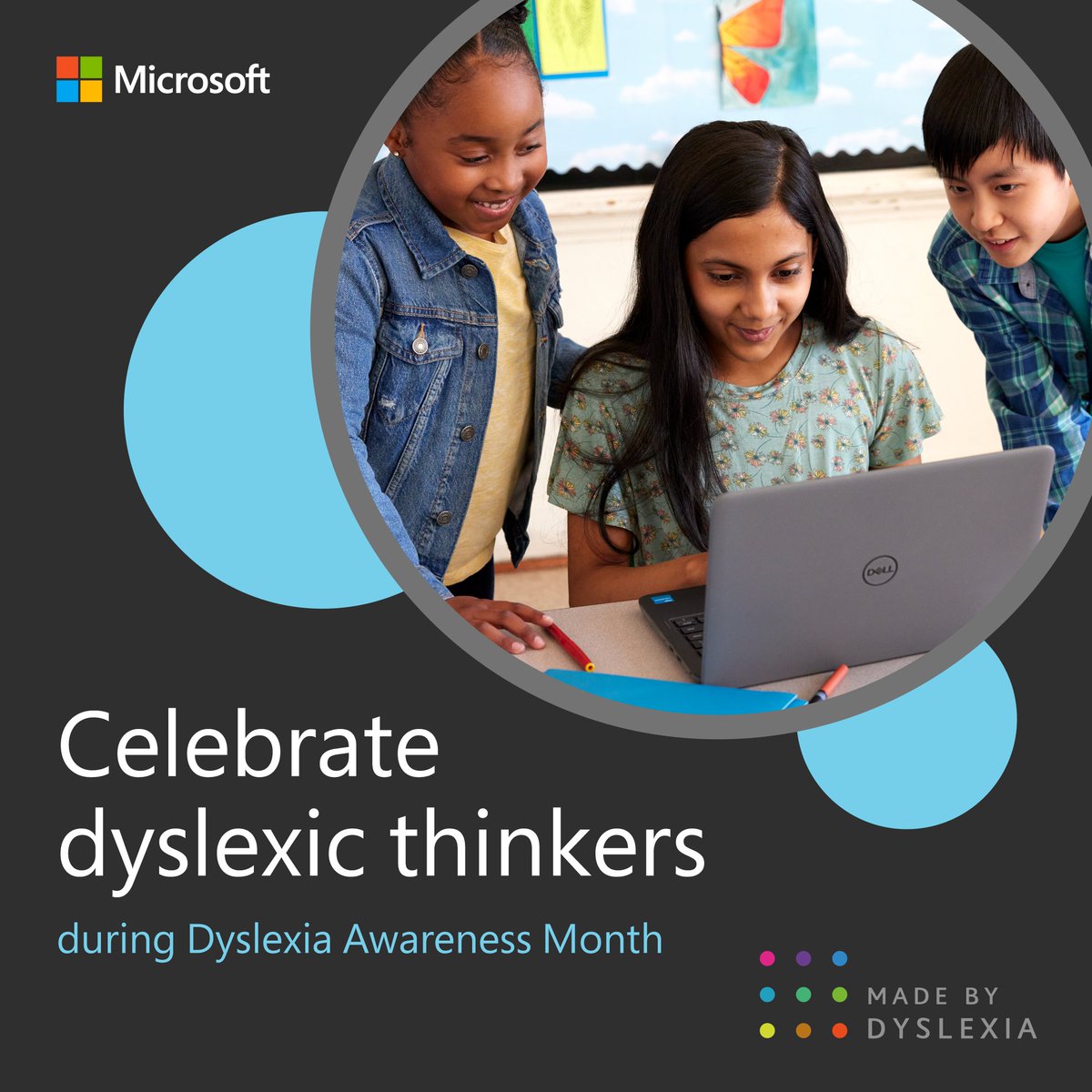
🎉 October is #DyslexiaAwarenessMonth!
Celebrate dyslexic thinking and explore these #MicrosoftEDU tools and trainings designed to support student success. https://t.co/ZpUBSeOZTQ
Nurture have been exploring QR codes in Computing. We went on a hunt for codes and used them to find out more about our enquiry topic. We then followed instructions and learnt how to create QR codes for our favourite games 😀 @Birchfield_Sch @sharonSSN @ZoeThewlis @aldovilla