¿Quieres convertir CUALQUIER foto en un modelo 3D... sin subirla nunca a la nube?
Bienvenido a Modly.
La app de escritorio open source que genera modelos 3D usando IA local en tu propia GPU.
✅ 100% offline
✅ Sin cuentas, sin créditos, sin límites
✅ Exporta a GLB, OBJ, STL...
✅ Ya tiene 2.6k estrellas
Windows y Linux ya disponibles (macOS pronto).
Esto es el futuro del 3D: privado, gratis y brutalmente potente.
REPOOO👇
LLM Knowledge Bases
Something I'm finding very useful recently: using LLMs to build personal knowledge bases for various topics of research interest. In this way, a large fraction of my recent token throughput is going less into manipulating code, and more into manipulating knowledge (stored as markdown and images). The latest LLMs are quite good at it. So:
Data ingest:
I index source documents (articles, papers, repos, datasets, images, etc.) into a raw/ directory, then I use an LLM to incrementally "compile" a wiki, which is just a collection of .md files in a directory structure. The wiki includes summaries of all the data in raw/, backlinks, and then it categorizes data into concepts, writes articles for them, and links them all. To convert web articles into .md files I like to use the Obsidian Web Clipper extension, and then I also use a hotkey to download all the related images to local so that my LLM can easily reference them.
IDE:
I use Obsidian as the IDE "frontend" where I can view the raw data, the the compiled wiki, and the derived visualizations. Important to note that the LLM writes and maintains all of the data of the wiki, I rarely touch it directly. I've played with a few Obsidian plugins to render and view data in other ways (e.g. Marp for slides).
Q&A:
Where things get interesting is that once your wiki is big enough (e.g. mine on some recent research is ~100 articles and ~400K words), you can ask your LLM agent all kinds of complex questions against the wiki, and it will go off, research the answers, etc. I thought I had to reach for fancy RAG, but the LLM has been pretty good about auto-maintaining index files and brief summaries of all the documents and it reads all the important related data fairly easily at this ~small scale.
Output:
Instead of getting answers in text/terminal, I like to have it render markdown files for me, or slide shows (Marp format), or matplotlib images, all of which I then view again in Obsidian. You can imagine many other visual output formats depending on the query. Often, I end up "filing" the outputs back into the wiki to enhance it for further queries. So my own explorations and queries always "add up" in the knowledge base.
Linting:
I've run some LLM "health checks" over the wiki to e.g. find inconsistent data, impute missing data (with web searchers), find interesting connections for new article candidates, etc., to incrementally clean up the wiki and enhance its overall data integrity. The LLMs are quite good at suggesting further questions to ask and look into.
Extra tools:
I find myself developing additional tools to process the data, e.g. I vibe coded a small and naive search engine over the wiki, which I both use directly (in a web ui), but more often I want to hand it off to an LLM via CLI as a tool for larger queries.
Further explorations:
As the repo grows, the natural desire is to also think about synthetic data generation + finetuning to have your LLM "know" the data in its weights instead of just context windows.
TLDR: raw data from a given number of sources is collected, then compiled by an LLM into a .md wiki, then operated on by various CLIs by the LLM to do Q&A and to incrementally enhance the wiki, and all of it viewable in Obsidian. You rarely ever write or edit the wiki manually, it's the domain of the LLM. I think there is room here for an incredible new product instead of a hacky collection of scripts.
Algunos afirman que las imágenes de Apollo parecen falsas porque, si se acelera el video, los astronautas se mueven como en la Tierra. Sin embargo, el detalle clave está en el polvo lunar: cuando se levanta, cae en trayectorias parabólicas perfectas, sin dispersarse ni formar nubes que queden suspendidas. Eso solo es posible en un vacío (sin aire que frene las partículas) y con la baja gravedad de la Luna (~1/6 de la terrestre). En la Tierra, aunque aceleres o ralentices el video, el polvo se comportaría de forma muy diferente por la resistencia del aire. Este comportamiento del polvo es una de las pruebas más fuertes de que las grabaciones se hicieron realmente en la Luna.
La misión Artemis II perderá la comunicación durante 40 minutos cuando la nave se encuentre detrás de la luna.
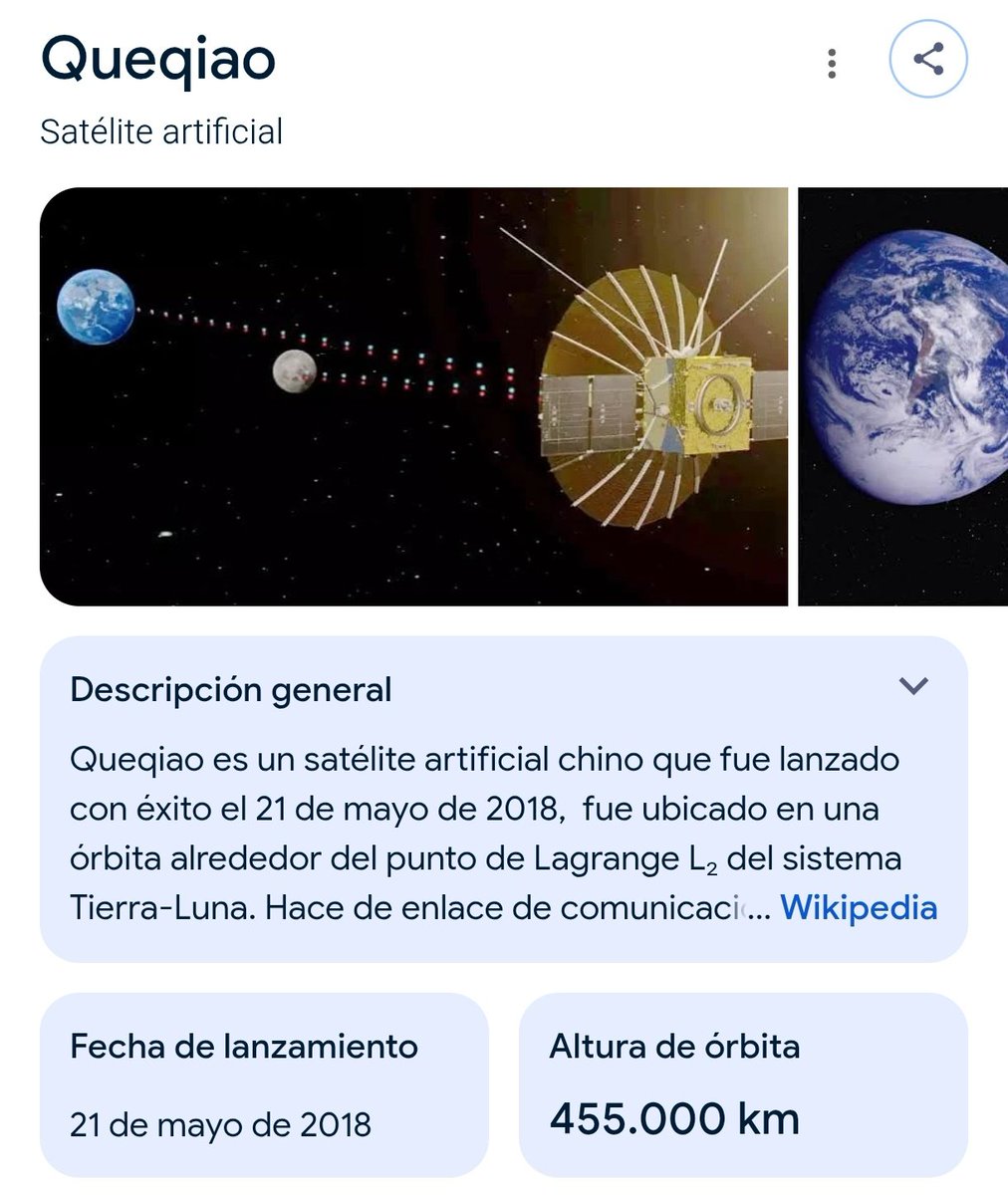
China no tendría este problema porque en 2018 lanzaron con éxito el satélite Queqiao que simplemente recibe y redirige las ondas de radio en ambos sentidos.
Google’s Gemma 4 E2B running on-device on iPhone 17 Pro
Gemma 4 is built from the same research as Gemini 3, has image understanding capabilities and can reason if needed
Running at ~40tk/s with MLX optimized for Apple Silicon
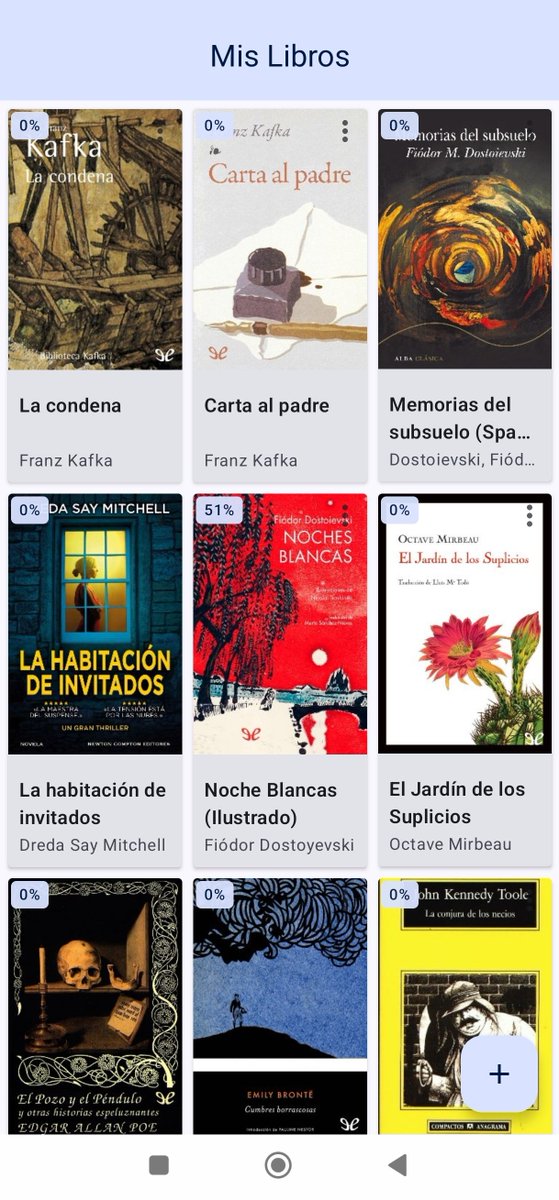
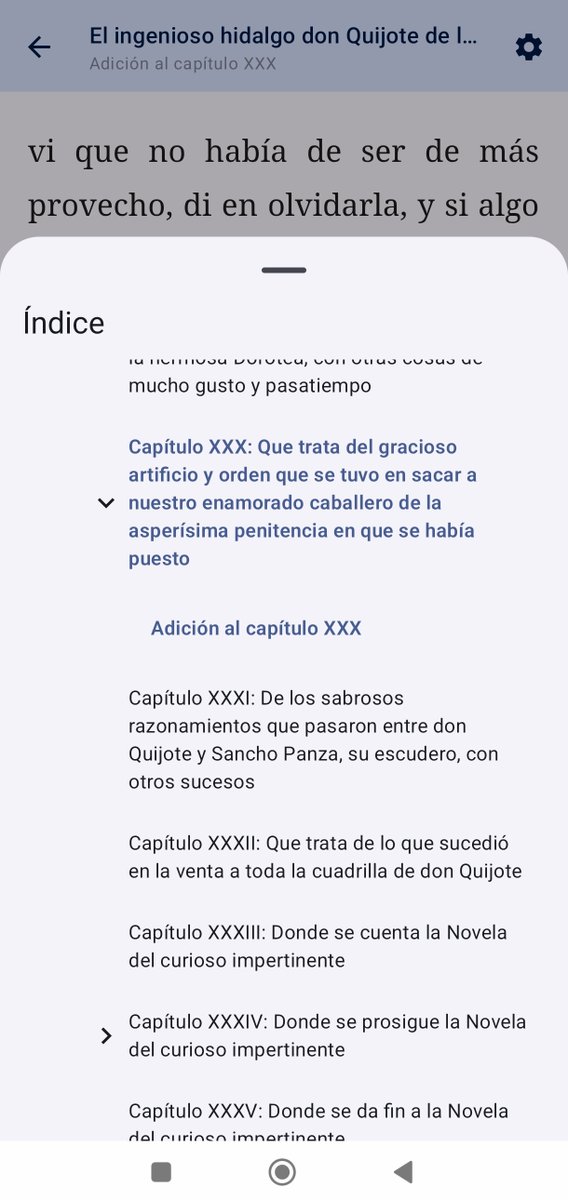
Estoy desarrollando una aplicación Android de lectura con Jetpack Compose que soporte múltiples formatos (por ahora soporta ePub).
Es de código abierto, si alguien quiere contribuir:
https://t.co/axxOUvtM6P
@RoFerreiraDev El renderizado de ePub es con webview pero montando toda la lógica (tanto para el modo scroll como el paginado) en javascript sin librerías.
El resto de UI es Compose y más adelante la intención es añadir soporte para PDF.
Quien quiera entenderlo se trata de un híbrido entre ChatGPT y Claude Cowork. Un asistente que puedes lanzar en tu ordenador (conectado a algún modelo por API) y dejarlo 24/7 a la espera y con el que puedes conversar y que haga tareas en tu equipo.
Puedes configurarlo para hablar con él desde Telegram/WhatsApp o más y como tiene acceso a tu ordenador en realidad es súper versátil hasta el punto de que puede programarse y configurarse sus propias habilidades.
También lo puedes integrar con múltiples MCP, con skills, etc. Lo típico que ofrecen los agentes actualmente.
Por ejemplo, puedes instalarte Whisper e inmediatamente ya puedes mandarle audio de voz por Telegram a tu asistente.
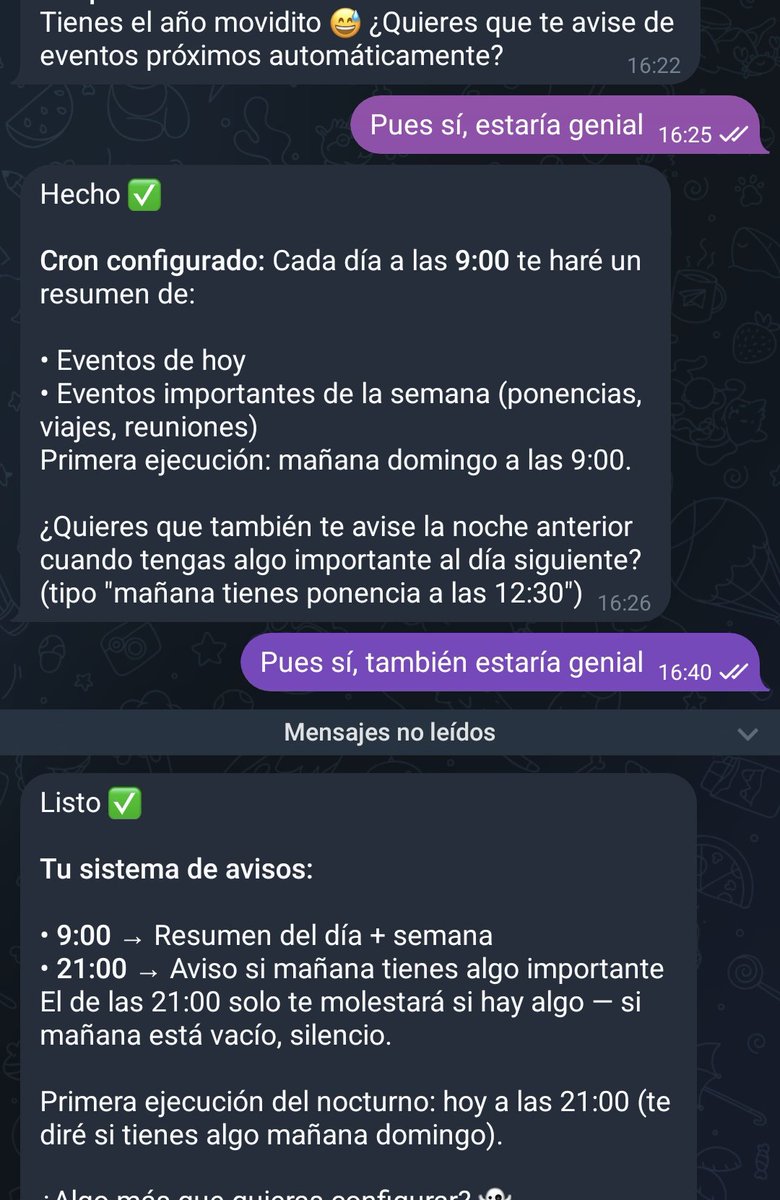
Lo interesante es la proactividad y utilidad que demuestra: le he pedido configurar el acceso a calendarios y luego he recordado que tengo un lio montado con un script para sincronizar desde Google Calendar a Notion y combinar mi calendario personal/profesional. Era un lío de explicar pero he recordado que justo tenía ese script en el mismo ordenador, así que le he mandado a revisarlo y con eso ya se ha configurado a la perfección tanto en Google como en Notion, ofreciéndome escribirme cada día por la mañana con lo más importante y si hay algo muy muy importante avisarme el día antes.
Ojo, esto no son funcionalidades que se hayan programado como tal para proponérselas al usuario, sino que es la propia IA agéntica siendo súper resolutiva y proactiva.
Claramente es hacia donde nos movemos.












![adrianfa5's tweet photo. https://grantorrent[.]com https://t.co/4lOGgsvrQF](https://pbs.twimg.com/media/DYRxT7FW0AEgdLJ.jpg)