Enjoy this very complete tutorial by our contributor @svector_eth on how to set up your agents through aeon connect!
0:00 Intro: stop babysitting your agents
1:11 What is Aeon?
1:25 Skill packs: Dev & Code, Basics, Crypto, Productivity
2:03 Runs on your own GitHub repo with GitHub Actions
2:22 Aeon Connect: connect your keys
2:47 Arc Studio skill for building products and contracts
3:00 SOUL.md and configuring your skills
3:26 Daily skills: GitHub Trending and PR reviews (Epoch Review)
4:07 Configure workflows and the Keys page
4:15 "Use Aeon from chat": setup for Claude
5:00 Adding Aeon as a custom connector in Claude
5:15 Connecting GitHub and choosing your agent repo
5:29 Connector tool permissions
6:03 "Run the digest" from a Claude chat
6:24 Getting updates in Telegram
6:58 Tracking open-source repos and self-improving PR reviews
7:36 Back in Claude: the digest results
8:21 Why this matters: going beyond one-off prompts
8:54 MCP servers page: connecting the Base MCP
9:10 Wrap-up
Find the aeon connect link in the comments below and set up your aeon agent in minutes!
New skill spotlight: Anatomy
Most ai diagrams are boxes and arrows. This one builds your idea as a physical object, a dial gauge, a lock, a cabinet of drawers with moving parts and a readout that updates while it runs.
Check the example below!
(skill credits:@wheresryan22)
This is gonna be fun 👀
We trained our agents with a huge amount of Crypto data to bring you wayback in time and take the best of what failed yesterday to build something that works today!
run it back turbo ⭐
trained on thousand 11 000 smart contracts & +500 crypto experiments 🤭
base:0xbf8e8f0e8866a7052f948c16508644347c57aba3 wayback. soon 🤷♂️
Enjoy this very complete tutorial by our contributor @svector_eth on how to set up your agents through aeon connect!
0:00 Intro: stop babysitting your agents
1:11 What is Aeon?
1:25 Skill packs: Dev & Code, Basics, Crypto, Productivity
2:03 Runs on your own GitHub repo with GitHub Actions
2:22 Aeon Connect: connect your keys
2:47 Arc Studio skill for building products and contracts
3:00 SOUL.md and configuring your skills
3:26 Daily skills: GitHub Trending and PR reviews (Epoch Review)
4:07 Configure workflows and the Keys page
4:15 "Use Aeon from chat": setup for Claude
5:00 Adding Aeon as a custom connector in Claude
5:15 Connecting GitHub and choosing your agent repo
5:29 Connector tool permissions
6:03 "Run the digest" from a Claude chat
6:24 Getting updates in Telegram
6:58 Tracking open-source repos and self-improving PR reviews
7:36 Back in Claude: the digest results
8:21 Why this matters: going beyond one-off prompts
8:54 MCP servers page: connecting the Base MCP
9:10 Wrap-up
Find the aeon connect link in the comments below and set up your aeon agent in minutes!
What our scanner found on @agentrouterai: a leaked session ID let one user act as another, and a default key made sessions forgeable.
Full report below ⤵️
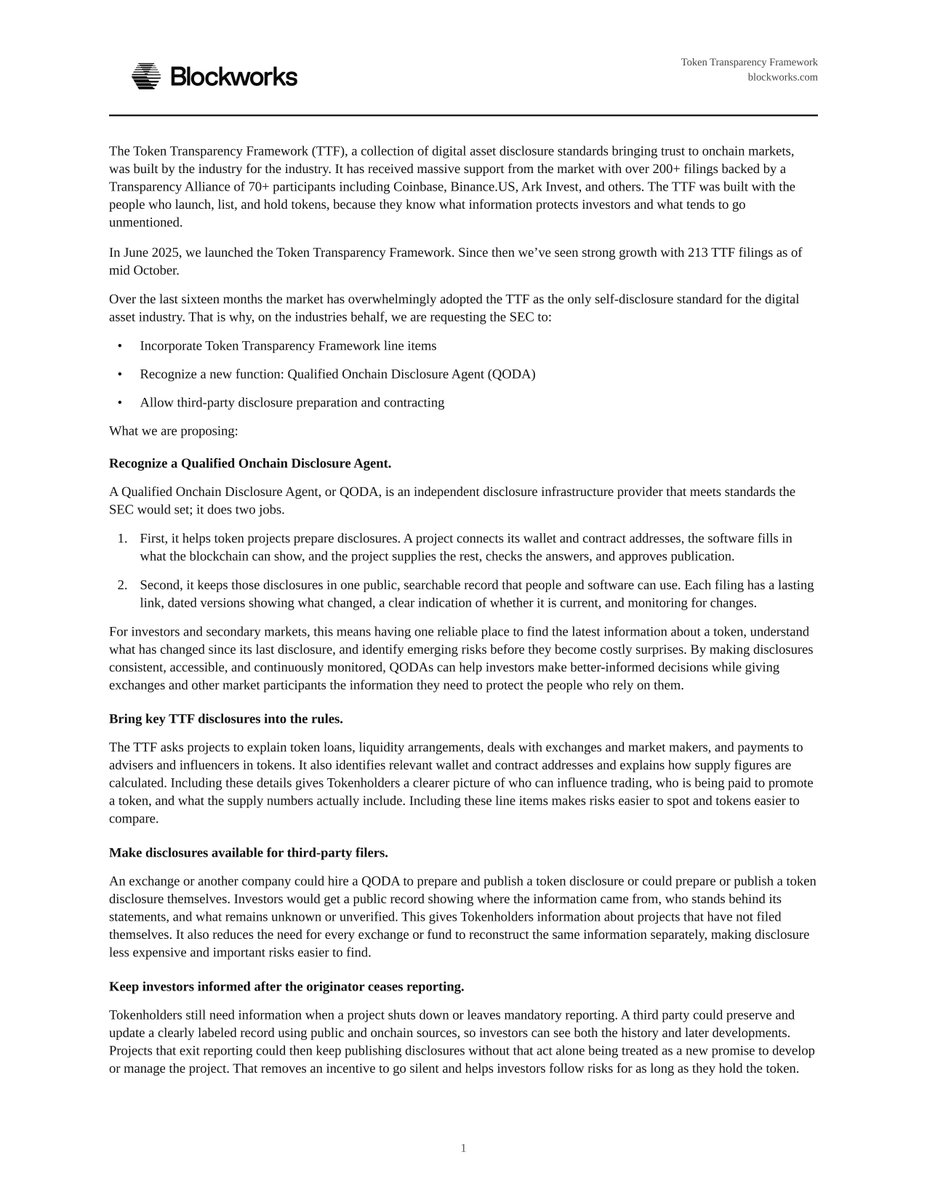
We just sent the SEC our comment letter on Regulation Crypto Assets.
Our goal is to give every token one current, public record to make onchain compliance cheaper and faster.
Our asks:
1) Let projects file disclosures through Qualified Onchain Disclosure Agents
2) Let third parties file on behalf of projects
It's time we protect investors so we can protect this industry.
https://t.co/VNIuskoN7T
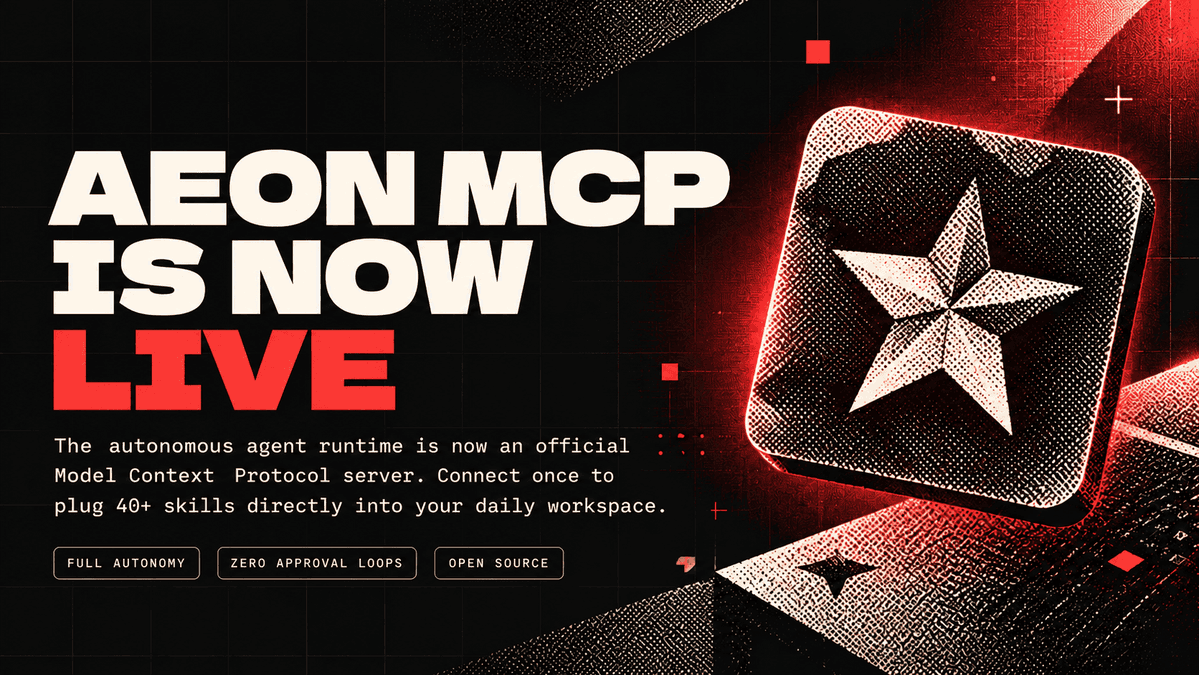
we're making aeon easier to use than ever.
base:0xbf8e8f0e8866a7052f948c16508644347c57aba3 MCP is now live & already listed on VSCode, OpenClaw & more ⭐
What our scanner found on @claudeebum's OpenCodex(17k+ 🌟): a single malformed response could eat all your memory and crash the process.
Full report below ⤵️
we're making aeon easier to use than ever.
base:0xbf8e8f0e8866a7052f948c16508644347c57aba3 MCP is now live & already listed on VSCode, OpenClaw & more ⭐