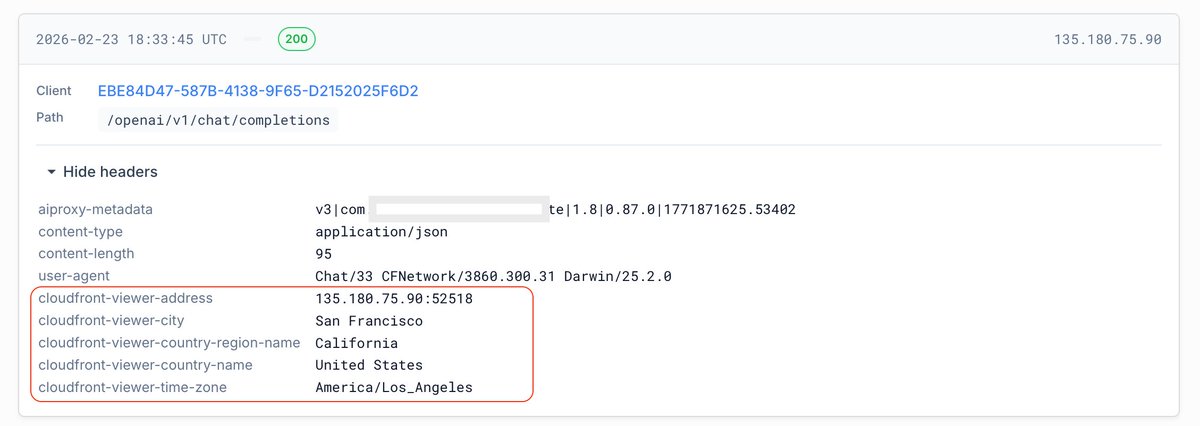
We've exposed AWS CloudFront headers in the request history tab. This gives you some additional context about where your app's requests are originating from.
AIProxySwift 0.135.0 is out, and it includes an overhaul of the Anthropic client. The rework makes it possible for us to expose much more Anthropic functionality.
There is a migration guide here to assist in updating your call sites: https://t.co/RkzQDmlQ7L
You in prod or dev? If in prod, you can switch off DeviceCheck on your service to get requests succeeding again while you go through the checklist:
Most common reasons
1. Your bundle identifier doesn't match an identifier here: https://t.co/HzUwHbO8mi
2. You're not signing the app with the team that owns your device check key:
Xcode > Tap your project in proj tree > Tap target > Signing & Capabilities > Make sure team is set to the team that owns your DC key
3. Are you on simulator? If so, DeviceCheck isn't available and you need to use the bypass token described in step 5 here: https://t.co/YBSx8E3DJx
AIProxySwift is now swift 6.2 compatible! This is obviously a big change. If you upgrade to 0.130.0 and hit any weirdness, my DMs and the support chat in developer dashboard are open
@Yuno_appdev@mariosaputra Hey, if they are working for you kudos. We do a few additional things:
- PK pinning making the request hard to sniff
- DeviceCheck verification attached to each req
- Rate limits attached to Apple's AppTransactionID
Essentially key protection + endpoint abuse protection OOTB
AIProxySwift release 0.125.0 has GPT-5 params to control reasoning effort, text verbosity, and prompt templates
See readme sections:
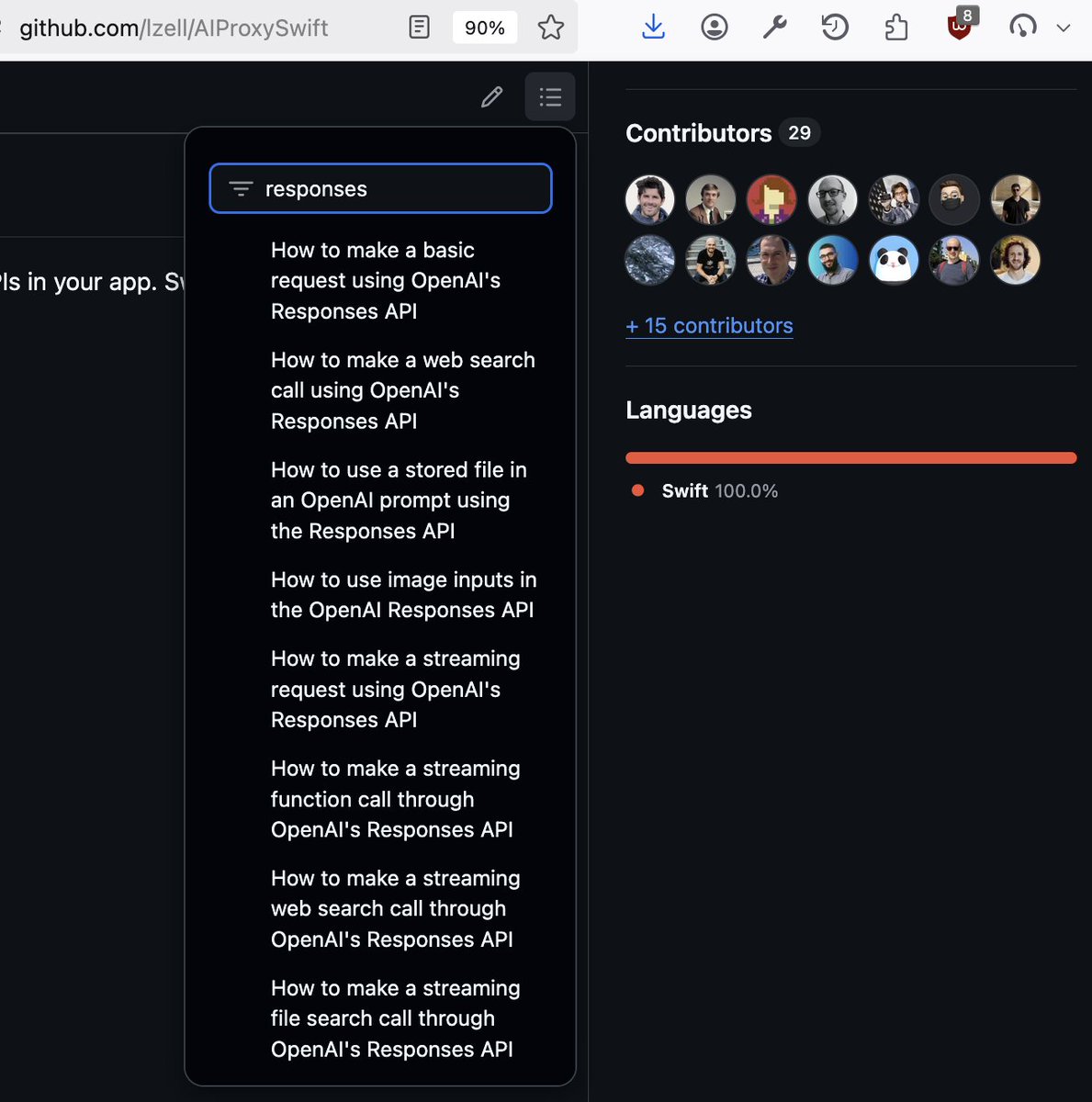
"How to make a basic request using OpenAI's Responses API"
and
"How to use prompt templates with the OpenAI Responses API"
H/T to @Matt1Corey
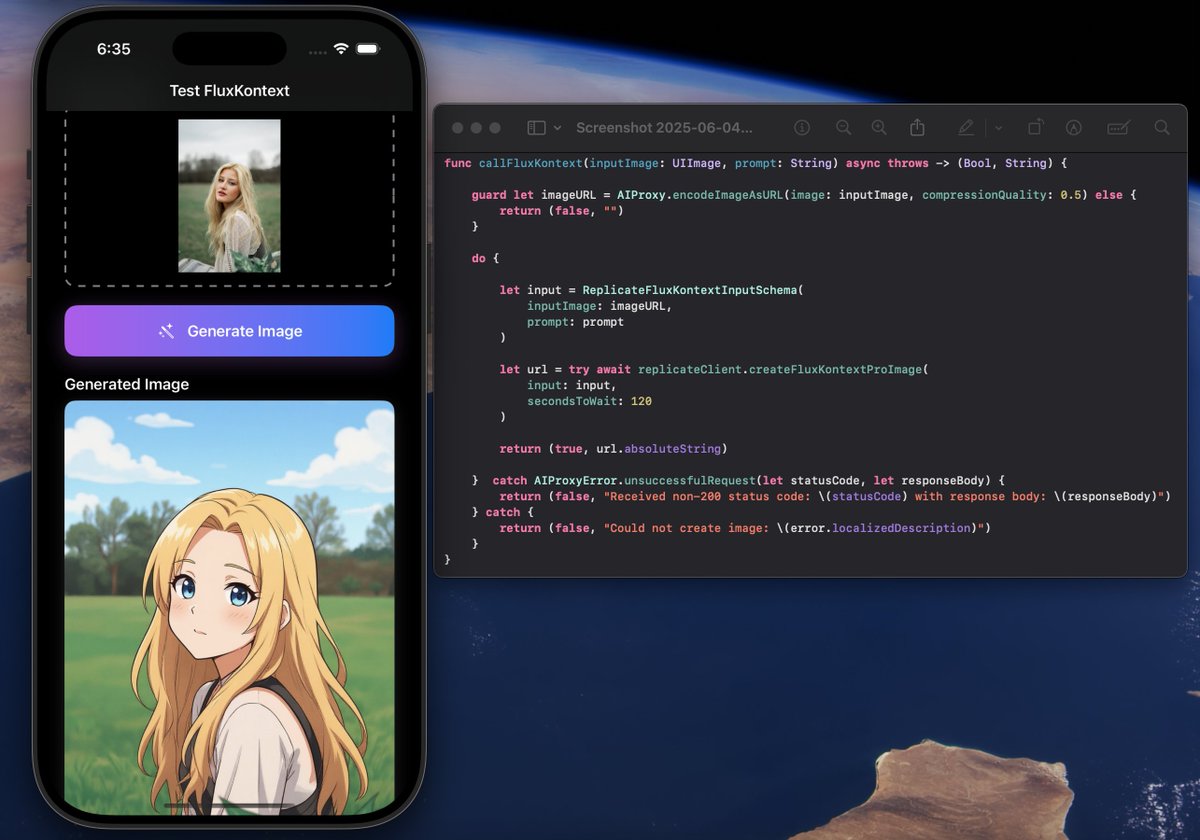
@yengiyegen@_anlavc@ilkerulusoy@FAL Hi @_anlavc , I just responded to your support chat about using a custom model. We don't have convenience helpers for all models on Fal, but they are easy to support! Let us know if you need help
You may get some deprecation notices the next time you update AIProxySwift. I've added a little blurb to the notice to guide you on what to add.
I'm making secondsToWait a required argument. It's up to the caller to provide a sensible timeout for the use-case / app / UX
I added a bunch of OpenAI Responses API examples to our README, including streaming vector store search and web search
These snippets are designed to be copy-pasteable for easy adoption in your app
The OpenAI Realtime SDK by @AIProxyTeam is now generally available.
It works equally well across Apple's platforms, with or without headphones.
The source for this demo is also available. This is the most functional realtime SDK on the market. It's MIT licensed. Have fun!
If you use our stableID feature, then updating to 0.105.0 will attempt to use StoreKit's appTransactionID as the identifier that we rate limit on. This is so handy.
Thinking of a future update where all requests require a verified appTransactionID. Will try with our apps first
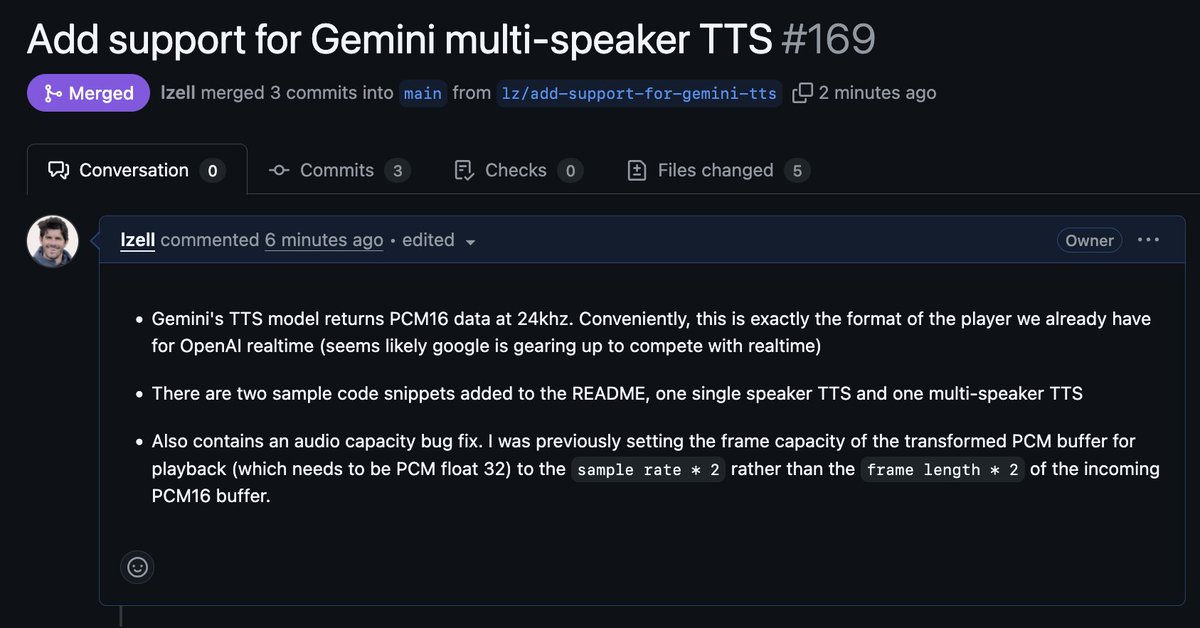
We now have multi-speaker Gemini TTS support out of the box in AIProxySwift 0.103.0
Copy-pasteable snippets in the readme.
You can have a multi-speaker TTS app in approx 5 minutes