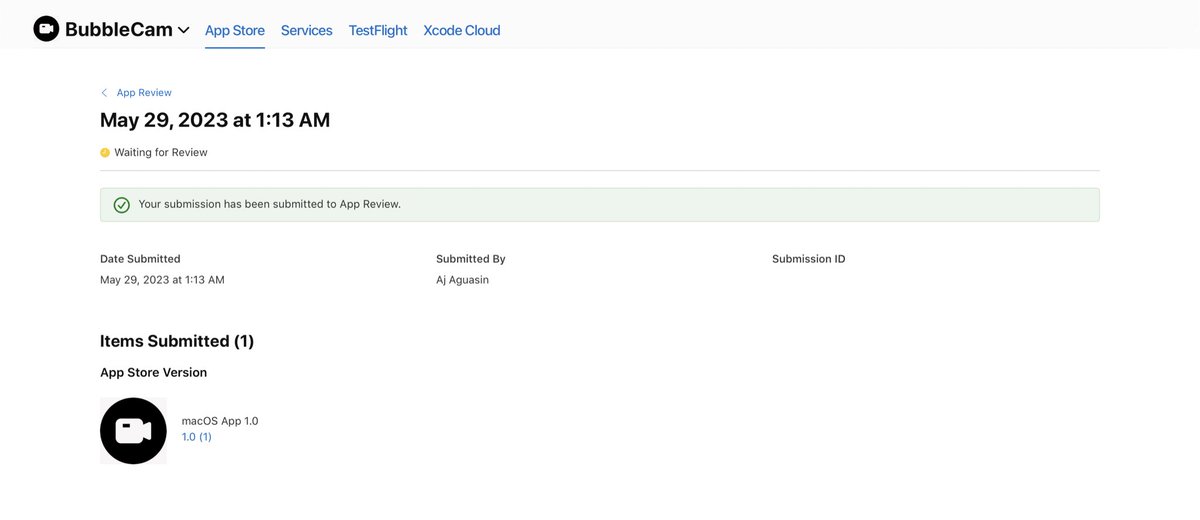
It got published in less than 24 hours 🙂 If you use a Mac, and need to add a little personalization to your screen recordings for sales demos, tutorials, or presentations, try out BubbleCam, a simple to use, lightweight app to help you get the job done.
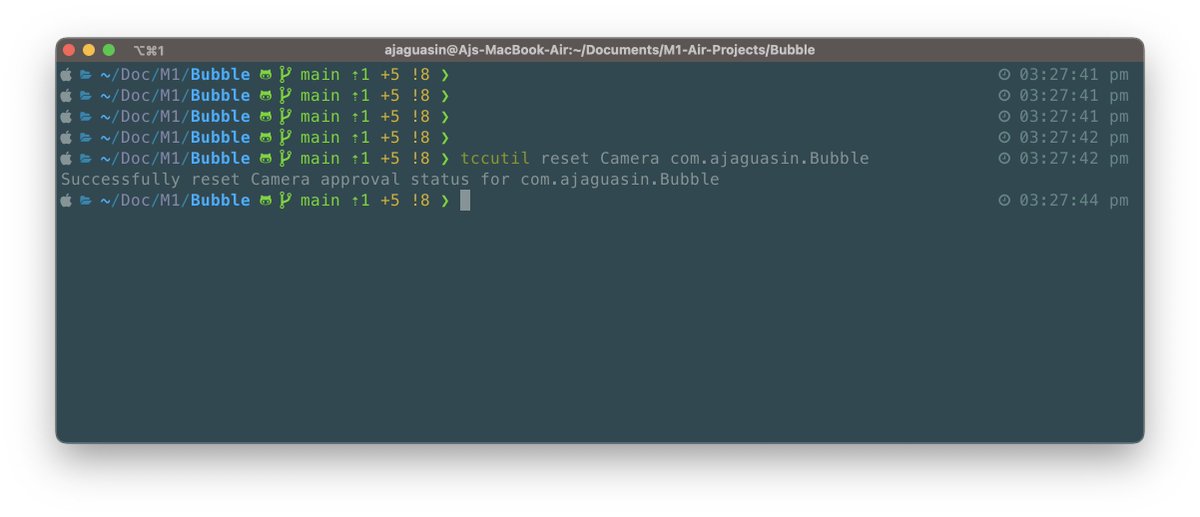
I was today years old when I found out about this command to reset your device permissions. Super useful when developing the user permissions flow from a fresh state.
tccutil reset <SERVICE> <BUNDLE ID>
#swift#macOS#Xcode
Added some more user settings to the video overlay app. Users can now choose for an overlay border with a solid or gradient colour. #swift#buildinpublic#swiftui
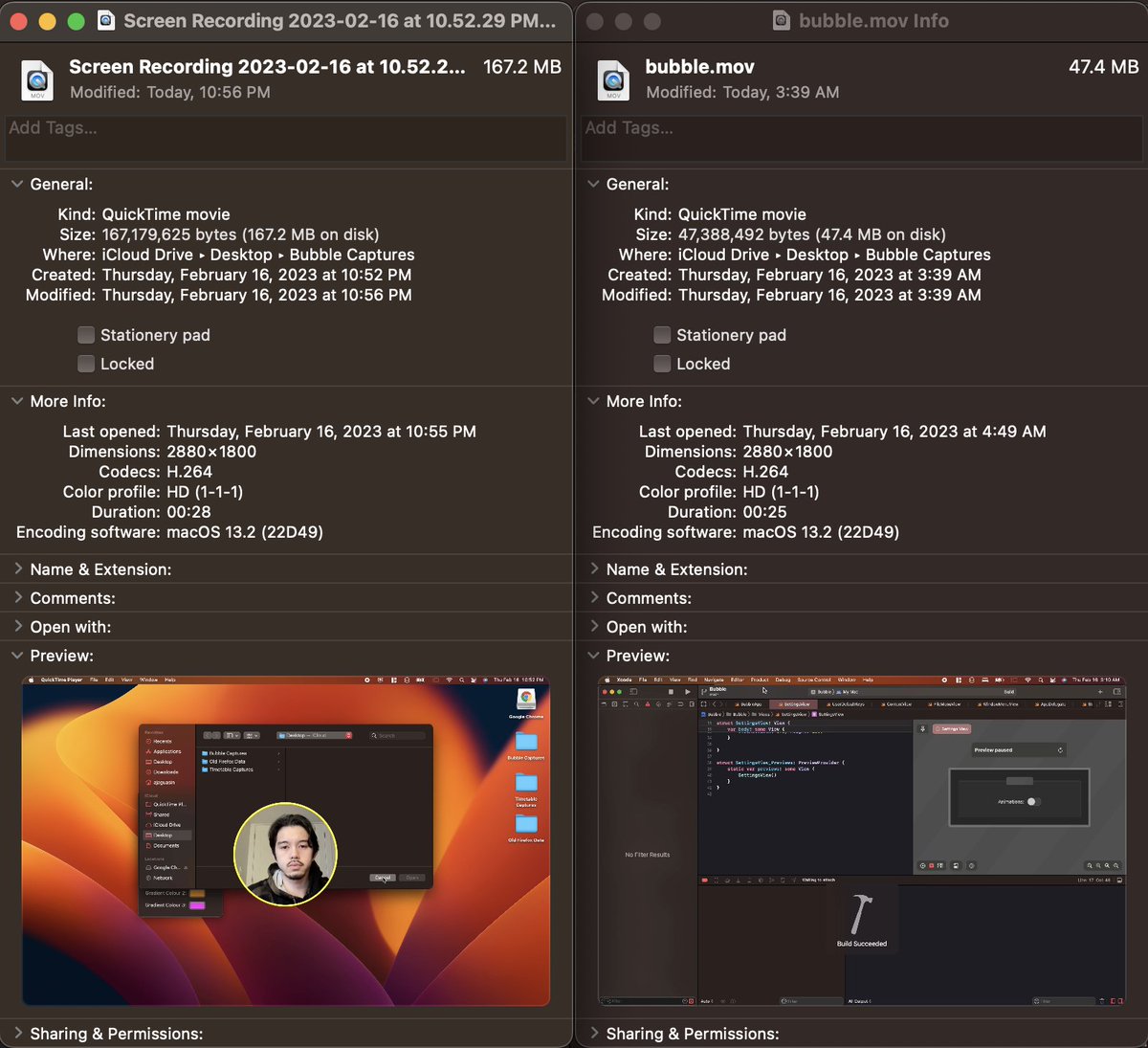
Can someone help me understand why one of my screen recording videos is 3x the size of the second one when it's only 3 seconds longer? #quicktime#screenrecording#macOS
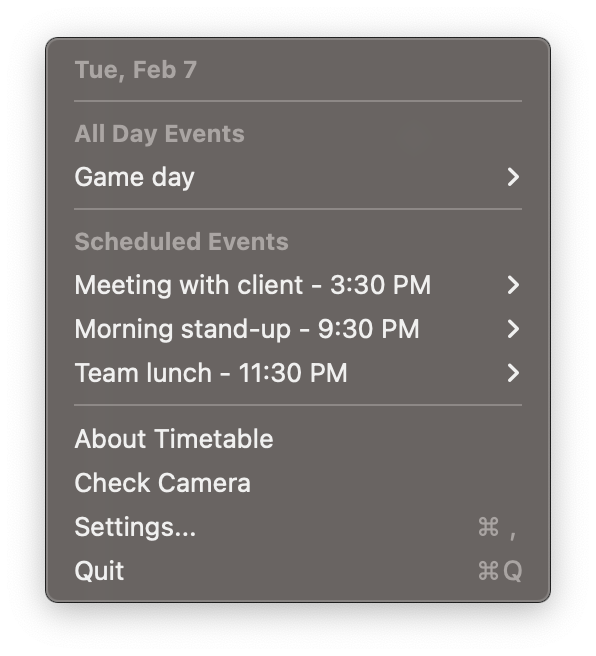
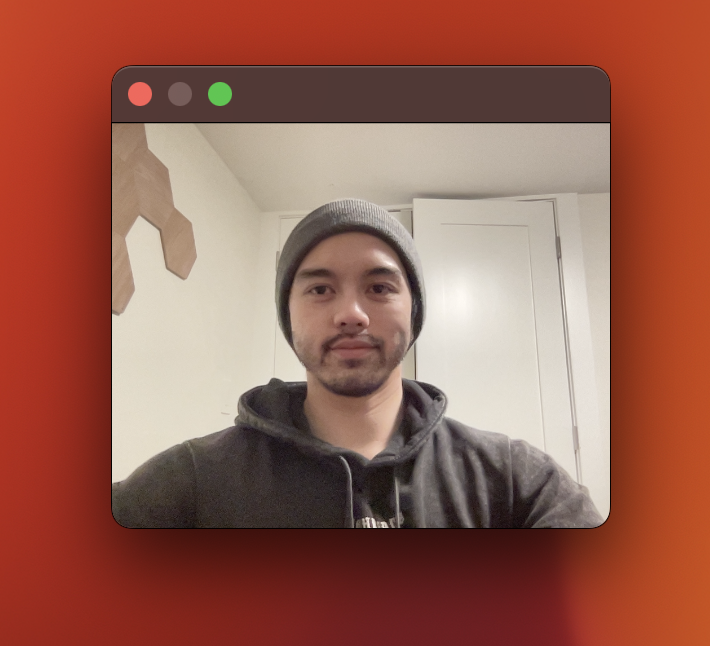
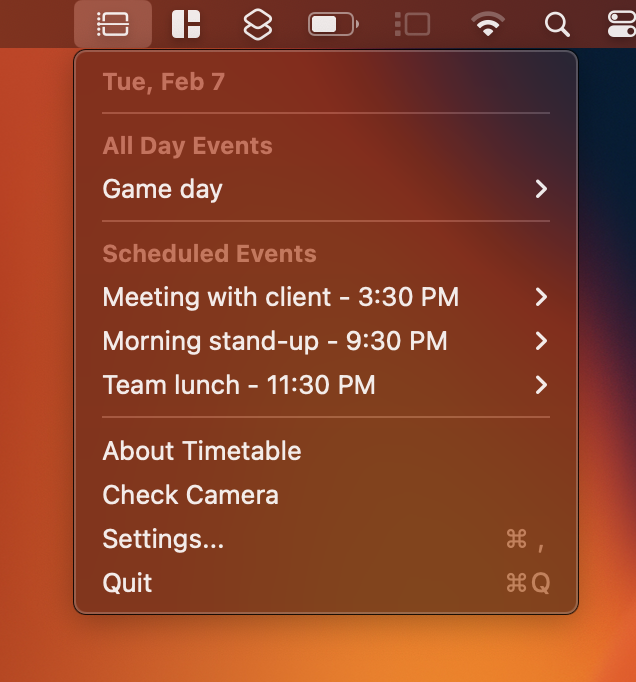
Stuck on what to do for your first #swift project? Make a menu bar app. I learned how to connect with my Calendar data with EventKit, show my webcam feed using EventKit, create views with SwiftUI and save app settings with UserDefaults.
Some updates to my MacOS Menu bar app:
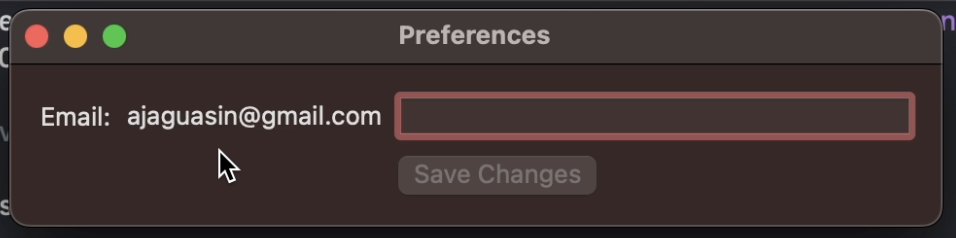
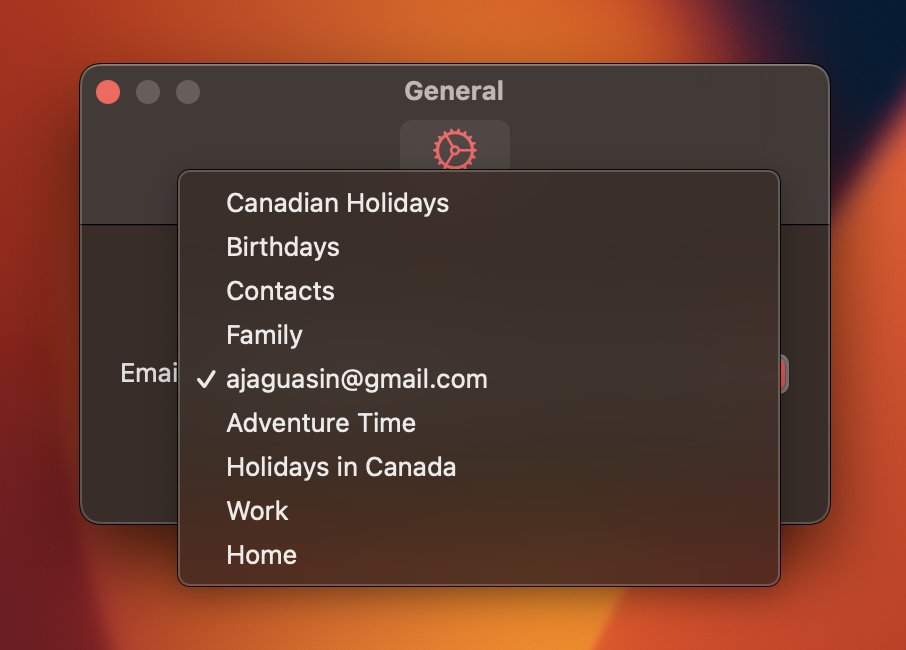
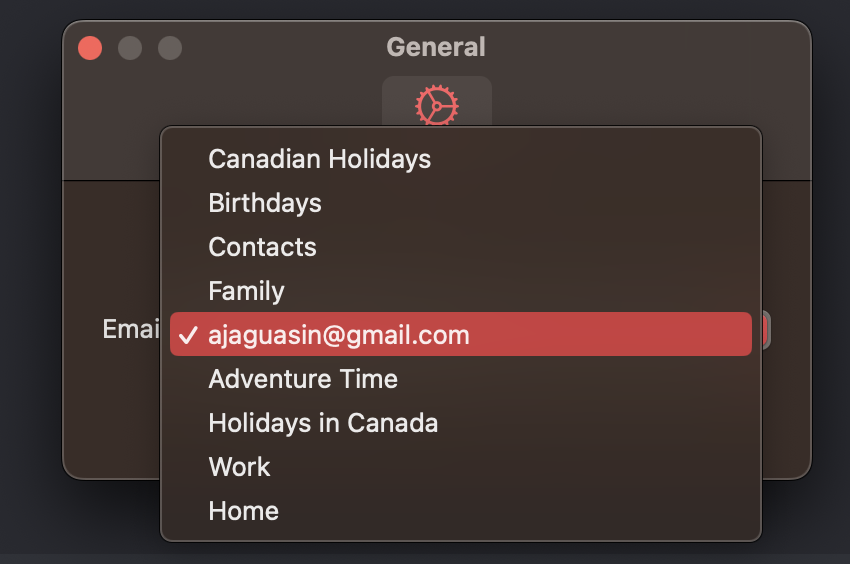
I refactored the Settings window so that the app does not rely on user input via TextField for setting their calendars. The newly implemented Picker gets its options from the user's calendar data. #swiftui#buildinpublic#indiehackers
SwiftUI previews are super helpful during development but they take a lot of disk space. To free up your disk and delete the cached SwiftUI previews you can use the following terminal command.
I’m new to Swift and I’m creating a MacOS menu bar app. Overall, I love the process, but every time I gain momentum I hit a snag and spend hours understanding something new.