Four men who played an unforgettable role in the history of Islam. ❤️
The four rightly guided Caliphs:
🌿 Abu Bakr As-Siddiq (RA) – Known for his loyalty, sincerity and sacrifices for Islam.
⚔️ Umar ibn Al-Khattab (RA) – Remembered for his justice, courage and strong leadership.
🤍 Uthman ibn Affan (RA) – Known for his generosity, modesty and love for the Qur’an.
🕌 Ali ibn Abi Talib (RA) – Remembered for his knowledge, wisdom and bravery.
They stood firmly beside Prophet Muhammad ﷺ and dedicated their lives to serving Islam. Their sacrifices and contributions will never be forgotten.
May Allah be pleased with all four of them and allow us to learn from their lives. Ameen. 🤲❤️
#IslamicHistory #Sahaba #KhulafaERashideen
In response to the eMudhra / emSign certificate security incident we've published guidance for Python users to update CA certificates: https://t.co/tjBrJM4iTZ
#security#Python#pki
https://t.co/tjBrJM4iTZ
I’ve been keeping this a secret for a while, but earlier this year I made one of the biggest bets of my career & this time it's not in Silicon Valley or New York. It's in Almaty, Kazakhstan.
I'm proud to officially announce that I'm an investor & advisor to @higgsfield
LLM Knowledge Bases
Something I'm finding very useful recently: using LLMs to build personal knowledge bases for various topics of research interest. In this way, a large fraction of my recent token throughput is going less into manipulating code, and more into manipulating knowledge (stored as markdown and images). The latest LLMs are quite good at it. So:
Data ingest:
I index source documents (articles, papers, repos, datasets, images, etc.) into a raw/ directory, then I use an LLM to incrementally "compile" a wiki, which is just a collection of .md files in a directory structure. The wiki includes summaries of all the data in raw/, backlinks, and then it categorizes data into concepts, writes articles for them, and links them all. To convert web articles into .md files I like to use the Obsidian Web Clipper extension, and then I also use a hotkey to download all the related images to local so that my LLM can easily reference them.
IDE:
I use Obsidian as the IDE "frontend" where I can view the raw data, the the compiled wiki, and the derived visualizations. Important to note that the LLM writes and maintains all of the data of the wiki, I rarely touch it directly. I've played with a few Obsidian plugins to render and view data in other ways (e.g. Marp for slides).
Q&A:
Where things get interesting is that once your wiki is big enough (e.g. mine on some recent research is ~100 articles and ~400K words), you can ask your LLM agent all kinds of complex questions against the wiki, and it will go off, research the answers, etc. I thought I had to reach for fancy RAG, but the LLM has been pretty good about auto-maintaining index files and brief summaries of all the documents and it reads all the important related data fairly easily at this ~small scale.
Output:
Instead of getting answers in text/terminal, I like to have it render markdown files for me, or slide shows (Marp format), or matplotlib images, all of which I then view again in Obsidian. You can imagine many other visual output formats depending on the query. Often, I end up "filing" the outputs back into the wiki to enhance it for further queries. So my own explorations and queries always "add up" in the knowledge base.
Linting:
I've run some LLM "health checks" over the wiki to e.g. find inconsistent data, impute missing data (with web searchers), find interesting connections for new article candidates, etc., to incrementally clean up the wiki and enhance its overall data integrity. The LLMs are quite good at suggesting further questions to ask and look into.
Extra tools:
I find myself developing additional tools to process the data, e.g. I vibe coded a small and naive search engine over the wiki, which I both use directly (in a web ui), but more often I want to hand it off to an LLM via CLI as a tool for larger queries.
Further explorations:
As the repo grows, the natural desire is to also think about synthetic data generation + finetuning to have your LLM "know" the data in its weights instead of just context windows.
TLDR: raw data from a given number of sources is collected, then compiled by an LLM into a .md wiki, then operated on by various CLIs by the LLM to do Q&A and to incrementally enhance the wiki, and all of it viewable in Obsidian. You rarely ever write or edit the wiki manually, it's the domain of the LLM. I think there is room here for an incredible new product instead of a hacky collection of scripts.
The smartest people on the internet just open-sourced their brain.
11 GitHub repos worth bookmarking:
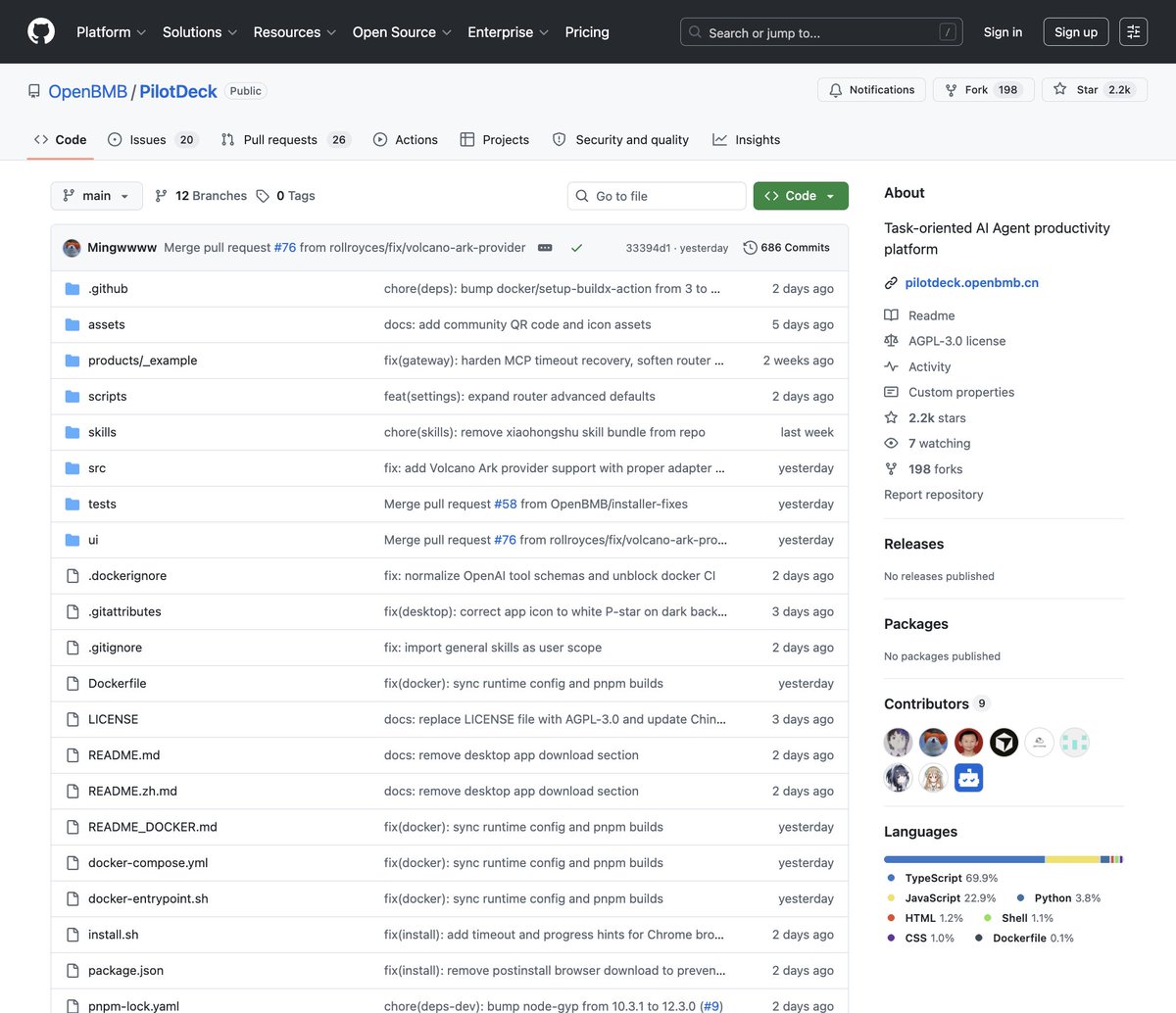
- PilotDeck — OpenBMB's open-source AI agent framework. Build and deploy autonomous agents in minutes.
https://t.co/ozmSncagqb
- andrej-karpathy-skills — Karpathy's AI coding wisdom in a single markdown file. 109K+ stars.
https://t.co/tOr4XGZnDy
- MemPalace — Milla Jovovich co-built this AI memory system with Claude Code. Near-perfect LongMemEval score.
https://t.co/zjSwfv3PeV
- OpenClaw — Peter Steinberger's personal AI assistant. 300K+ stars. Fastest growing repo in GitHub history.
https://t.co/vgWKVDhXyZ
- autoresearch — Karpathy's research automation framework. 23K stars in three days.
https://t.co/fVnXmLjpcH
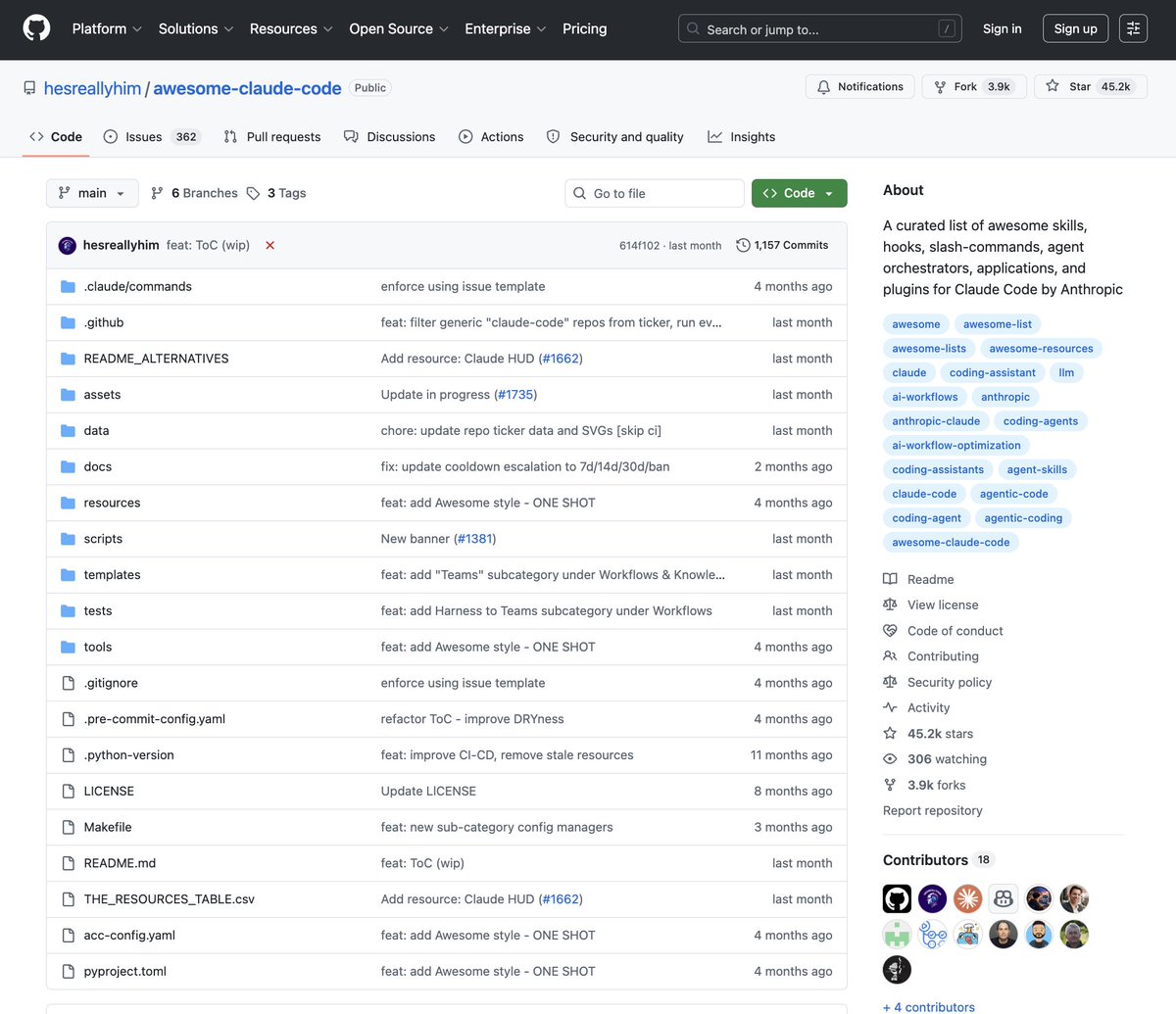
- awesome-claude-code — The canonical Claude Code playbook. Used inside FAANG, OpenAI, and Anthropic.
https://t.co/ylSdRRATgg
- agent-skills — Addy Osmani's production-grade engineering skills for AI coding agents. 30K+ stars.
https://t.co/ClswBl8zCO
- AI-Agents-for-Beginners — Microsoft's free 12-lesson course on building AI agents.
https://t.co/DhS6mUJuDk
- awesome-llm-apps — 106K+ stars. The largest collection of working AI apps on GitHub.
https://t.co/ilZKbFPxp7
- hermes-agent — Self-evolving AI agent. Gets smarter the more you use it.
https://t.co/06jfIpEy6W
- qlib — Microsoft's full quant investment platform. A hedge fund brain, free to clone.
https://t.co/sBbYjvXzkx
Save this post!
Follow me for more ♻️ Repost so others don't miss it.
My daughter wants to use the computer like I do, so I hacked `asciiquarium` to let her spawn as many sharks as she wants by pressing the S key. Enjoy, my daughter!