#SCADUProjectUpdates
We’ve signed an #MoU with Mr. David of @fromyfarm
This partnership will create a digital marketplace connecting SCADU youth beneficiaries to farmers, buyers, and suppliers globally helping bridge market gaps & grow sustainable agribusiness networks. 🌍📱
Neverrrrtrrrrr Everrrrrrrrr look desperate in life. Remain calm during hard times. Understand it's just your time to suffer like every great man Before YOU.
Do this:
1. Open AWS and create an account.
2. Go to EC2, spin up an instance, generate a key pair, and SSH into it from your local system. Just play around install Nginx, deploy a Node app, break things, fix them.
3. Decide to launch something? Go to Security Groups open ports for HTTP (80), HTTPS (443), and SSH (22).
4. Grab your instance’s public IP, open it in your browser, and you’ll see your app running on the cloud.
5. Start scaling ? create another EC2 instance and set up an Application Load Balancer to route traffic.
6. Tired of adding instances manually? Use Auto Scaling Groups (ASG) define min/max instances, attach a launch template/AMI of your app, and AWS will scale automatically based on CPU or request load.
7. Getting millions of requests and your DB is choking? Use Kafka or SQS for buffering high-throughput workloads. Learn more about async
8. Store images, videos, or backups? Use S3 connect it from your app via the SDK, and make a file uploader.
9. Use RDS for managed databases (MySQL/Postgres). AWS handles backups, scaling, and maintenance.
10 Use CloudWatch to monitor your instances, logs, and metrics. Set up alerts when CPU spikes or memory usage is high.
11. For networking, explore VPCs subnets, route tables, gateways. This is where you learn how AWS isolates traffic securely. You will learn really well about networking here. Just create a vpc and play around
12. Once you’re comfortable, try Terraform to automate infra because that's 100X easier to manage state.
Stage 13: Say Fuck AWS for stealing money and buy your own VPS, set up Docker, or use Coolify for one-click PaaS setups.
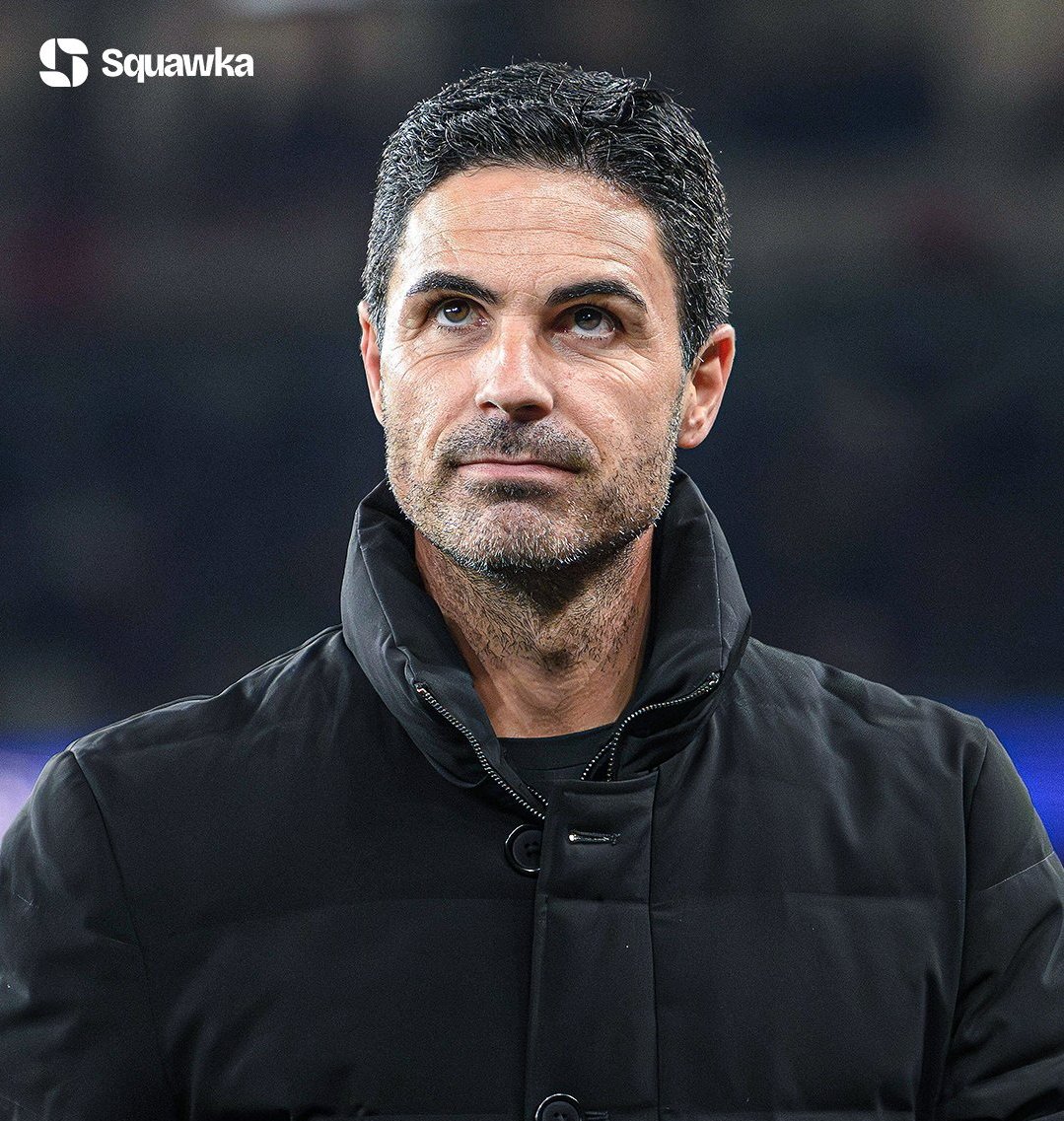
🚨 There has been a clash between Berta and Arteta. Berta believes that a player like Raya should work from home considering he has no work on the pitch
I've fully implemented Sundays as those days I create time with myself, reflect and look into my longterm obligations and at some point; journal.
Also, on Sunday, I declutter — everything that fills up space and is useless or no longer needed — electronics that need repair —projects that need re-evaluation etc.
Today, I figured out: I'm not fulfilled. That no matter how well things seem to go, there is much potential in me that I've not put to use. And if I don't do so, I hinder my own growth and that of the people around me that believe in me.
Hi Taiye,
Wanted to reply this when I had some free time so I could go into detail, and hopefully this helps someone out there too.
First, while Automation can be tricky, the problem I see most people make is thinking it’s Tech first.
That’s wrong, you see, Automation is simply replicating a manual process, but this time, with little to no human interference.
And here’s where MAPPING THE LOGIC FIRST is really important.
Say a client comes to you and would like a client onboarding system where anytime someone fills their form, they get an instant email and a notification is sent to slack.
The hack is to think, how would I manually do this first? After that, you simply just find the nodes to do it and connect.
Here’s what that look like in N8n
1. The client has to fill and submit a form FIRST- means an “on form submission trigger” node in N8n begins the workflow
2. You will need to save the client details in a database- Google sheets/Airtable/any other CRM node
3. You want to get their email address and send them an email - Gmail node
4. You want to alert the team on slack - slack node.
Have you seen? There was nothing about this process that was overwhelming or larger than life. It’s simply first understanding the manual process first, then finding the right tools for it.
Hope this helps, have a great weekend