@KAI121 ada solusi gak bisa login KAI Access pakai nomor hp dan email pribadi? Selalu muncul pesan "Sedang terjadi gangguan (403). Jangan kasih solusi login pakai Google ya. Emailnya ndak tertaut ke situ soalnya.
BREAKING!
Warga Papua Selatan hari ini resmi gugat Menteri Kehutanan RI, Raja Juli Antoni, yang keluarkan Surat Keputusan (SK) No. 591 berisi rencana mengubah 486 ribu hektare tanah adat mereka jadi PSN Pangan dan Bioenergi.
Gugatan ini jadi bukti bahwa “Pesta Babi” adalah realita yang terjadi di Papua Selatan hari ini. Di mana kebijakan negara jadi alat legitimasi pemusnahan ruang hidup masyarakat.
Kenapa warga menggugat?
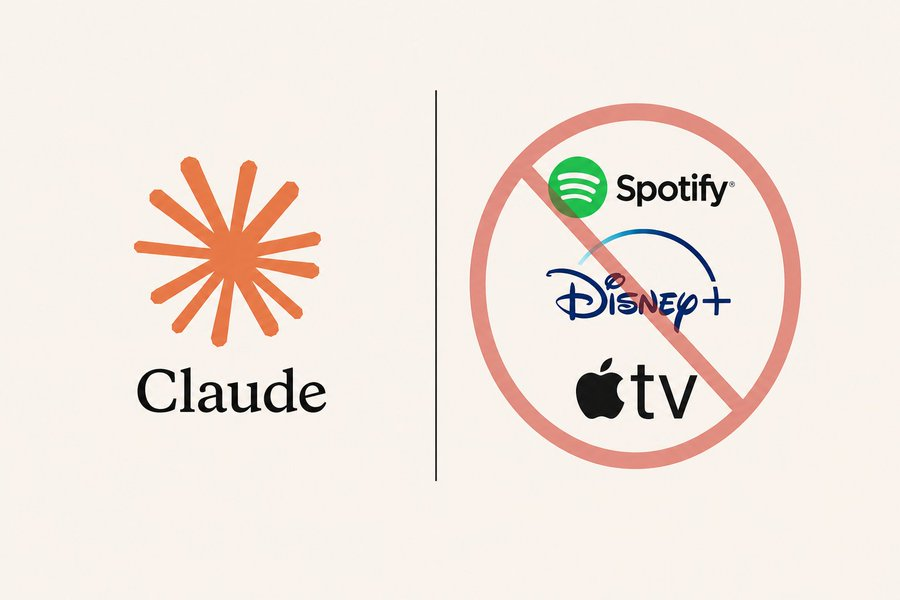
I canceled Spotify.
I canceled Disney+.
I canceled Apple TV+.
No more monthly payments.
Claude turned my laptop into a free entertainment hub that’s better than all of them *combined*.
Here are 9 prompts that rebuild the whole system for free (Save this).
2026 Claude is my full operating system.
After 300+ hours, I’ve built the ultimate AI blueprint:
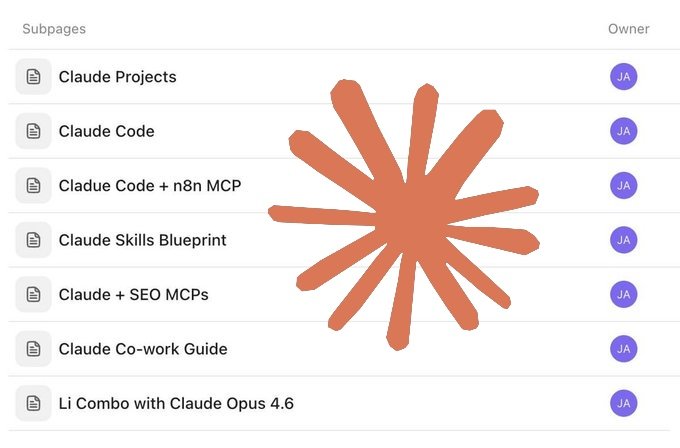
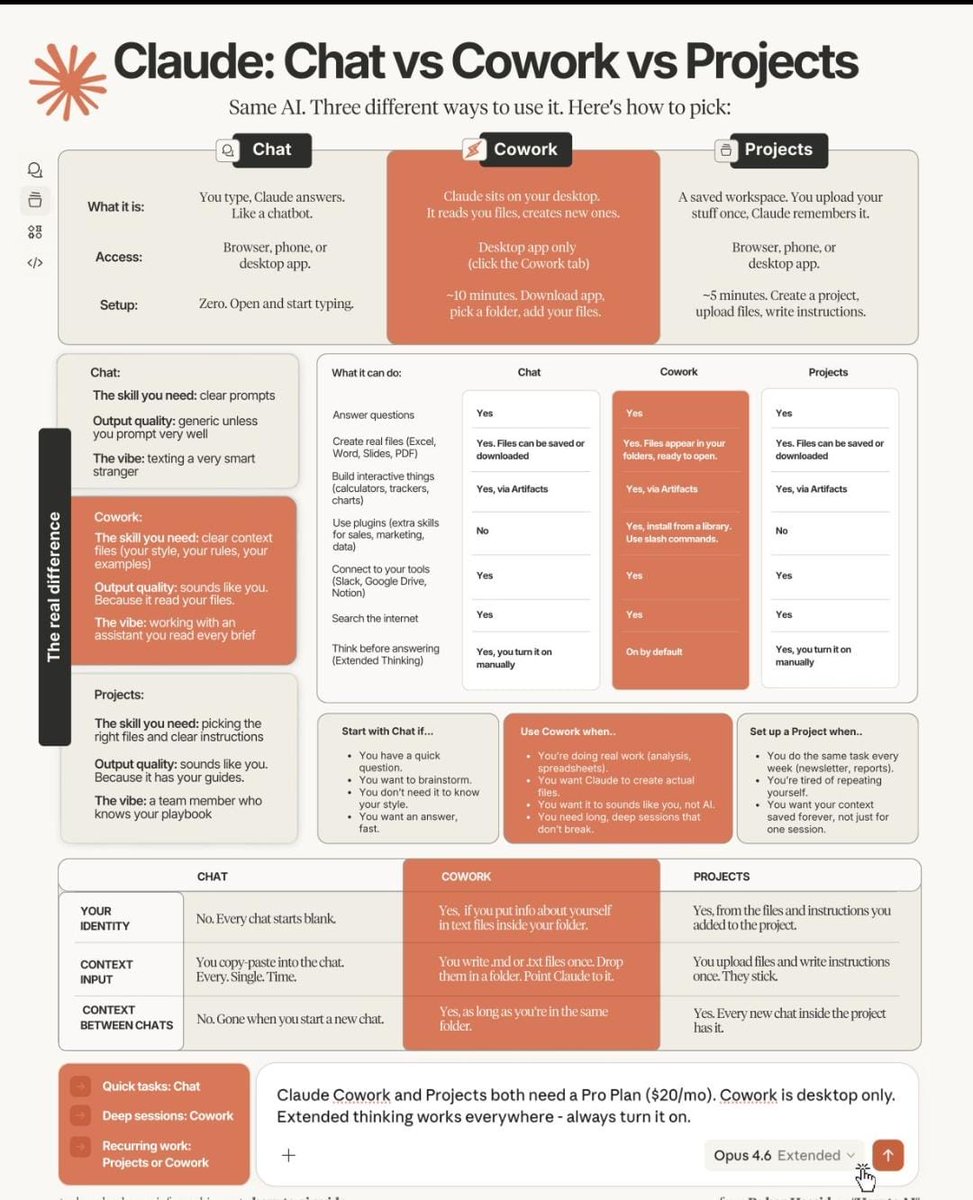
- Claude Projects + Code + Cowork
- n8n MCP + SEO MCPs
- Opus 4.6 + Skills Blueprint
It's FREE For You.
Want the blueprint?
Like & RT
comment “Claude”
Follow @AiWithMaira For DM
Everyone is using Claude.
Only 1% are actually leveraging it.
The difference isn’t access.
It’s the prompt.
I tested 1000+ prompts.
Refined them. Broke them. Rebuilt them.
That’s how I moved into that 1%.
Today I generate $2,000–$4,000/month
Just by giving Claude better instructions.
Most people blame the AI.
The real problem is vague prompts.
So I’m giving away my Top 21 Claude Mega Prompts — copy-paste version.
Universal.
Tested.
Built for real results.
If you know how to instruct AI properly, you gain unfair leverage.
How to get it:
• Follow (so I can DM you)
• Comment “prompt”
• Like + RT
Miss a step = no access.
This GitHub repo is basically the Claude Code cheat code
Learn:
• Commands
• Sub-Agents
• Skills
• MCP Servers
• Memory
• Hooks
• Agent Teams
If you're building with Claude, this is the playbook
https://t.co/ujmePEF2fr
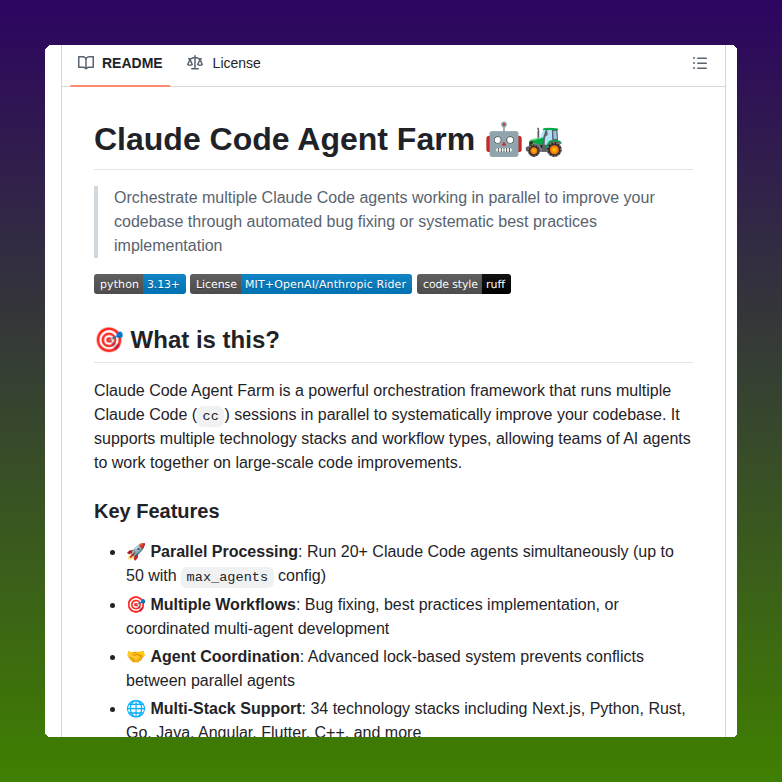
Best GitHub repos for Claude code that will 10x your next project:
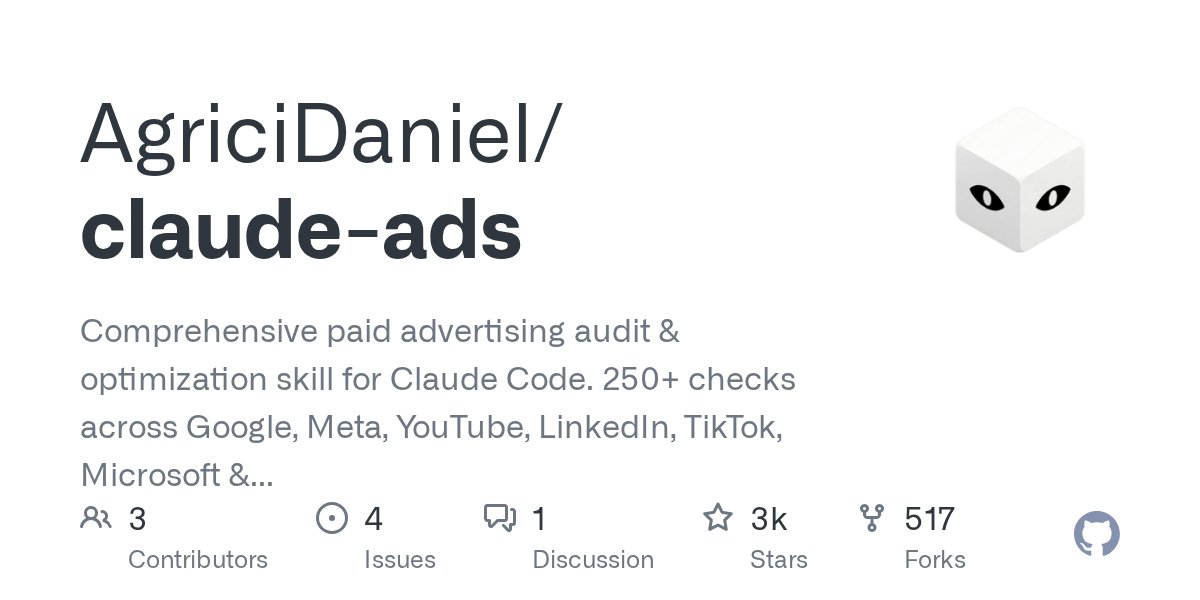
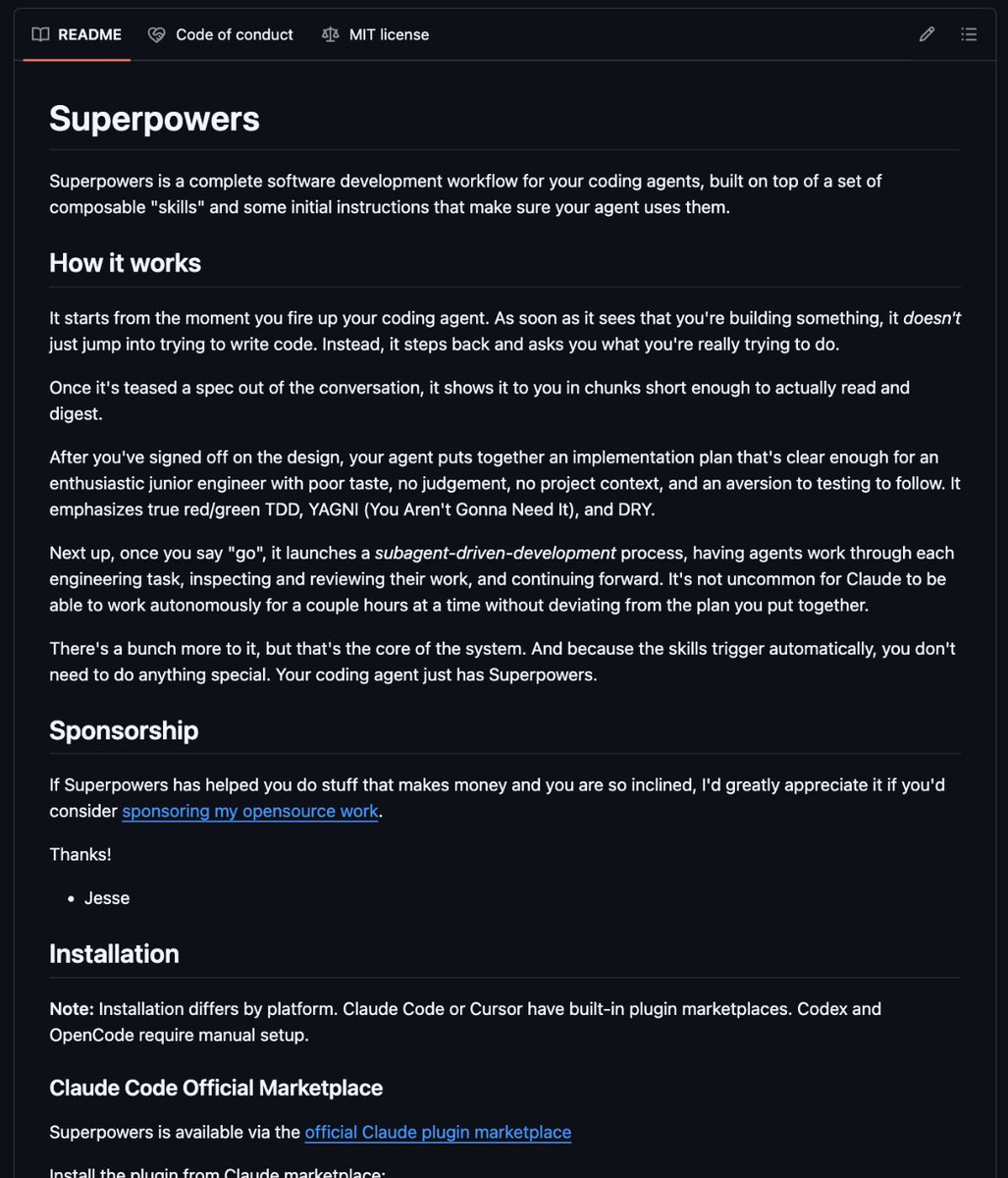
1. Superpowers
https://t.co/U5Y4BK9Lap
2. Awesome Claude Code
https://t.co/qcgoxU3Up2
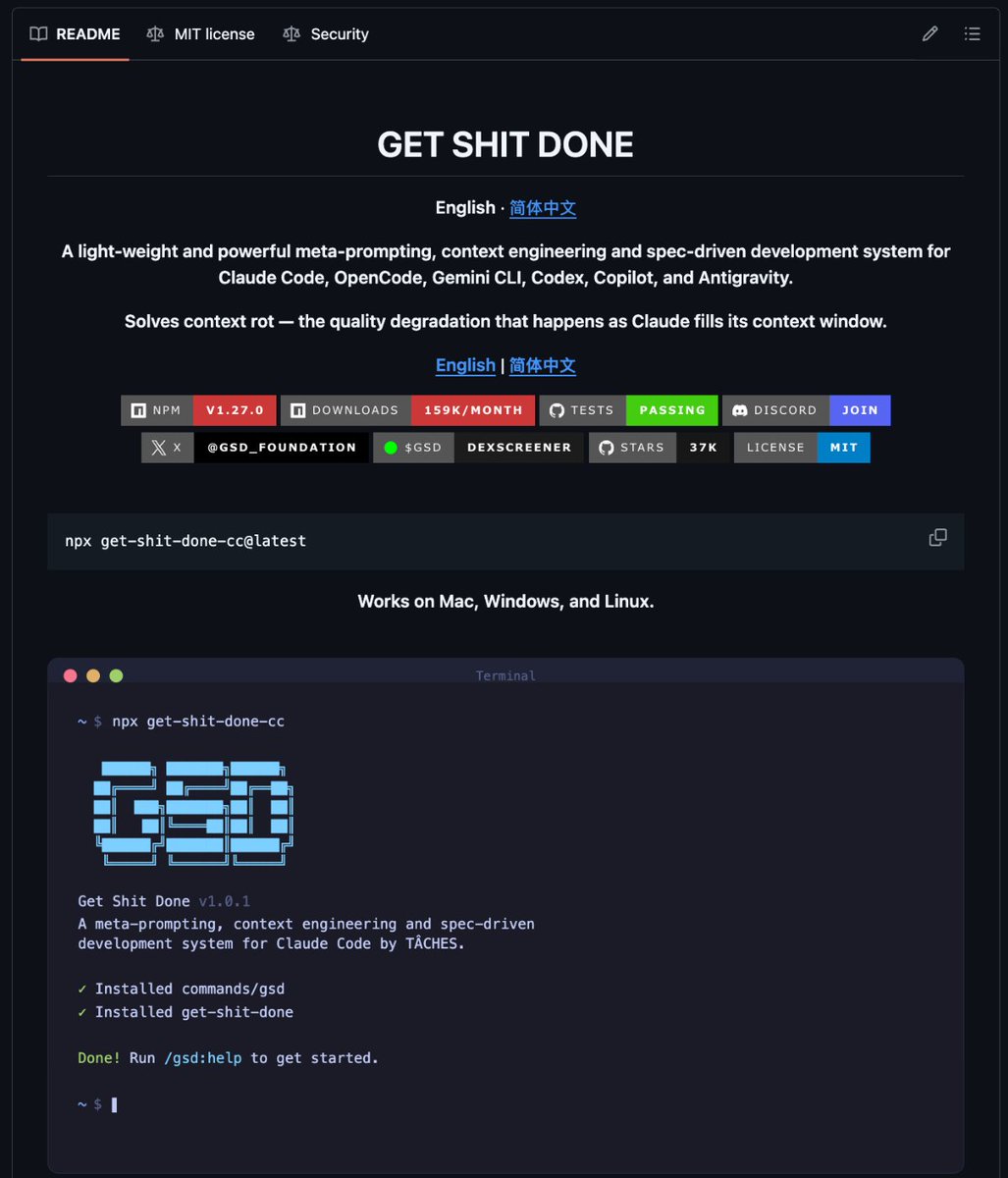
3. GSD (Get Shit Done)
https://t.co/WfAhllWnTR
4. Claude Mem
https://t.co/XLQpwdnIWN
5. UI UX Pro Max
https://t.co/aQtGjMzKus
6. n8n-MCP
https://t.co/7le1aluZXH
7. Obsidian Skills
https://t.co/MUaoyUnasw
8. LightRAG
https://t.co/ye8z4UqaMc
9. Everything Claude Code
https://t.co/OAU9JE46Uz
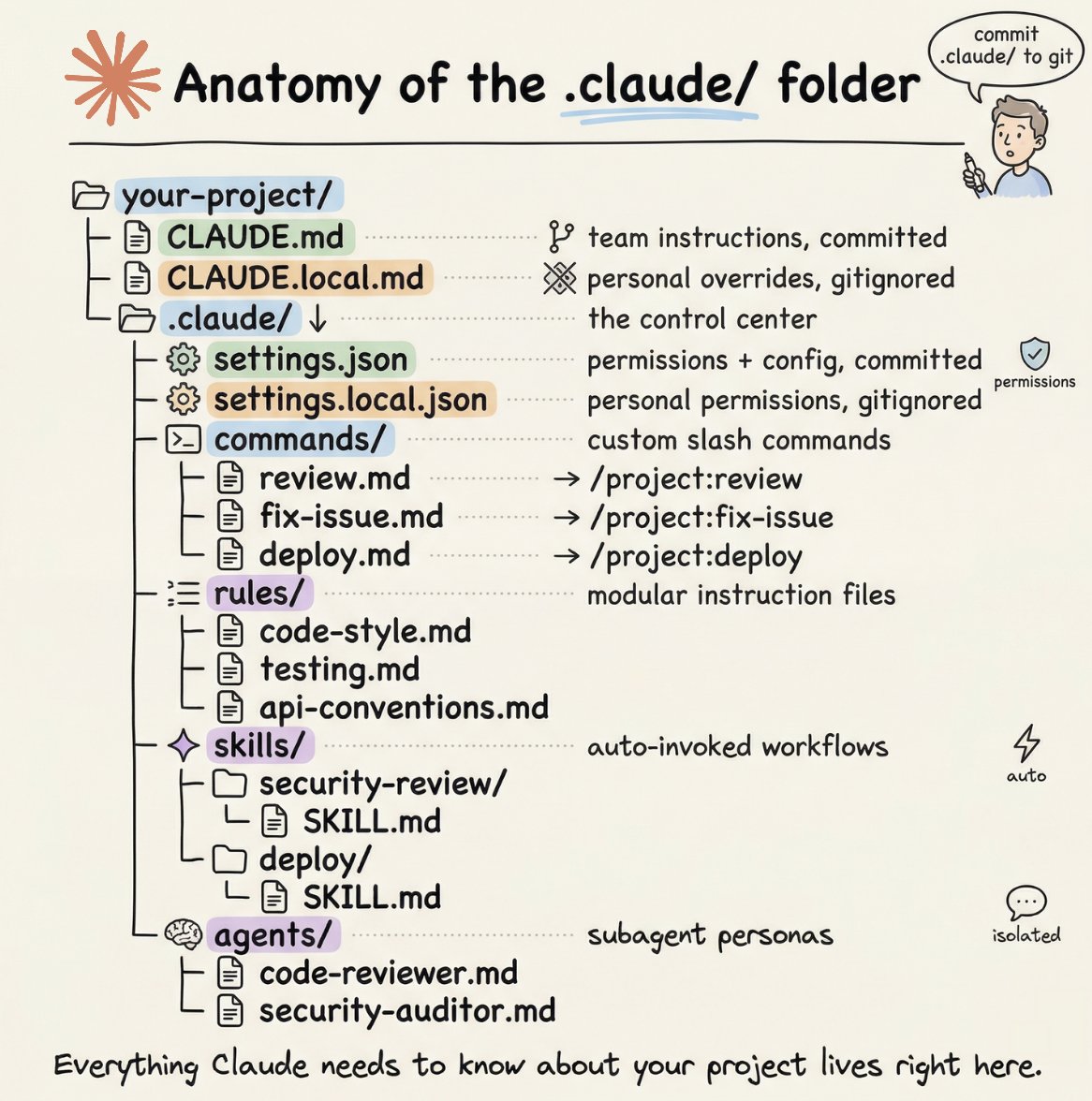
How to setup your Claude code project?
TL;DR
Most developers skip the setup and just start prompting. That's the mistake.
A proper Claude Code project lives inside a .𝗰𝗹𝗮𝘂𝗱𝗲/ folder. Start with 𝗖𝗟𝗔𝗨𝗗𝗘.𝗺𝗱 as Claude's instruction manual. Split it into a 𝗿𝘂𝗹𝗲𝘀/ folder as it grows. Add 𝗰𝗼𝗺𝗺𝗮𝗻𝗱𝘀/ for repeatable workflows, 𝘀𝗸𝗶𝗹𝗹𝘀/ for context-triggered automation, and 𝗮𝗴𝗲𝗻𝘁𝘀/ for isolated subagents. Lock down permissions in 𝘀𝗲𝘁𝘁𝗶𝗻𝗴𝘀.𝗷𝘀𝗼𝗻.
There are two .𝗰𝗹𝗮𝘂𝗱𝗲/ folders: one committed with your repo, one global at ~/.𝗰𝗹𝗮𝘂𝗱𝗲/ for personal preferences and auto-memory across projects.
The .𝗰𝗹𝗮𝘂𝗱𝗲/ folder is infrastructure. Treat it like one.
The article below is a complete guide to 𝗖𝗟𝗔𝗨𝗗𝗘.𝗺𝗱, custom commands, skills, agents, and permissions, and how to set them up properly.