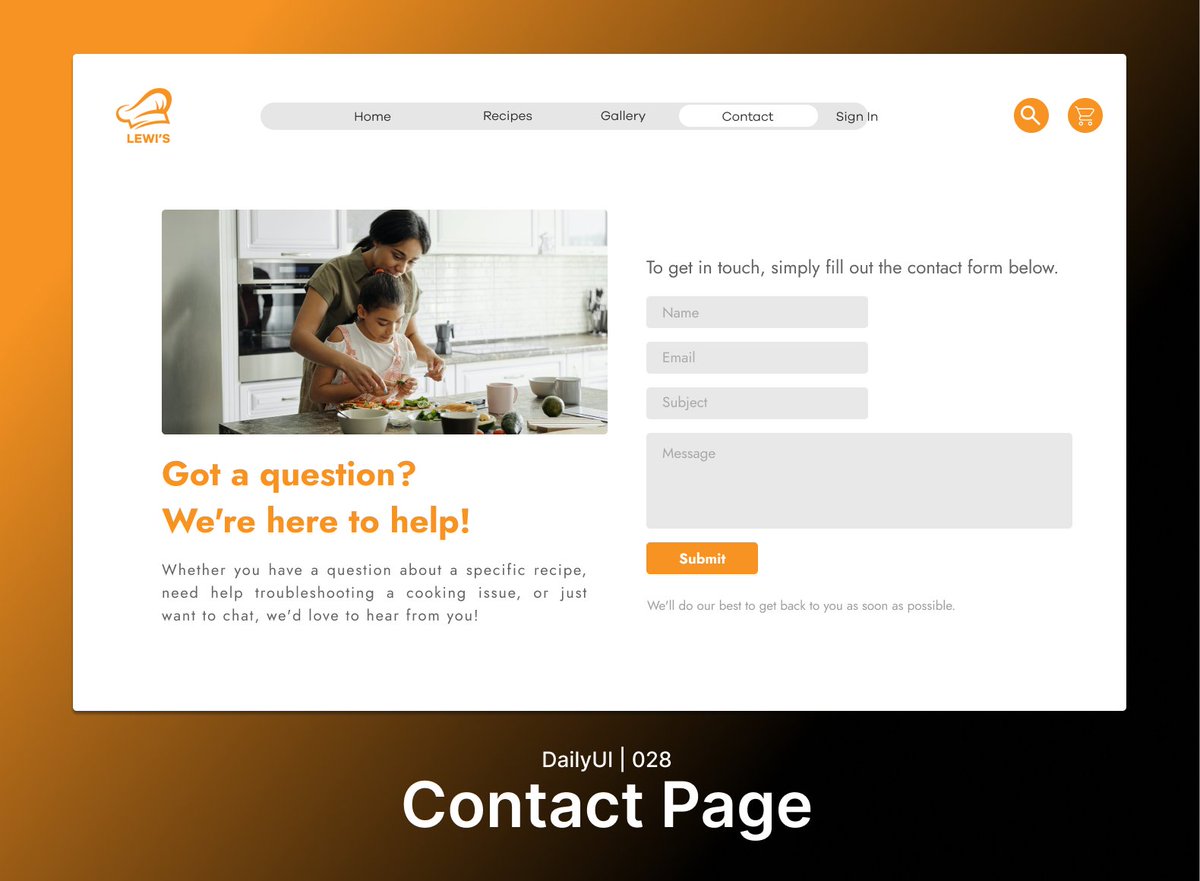
Day 28/100 of the #DailyUI 🚀
Today, I designed a contact page for a recipe website in Figma. I wanted to create a page that was both visually appealing and easy to use, while also providing all of the necessary information for users to get in touch with the website owner.
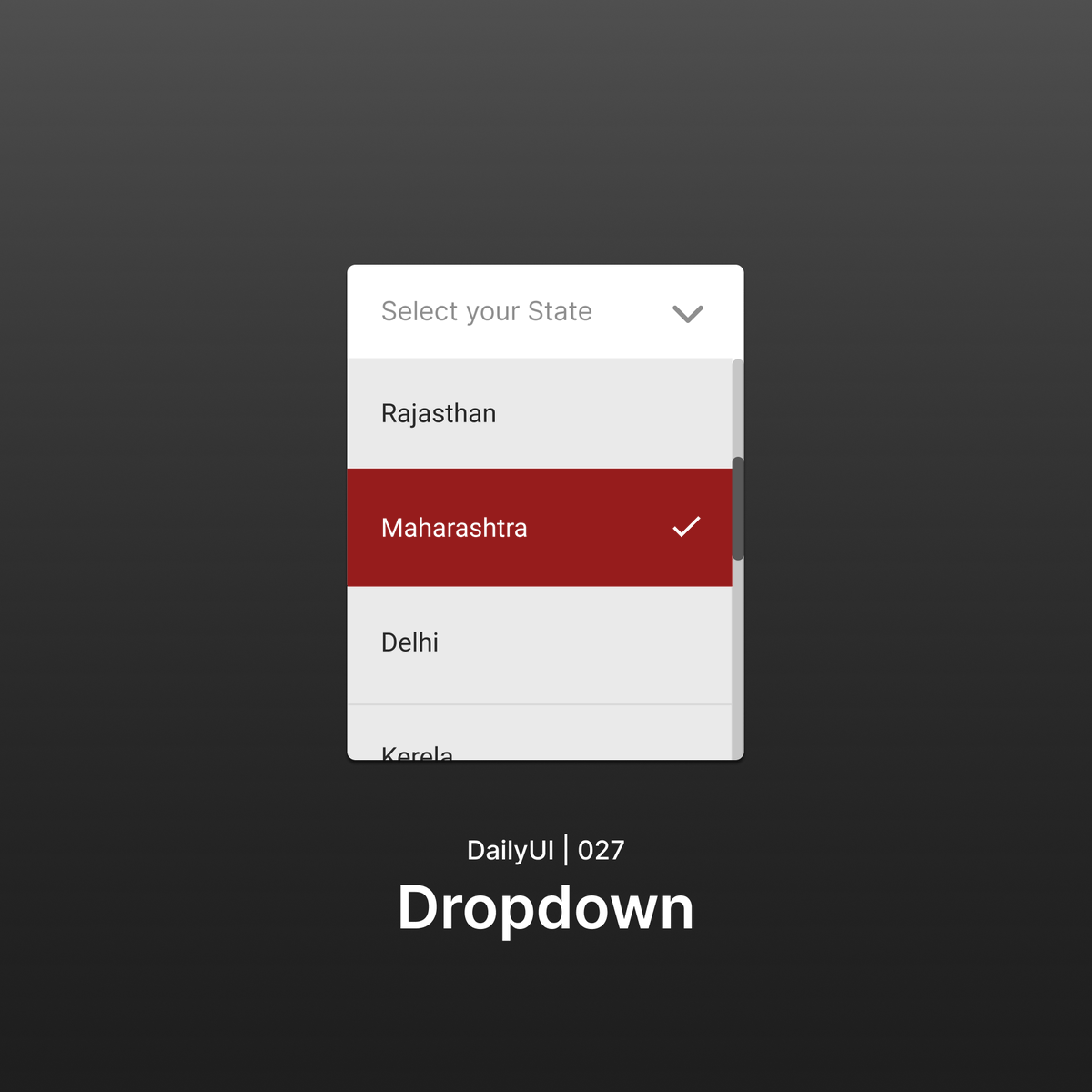
Day 27/100 of the #DailyUI 🚀
Today, I designed a dropdown menu for selecting state in Figma. I wanted to create a simple and user-friendly menu that would be easy to navigate, regardless of the device being used.
Day 26/100 of the #DailyUI 🚀
I wanted to create a simple and visually appealing page that would encourage visitors to subscribe and receive delicious recipes delivered straight to their inbox. I used a clean layout and bright colors
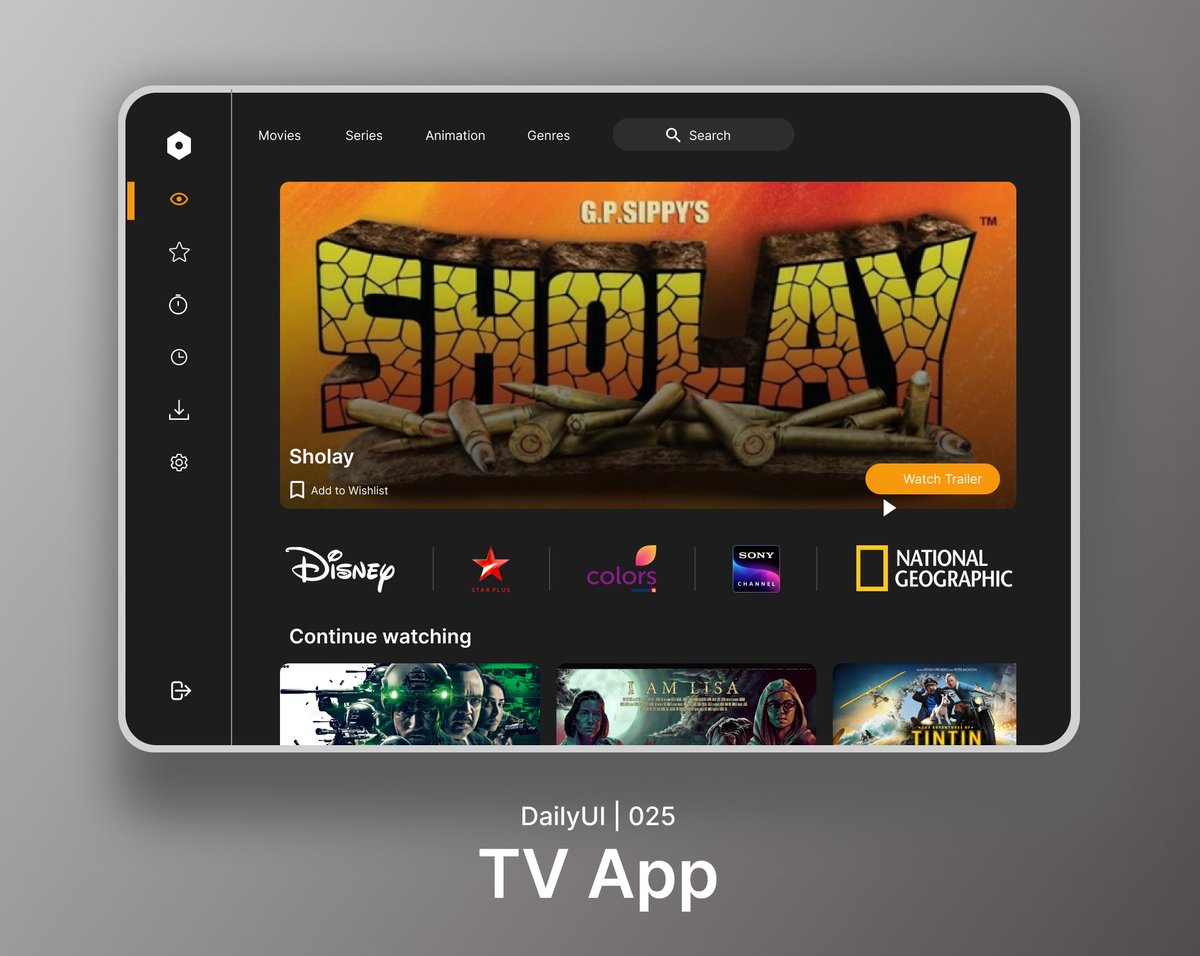
Day 25/100 of the #DailyUI 🚀
Designed a TV app UI that is simple, intuitive, and visually appealing. I used Figma to create a user-friendly interface that makes it easy for users to browse and watch their favorite TV shows and movies.
Portfolio Link: https://t.co/xA07xuq2uY
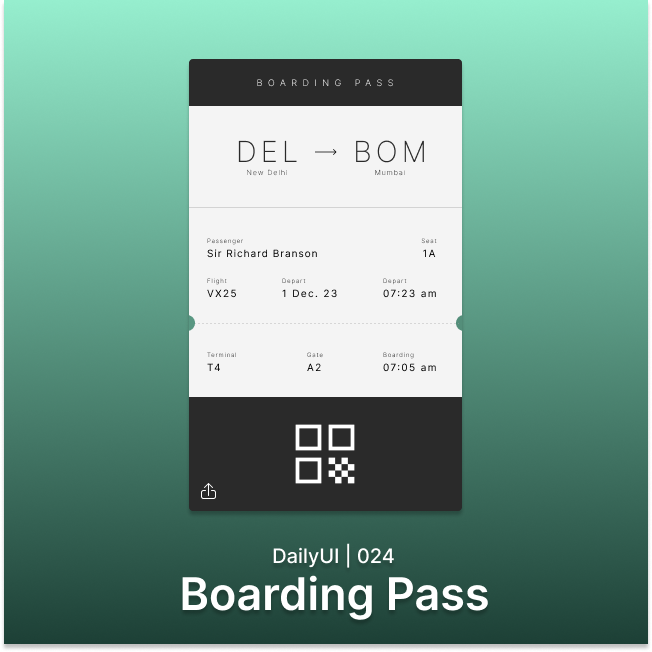
Day 24/100 of the #DailyUI 🚀
Designed a boarding pass for a flight using Figma. I focused on creating a simple and user-friendly interface that makes it easy for passengers to find the information they need, such as their gate number, seat assignment, and flight status.
Day 23/100 of the #DailyUI 🚀
Designed onboarding screens to help users get started with a recipe app quickly and easily. I used Figma to create a visually appealing and informative experience that introduces users to the app's features and benefits.
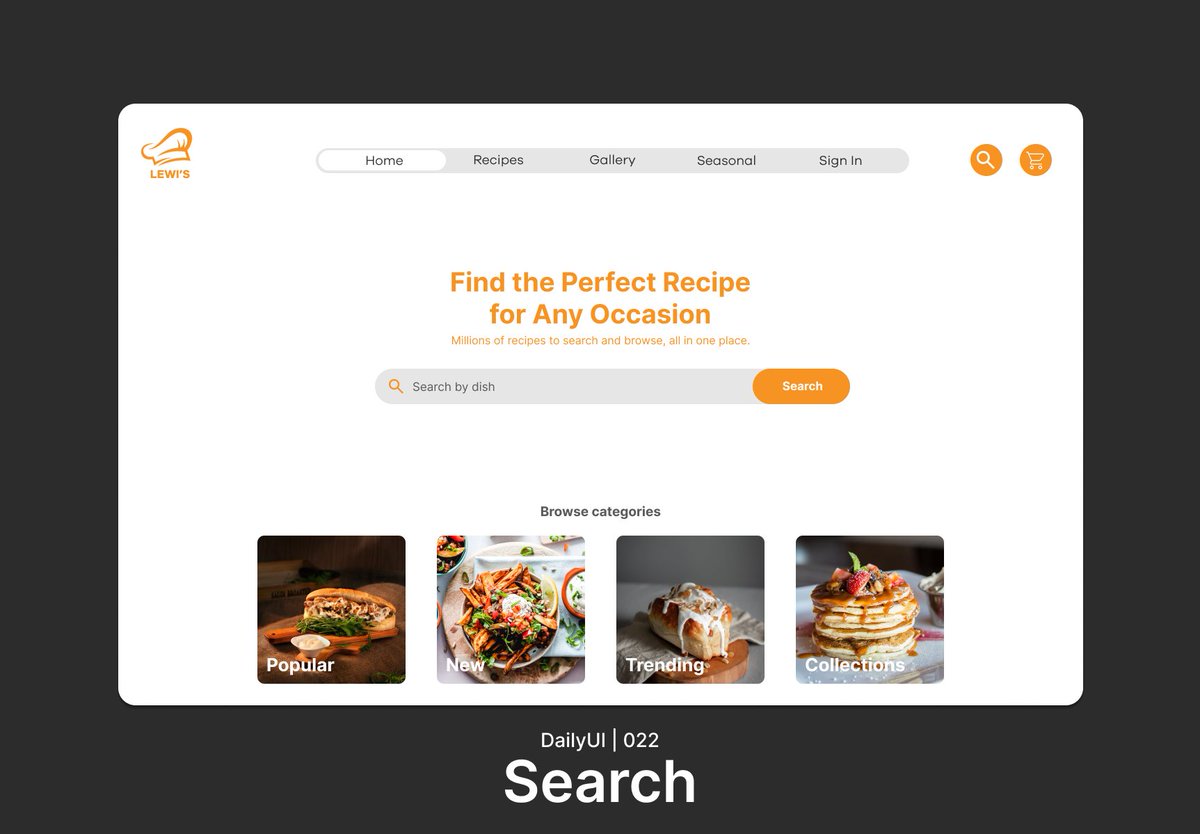
Day 22/100 of the #DailyUI 🚀
Today Designed a search page UI for a recipe website that makes it easy for users to find the recipes they're looking for. I used Figma to create a clean and intuitive interface options to help users narrow down their search results.
Day 21/100 of the #DailyUI 🚀
Designed a home monitoring dashboard UI to help users keep track of their footsteps. I used Figma to create a visually appealing and informative interface that is easy to navigate.
Day 20 of #100DaysOfUI: Location tracker design in Figma!
Designed a location tracker app UI to help users keep track of their whereabouts and share their location with others. I used Figma to create a simple and intuitive interface that is easy to use.