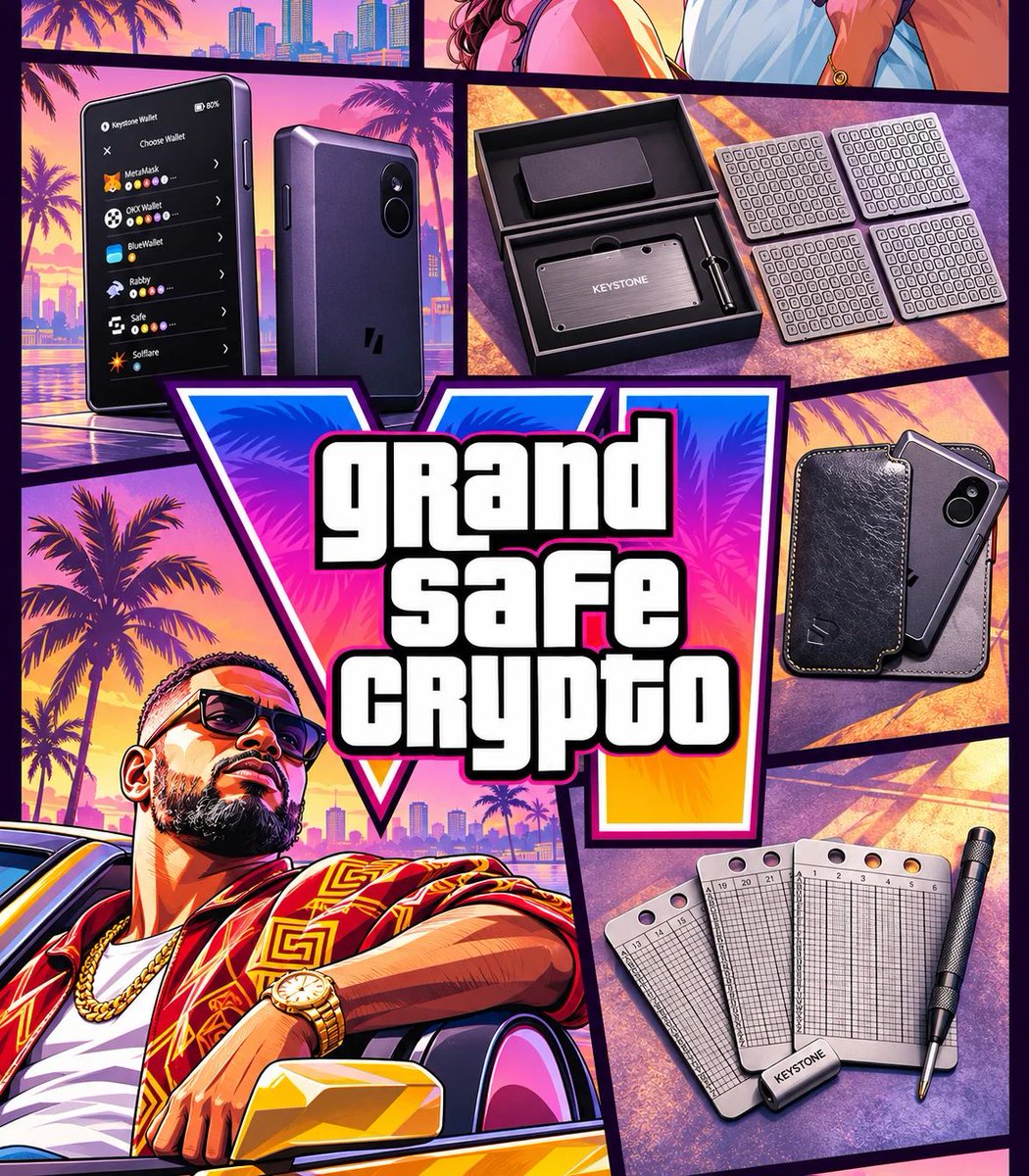
Hot deal on cold storage 🧊
20% off everything Keystone on our Black Friday Super Sale.
Ends Dec 4.
Send this to the friend who still believes iPhones are hardware wallets 😁
guys oru doubt, don't take me wrong
recent ah Vijay oda periyamma oru old-age home la irundhu erandhu ponanga, anga just edho 3vadhu manusanattam irundhan...
inga mattu yen ipdi behave panran...
unga yarukum idhulam artificial ah therlaya...
Haven’t updated your Keystone firmware in a while? Wondering if you actually need to? 🤔
Ask yourself these questions 👇
1️⃣ Does your current firmware do what you need?
If it covers everything you use, and the new release only adds features or chains you don’t touch, it’s fine to hold off.
Using your Keystone purely for long-term BTC storage? Updates for other chains probably don’t affect you.
But sometimes an update isn’t optional.
Let's assume you are a Zcash user. After Zcash’s NU7 network upgrade, firmware without NU7 support may fail to sign transactions properly. In that case, you need to upgrade.
2️⃣ Does the new version include security fixes?
Firmware updates don’t just add features. They often patch known vulnerabilities and harden the protection around your private keys.
If an update includes critical security fixes, upgrade as soon as you can. “Working fine” today isn’t a reason to skip it.
🛡️ Before you upgrade:
🔎 Official channels only: Go straight to the official Keystone website for firmware. Don’t click links from search ads, unsolicited emails, or DMs.
💾 Upgrade offline: Follow the official guide, download the right firmware, and load it onto your device with an SD card. Then verify the file hash against the one listed on the website.
🚫 Never share your seed phrase: A real firmware upgrade will never ask you to enter your recovery phrase on a website or in computer software. If anything asks for it, stop.