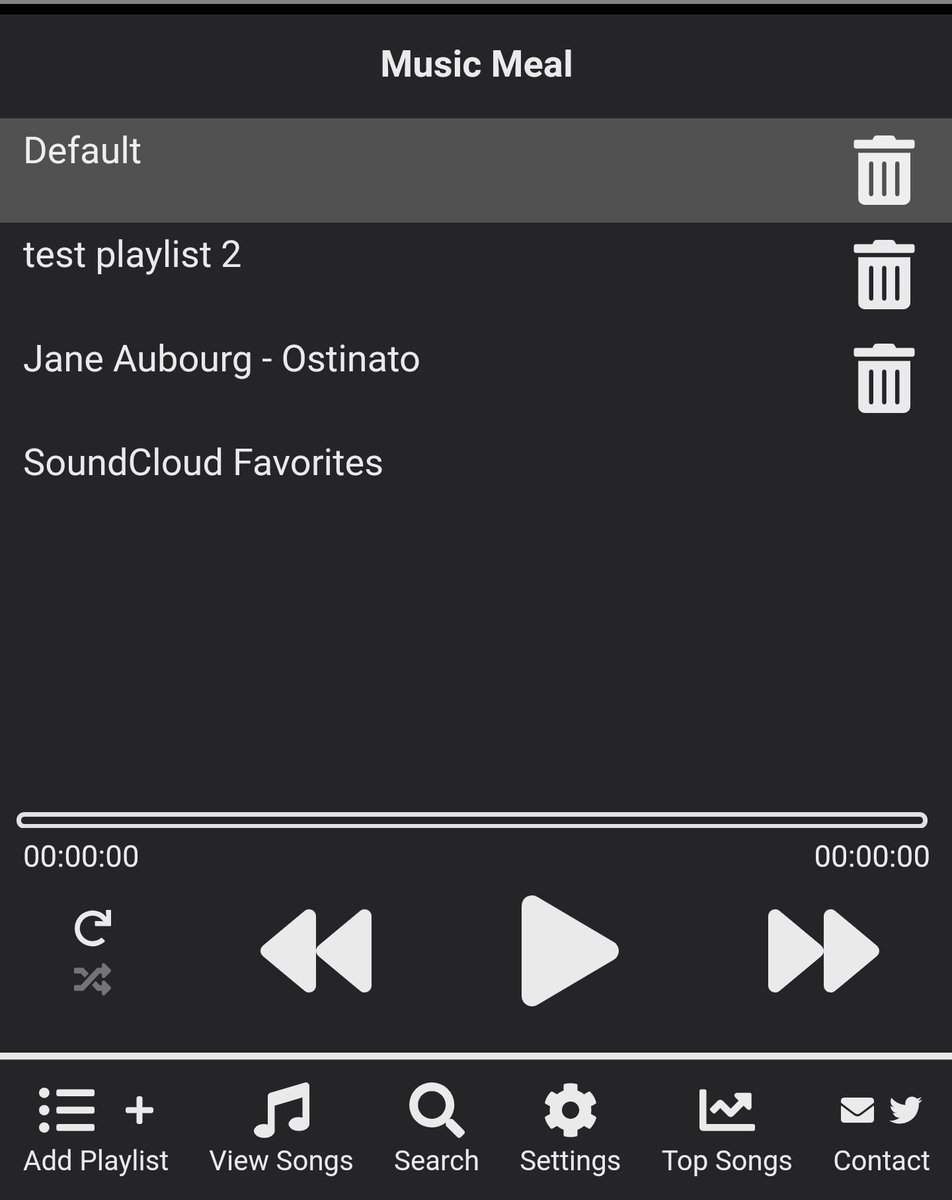
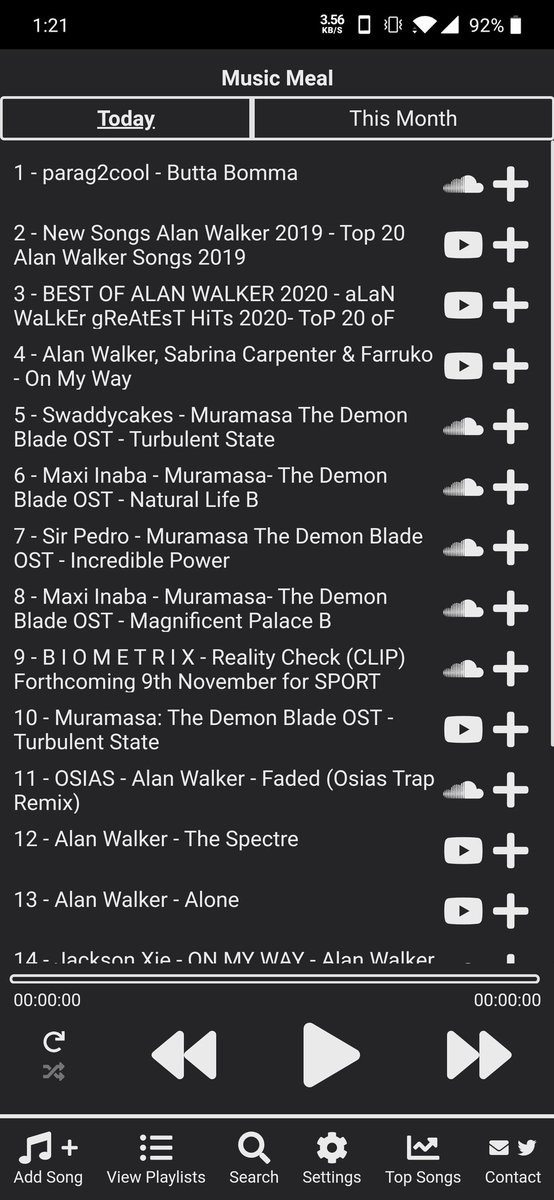
The bugs include:
- highlight of the currently playing song when the selected playlist changes
- handling of deletion of songs
- detection of headphones being plugged/unplugged on mobile
Next week Music Meal will become paid to use with lots of way to help improve the product and earn free time, by doing so. The main idea is to create an amazing product together as a community.
You can read all about it here https://t.co/ZdXEPwxeNX
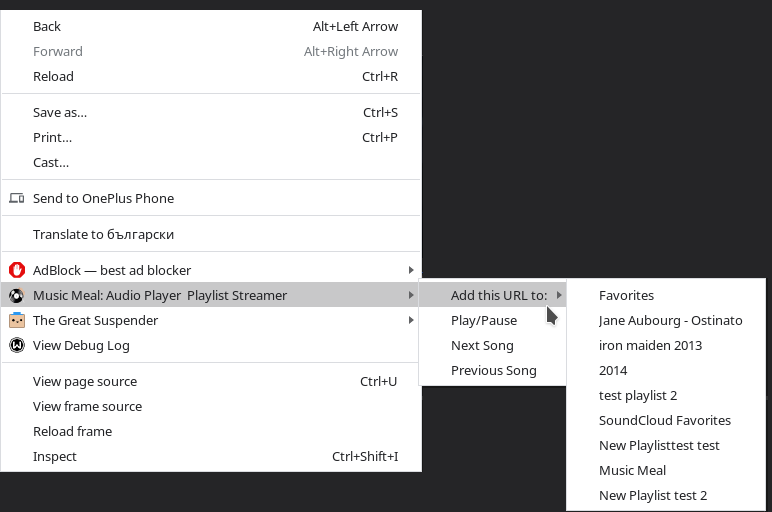
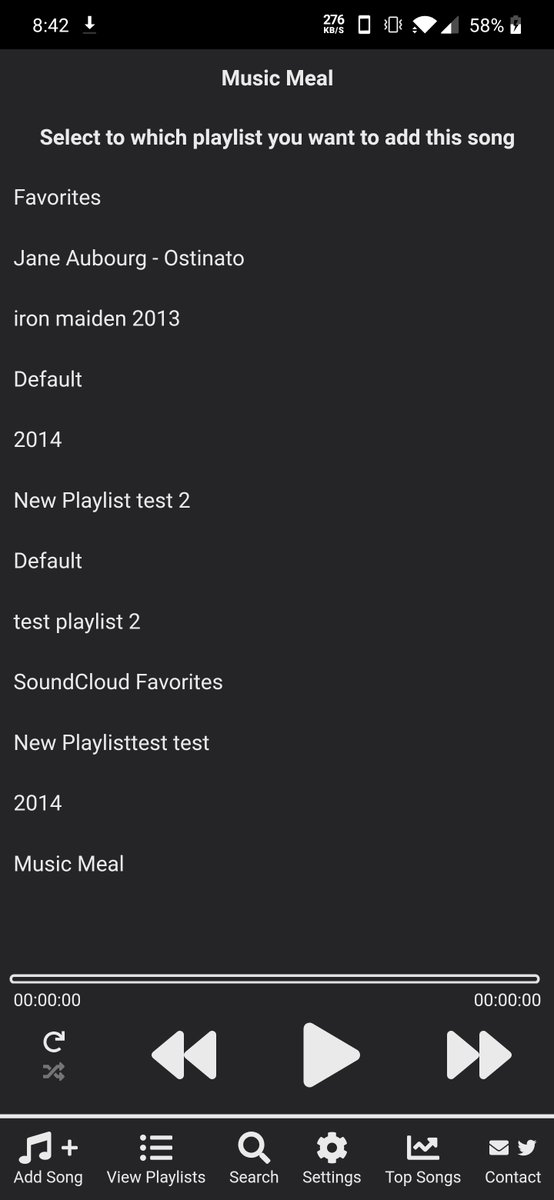
v3.11.0 is now live 🎉 It adds the ability to select to which playlist you are adding the new song from the context menus in chrome and when sharing it from an app to the android version (through an intermediate screen)
The version fixes several small bugs around shuffling and removing playlists.
The cross platform search results will now include #podcast results from #Spotify as well
v3.10.1 is now live 🎉 It adds the ability to get or update all of your #YouTube playlists in Music Meal. You can read more about it here https://t.co/Z0mzXmO5lo
This was also a user suggestion, so if you have any ideas or feedback, don't hesitate to share them!
v3.8.24 is out now 🎉 it introduces the ability to also sync the liked songs from #SoundCloud
All of them are listed into a separate playlist. Adding or removing songs from that playlist will add or remove them in your #SoundCloud liked list
v3.8.23 is out now�� It introduces the ability to connect your #SoundCloud account so all of your #SoundCloud playlists will be in sync with Music Meal
You can read more about it here https://t.co/nrnmJMNKHS
Huge thanks to @MilaChervenkova for suggesting the feature!
v3.8.5 is out now for Chrome.
It fixes several small issues around the key bindings and the right click context menus for Music Meal https://t.co/X6ACa741M1
v3.8.2 is out for all platforms! It adds a few quality of life improvements, but mainly it adds a sync service🎉
If you register and login it, it will sync the playlists and songs from all of your devices. Check it out in action https://t.co/lCbtcGiO60
v.3.7.17 is out for chrome as well now. It adds quality of life improvements Alt + M will open the Music Meal popup, Alt + P will toggle the pause/play, Alt + N will play the next song, Alt + B will play the previous song. Media Button are also supported https://t.co/Yiw8tyNvbs
v.3.7.17 for the web is out now. It fixes issues with non #Chrome browsers and it also adds shortcuts support - Space would toggle play/pause, right and left key arrows would play the previous or next song and the down and up arrow control the volume
v3.7.13 is out now and adds the best feature we've added yet - a cross platform search. You can find music across #Spotify#SoundCloud and #YouTube and play it or add it to your playlists directly from within the app. Check it out in action https://t.co/1Eyusm2jEU
There is now a simple web version of the Music Meal player. It will typically be a bit ahead of the mobile and chrome extension versions. You can try it out here https://t.co/uk1gFpSL63