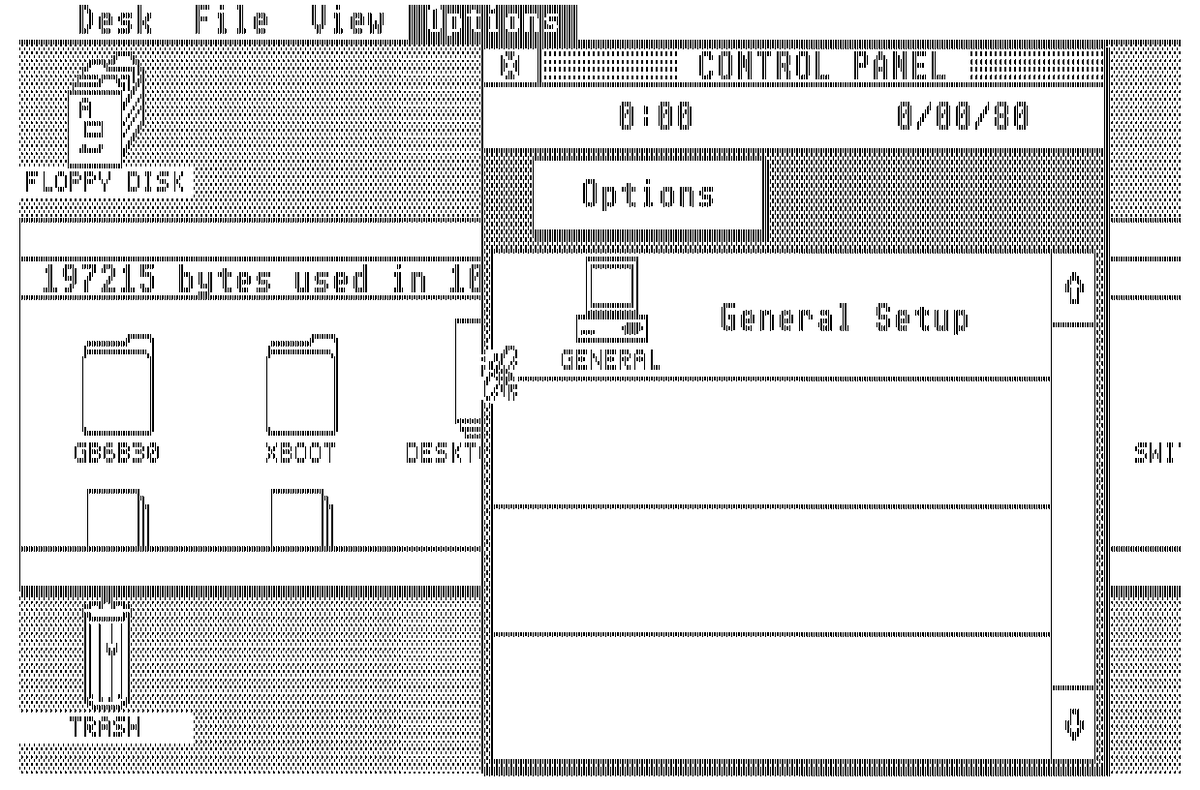
Never had one of these in my youth, but I set one up at the @R_I_C_M Learning Lab recently (with a Spectre GCR too), and it's an absolutely amazing machine. I had access to a friend's Mega ST but the Mega STE really ups the game.
Your Atari ST has been asking for a printer since 1987. You sold it in 1994. It's still asking.
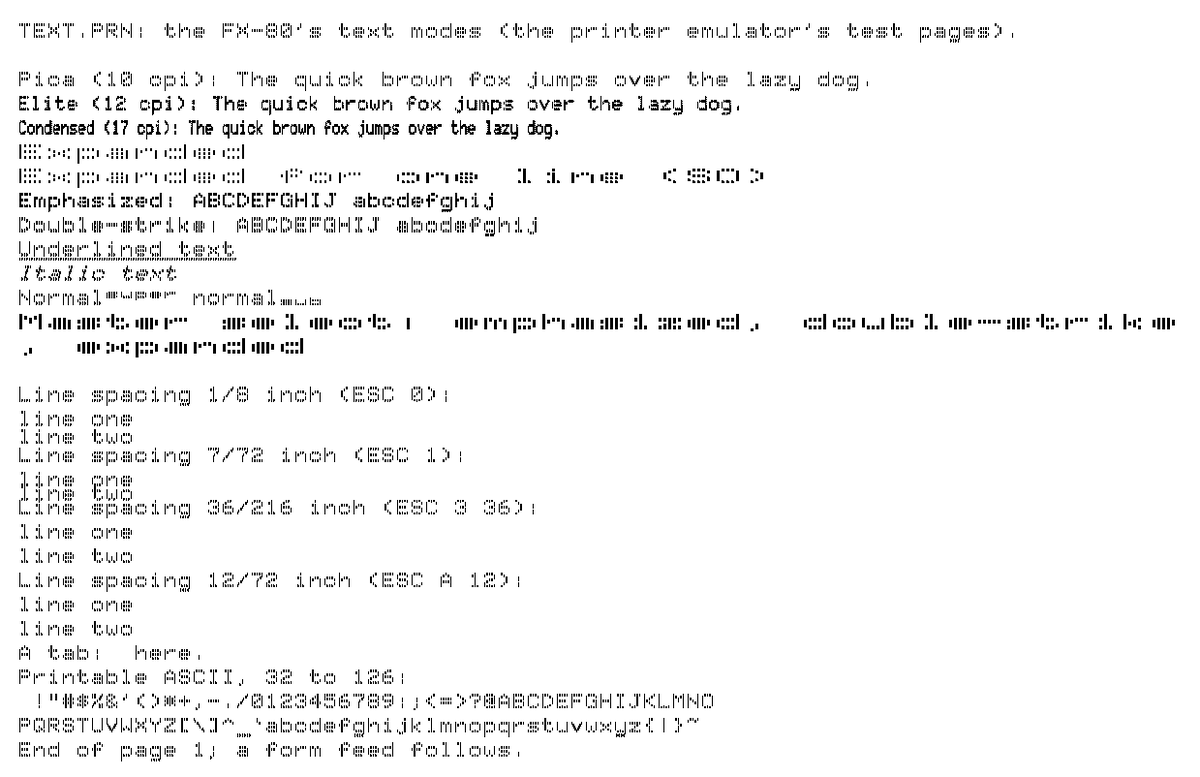
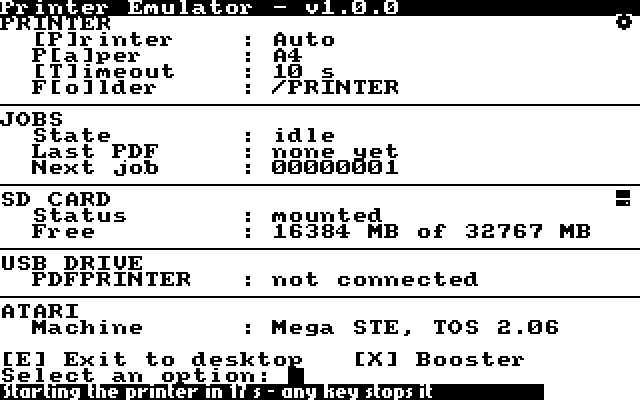
Meet the Printer Emulator for the SidecarTridge Multi-device. Your ST thinks an Epson FX-80 or an HP LaserJet II is plugged into the printer port. In reality, every print job lands on the microSD card as a PDF. No ink, no ribbon, no paper jams, no screeching.
- Alt-Help screen dumps, the desktop's Print, 1st Word Plus, Degas Elite, GFA BASIC, Easy Draw through GDOS
- Auto mode sends each job to the printer it was written for
- A4 or Letter
- Plug the Multi-device into your computer over USB and the PDFs show up on a drive called PDFPRINTER
Works on the ST, STE, Mega ST and Mega STE, even a Mega STE at 16 MHz with the cache on.
Install it from the Booster Apps page. Docs here:
https://t.co/JljVsOHoRQ
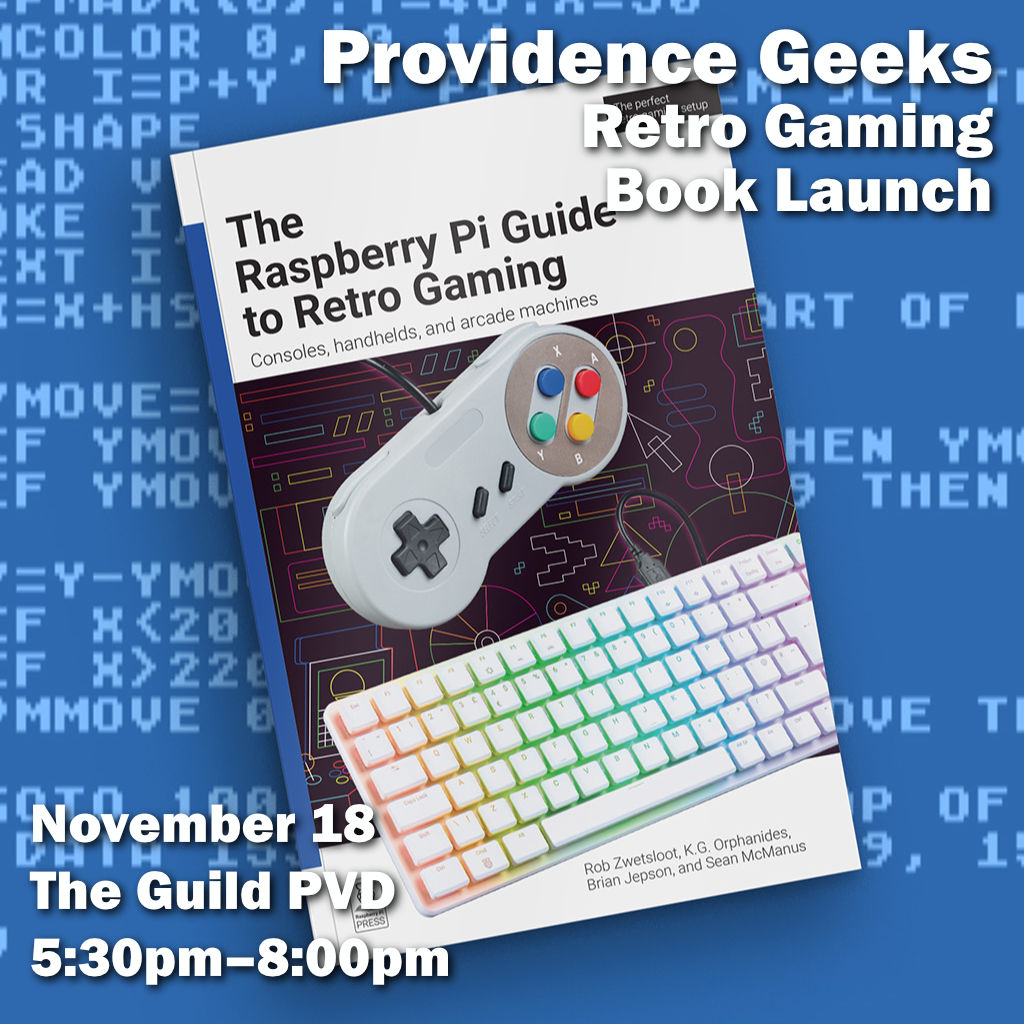
Computers new and old are ready for tomorrow's @providencegeeks/@R_I_C_M Retro Gaming book launch at The Guild PVD. We're celebrating the launch of the new Retro Gaming Guide from @Raspberry_Pi. Come and play some games on Wednesday November 18! Details: https://t.co/5VUE8wWbIB
Starting today Prusa Connect is local first 🚀
Your own Connect, running at home on a Raspberry Pi, a NAS or whatever server you have. No cloud, no internet needed, and your files stay with you.
It's out today as a public beta. You download it and run, no sign-up. Free for everyone and the source code is on GitHub. You own the hardware and you should own the software too. The future is local - I've been homelabbing a lot myself recently 😅
https://t.co/yHYHI2JvvX
Following the launch of The Raspberry Pi Guide to Retro Gaming and the recent special retro gaming issue of Raspberry Pi Official Magazine, we thought this #MakerMonday was an ideal time to revisit the topic, which seems to be having a bit of a moment.
https://t.co/dRvv4PNAkV
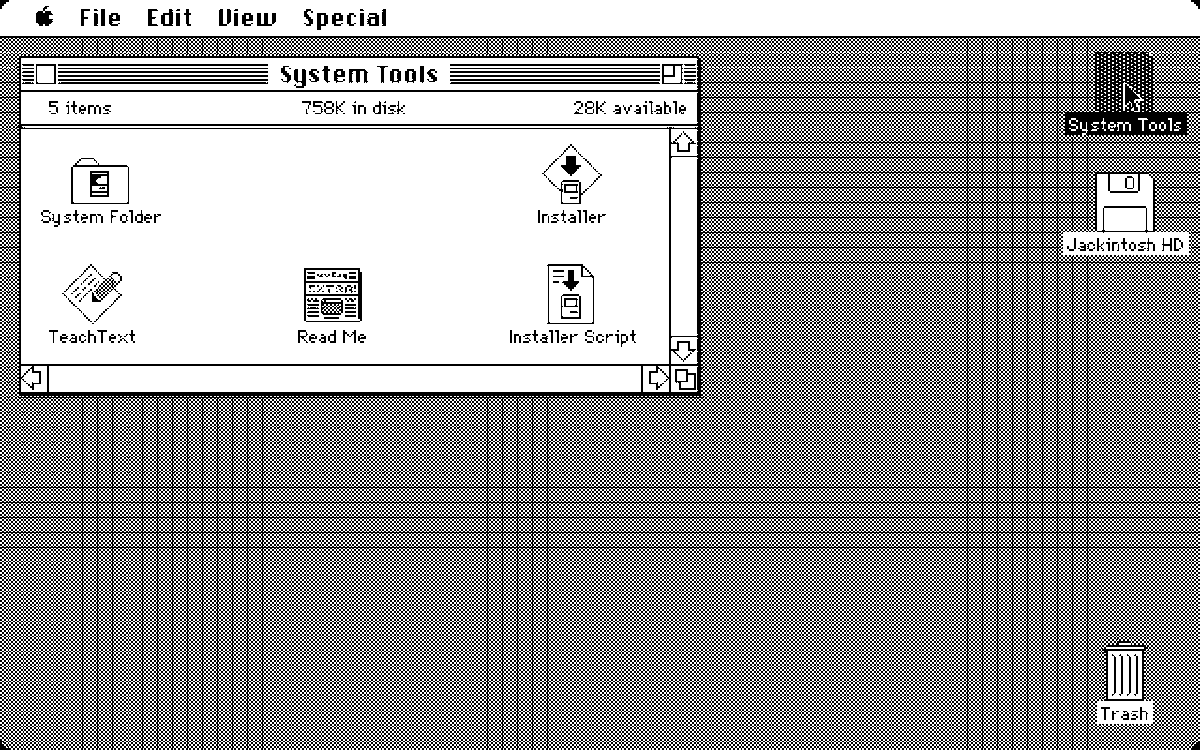
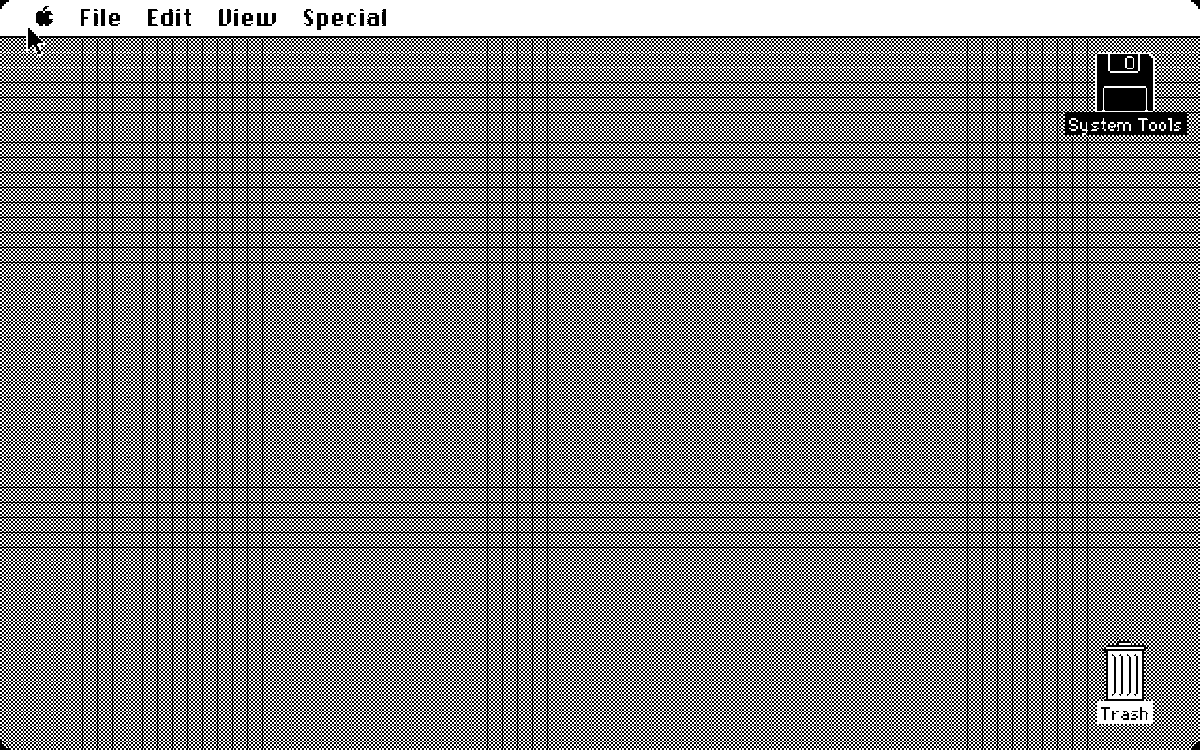
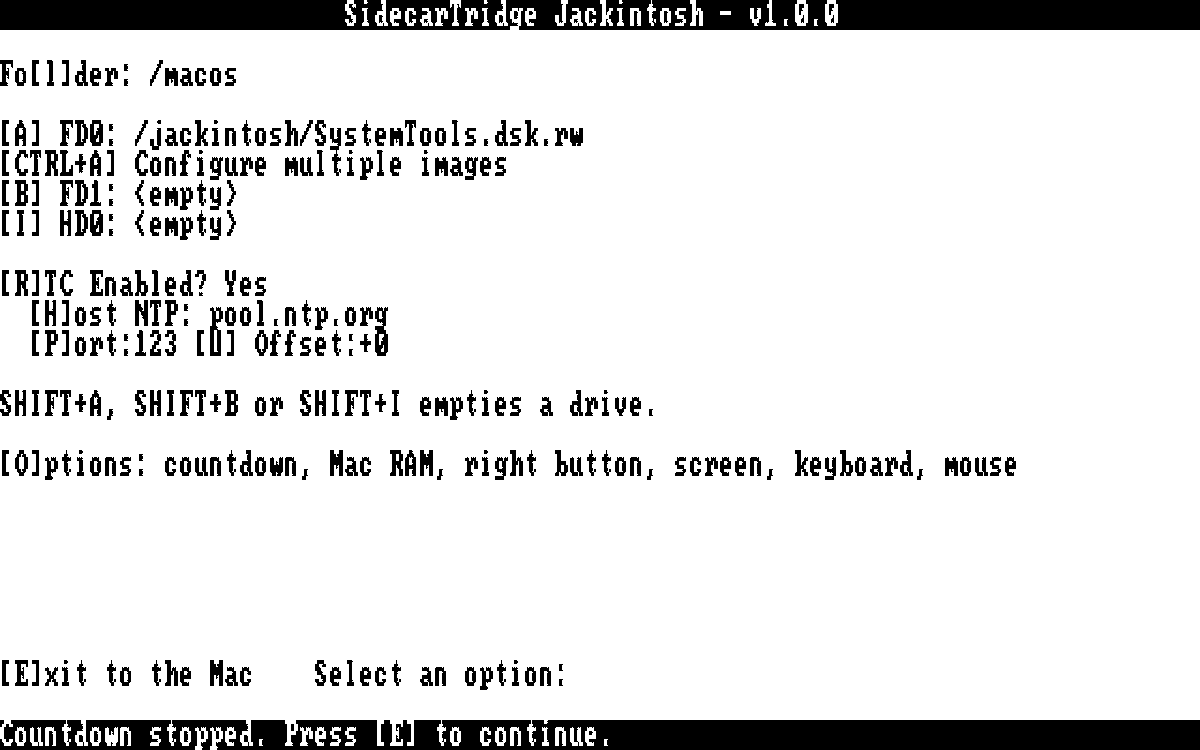
Switch on your Atari ST. A Macintosh Plus comes up. Meet Jackintosh.
Back in the day, Magic Sac and Spectre pulled off a brilliant hack: Mac ROMs in a cartridge, then a wrestling match with floppies and hard disks. Jackintosh takes a different road:
1. You bring your own Mac Plus ROM and patch it in your browser.
2. The SidecarTridge TOS Emulator serves it from the ROM sockets, like a 192 or 256 KB TOS.
3. The SidecarTridge Multi-device emulates the floppies and the hard disk from a microSD card.
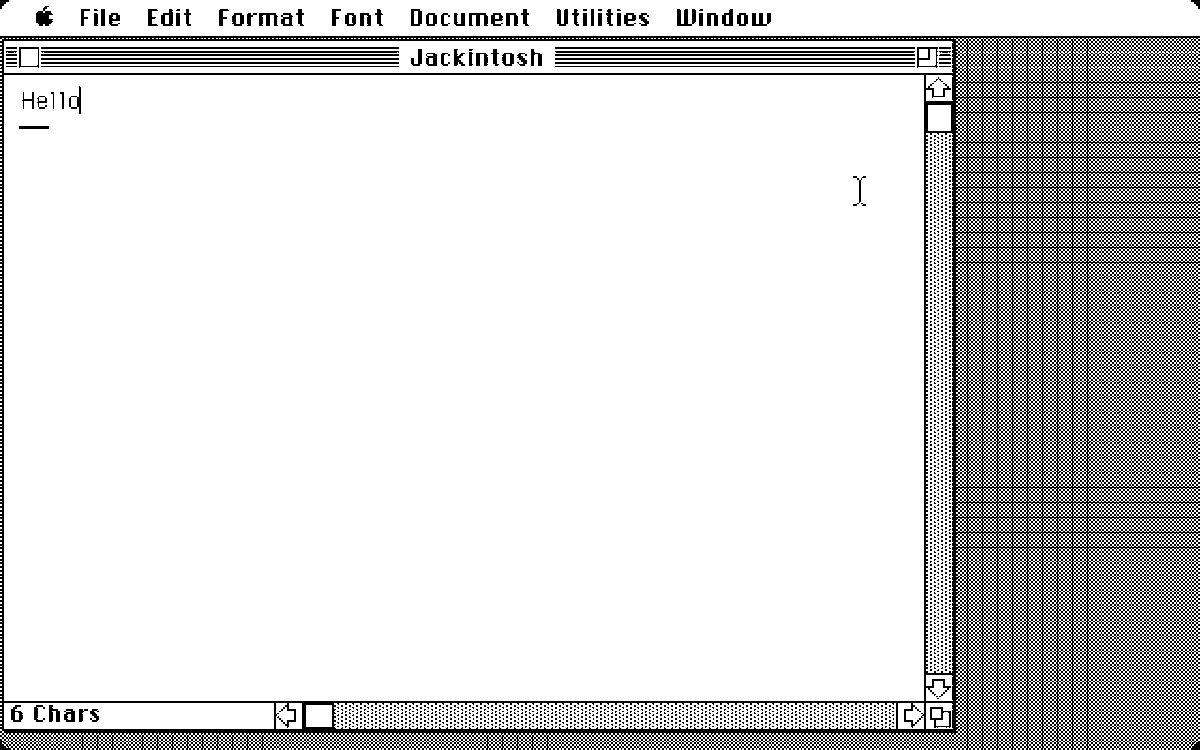
Apple's ROM on the Atari's own 68000, at full speed. Happy Mac, System 6, the Finder, Word 4. No TOS, no emulator.
It was also a test of how far AI can go: two microcontrollers, one in each device, orchestrated with the 68000, right down at bare metal and OS level, where AI-assisted development usually limps.
How the ROM is patched and what software runs:
https://t.co/mAURNZmqeJ
#AtariST #Macintosh #retrocomputing
Five books for your next Raspberry Pi build. Read on your phone, take the instructions to the workbench, and keep your books, place and notes in step with Tomelet Sync.
Our Humble Bundle shortlist: https://t.co/Gtm0wv6tti
Tomelet: https://t.co/7rN4BMtjQB
I like to learn new things to keep myself sharp, and as I love hardware, I was getting an itch to try something out of my comfort zone.
A couple of years ago I got hooked on the idea of E-ink on a phone with the Minimal Phone MP01. When I finally got it, it was too punishing to use, so I gave up after a couple of weeks. But I never had the heart to throw it away.
Recently I set up a new devbox and decided to try it out on improving the MP01's horrible E-ink, and after a few days of experimenting I sure did :-D
From an unusable mess that couldn't even handle a decent Slack experience to the 63 "fps" Doom and Sonic demo. It was a very exciting ride: building a fresh Android, reverse engineering the obscure FPGA driving the E-ink, building a new toolchain to synthesise bitstreams for it, and building a GPU shader for controlling the pixels' charge at 63 Hz. It was a head-scratcher, but I figured out the thing slowing it down was the FPGA's slow RAM holding the frame buffer for comparing the frames. Now I send only (lighter)(nothing)(darker) signals over the display interface to the FPGA and do the E-ink controlling logic on the GPU.
I don't have time to maintain it or finish it into a whole Android build, but if there is someone from the MP01 community wanting to do that, I will clean it up a bit and put it on GitHub 🤔
Seeing this, and being a hardware maker myself, I see the way forward as providing a solid SW base for the mission-critical use, but just as important, providing tools for safe modification/augmentation of our 3D printers and ecosystem, now that the barrier to entry has virtually disappeared with modern AI agents. Lots to think about.
Anyway, catch me at Formnext in Frankfurt this week at the @Prusa3D booth. There will already be a glimpse of this extendability, apart from some new HW of course 😎
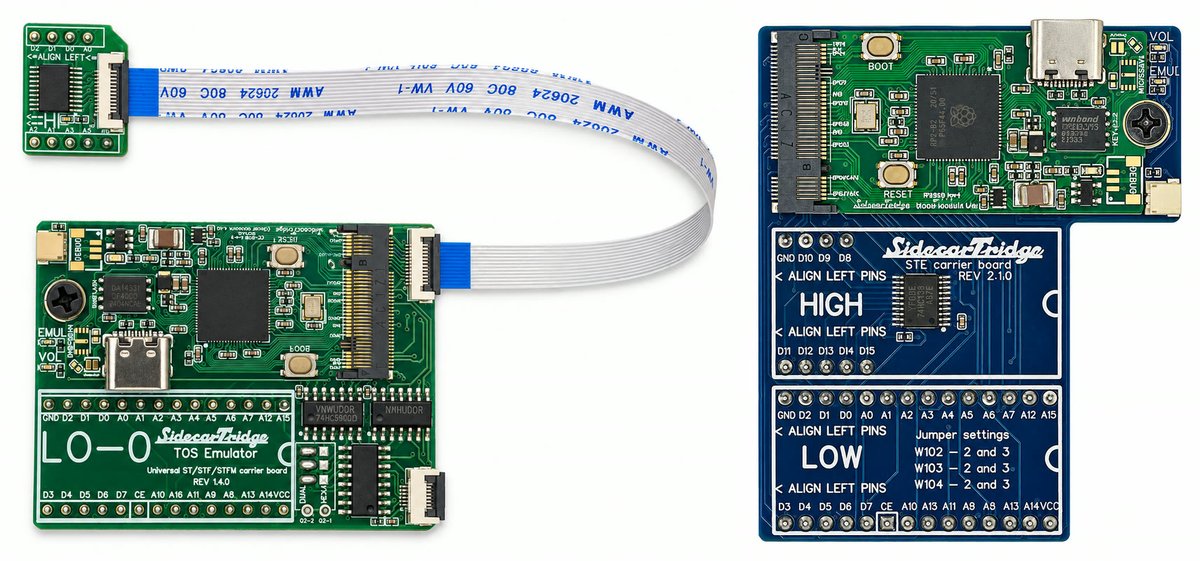
Your Atari ST just got a brain transplant. Same ROM sockets, brand new heart: SidecarTridge TOS Emulator board revision 4.
The RP2350B inside has 48 GPIO pins, so every address and data line of the ROM gets a pin of its own. No more multiplexing, no more juggling. It is a short card with a gold edge connector that slots into the carrier board, and every kit now ships with it. Same price. You're welcome.
What's new:
- Firmware v4.0.0
- Loaded a TOS that refuses to boot? Hold the Atari's own RESET at power-on and the board drops into rescue mode. The RESCUE cable is now optional
- New timing knobs (ACCELERATED_BUS, CE_SYNC_BYPASS, WRITE_ON_DRIVE, DMA_HIGH_PRIORITY) to tame accelerator boards and machines with grumpy, noisy buses
- About 15 MB for up to 64 TOS images
- One universal carrier board for the 520ST+, STM, STF, STFM and Mega ST, plus kits for the STE and Mega STE
- Boot MagiC 6.30, or turn your ST into a Macintosh Plus with Jackintosh. Sam Tramiel would never know
Mega ST owners: the 256KB Decoder combo ships with board revision 4 too.
Already on board revision 3? Firmware v4.0.0 runs there as well. No one gets left behind.
https://t.co/pwNrCJP50j
In case you didn't know:
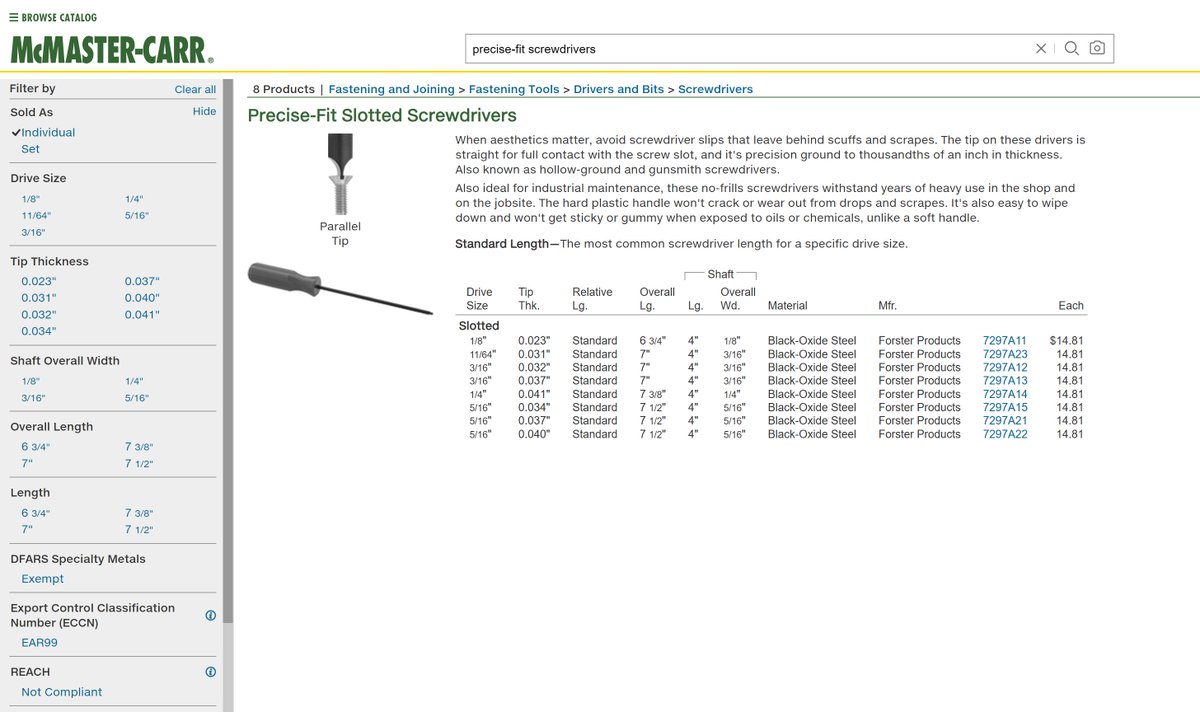
McMaster sells precise-fit screwdrivers, held to tolerances within a few thousandths.
Handy for those critical applications where you need high torque in a small space (and don't want the driver to strip out the screw head).
We should probably start shopping for gifts for that *thing* happening next month 🎄
(Don't worry, even if you're not sure about which computer to get your favourite nerd, we have plenty of other Pi-themed ideas...)
https://t.co/V3yyzpg8AL
An Atari ST playing ZX Spectrum 128K games. Absolutely incredible.
MD/Speccy 2.0 by @neilrackett turns the SidecarTridge Multi-device into a ZX Spectrum 48K/128K running on your ST. Copy your .Z80 and .SNA files to the /speccy folder on the microSD card and play. It's in the Multi-device app store now.
Two rival machines of the 80s, one cartridge. This is exactly why we opened the Multi-device to apps from everyone. Thanks Neil!
Name your own price for a bundle of 15 Raspberry Pi e-books.
This bundle features five new books published this year, as well as some titles from years past!
Pay as little as £4 ($5). Normally, the total cost of the books included in this bundle is as much as £255 ($341), but you can choose the price you pay.
🛒 https://t.co/iJbev4mppM
I seem to have offended a number of principled people by perpetuating "AI slop" in the form of Pole Position Remastered.
To help such people along, here's a video of my previous conversion of Pole Position for Atari STE, developed long before ChatGPT or Claude ever existed.
🙄
Our next @providencegeeks event is coming up on 18 November at The Guild PVD Beer Garden. We'll be celebrating the launch of a new retro gaming book from @Raspberry_Pi Press, complete with hands-on retro games from @R_I_C_M.
See https://t.co/5VUE8wVDT3 for more details.